Factory I/O - Get a 3D Virtual Factory on your PC
February 18, 2026 2026-02-18 15:18Factory I/O - Get a 3D Virtual Factory on your PC
Factory I/O simulator: turn your PC into a PLC training lab
Factory I/O is a 3D industrial simulation software that lets you learn PLC programming without the risk of equipment damage. The perfect solution for schools, universities, and training centers.
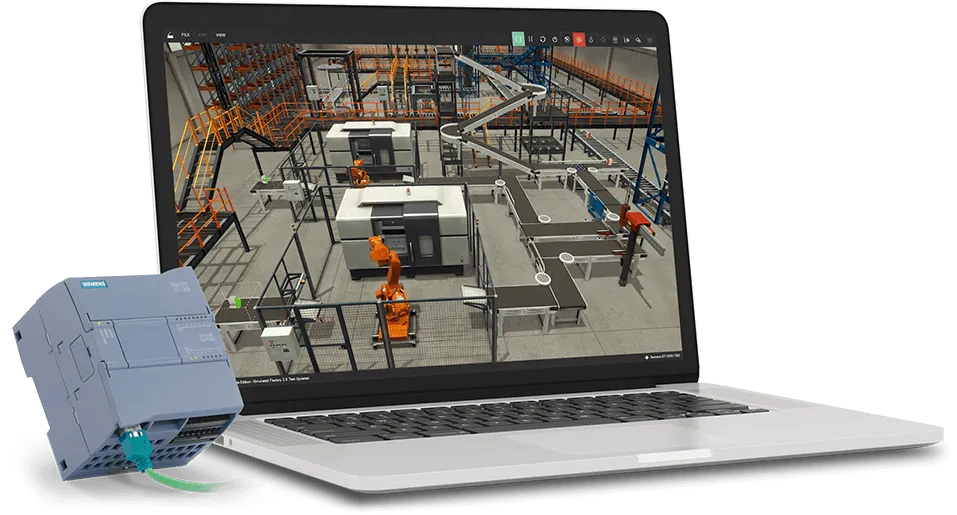
A 3D revolution in PLC training
Next-generation industrial simulation that replaces expensive training rigs with a single piece of software.
PC as a training platform
No risk of student injuries or equipment damage. A space-saving solution for any lab environment.
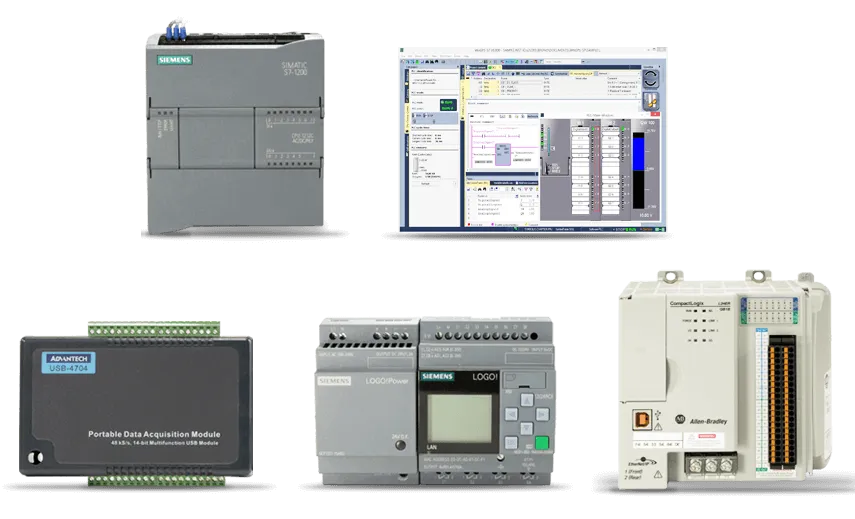
Works with any PLC
Supports Siemens, Allen-Bradley, as well as Modbus, OPC, and SoftPLC technologies. One software - all platforms.
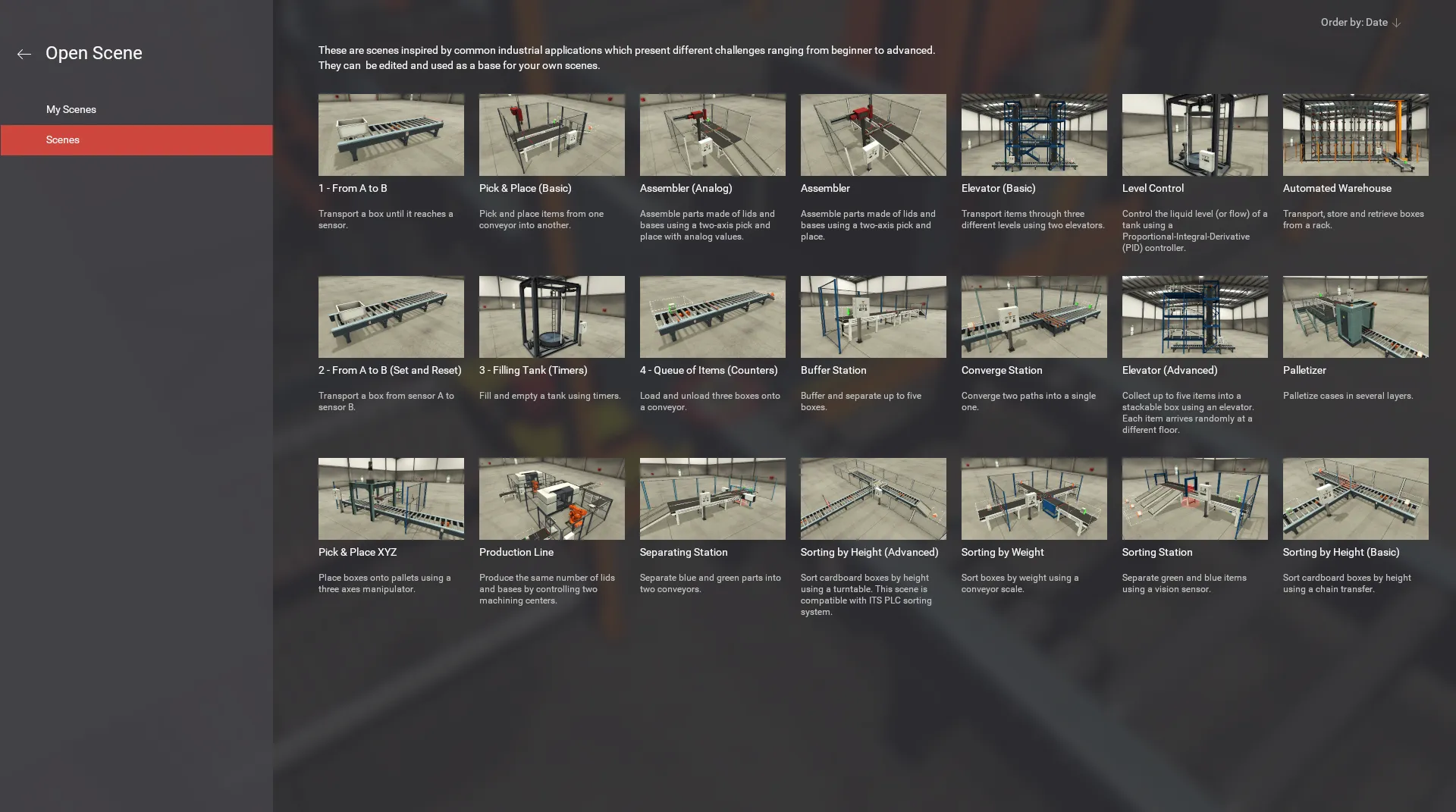
20+ ready-made scenarios
Scenes inspired by real industrial applications - conveyors, elevators, sorting stations, and much more.
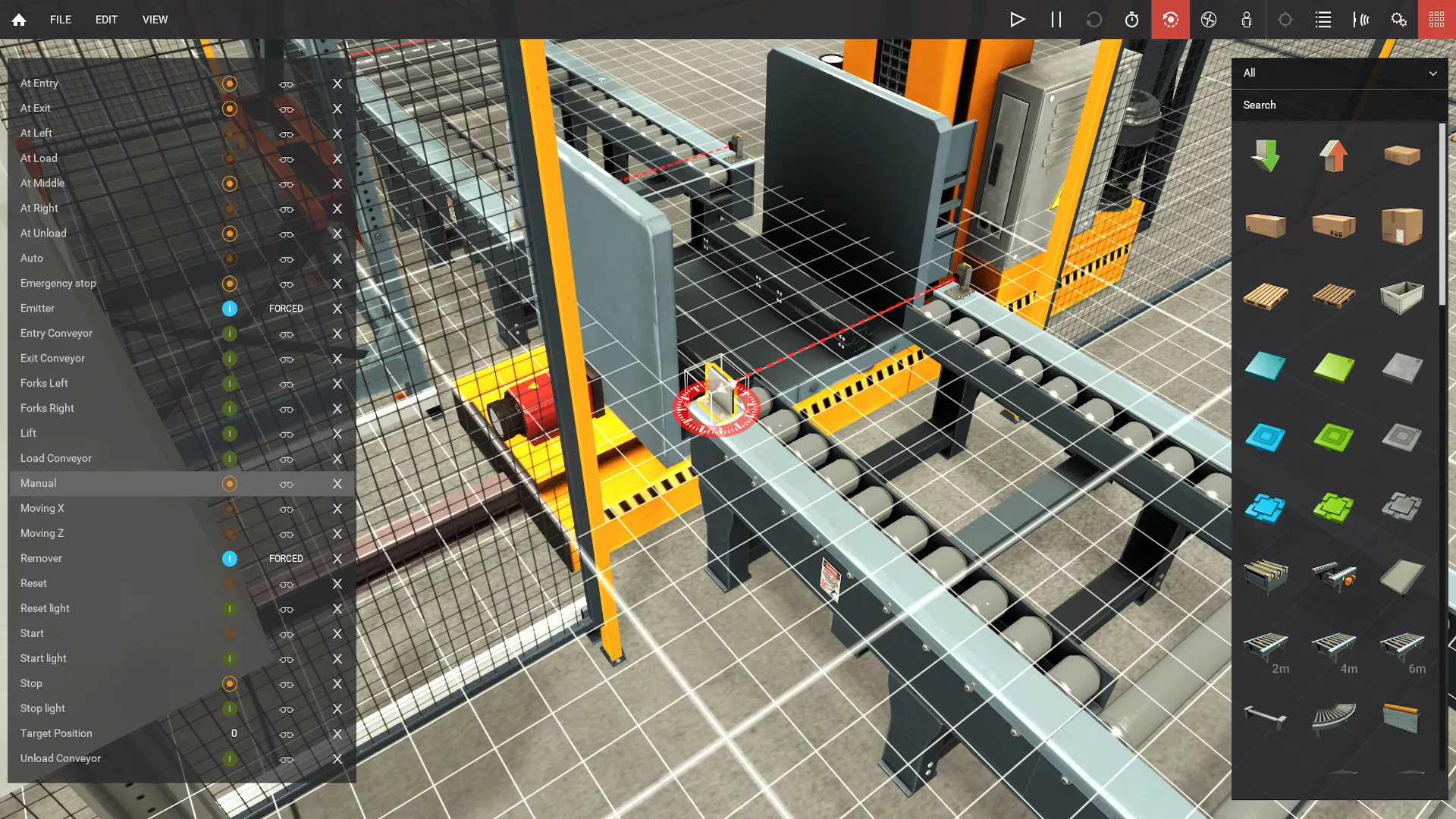
Build your own scenes
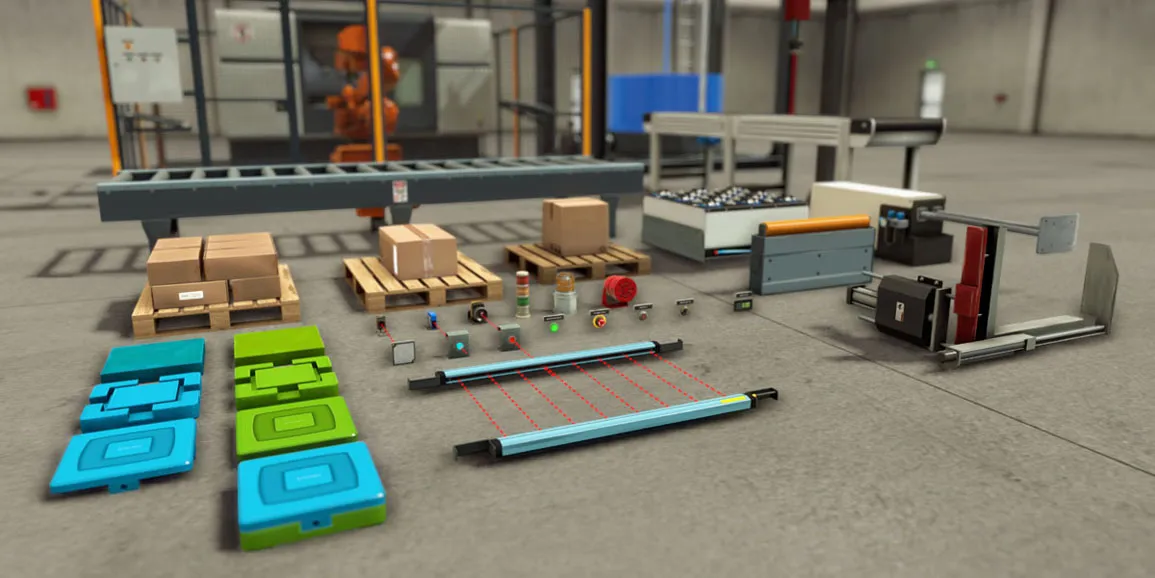
Over 80 industrial parts: sensors, actuators, workstations - to create your own custom training projects.
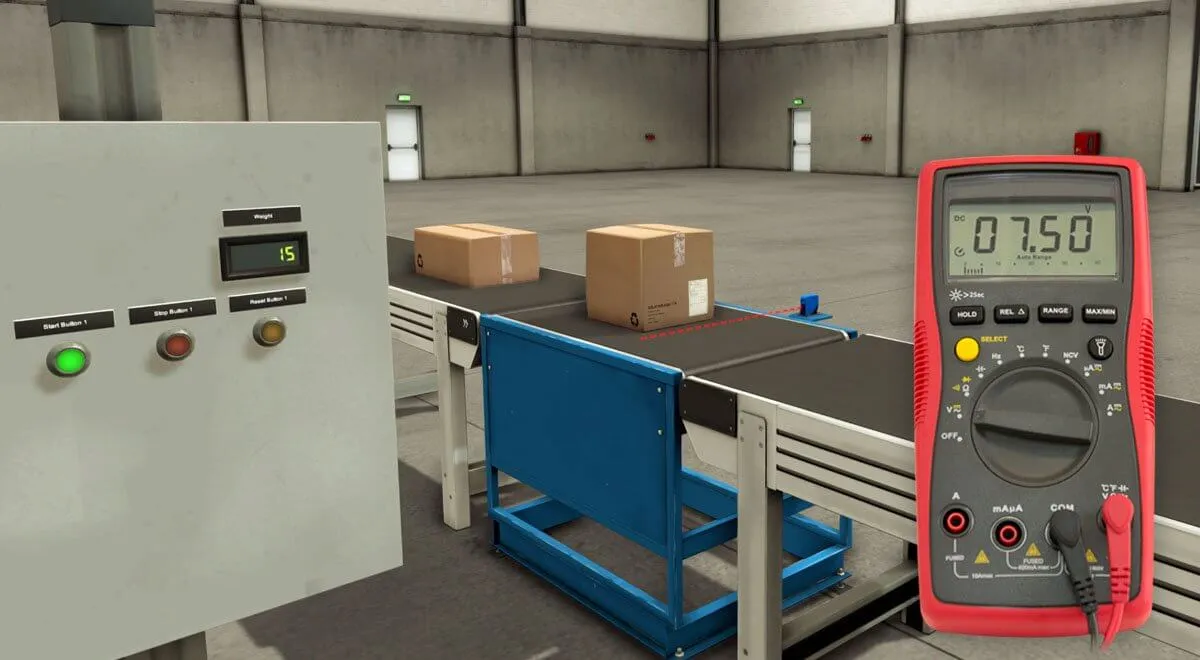
Digital and analog I/O
Most elements support digital and analog signals, allowing you to control conveyors, weigh objects, and more.
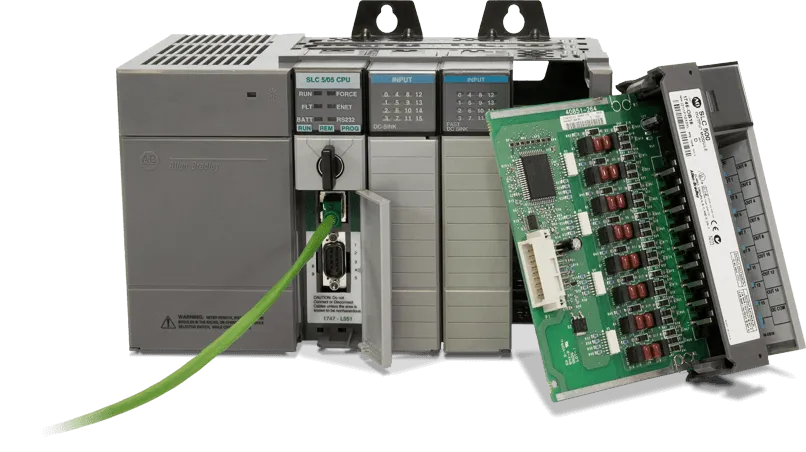
Easy integration
Plug & Play with Siemens and Allen-Bradley (Ethernet). Other PLC brands via interface cards. Quick start guaranteed.
See Factory I/O in action
A realistic 3D environment with real industrial applications.
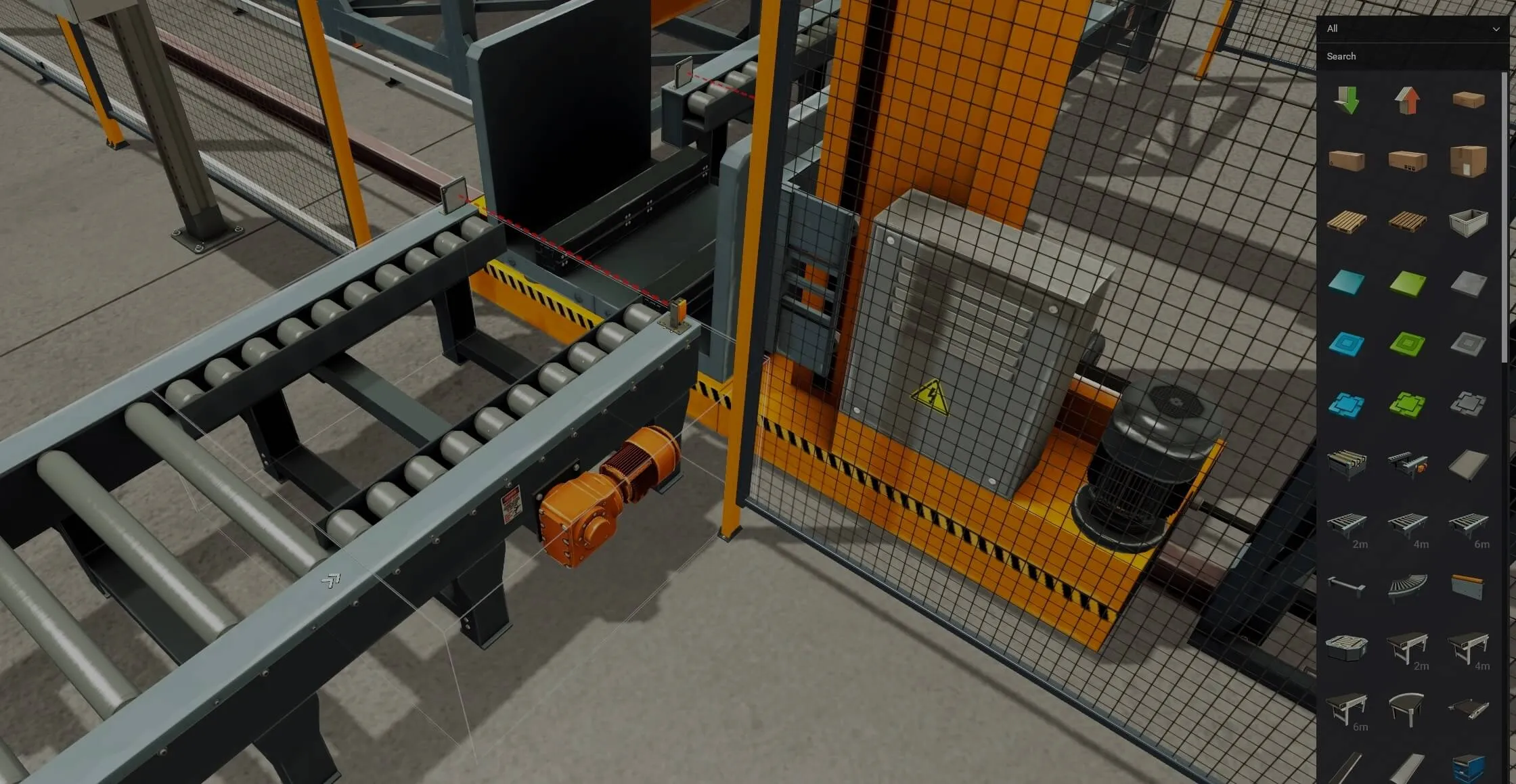

Traditional equipment vs Factory I/O
See why 3D simulation is the future of automation training.
What is the Factory I/O simulator?
A 3D factory simulation software for PLC programming, training and testing your code before it reaches real hardware.
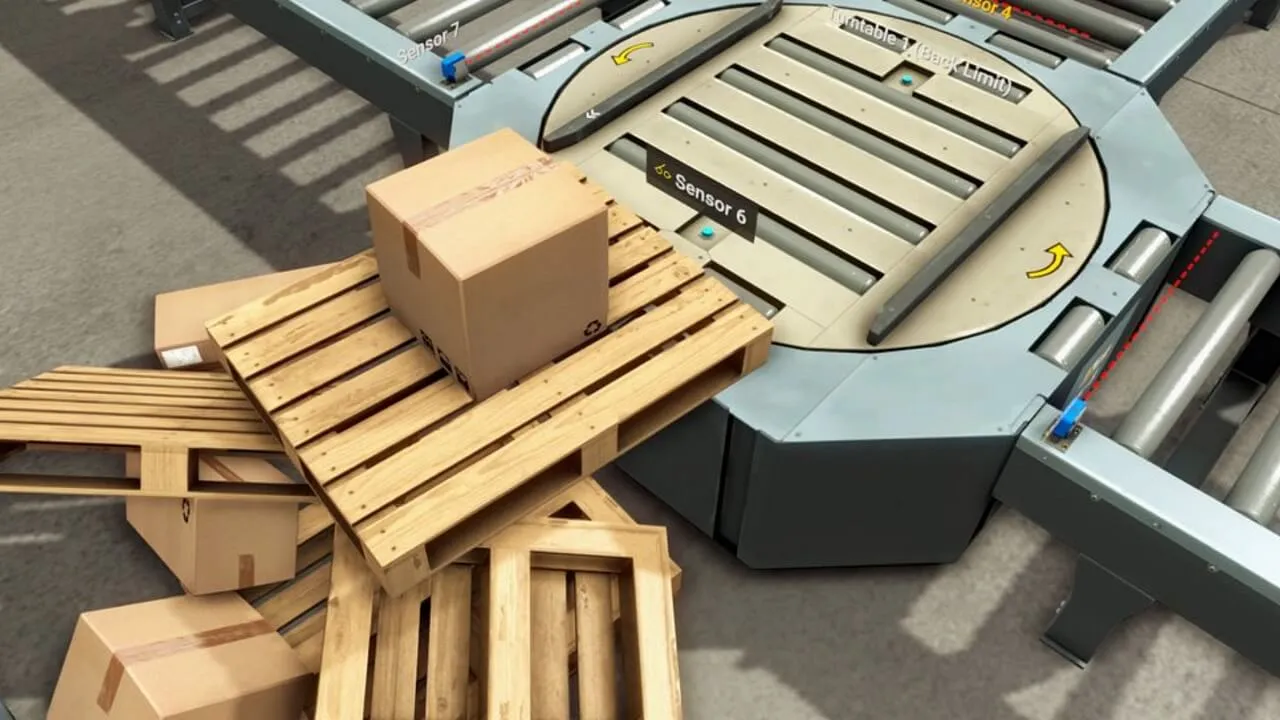
Factory I/O is a 3D factory simulation built by Real Games for automation training. You get a virtual factory with conveyors, sensors, pushers, robots and tanks, and you control it from a PLC exactly as you would control a real machine. Every sensor in the scene is an input for your controller and every motor or actuator is an output. When your PLC program runs, the virtual factory moves. When the logic is wrong, you see the box fall off the conveyor instead of hunting for a single bit in a watch table.
This is why Factory I/O is one of the most popular PLC simulators for people who want to learn PLC programming without buying a training rig. It works as an interactive 3D digital twin of typical industrial applications, so a beginner can practise motor control, timers, counters and sequences, and an experienced engineer can test a PLC program before commissioning on site.
How does Factory I/O work with a PLC?
Factory I/O does not run your PLC program itself (except the built-in soft PLC in the Starter edition). It connects to a controller through a driver and exchanges input and output signals in real time:
- Siemens: S7-1200 and S7-1500 in TIA Portal, either a real PLC over Ethernet or S7-PLCSIM on the same PC, plus LOGO!, S7-200/300/400 and S7-200 SMART. Siemens TIA Portal with PLCSIM and Factory I/O is the classic way to learn Siemens PLC programming on one laptop.
- Allen-Bradley: Rockwell controllers over Ethernet, including Micro800 PLCs programmed in Connected Components Workbench and Logix controllers from Studio 5000. Check the online compatibility list for your exact model.
- Modbus TCP and OPC: any controller that talks Modbus TCP (client or server) or OPC DA/UA. This is how you connect CODESYS (for example CODESYS Control Win), Schneider and many other soft PLCs.
- Interface cards: in the Ultimate edition you can wire a physical PLC to digital and analog I/O of the simulation, which is useful in mechatronics and instrumentation labs.
What can you simulate?
The software comes with 20+ ready-made scenes and a large library of 80+ industrial parts. Scenes include sorting stations, pick and place, a palletizer, a production line, an elevator, buffer and separating stations, and a filling tank with analog level control. You can also quickly build a virtual factory of your own: drag parts onto the floor, connect sensors and actuators to tags and import the tag list into your PLC software.
Troubleshooting and instructor modes let a teacher inject failures, such as a broken sensor, so students learn troubleshooting on a simulation instead of on real hardware.
How to start with Factory I/O: a simple workflow
- Install Factory I/O on a Windows PC and start the free 30-day trial.
- Open a simple scene, for example a single conveyor with a sensor at the end.
- Choose the driver for your PLC (Siemens S7-PLCSIM, Allen-Bradley, Modbus TCP or OPC UA) and map the sensors and actuators to inputs and outputs.
- Write the PLC program in ladder logic, FBD or structured text (IEC 61131-3) and download it to the PLC or to the simulator.
- Press Run in Factory I/O and test. Change the scene, add faults and improve the program until it handles every case.
Factory I/O vs other PLC simulators
Most PLC simulators only simulate the controller. S7-PLCSIM runs your Siemens PLC program without hardware, CODESYS has a built-in simulation mode and older tools such as LogixPro show simple animations for Allen-Bradley ladder logic. None of them gives you the machine: sensors, conveyors and motors that react to your outputs. Factory I/O is the other half. Combine a soft PLC or simulator with Factory I/O and you get a complete 3D factory simulation software for PLC training on one PC, which is why many people call it the best PLC simulator for practical exercises.
Learn PLC programming with Factory I/O in our courses
We use Factory I/O scenes in our online PLC training as the place where theory turns into practice. In the Siemens PLC course in LAD and FBD you program S7-1200 and S7-1500 in TIA Portal and finish with projects in Factory I/O. The Allen-Bradley PLC course tests Micro800 programs on Factory I/O scenes, and the PLC Bootcamp includes ready Factory I/O scenes with PLC templates for conveyors, pushers and sorting lines. Want to try first? Start with the free Siemens S7-1200 PLC course or the free CODESYS course.
Is Factory I/O free?
You can download it and try the full software free for 30 days. After the trial you need a licence: a one-time licence or an annual subscription in the edition that matches your PLC.
Which Factory I/O edition should I choose?
Starter if you want to learn the basics with the built-in soft PLC, Siemens or Allen-Bradley if you work with those PLCs, Modbus and OPC for CODESYS and other brands, and Ultimate if you need everything, interface cards and the SDK.
Is Factory I/O the best PLC simulator for beginners?
For learning sequences, sensors and motor control it is hard to beat, because you see the result of your logic in 3D. It does not replace knowledge of electrical wiring or a real PLC, so treat it as the practice ground between theory and real hardware.
Do I need a real PLC to use Factory I/O?
No. You can run the whole setup on one computer with S7-PLCSIM, a soft PLC like CODESYS or the built-in controller. A real PLC is a bonus, not a requirement.
Choose the edition that fits your needs
One-time and annual subscription licenses. Volume discounts from 5 licenses.
Starter
Built-in SoftPLC for learning the basics
- Integrated SoftPLC
- 20+ ready-made scenes
- 80+ industrial parts
- Updates within version 2.x
Siemens
Ethernet connection with Siemens PLC
- LOGO!, S7-200/300/400
- S7-1200 / S7-1500
- Plug & Play with S7-PLCSIM
- S7-200 SMART
Allen-Bradley
Ethernet connection with Allen-Bradley PLC
- Ethernet with Allen-Bradley PLC
- Broad model support
- Online compatibility list
- Technical support
Ultimate
All-in-one + SDK
- All editions in one
- Interface cards (PLC wiring)
- SDK - custom I/O drivers
- Full priority support
Also available: Automgen (€109), MHJ (€109), Modbus & OPC (€435). See all Factory I/O licences in the shop.
Volume discounts: 5% (5-9 lic.), 10% (10-14 lic.), 15% (15+ lic.). Prices are net.
Let's talk about your needs
As an authorized Factory I/O reseller, we'll help you choose the right edition and number of licenses. We offer technical support and implementation assistance.
- contact@controlbyte.tech
- +48 785 928 743
- controlbyte.tech
- ControlByte - Authorized Factory I/O Reseller
- Volume discounts from 5 licenses
Request a quote
We usually respond within 24 hours.
[wpforms id="13170"]