Online course | HMI and SCADA in TIA Portal
Complete guide for HMI and SCADA
in Siemens TIA Portal and WinCC
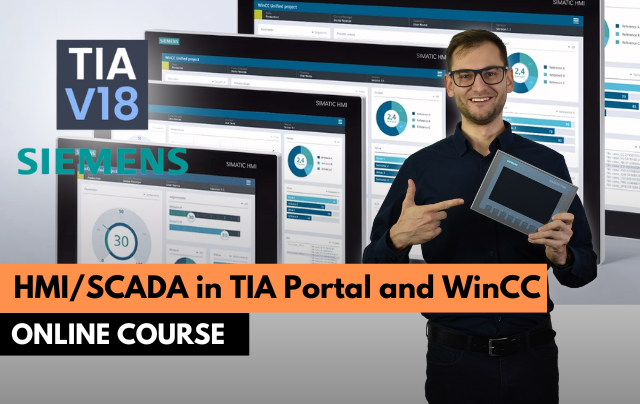
- Design HMI screens in WinCC step by step
- Configure alarms, trends, recipes and users
- Connect the panel to the PLC and test in simulation
Design operator panels and SCADA screens in WinCC: tags, alarms, recipes, trends, user management and communication with the PLC, all tested in simulation.
Get access
Lifetime access, certificate of completion and instructor support on Discord. Price: €149.
14-day money-back guarantee · Lifetime access · VAT invoice
Trusted by engineers from leading industrial companies









What you will learn in this WinCC training
- Screen Template. Design a professional, visually appealing, and user-friendly screen template - the foundation of every HMI project.
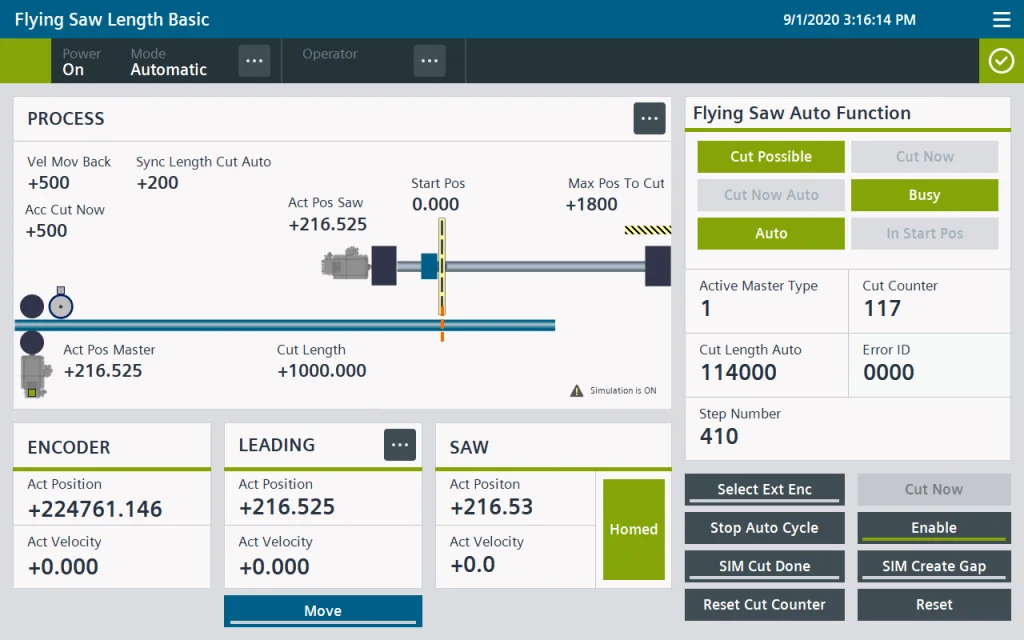
- Process Visualization. Visualize the application process using animated graphics, text, and input process parameters.
- Alarm Handling. Integrate a fully functional alarm handling system, including alarm texts, alarm views, and system diagnostics.
- Recipe Manage. Store and retrieve various parameter sets using recipes, recipe elements, and data records.
- Users and Authorizations. Secure the operation of your machine by adding user groups, users, and permissions to the application.
- Practical Tips. Fully utilize TIA Portal by applying the best practices for working with TIA tools and TIA-specific features.
Why do engineers choose ControlByte courses?
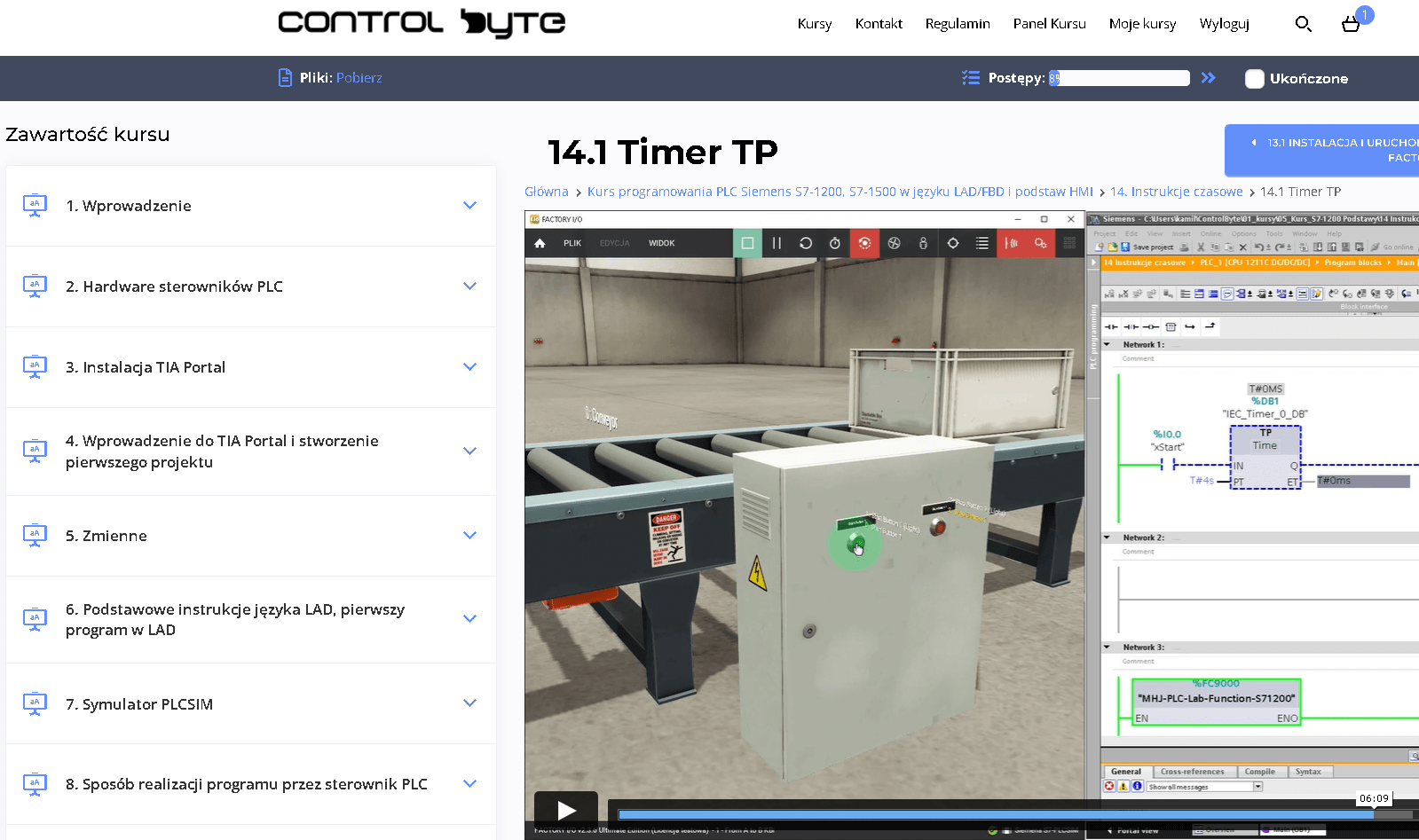
- Video lessons on our e-learning platform, available 24/7
- Exercises based on ready project templates that you build step by step
- Free simulators, so you do not need your own PLC to practice
- Learn at your own pace, from any device, with lifetime access
- Instructor support on Discord and feedback on your homework
Who is this WinCC HMI and SCADA training for?
- PLC Programmers
- Automation Engineers
- Electrical Engineers
- Industrial Engineers
- Maintenance Technicians
- Control System Technicians
- Instrumentation Technicians
- This course welcomes beginners, making it an ideal starting point for aspiring PLC programmers to build confidence and skills in automation.
What you get after enrolling
- 32 practical video lessons (about 6 hours)
- Certificate of completion
- Lifetime access and all future updates
- Instructor support on Discord
Your instructor

Jacob K. Biedulski, MSc
Automation and Robotics · PLC programmer · Co-founder of ControlByte
“ In this course you will learn to work the way we do on real projects: step by step, with exercises you can repeat on your own, even if you are new to industrial automation.
Course modules and sample projects
Course module
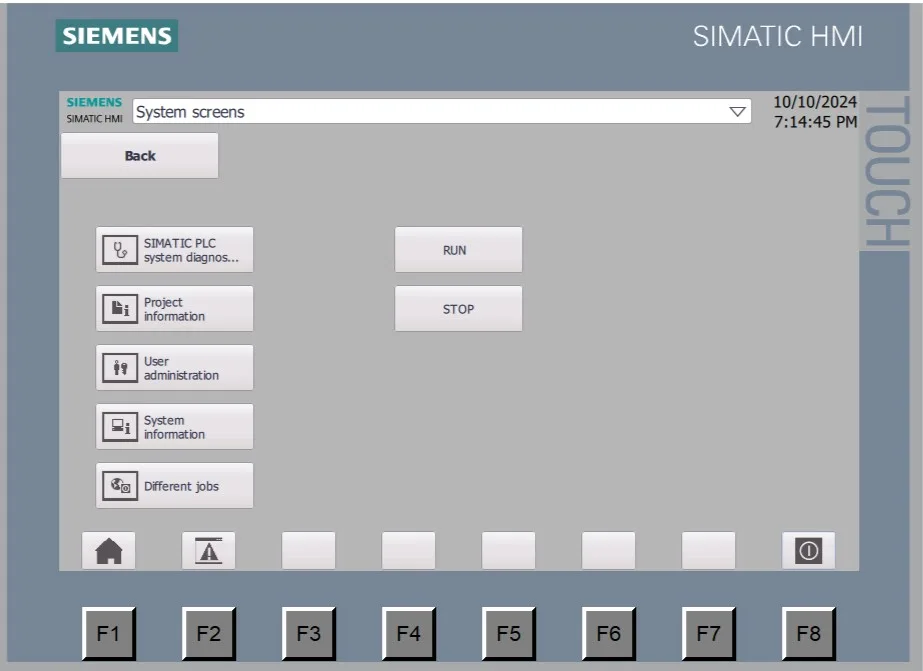
Your first project with a KTP900 Basic panel
- Adding a panel to the project
- PLC to HMI connection configuration
- Styles and languages of the HMI
Course module
Screens and graphic objects
- Visualization screens, layers and layouts
- Static text and numeric fields
- Scaling, multiplexing and limiting tag ranges
- Buttons, events and setting variable values
Course module
Lists, indicators and navigation
- Switches and list-based graphic and text fields
- Bar indicator, date and time field
- Function buttons and navigation between screens
Course module
Alarms
- Alarm windows and alarm programming
- Activating alarms in the PLC
- Acknowledgement of alarms
Course module
WinCC Unified: installation and first project
- TIA Portal, Automation License Manager and PLCSIM
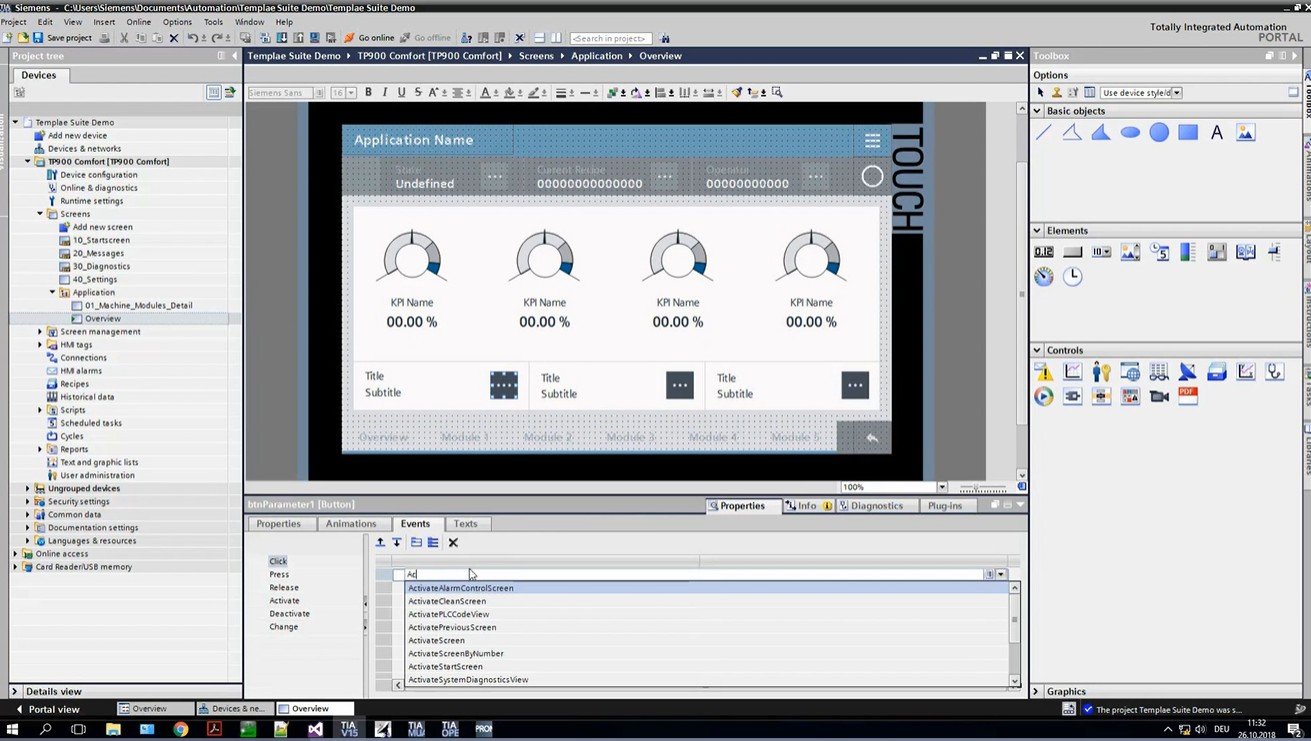
- WinCC Unified Runtime and the HMI Template Suite
- User configuration and launching the runtime on your PC

Course module
WinCC Unified: screens, pop-ups and JavaScript
- Creating screens and navigating between them
- Base screen and pop-up windows
- JavaScript scripting, object model and debugging with Trace
WinCC training curriculum - full table of contents
- 1.1. Adding a Panel to the Project Free lesson 12:39
- 1.2. Example Project Using the KTP900 Panel 12:53
- 1.3. PLC - HMI Connection Configuration 12:36
- 1.4. HMI Configuration - Styles, Languages 11:29
- 1.5. Visualization Screens Free lesson 10:33
- 1.6. Graphic Objects, Styles, Layers 15:35
- 1.7. Static Text, Layout Creation 16:38
- 1.8. Numeric Field Free lesson 16:59
- 1.9. Scaling, Multiplexing, Limiting HMI Tag Ranges 11:38
- 1.10. Button - Button Graphics, Events (Click, Press, Release, etc.) 26:08
- 1.11. Setting Variable Values Using Buttons 13:31
- 1.12. Switch 11:29
- 1.13. List-Based Graphic and Text Fields 18:53
- 1.14. Bar Indicator, Date and Time Field 11:53
- 1.15. Function Buttons 13:17
- 1.16. Navigation Between Screens 25:40
- 1.17. Alarm Windows 13:53
- 1.18. Alarm Programming 27:40
- 1.19. Activating Alarms in the PLC and Acknowledgement 31:22
- 2.1. Installing TIA Portal 2:38
- 2.2. Installing the Latest Automation License Manager (ALM) 2:59
- 2.3. Installing PLCSIM 3:46
- 2.4. Installing WinCC Unified Runtime 2:43
- 2.5. Installing the HMI Template Suite 1:52
- 2.6. Create Your First Project and Use the SIMATIC HMI Template Suite Wizard 7:36
- 2.7. User Configuration, Setup and Launching WinCC Unified Runtime on Your PC 9:43
- 2.8. Creating Screens and Navigating Between Them in WinCC Unified 14:59
- 2.9. Changing the Base Screen 11:25
- 2.10. Pop-up Windows 6:19
- 2.11. JavaScript Scripting: Introduction 11:21
- 2.12. WinCC Unified JavaScript Object Model 9:18
- 2.13. WinCC Unified: Debugging Scripts with Trace 5:56
Sample lessons
Watch free fragments of the course before you buy.
What Industry Experts Are Saying About Us
Dobot Robotics - Our Industry Partner
Automa.Net - Our Industry Partner
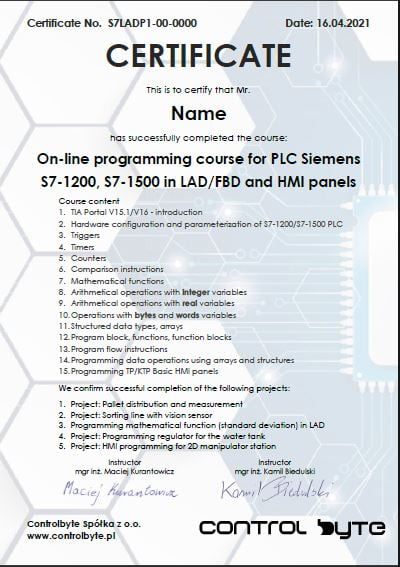
Get your certificate and share it on LinkedIn
- Gain a skill highly valued by employers in automation
- Publish the certificate on LinkedIn and add it to your CV
- Lifetime access to the materials - come back whenever you need
Support on Discord

You are not alone - an international community of automation engineers and PLC programmers is waiting for you.
- Lifetime access to the support server with the instructors
- Code reviews of your programs on a dedicated channel
- Answers to your questions on business days
- Conversations with other automation engineers from around the world
Bonuses included with the course

Discord forum and chat for students
Join our private Discord server for PLC programmers. Ask questions, share projects and get help from instructors and fellow engineers.
Homework review and feedback
Send us your homework. We review it and send comments so your programs get better and better.

Certificate of completion
A personalised certificate with a unique number that you can share on LinkedIn and add to your CV.

Lifetime access and updates
Permanent access to all course materials, updates and new content added in the future.
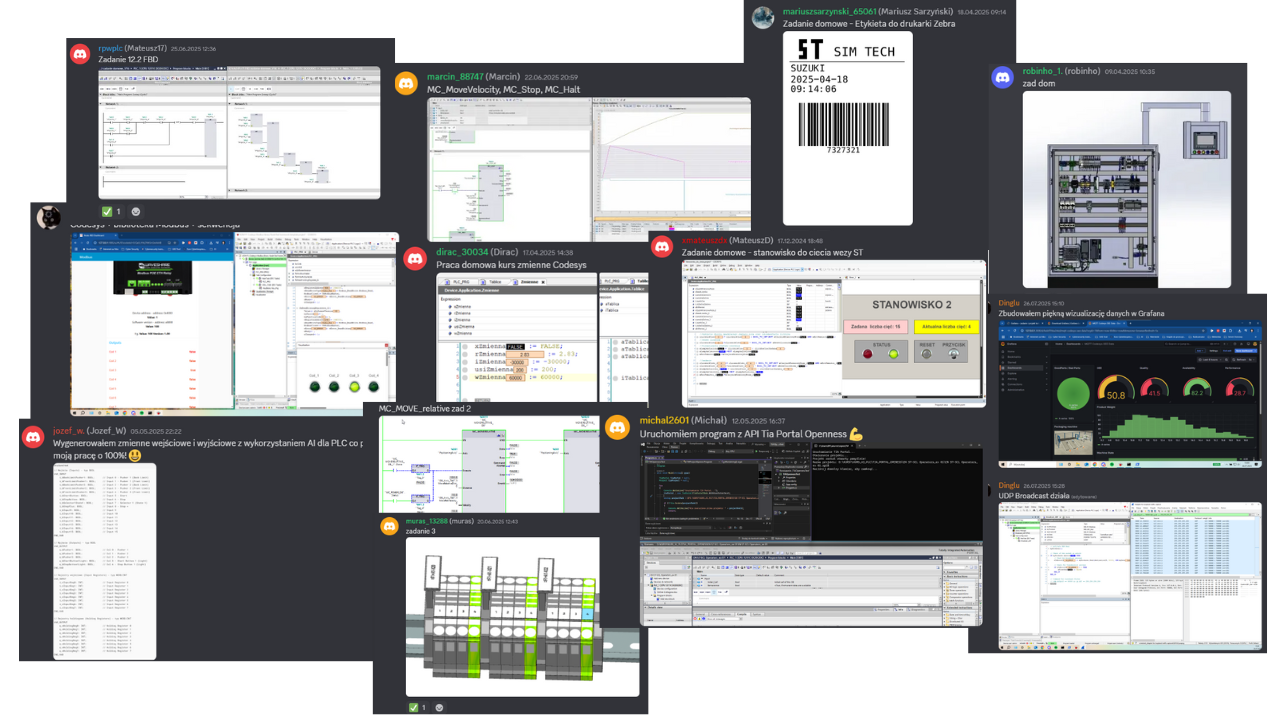
Homework from our students
A few screenshots and photos students share on Discord while completing assignments.
Course price
Before we show you the price, see exactly what you get:
You get a satisfaction guarantee
We guarantee you will be satisfied with the course. If it is not what you expected, you have 14 days to request a refund and we will return the full amount.
- 14 days to request a refund
- On the market since 2019
- Secure online payments
- VAT invoice for companies
- CardVisa, Mastercard (Stripe)
- PayPalpay with your PayPal account
- Bank transferon request for companies
Satisfaction guarantee - 14 days to request a refund
Ready to start?
Thanks to our proven training formula and cost optimization, you can get this course for:
Siemens WinCC training: HMI and SCADA in TIA Portal
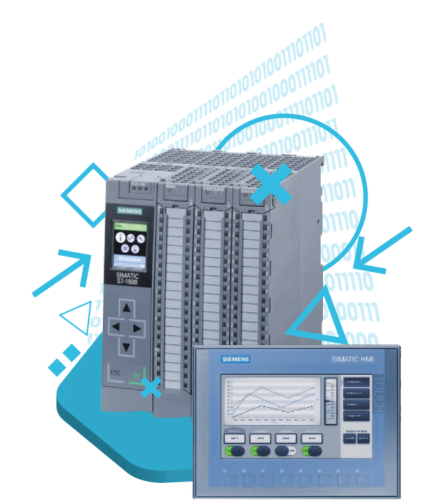
A visualisation course for PLC programmers and integrators: Basic and Comfort panels, WinCC Unified, screens, alarms, recipes, users and communication with the S7-1200/S7-1500, all tested in simulation. SCADA (supervisory control and data acquisition) and HMI panels are the operator interface of every machine. SIMATIC WinCC in TIA Portal covers both: an operator panel for a single machine and a WinCC SCADA system for control and monitoring of a whole line. You learn the WinCC basics first, then build screens, alarms and trends that display real-time data from the PLC, the same way you would on a real SCADA system project.
KTP Basic and Comfort panels
Programming TP/KTP Basic panels and Comfort panels in WinCC: screen templates, navigation, tags and connection to the PLC.
WinCC Unified
The new generation of Siemens visualisation: Unified panels, dynamic objects, scripts and styles.
Alarms, recipes and users
A complete alarm handling system, recipe management for parameter sets and user administration with authorisations.
Process visualisation and best practice
Animated graphics, trends, I/O fields and the practical tips that make an HMI readable for the operator.
WinCC HMI and SCADA training - frequently asked questions
Click "Get access" on this page. You will go to the checkout where you pay online (card, PayPal). Your login details for the platform arrive by e-mail right after the payment is confirmed.
Lifetime. You can come back to the lessons whenever you want, and you also get all future updates of the course.
The course is designed so that you can complete it on free simulators and trial versions of the software shown in the lessons.
Yes. After completing the course you receive a ControlByte certificate of completion that you can share on LinkedIn and add to your CV.
You have 14 days to request a full refund, no questions asked.
Ask the instructors on our Discord support server or in the comments under the lesson. We reply on business days.
With a 14-day money-back guarantee
Start today. Lifetime access · Discord support · Certificate.
Get access
Regular price €300 | Current price €149
14 days to request a refund · Lifetime access · Support