
ControlByte Plans Request a team quote

For companies · Annual team subscription

Corporate PLC training for your whole team.

Online PLC training for employees in one annual subscription. Your engineers, maintenance technicians and electricians get every ControlByte course, hands-on practice in our browser-based PLC Simulator and direct support from our trainers.

Automation engineersMaintenance techniciansElectriciansNew starters
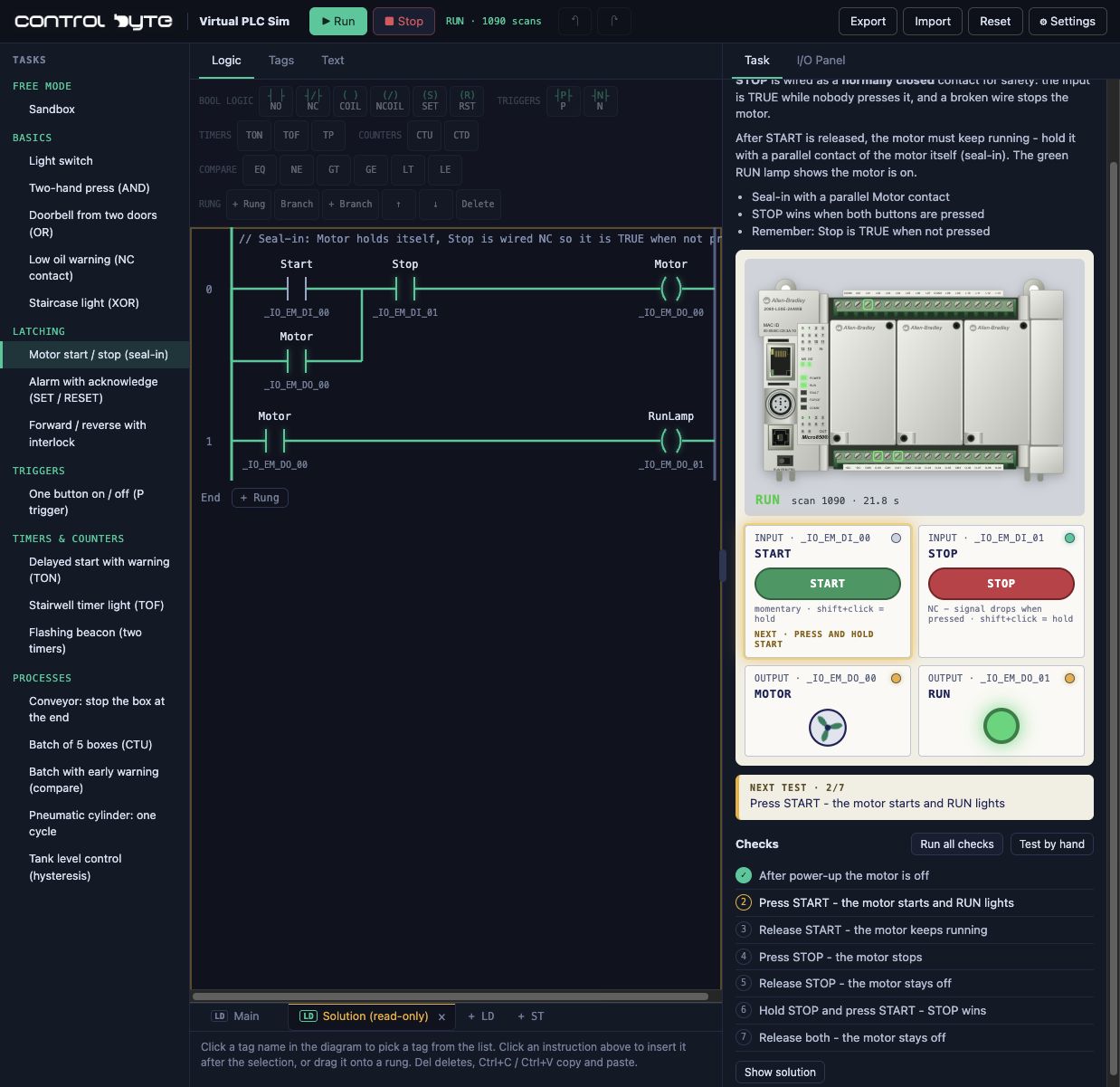
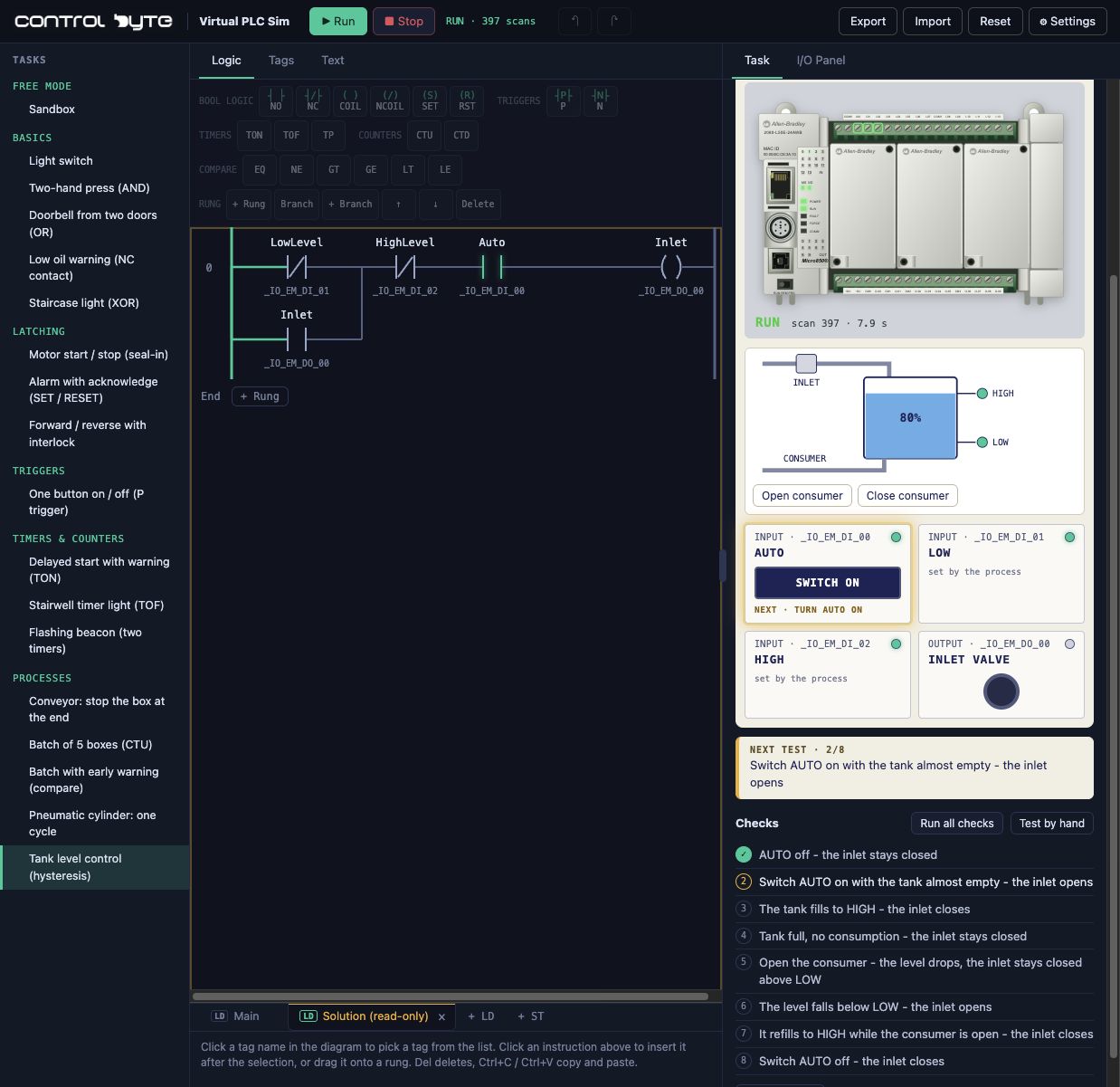
ControlByte PLC Simulator: motor start/stop ladder logic exercise on an Allen-Bradley Micro850 profile with live inputs and outputs
ControlByte PLC Simulator - included in every team plan

What your team gets

One PLC training subscription. A full year of learning.

01All ControlByte courses

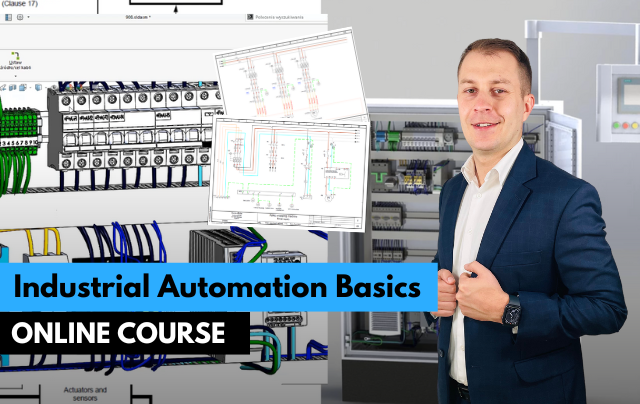
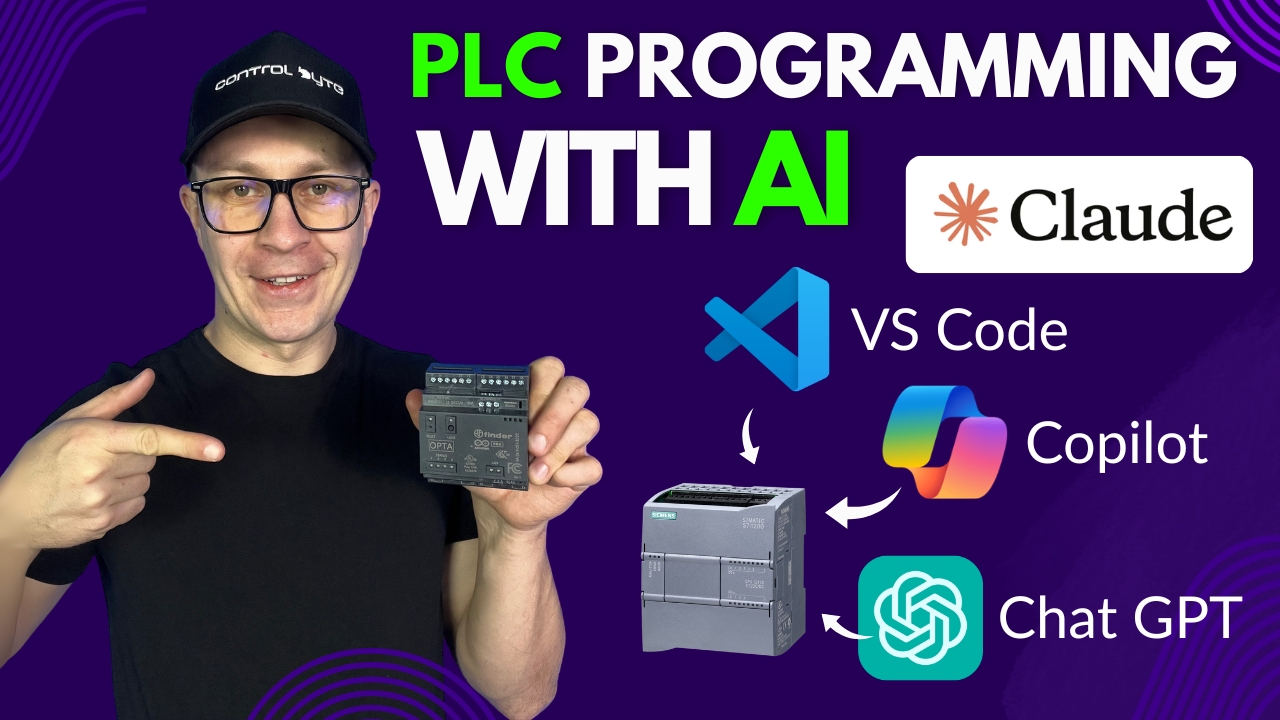
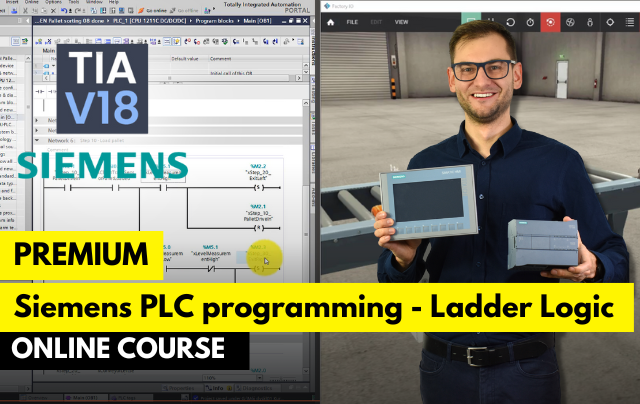
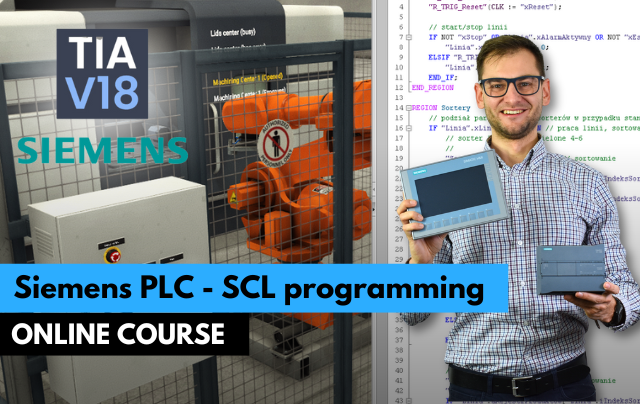
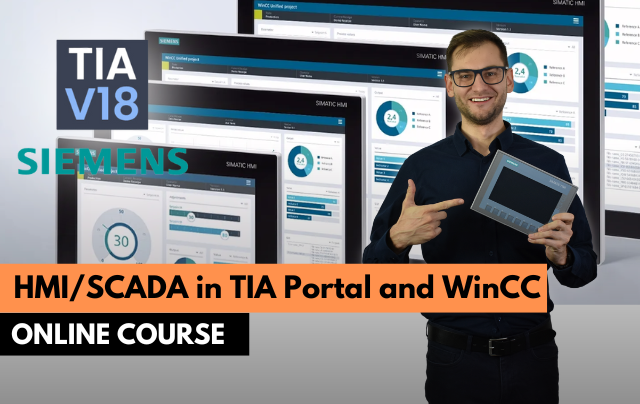
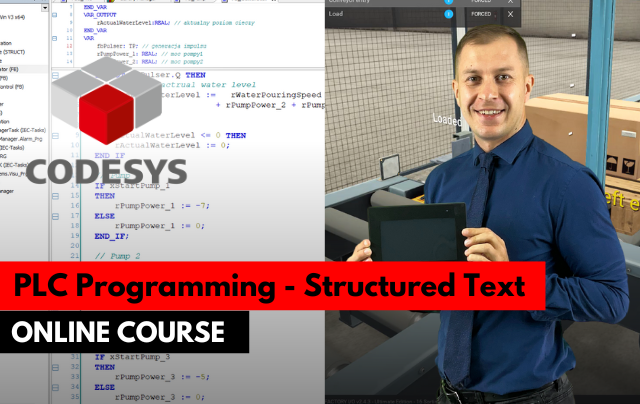
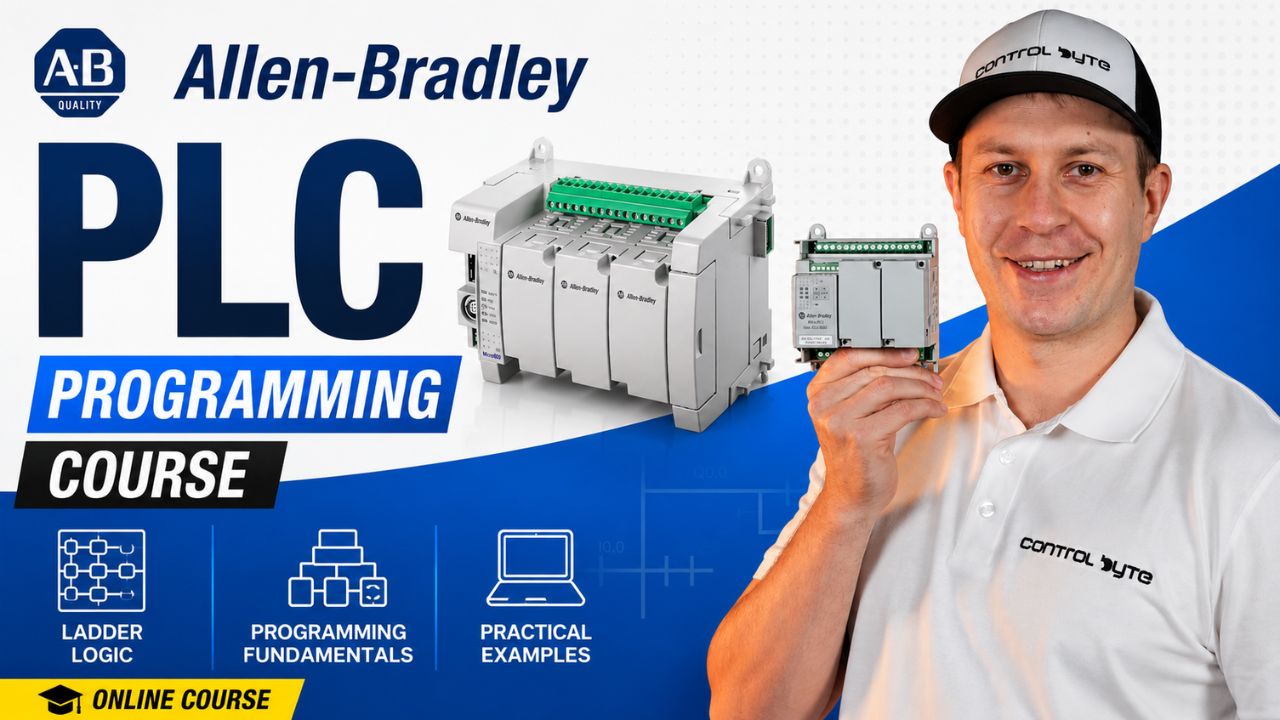
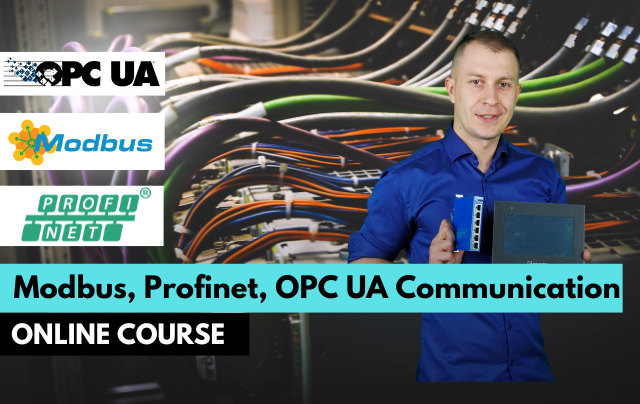
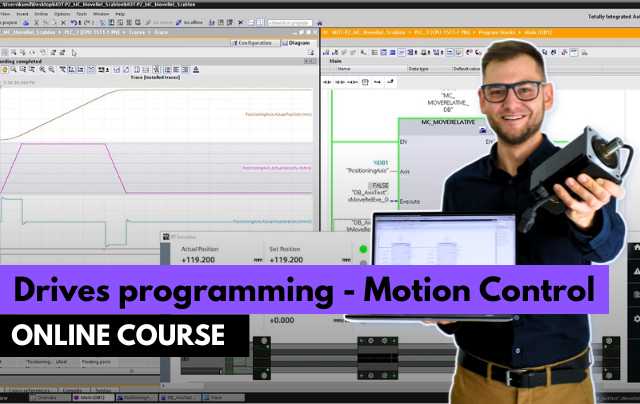
Full access to the entire English course library for 12 months: Siemens S7-1200/1500 in LAD and SCL, Safety, CODESYS Structured Text, Allen-Bradley Micro800, HMI/SCADA, Modbus, Profinet, OPC UA, drives, Python and AI for PLCs. New courses released during your subscription are included.

02PLC Simulator, full access

Every exercise in the ControlByte PLC Simulator, right in the browser. Ladder and Structured Text, with Siemens S7-1200, Allen-Bradley Micro800 and LOGO! profiles. Your team can practise between shifts without a test bench.

03Trainer support

Learners send questions about courses and exercises to our instructors and get an answer within 2 business days. Team leaders receive regular progress reports.

Included courses

11 online PLC courses. One learning path per role.

Plans and prices

Choose a plan for your team.

Prices per learner per year, in EUR, excluding VAT. Billed annually by invoice. Each licensed employee gets an individual learner account.

Small Team

3-5 learners
€499 / learner / year

e.g. 5 learners = €2,495 / year

  • All courses for 12 months
  • PLC Simulator, all exercises
  • Trainer support by email, answer within 2 business days
  • Certificates of completion
  • Quarterly progress report
Request a quote

Company Plan

11+ learners
from €349 / learner / year

Custom quote for your team size

  • Everything in Growing Team
  • Live 60-minute Q&A session with a trainer every quarter
  • Dedicated contact person
Request a quote

Trainer support covers questions about ControlByte courses and simulator exercises. It does not include consulting on your own projects or machines. PLC software licences (e.g. TIA Portal, Factory I/O) and hardware are not included. Some courses, such as Allen-Bradley Micro800, need a physical controller for the hands-on part. EU companies with a valid VAT number are invoiced under the reverse charge.

Why teams choose it

PLC training for maintenance teams and new starters.

Build a consistent foundation for employees moving into automation, help maintenance staff strengthen their PLC knowledge and give experienced technicians a clear route to further learning.

For maintenance managers

PLC troubleshooting training for maintenance technicians.

Most downtime starts with a question nobody on the night shift can answer: why is this output not switching? The learning path for industrial maintenance teams focuses on reading, tracing and troubleshooting PLC programs on the control systems your technicians already work with.

01Read the program, not just the drawings

Electrical diagrams, I/O lists and ladder logic side by side, so technicians and electricians can follow a signal from the sensor through the PLC program to the actuator.

02PLC troubleshooting: find the fault faster

Contacts, coils, timers, counters and comparators in ladder logic, plus Structured Text and SCL, practised on Siemens S7-1200/1500 and Allen-Bradley Micro800 examples and in the PLC Simulator.

03Networks and drives

Modbus, Profinet and OPC UA communication, servo drives and VFDs: the parts of the control system that usually stop the line when something goes wrong.

Recommended path for a maintenance technician: Industrial Automation Basics and Electrical Diagrams, then Premium Siemens S7-1200/1500 in LAD/FBD (or Allen-Bradley Micro800), then Modbus, Profinet, OPC UA Communication and Servo Drives and VFDs. Electricians moving into automation start with the same foundations.


Verified reviews · average rating 4.9/5

What our learners say.

★★★★★
“This was amazing. Yeah, some tutorials were a bit difficult to understand, but I learned a lot. Thank you.”
Job Seyo M.Premium Siemens S7-1200, S7-1500 PLC Programming Course
★★★★★
“Very didactic and shows most of the basic features of TIA Portal. Also, the testing on Factory I/O is a big plus.”
Aris P.Premium Siemens S7-1200, S7-1500 PLC Programming Course
★★★★★
“It was a great course which covers most of the areas of PLC programming with great resources.”
Daniel M.Premium Siemens S7-1200, S7-1500 PLC Programming Course
★★★★★
“Excellent and in-depth instruction with practical applications. Factory I/O is a huge plus.”
Joseph M.Premium Siemens S7-1200, S7-1500 PLC Programming Course
★★★★★
“Easy to understand and very well explained learning material. Thank you.”
Kaido T.Premium Siemens S7-1200, S7-1500 PLC Programming Course
★★★★★
“PLC programming is my passion and this course gave me a better programming experience and the tasks are very helpful!”
Hannes S.Premium Siemens S7-1200, S7-1500 PLC Programming Course

FAQ

Questions from managers.

Can we add learners during the year?

Yes. New learners join for the remaining part of your subscription period and are invoiced pro rata.

Can we move a licence to another employee?

Yes, if someone leaves the company, we transfer the seat to a new person. Progress of the previous learner is not carried over.

Which PLC systems do the courses cover?

Siemens S7-1200/1500 (TIA Portal), CODESYS and Allen-Bradley Micro800, plus industrial communication, HMI/SCADA, drives and Python. Tell us what you use on site and we will suggest a learning path.

Do learners get certificates and do you report to HR?

Yes. Each learner receives a certificate of completion for every finished course, and team leaders or HR get regular progress reports.

What happens after 12 months?

You can renew the subscription for the next year. If you do not renew, learner access ends at the end of the period.

Is the training online?

Fully online. Video lessons and PLC Simulator exercises run in the browser, so each learner studies at their own pace, between shifts or from home. The Company Plan adds a live online Q&A session with a trainer every quarter.

We have only one or two people to train.

For one or two learners, a single course or bundle bought by invoice is usually the better option. Ask us and we will recommend one.

Request your annual team quote

Tell us about your team.

How many employees would you like to train, which PLC systems do you use and which skills do you want to develop? We will reply within 2 business days with a suitable plan and learning path.

Select the fields to be shown. Others will be hidden. Drag and drop to rearrange the order.
  • Image
  • SKU
  • Rating
  • Price
  • Stock
  • Availability
  • Add to cart
  • Description
  • Content
  • Weight
  • Dimensions
  • Additional information
Click outside to hide the comparison bar
Compare