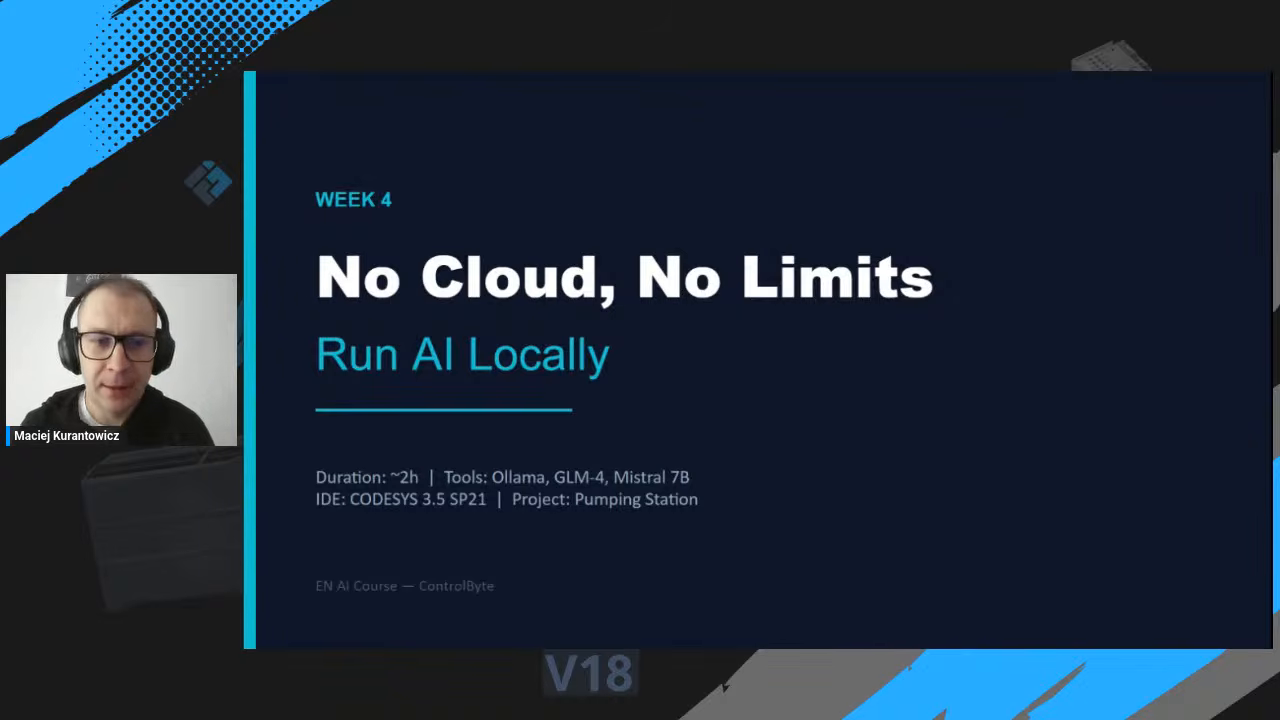
A local LLM for PLC programming lets you generate Structured Text and control CODESYS without sending a single line of code to the cloud. In our latest live stream, Matt Kurantowicz from ControlByte shows how to set up a personal AI assistant for PLC coding that runs entirely on your own machine: free models, your GPU, and zero network traffic. No tokens to pay for, no internet required, and your intellectual property never leaves the building.
This guide walks through the full workflow from the stream: installing Ollama, pulling free models like GLM-4 and Mistral, generating IEC 61131-3 Structured Text, and driving CODESYS through a local MCP client and Python scripting.
Why run a local LLM for PLC programming?
Imagine a client whose machine logic has been refined for ten years. That source code is pure intellectual property in machine building, packaging, or automotive. They will never paste it into ChatGPT or Claude, because those prompts and that code go to external servers.
A local LLM for PLC programming solves exactly this problem.
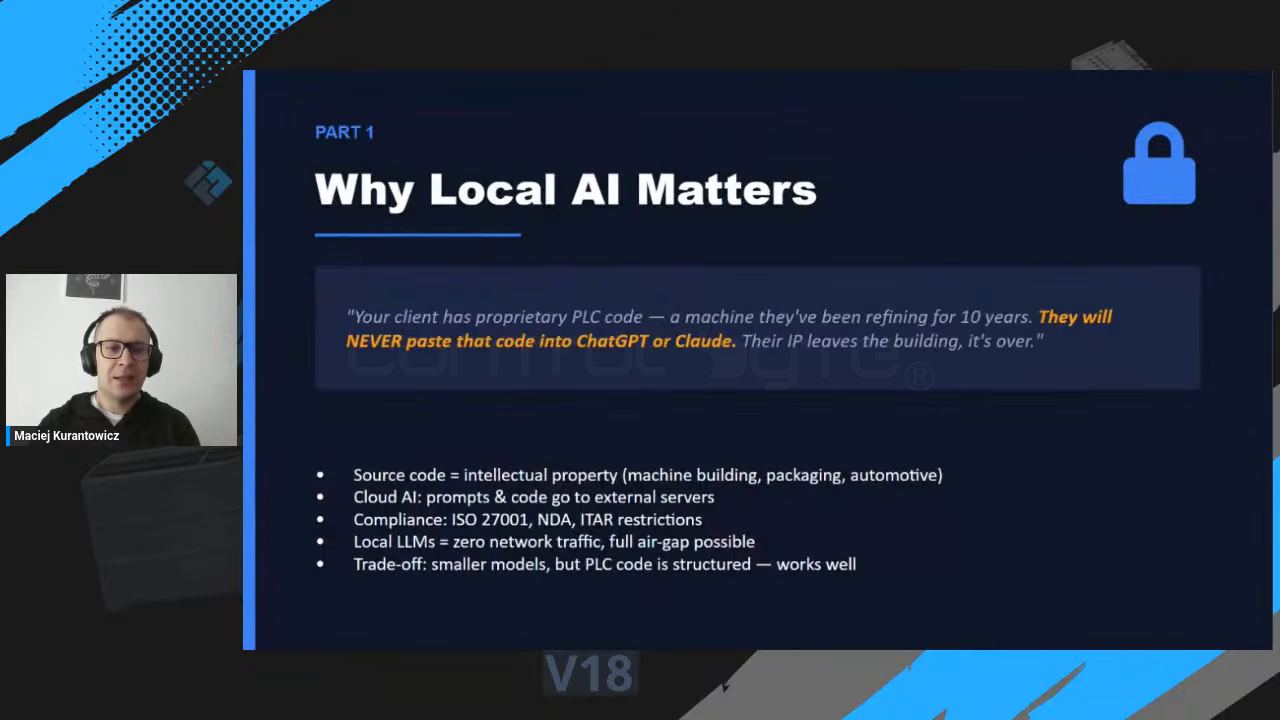
- Source code stays in-house. Your PLC logic is intellectual property, so keep it that way.
- No compliance risk. Cloud AI can clash with ISO 27001, NDAs, or ITAR restrictions.
- Zero network traffic. A local model makes a full air gap possible.
- No token costs. Free models running on your graphics card cost nothing per request.
- Good enough for structured code. Local models are smaller, but PLC code is highly structured, so they perform well on it.
Cloud AI vs local AI: where your PLC code goes
The difference comes down to one question: does your code leave your machine?
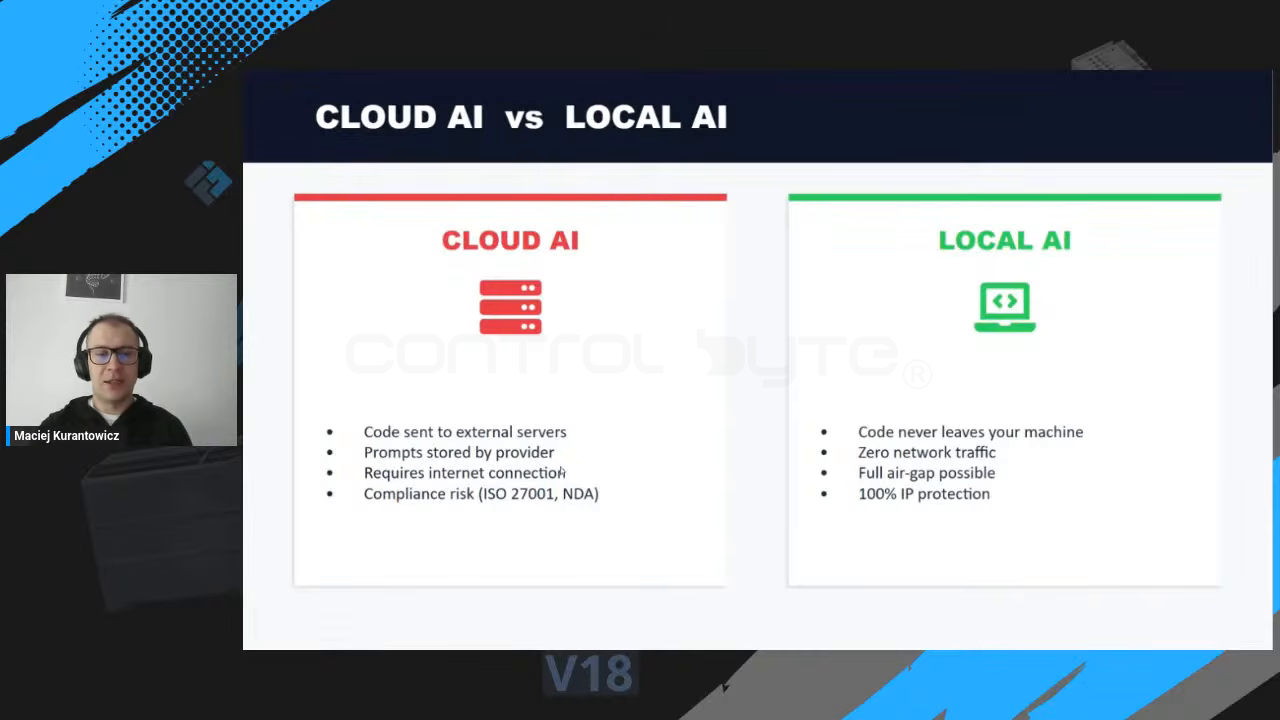
With cloud AI (ChatGPT, Claude, Gemini), code is sent to external servers, prompts are stored by the provider, and you need a constant internet connection. In many industrial settings the machine is deliberately not connected to the internet at all.
With local AI, the code never leaves your machine. You get zero network traffic, a full air gap if you want it, and 100% IP protection. If you have a solution built up over years inside your company, this is the safer choice.
What you need to start
The whole stack is free and open. To run a local LLM for PLC programming you need:
- Ollama to run AI models locally on your computer (ollama.com).
- A free model such as GLM-4 or Mistral 7B.
- CODESYS 3.5 as the PLC programming environment (codesys.com).
- An NVIDIA GPU helps a lot, since the model uses your graphics card for inference.
Step 1: Install Ollama and pull a free model
Install Ollama, then pull a model straight from the terminal. GLM-4 is a powerful model from China, and Mistral is a strong model from France. You can also try DeepSeek or Qwen.
ollama pull glm4
ollama pull mistral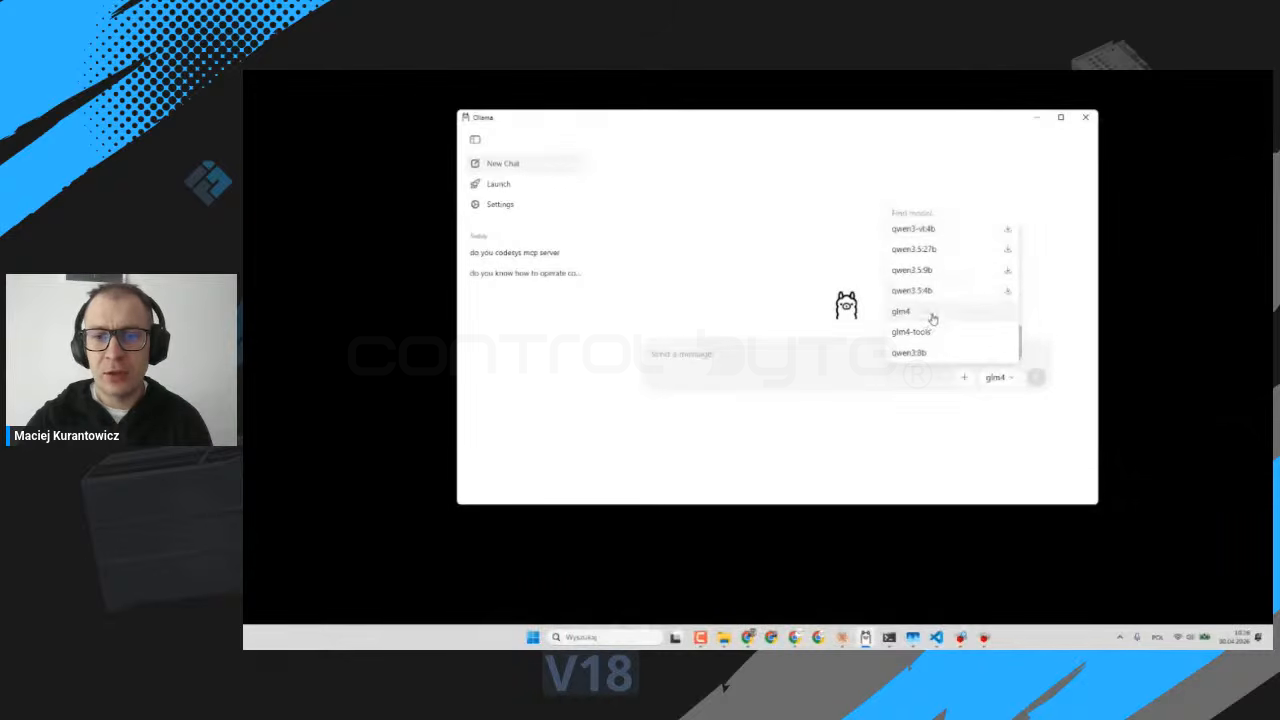
Once a model is downloaded it lives on your computer. In the Ollama window you simply choose a local model and start chatting. No account, no API key, no internet.
Step 2: Generate Structured Text locally
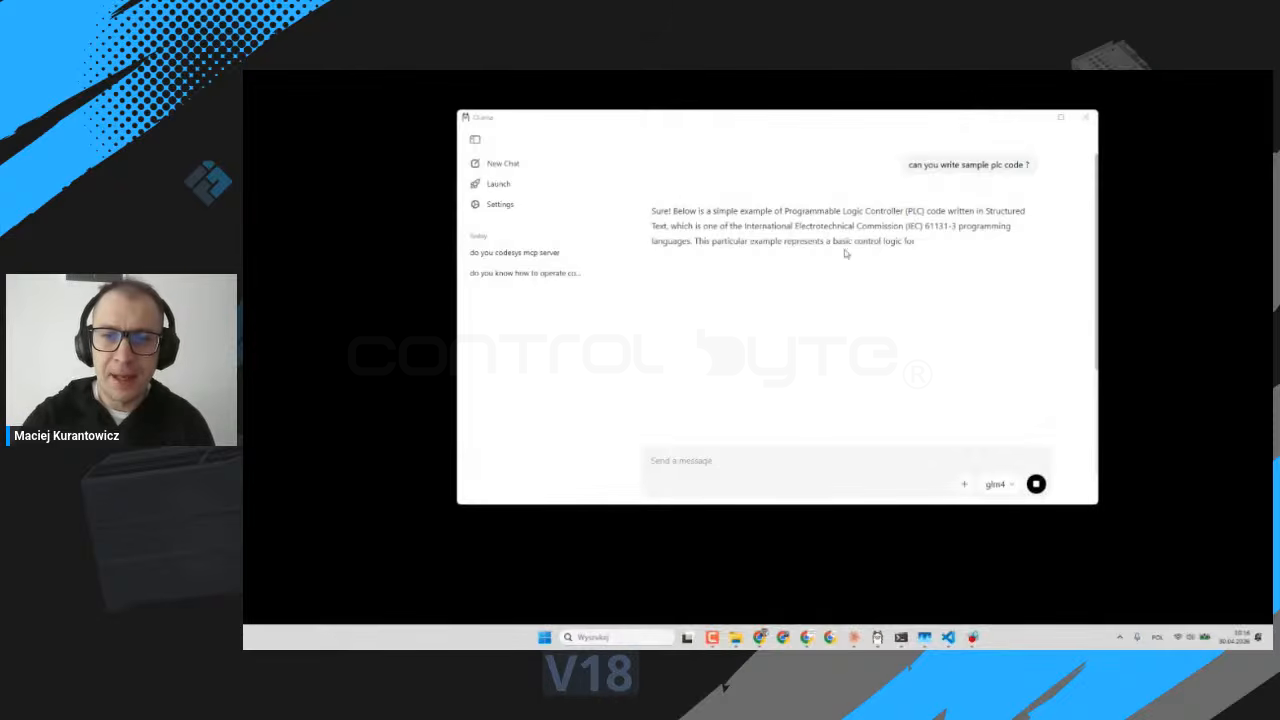
Ask the model to write PLC code and it answers locally, using your GPU. A simple prompt like *”Can you write a sample PLC code?”* returns valid Structured Text, one of the IEC 61131-3 programming languages.
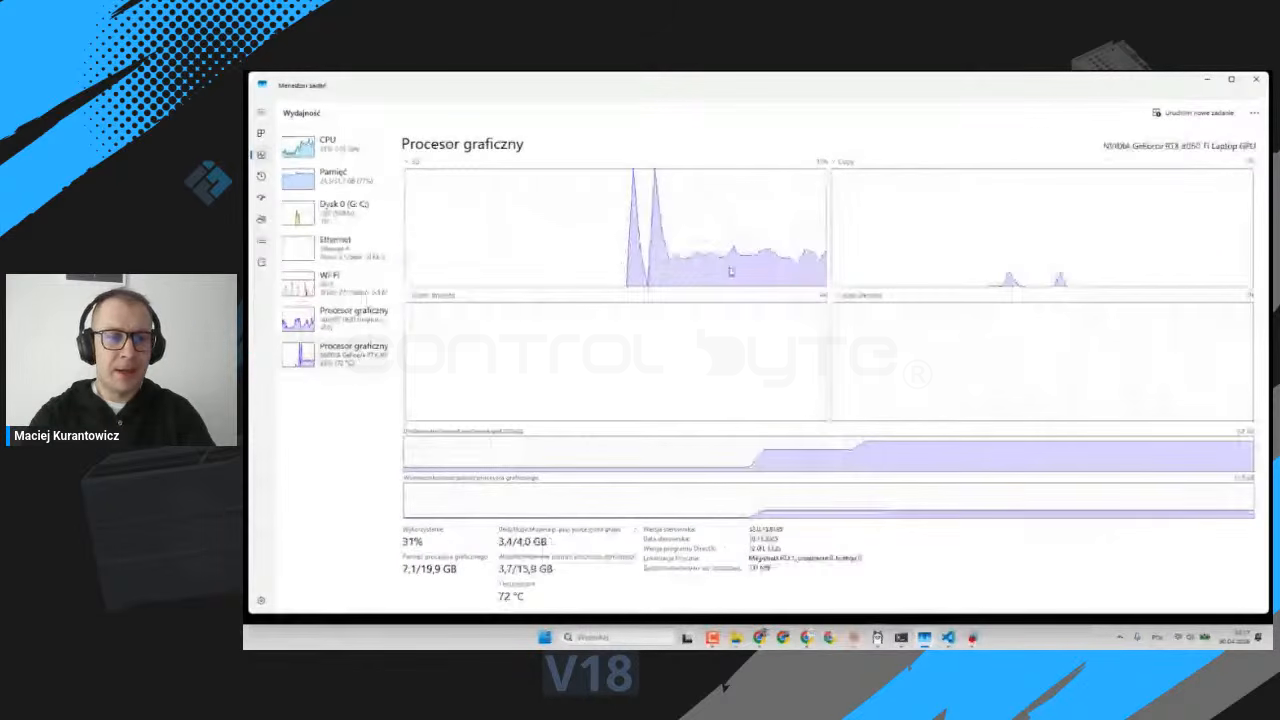
While the code is generated you can watch the load on your graphics processor climb. On the demo machine that is an NVIDIA GeForce RTX, and the spike confirms the inference is happening on your hardware, not in a data center.
Step 3: Control CODESYS with a local MCP client
Generating code in a chat window is only the start. The real power comes from letting the model drive CODESYS directly. CODESYS is the engineering software behind more than a thousand devices, including WAGO, Phoenix Contact, and Finder controllers.
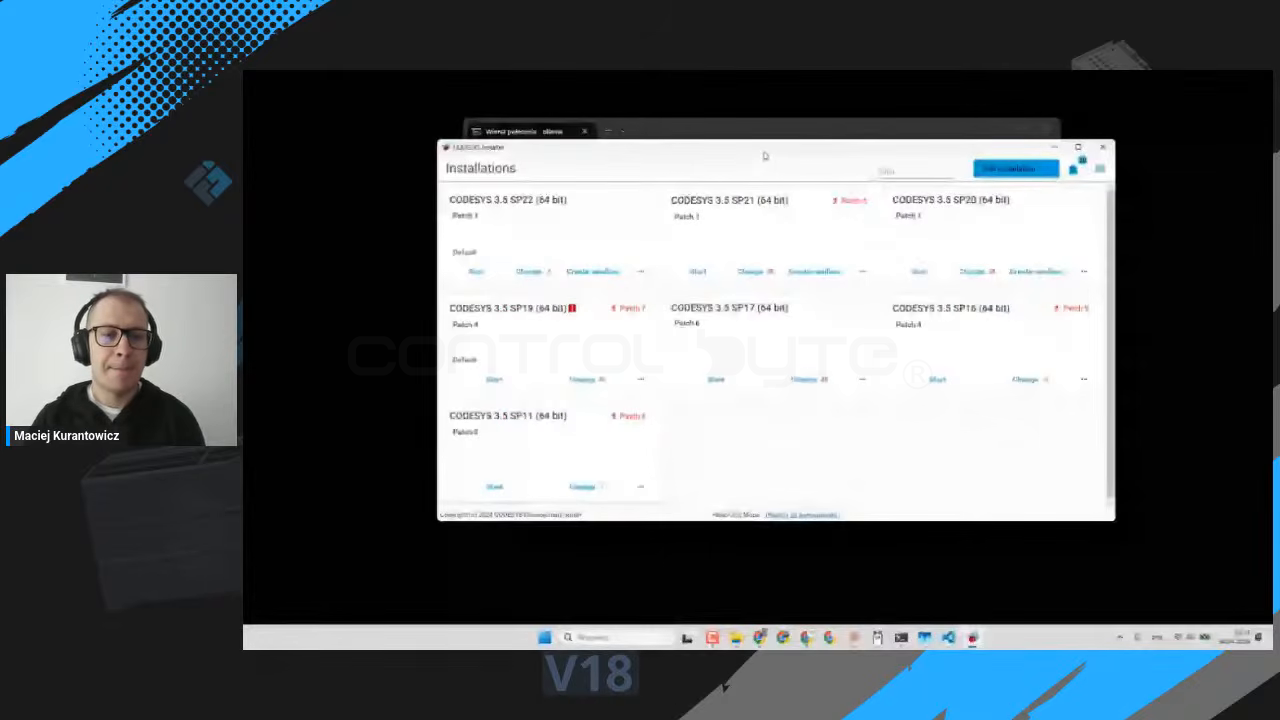
Using a local MCP client for Ollama, the model gets a full set of tools (27 in the demo, 28 in the final setup) to control CODESYS by natural language: launch the IDE, create a project, add a Programming Organization Unit (POU), write code, compile, and even read existing machine code to document or refactor it.
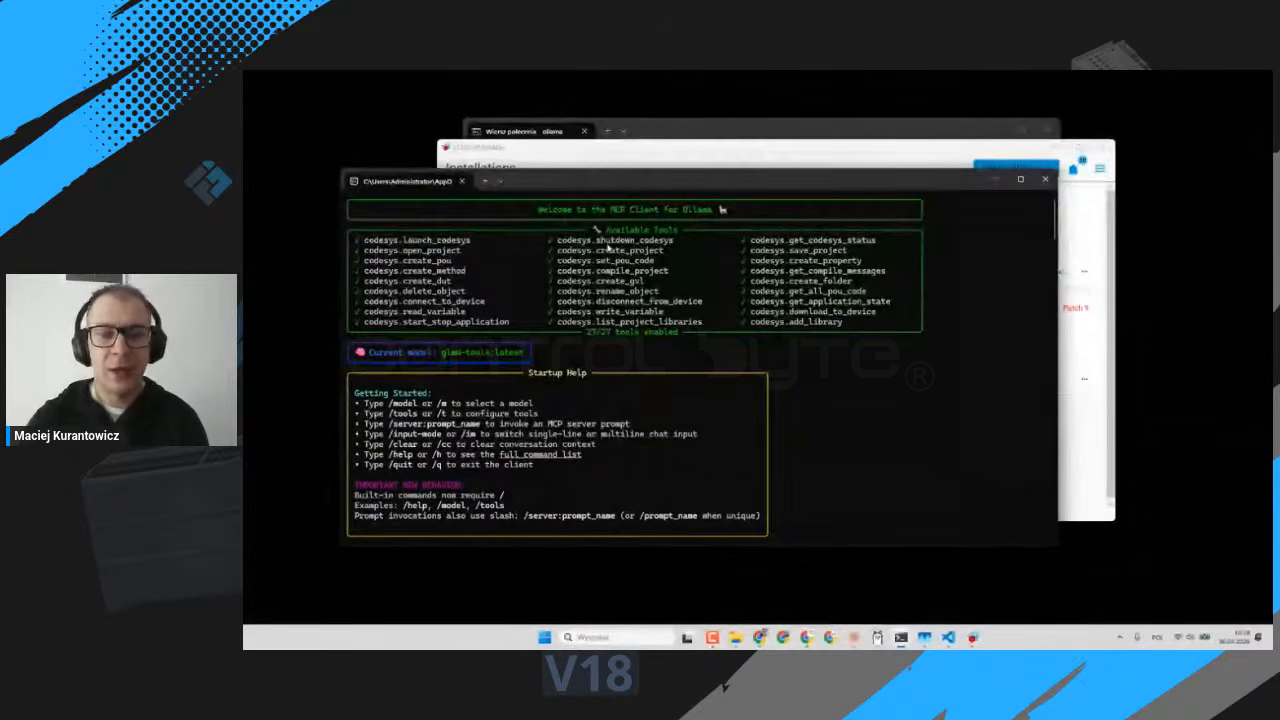
If you want to compare this with a cloud setup driven by Claude Desktop, see our guide on the CODESYS MCP Server and Claude Code. The local version keeps the same idea but runs the model offline.
A fully local workflow: Ollama, Python, CODESYS, compile
The most robust approach combines three free tools and orchestrates them with Python. The model generates the Structured Text, Python saves it and pushes it into CODESYS through scripting, and CODESYS compiles it. If there are errors, you iterate.
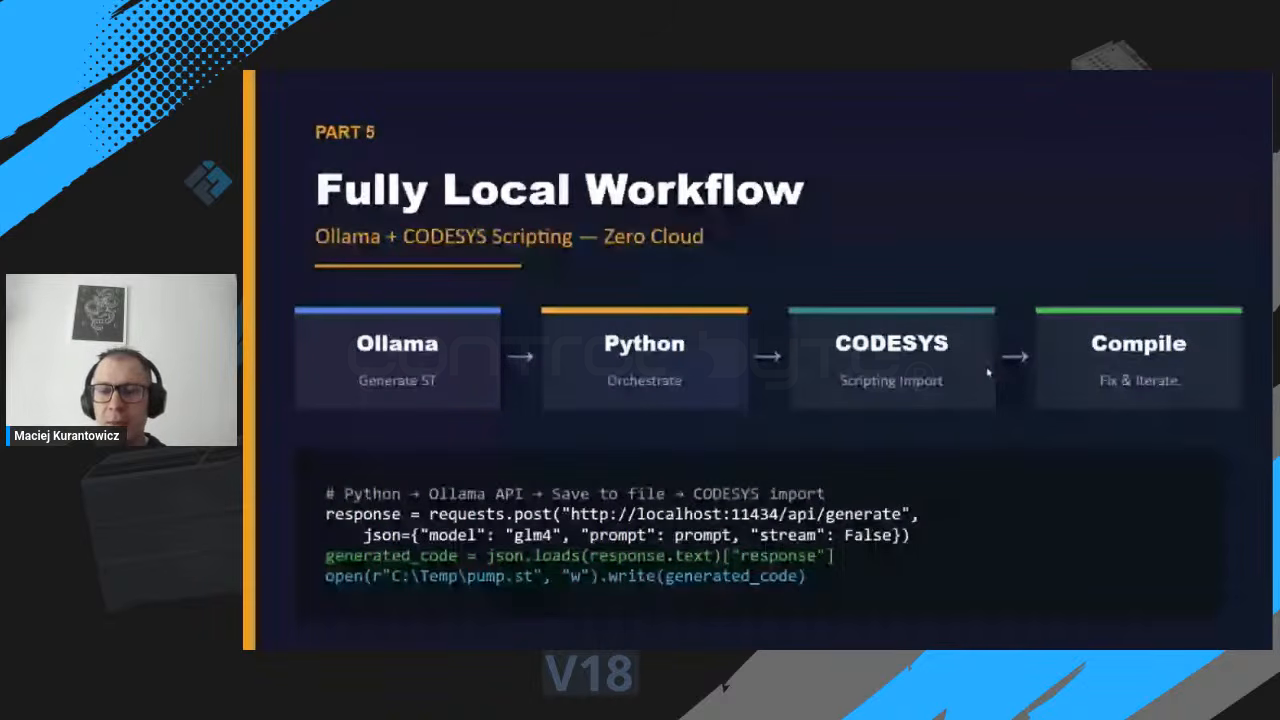
The Python glue is short. You call the Ollama API, grab the generated code, and write it to a file ready for the CODESYS import:
import requests, json

response = requests.post("http://localhost:11434/api/generate",
    json={"model": "glm4", "prompt": prompt, "stream": False})

generated_code = json.loads(response.text)["response"]
open(r"C:\Temp\pump.st", "w").write(generated_code)
On the CODESYS side you open Tools, then Scripting, then Execute Script to run a Python script that opens the project and creates the POUs you need (program, function block, method) with the right name and type. Everything stays on your machine.
Benchmark: GLM-4 vs Mistral on a pump control program
A good way to pick a model is a quick smoke test: send the same prompt to both models and compare the output. The stream used a simple pump control task.
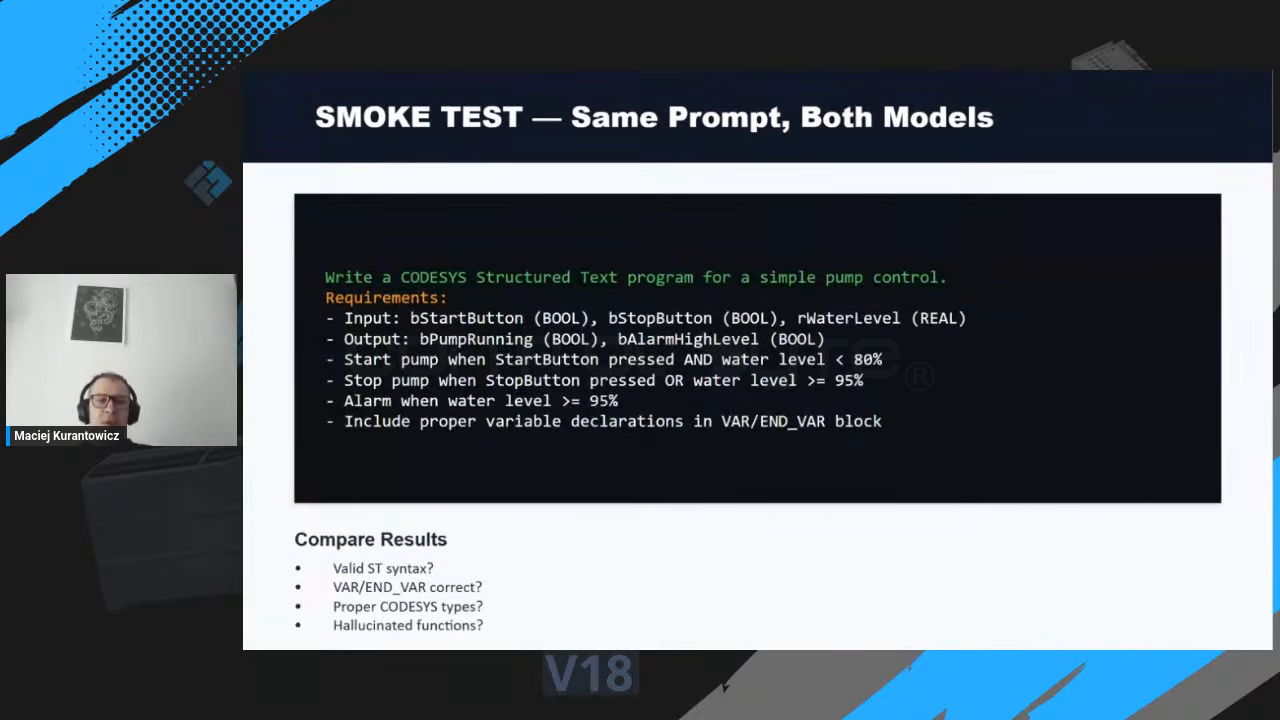
Write a CODESYS Structured Text program for a simple pump control.

Requirements:
- Input:  bStartButton (BOOL), bStopButton (BOOL), rWaterLevel (REAL)
- Output: bPumpRunning (BOOL), bAlarmHighLevel (BOOL)
- Start pump when StartButton pressed AND water level < 80%
- Stop pump when StopButton pressed OR water level >= 95%
- Alarm when water level >= 95%
- Include proper variable declarations in VAR/END_VAR block
Then score each result on what matters for PLC code:
- Is the ST syntax valid?
- Is the VAR/END_VAR block correct?
- Are the CODESYS data types proper (BOOL, REAL, and so on)?
- Did the model hallucinate functions that do not exist?
Your homework: build a pumping station with local AI
Want to become an AI hero in industry? The stream closes with a hands-on challenge.
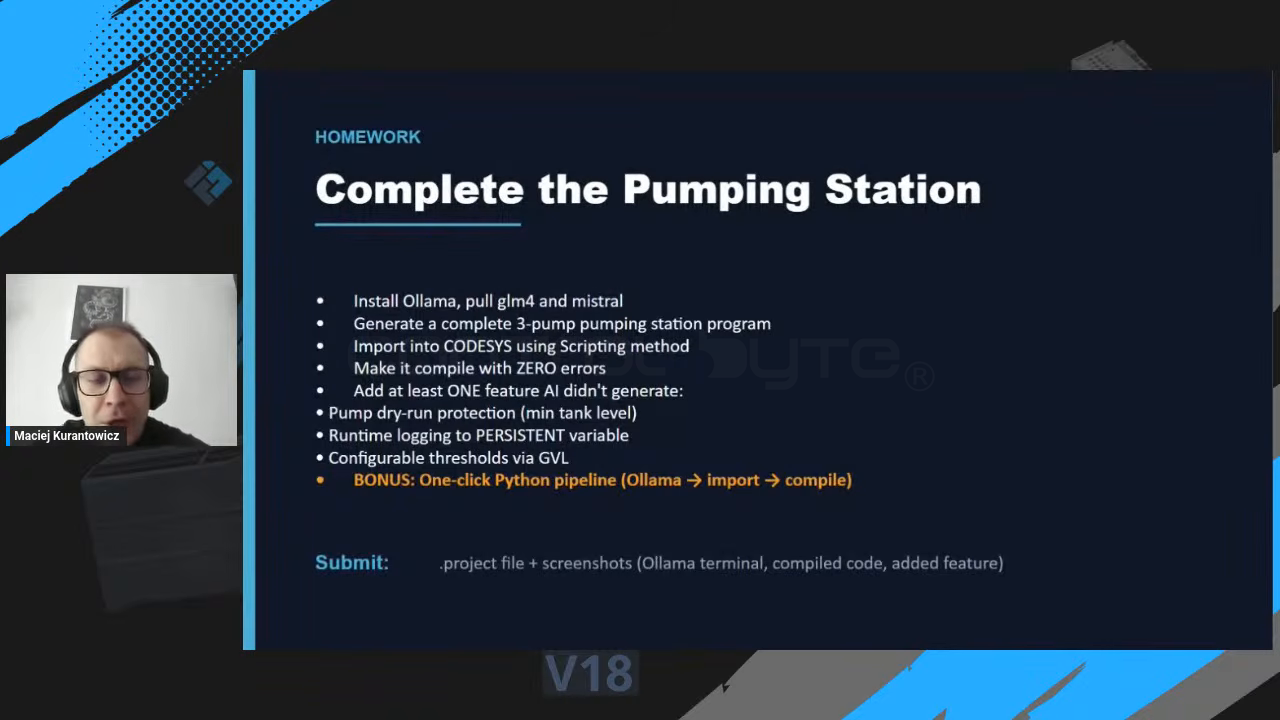
- Install Ollama and pull both
glm4andmistral. - Generate a complete three-pump pumping station program.
- Import it into CODESYS using the scripting method.
- Make it compile with zero errors.
- Add at least one feature the AI did not generate: pump dry-run protection (minimum tank level), runtime logging to a PERSISTENT variable, or configurable thresholds via a Global Variable List (GVL).
- Bonus: wire up a one-click Python pipeline that runs Ollama, import, and compile in a single step.
Use this preparation checklist so nothing is missing before you start.
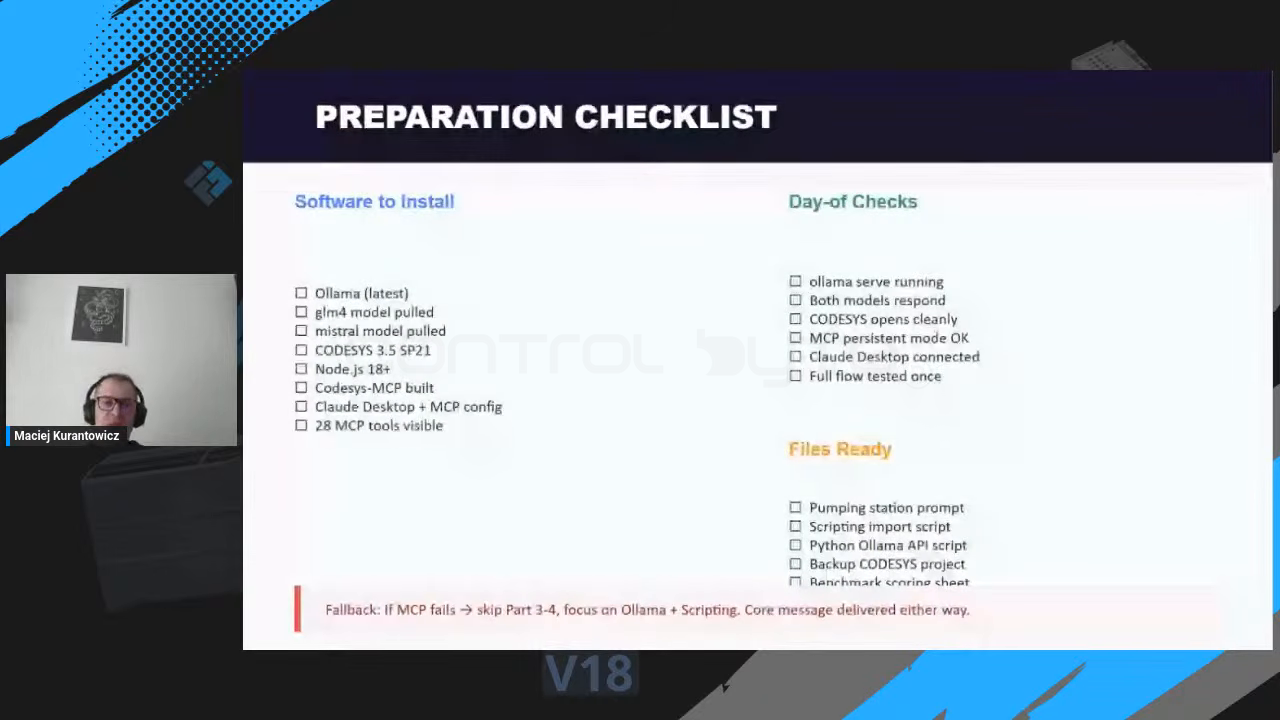
Software to install: Ollama (latest), the GLM-4 and Mistral models pulled, CODESYS 3.5 SP21, Node.js 18+, the CODESYS MCP build, and Claude Desktop with the MCP config if you also want a cloud option. Keep the pumping station prompt, the scripting import script, the Python Ollama API script, a backup CODESYS project, and a benchmark scoring sheet ready. If the MCP path fails on the day, fall back to Ollama plus scripting; the core result is the same.
Frequently asked questions
Is a local LLM for PLC programming really free? Yes. Ollama and models such as GLM-4 and Mistral are free to download and run. The only cost is your own hardware and electricity, with no per-token cloud billing.
Will a small local model write correct Structured Text? Local models are smaller than the largest cloud models, but PLC code is highly structured, so they handle Structured Text well. Always compile and review the result, exactly as you would with any AI-generated code.
Do I need an internet connection? No. After you download Ollama and the model, generation runs fully offline on your GPU. That is what makes a true air gap possible.
Which model should I pick, GLM-4 or Mistral? Run the same smoke test prompt through both and compare syntax, variable declarations, and data types. The best model depends on your task, so benchmark before you commit.
Summary
A local LLM for PLC programming gives you a private, offline, and free AI assistant for Structured Text and CODESYS automation. With Ollama, a free model, the CODESYS MCP server, and a little Python, you can generate code, import it, and compile it without your intellectual property ever leaving your computer. That independence from cloud tools is exactly where AI coding for industry is heading.
Want to go deeper? Explore our AI programming courses for industry on controlbyte.tech and stay tuned for more live streams on local AI, Ollama, and CODESYS.
Author