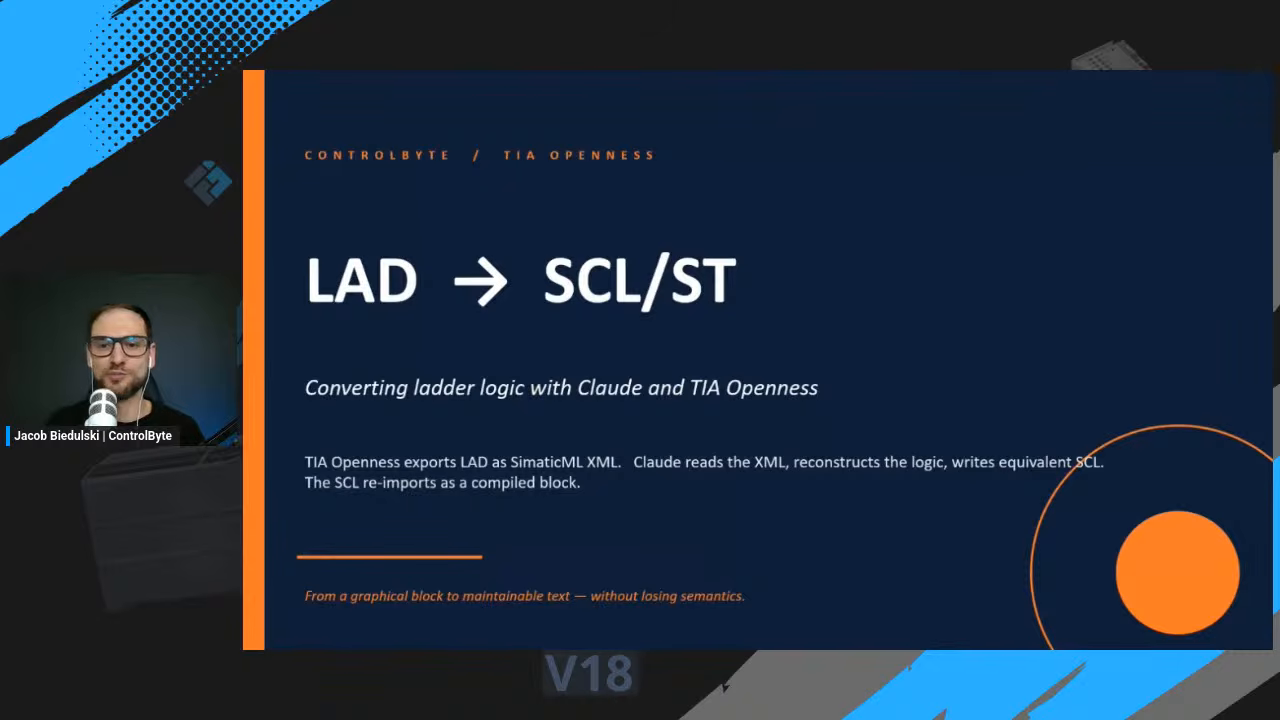
Ladder logic is great to read on a screen and painful to work with anywhere else. The moment you want to diff it in Git, review it in a pull request, or hand it to an AI assistant, you hit a wall: Siemens TIA Portal will not export a ladder block to text. This workshop shows how to convert ladder logic to SCL reliably, using SimaticML XML as a bridge and Claude as the translator. We take a real function block written in Ladder Diagram (LAD), convert it to Structured Control Language (SCL), and re-import the result back into TIA Portal as a compiled block.
The problem: ladder does not export to SCL
TIA Openness, the automation API for TIA Portal, has a built-in source generator. GenerateSource() will happily write a clean .scl file from a block, let you edit it, and re-import it. The catch is that it only accepts text-based blocks. Ask it for source from an SCL or STL block and it works. Point it at a LAD or FBD block and it refuses, because there is no built-in graph-to-text translator inside Openness.
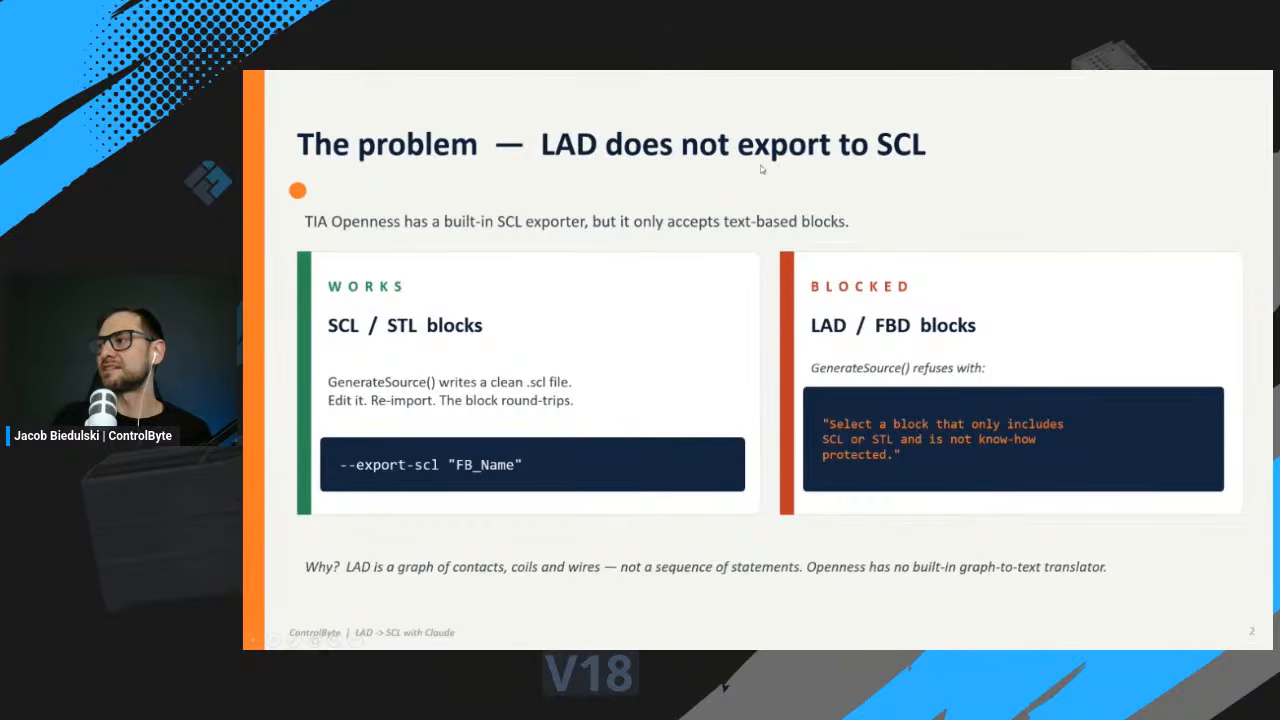
The reason is structural. Ladder is a graph of contacts, coils and wires, not a sequence of statements. There is no one obvious way to flatten that graph into text, so Siemens simply does not do it for you. If you have read our guide on the TIA Portal MCP server, this is the same wall from a different angle: the graphical languages stay locked unless you bridge them to text first.
The bridge: SimaticML XML
There is one format that every block can export to, regardless of language: SimaticML XML. A LAD block, an FBD block, an SCL block, an STL block, all of them serialize to SimaticML. For ladder, that export is a complete graph of the rung: every Part (each contact, coil, edge detector, MOVE, comparator and function-block call), every Wire (how the parts connect, source pin to target pins), and every Access (the symbols, locals, globals and literals, fully qualified).
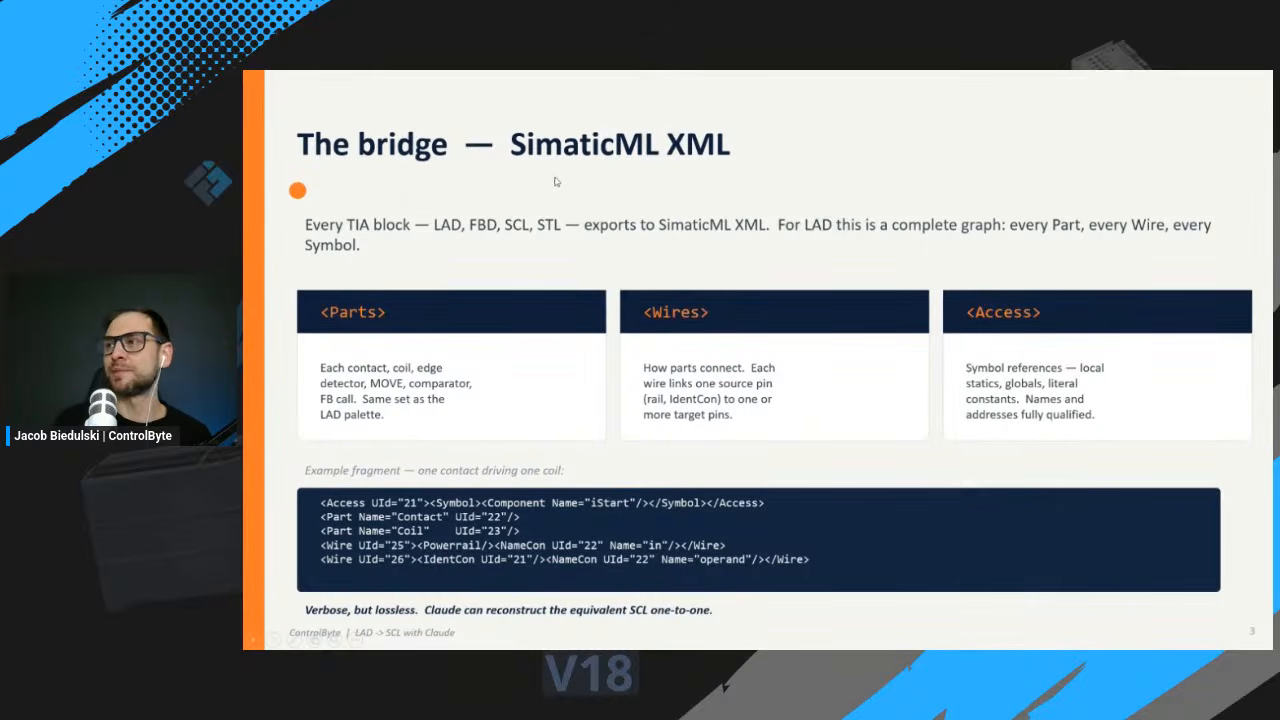
It is verbose but lossless. A human cannot easily read it, but that does not matter, because the whole point is to hand it to an AI that can.
How to convert ladder logic to SCL: the four-step workflow
The end-to-end process is four steps, and a round trip takes about a minute.
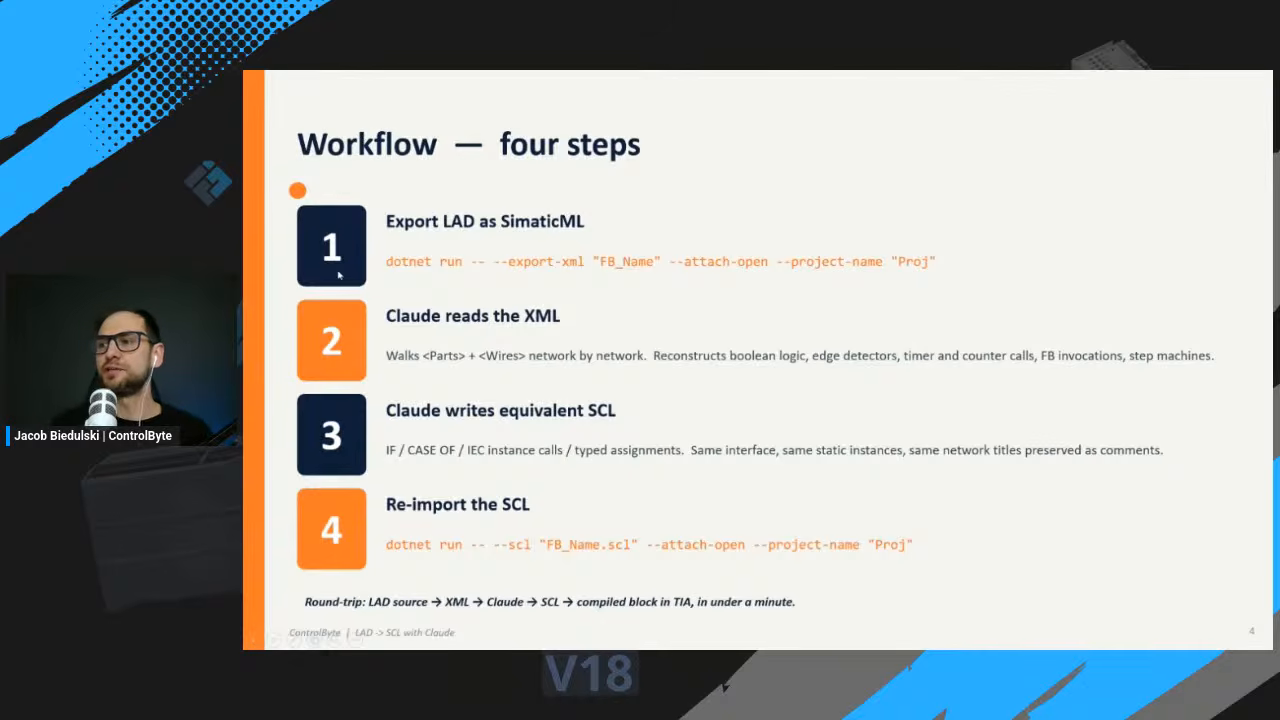
- Export the LAD block as SimaticML, using TIA Openness.
- Claude reads the XML, walking the Parts and Wires network by network, and reconstructs the Boolean logic, edge detectors, timer and counter calls, and function-block invocations.
- Claude writes the equivalent SCL, using IF and CASE, typed assignments and the same instance calls. The interface, the static variables and the original network titles are preserved as comments.
- Re-import the SCL into TIA Portal, where it compiles as a normal block.
Because each step is scripted through TIA Openness, you can convert ladder logic to SCL in about a minute once the pipeline is set up.
A real example: FB_Robot
To make it concrete, the demo uses FB_Robot, a pneumatic-cell controller originally written in ladder. Exported from TIA Portal, the block becomes more than 1,754 lines of SimaticML spread across ten LAD networks. No PLC programmer wants to read that by hand.
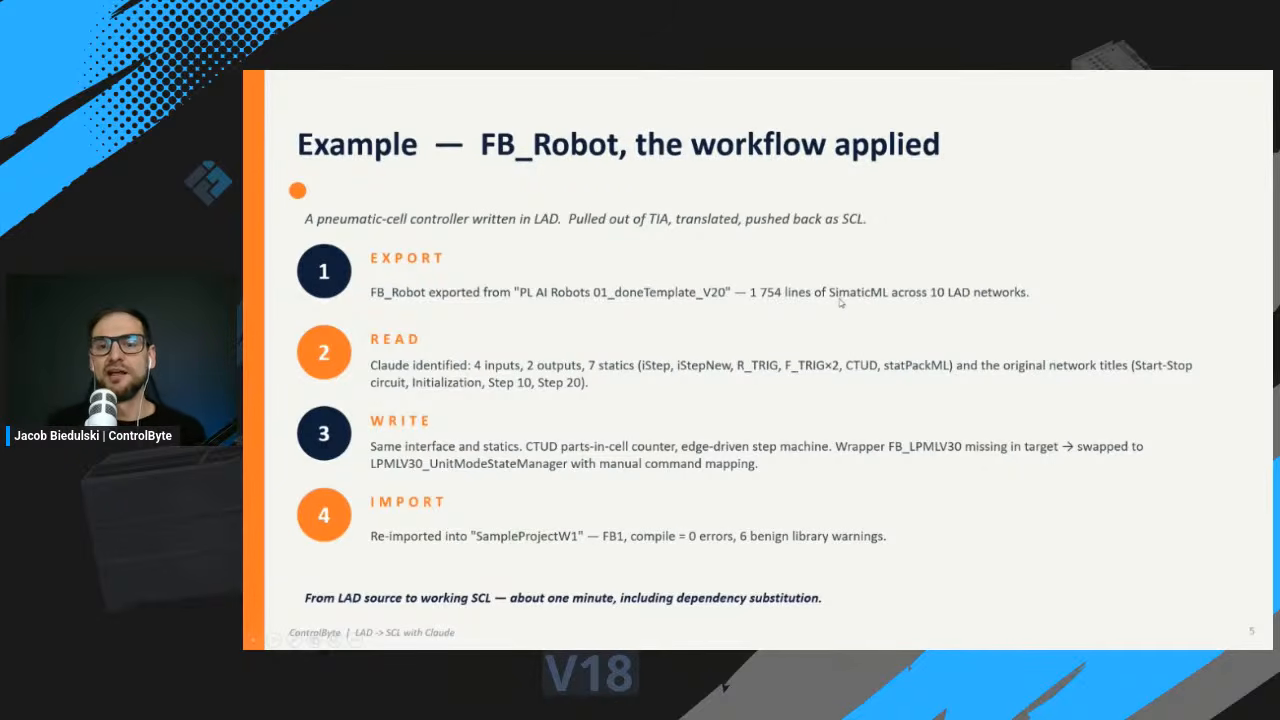
Claude, on the other hand, reads it with ease. In the demo it identifies the four inputs, two outputs and seven statics, the timer and counter instances, and the original network titles, then writes matching SCL.
Walking through the demo
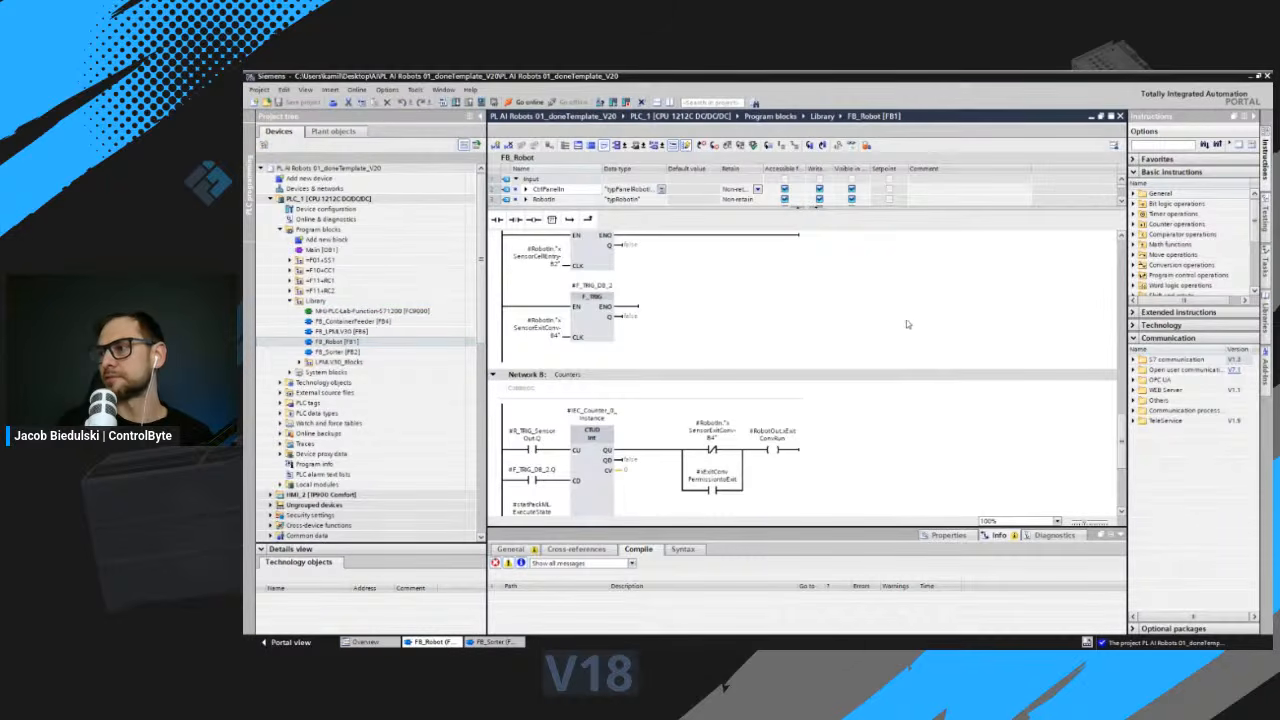
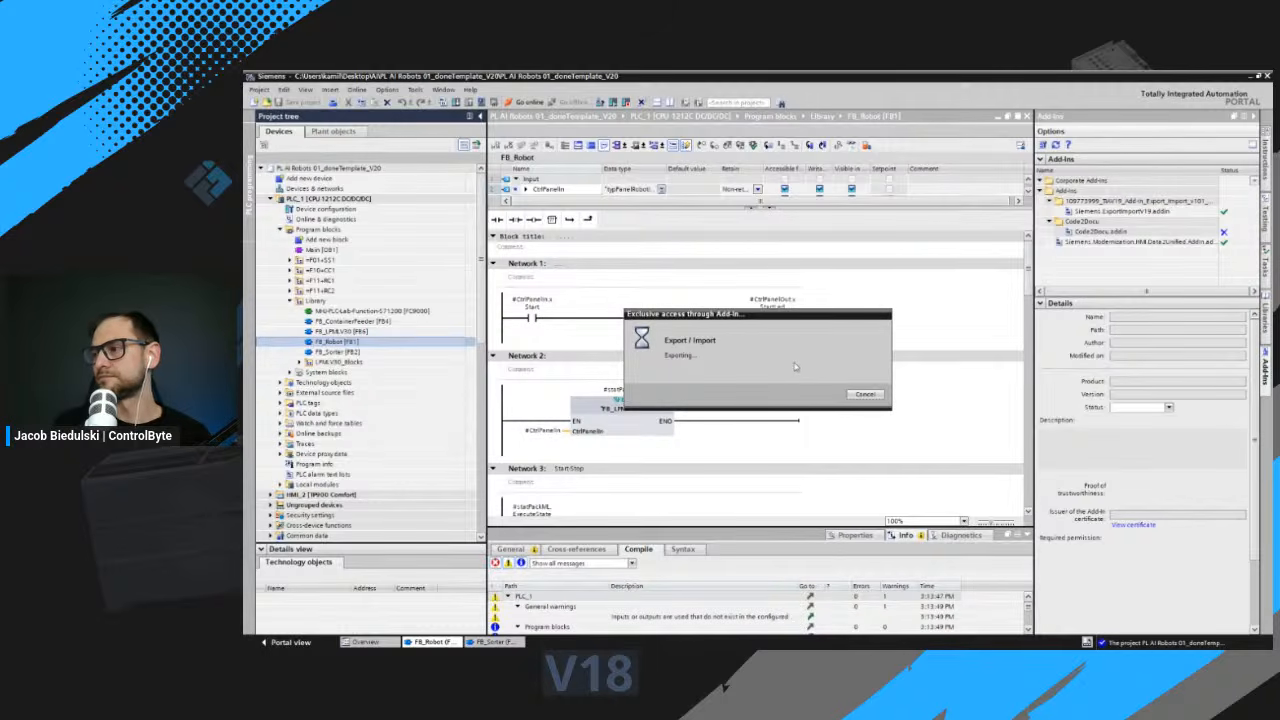
Here is the source block open in TIA Portal version 20: FB1, the FB_Robot function block, with its logic laid out in ladder networks before we convert ladder logic to SCL.
To get the XML out, the workshop uses an export and import add-in for TIA Portal. With it, any block can be written out as a SimaticML text file.
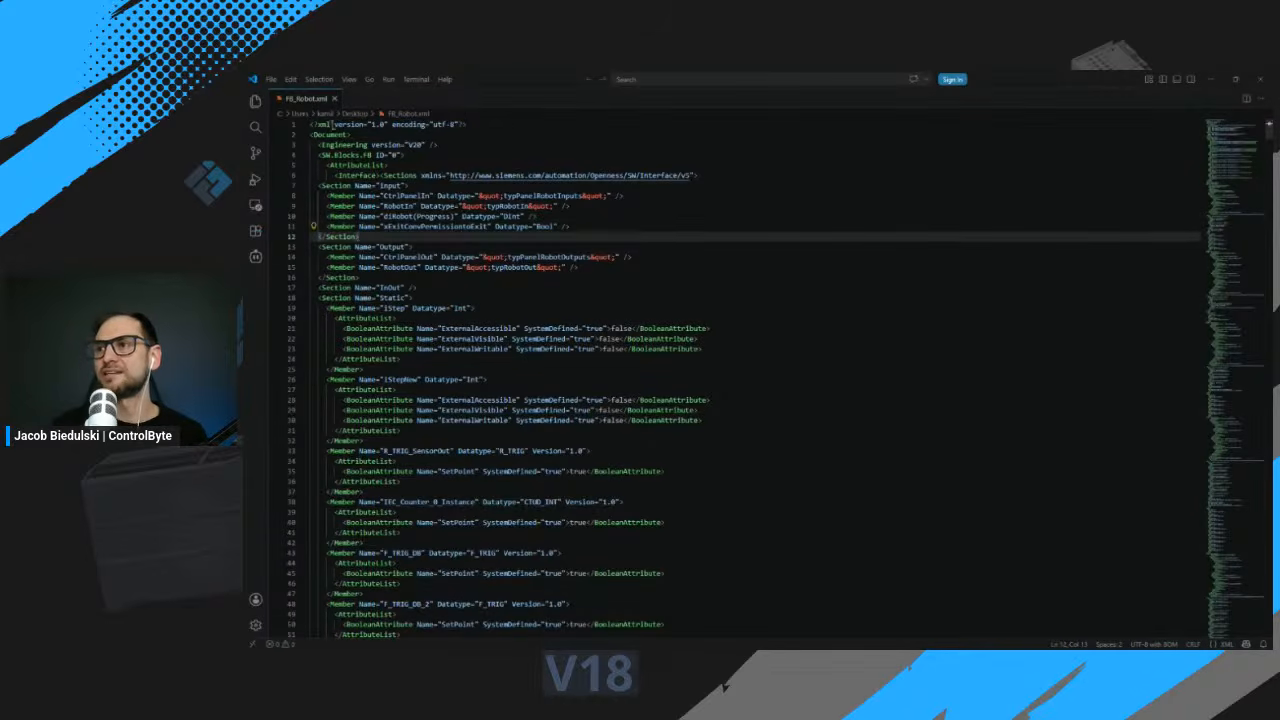
The result is the SimaticML file itself: an XML structure holding every ladder element we saw in the project. Hard for us to decode, easy for Claude.
Letting Claude handle the LAD to SCL conversion
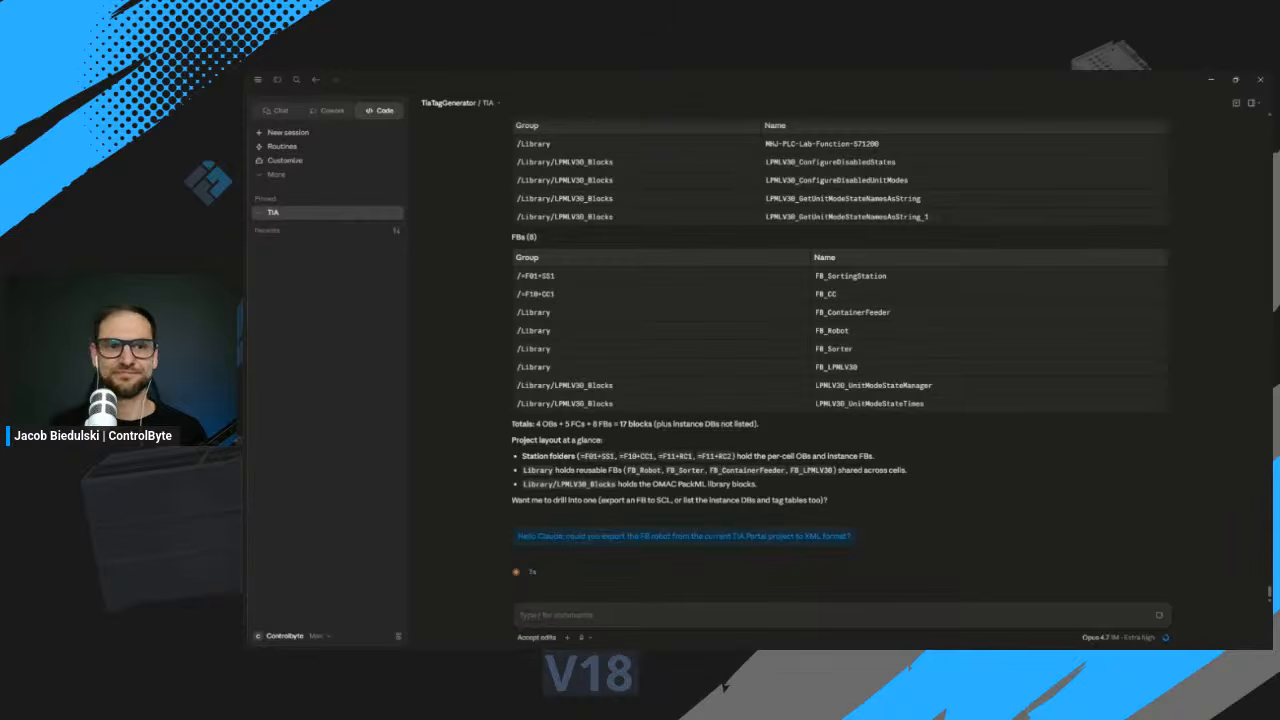
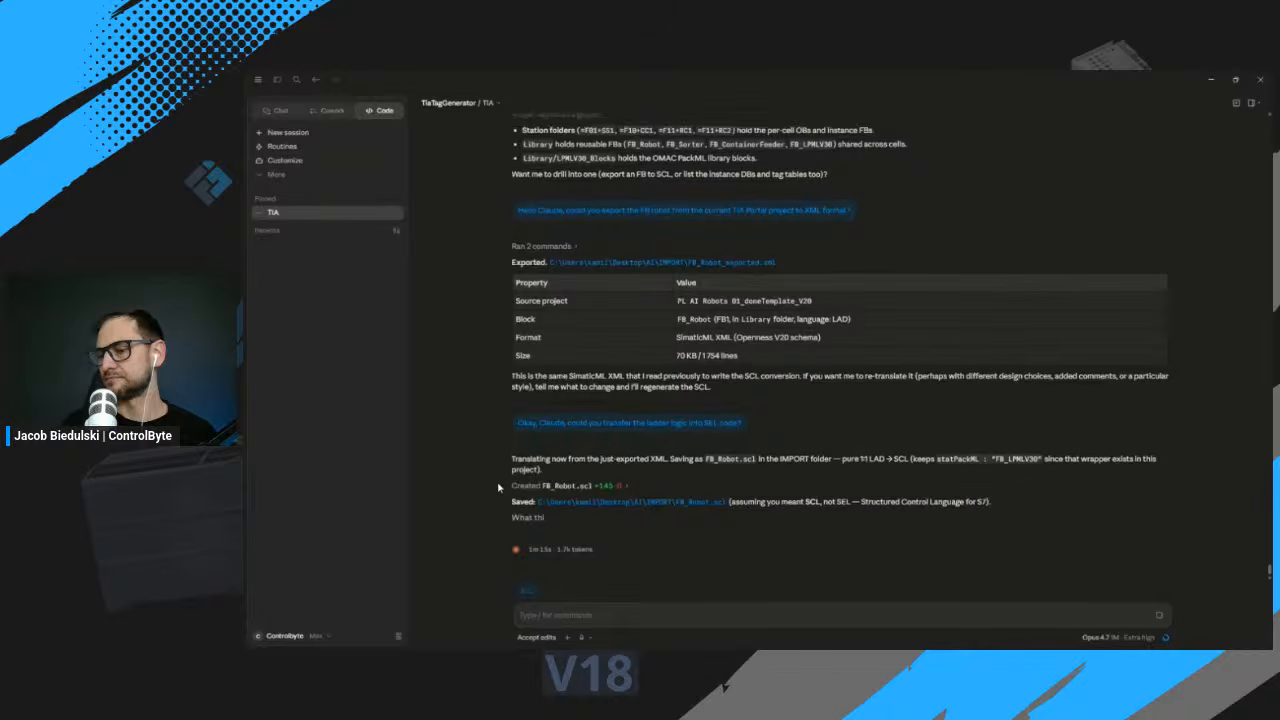
With Claude Code running alongside TIA Portal, the first instruction is simply to export the FB_Robot block to XML. Claude runs the export and drops the SimaticML file into the right folder.
The next instruction is the conversion itself: turn the ladder logic into SCL. Here you can give Claude a free hand or specify a style, naming choices and comments. In the workshop the commands are given one at a time, but the same steps can be wrapped into a pipeline so you only point at the ladder block and Claude exports, converts and re-imports automatically. This is the same idea explored in our TIA Portal and Claude Code step-by-step guide.
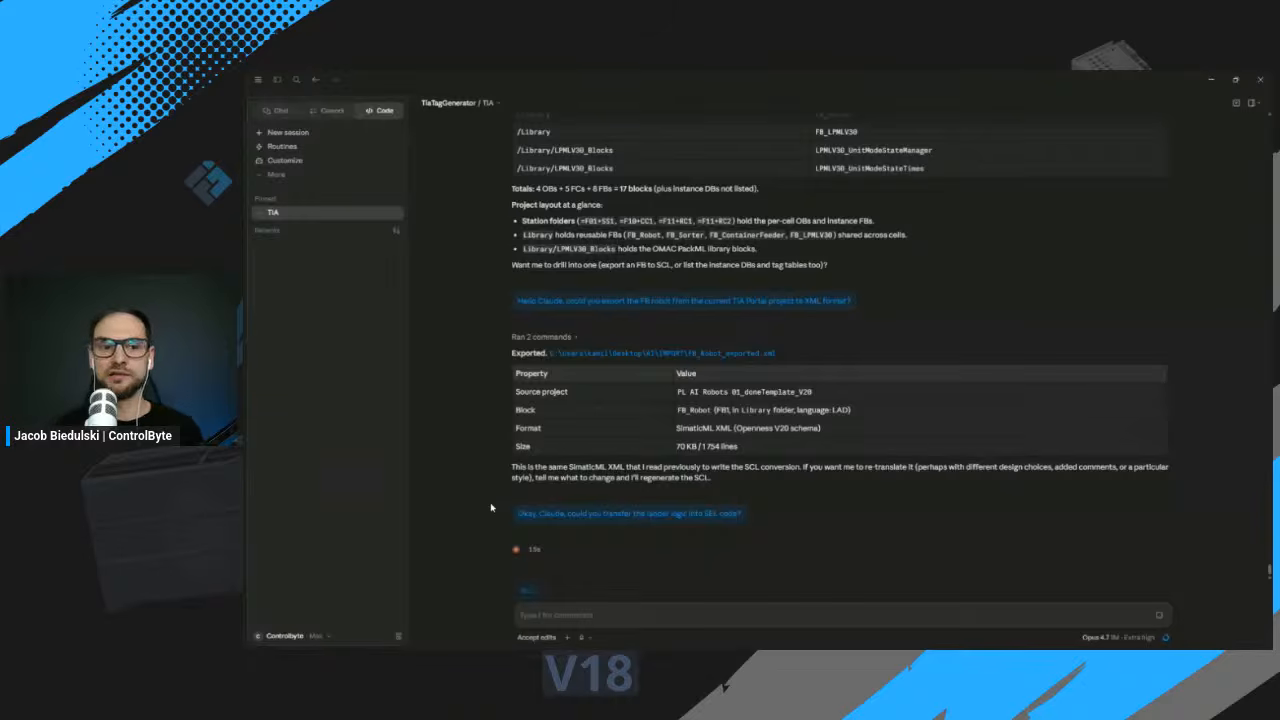
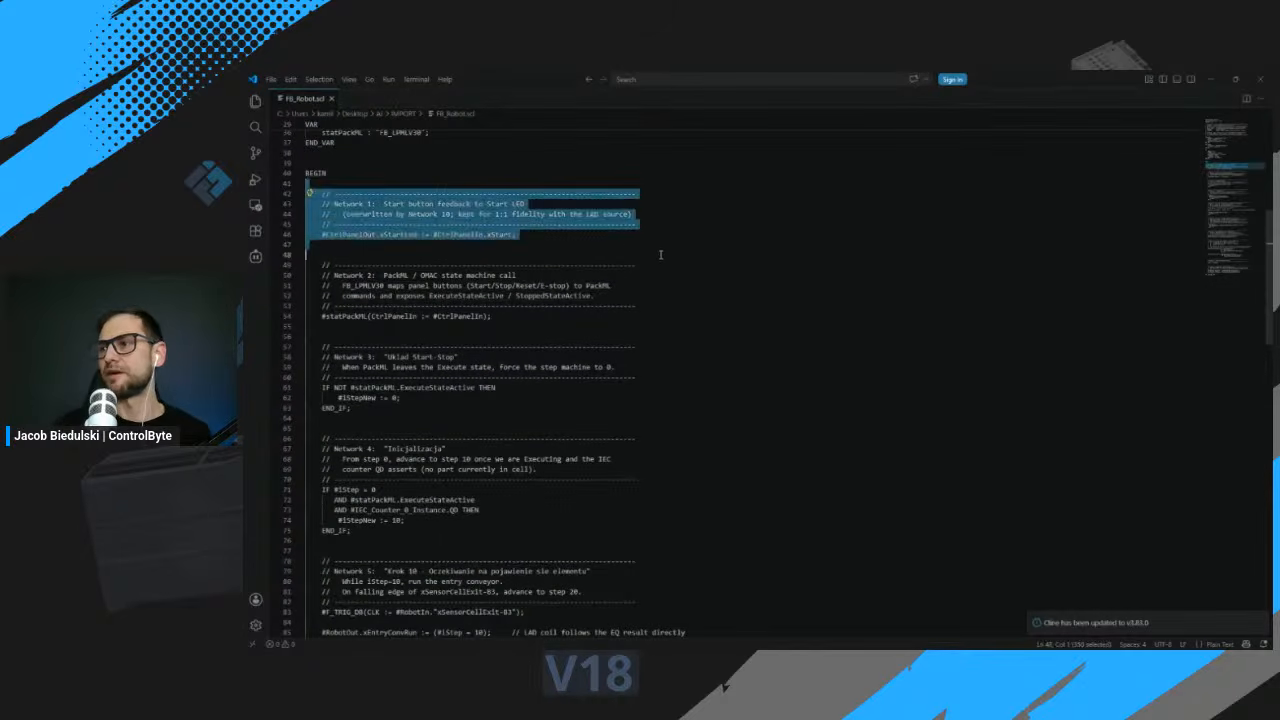
Claude translates the XML and saves the result as FB_Robot.scl in the project folder.
The converted code is clean SCL, structured as networks. Each original ladder network shows up as a commented section, so you can trace every block of SCL back to the rung it came from.
Re-import, rename and compile
The last step closes the loop. Claude imports the SCL back into the open TIA Portal project. Because the original block still exists, we ask it to rename the function block so the two do not clash. Renaming means changing both the file name and the block name inside the code, and Claude handles both, importing it as FB_Robot_SCL.
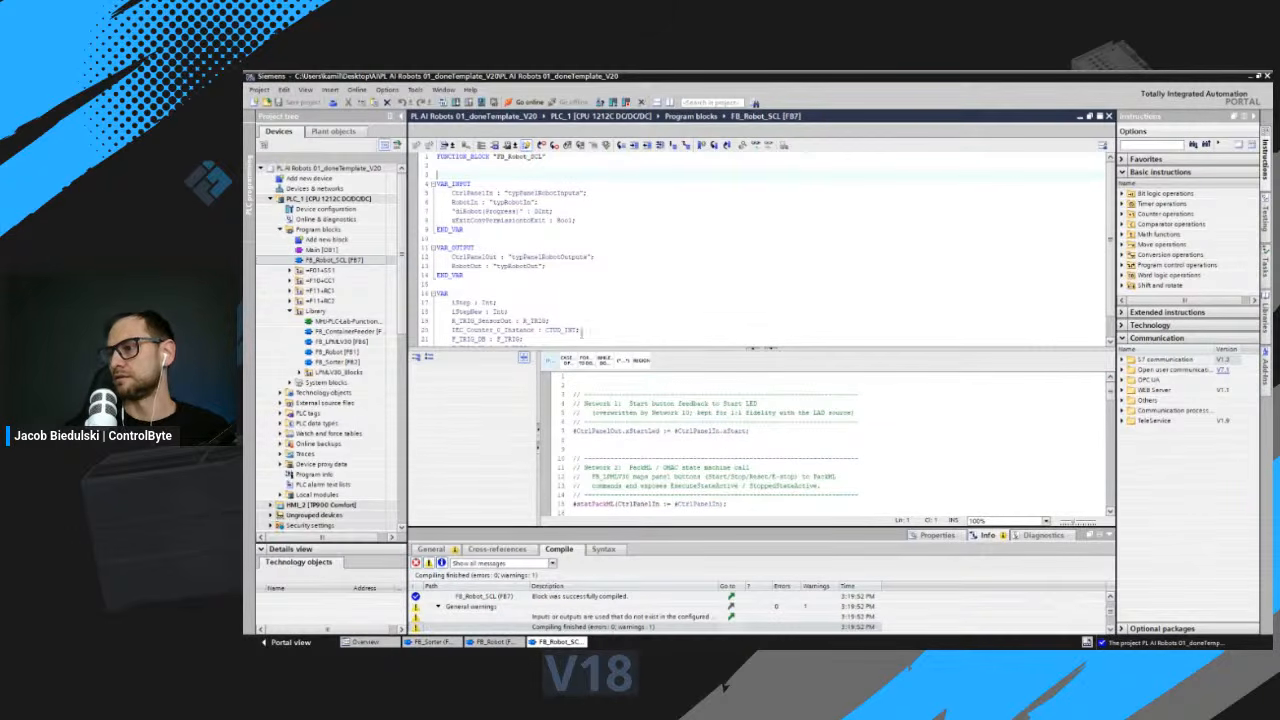
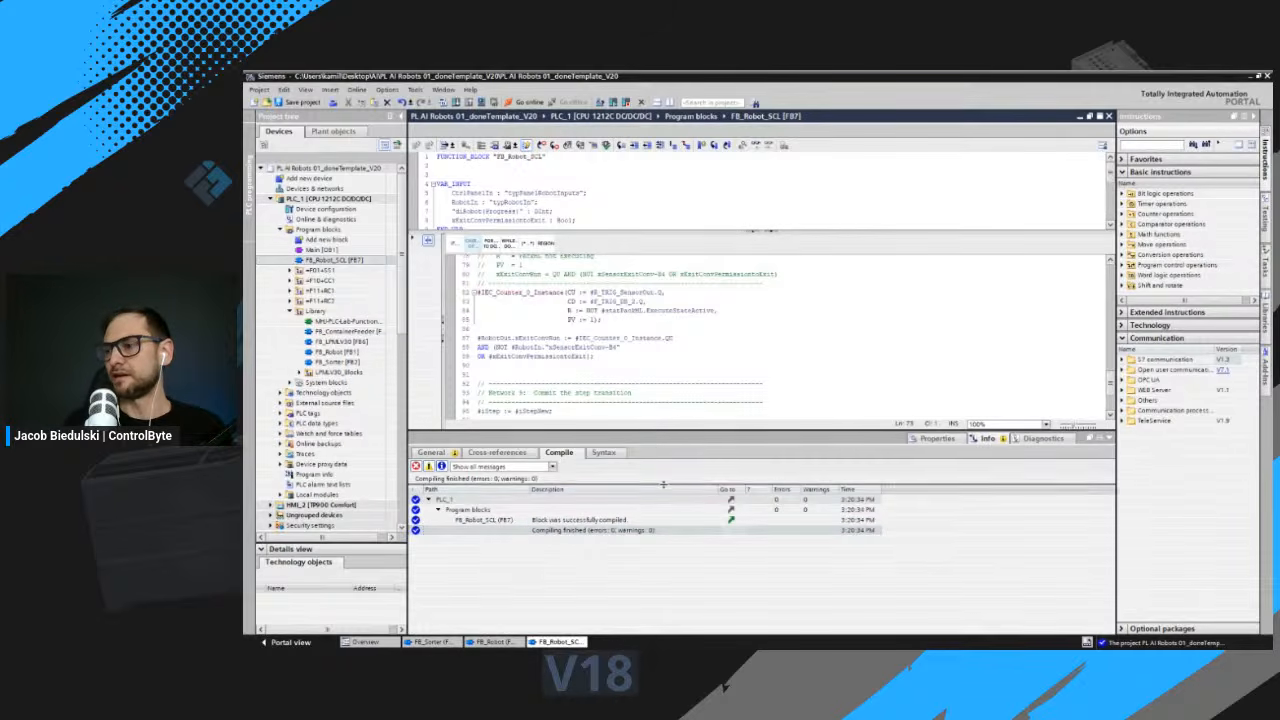
Then the real test: hit Compile. The converted block builds with zero errors.
Why ladder-to-SCL conversion matters
Once your logic lives as SCL text instead of a ladder graph, everything downstream gets easier. You can version it in Git and see real diffs. You can review it in a pull request. And you can hand it to any AI chat agent for refactoring, documentation or extension, because text-based code is what these tools are best at. Working directly with ladder is awkward precisely because of the XML structure underneath it, but once you are in SCL, the friction disappears.
The conversion is not a black box either. Because Claude preserves the interface, the statics and the network titles as comments, the SCL stays readable and reviewable. The goal is to convert ladder logic to SCL without losing the semantics, so you can confirm every decision before it goes anywhere near a live controller, and the compiler is the final check.
Conclusion
Converting Siemens ladder logic to SCL used to be a manual rewrite. With SimaticML as the bridge and Claude as the translator, you can convert ladder logic to SCL in a one-minute round trip that ends in a compiled block. Export the LAD as XML, let the AI reconstruct the logic as SCL, re-import, and compile. From a graphical block to maintainable text, without losing the semantics.
Want more hands-on AI and PLC programming workshops? Subscribe to the ControlByte channel, and check out our courses on PLC programming, Python for automation engineers, and more at controlbyte.tech.