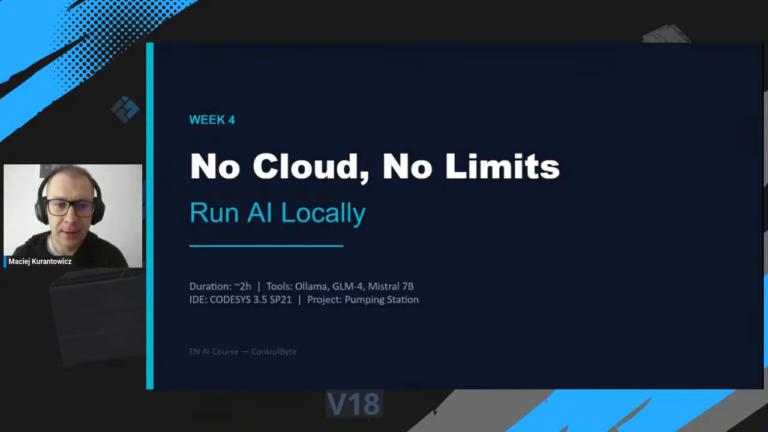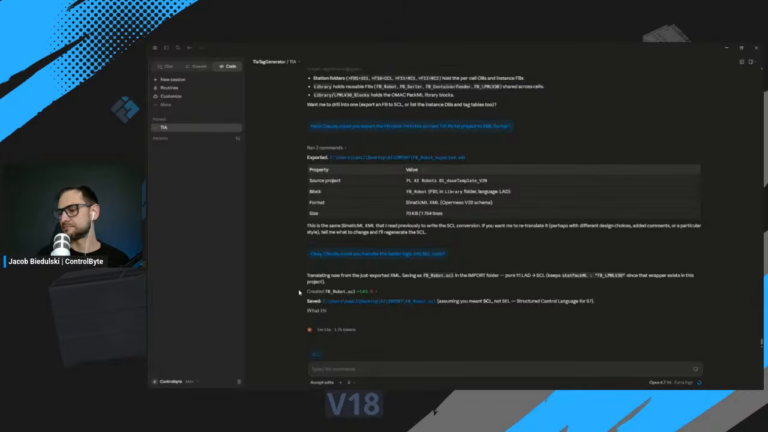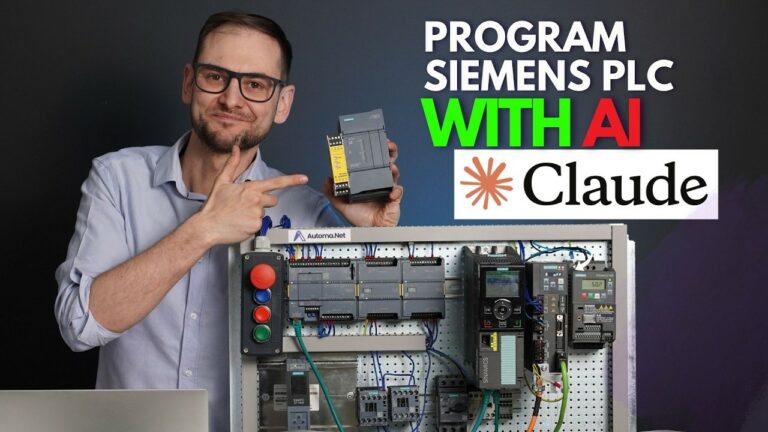
Can you program a real Allen-Bradley PLC with an AI assistant, or does the AI just produce code that looks right and fails to compile? In this live workshop we put it to the test. We took a Micro820 controller, opened Connected Components Workbench (CCW), and built a complete pump-control program in Structured Text with Claude and ChatGPT acting as a coding partner.
This post walks through the whole session: the prompts that worked, the two rules that keep the AI on track, the build-and-debug loop, and an honest look at where AI helps and where the engineer still has to know the platform.
What we are building
Before writing a single prompt, it pays to define the job in plain language. The target program has four parts.
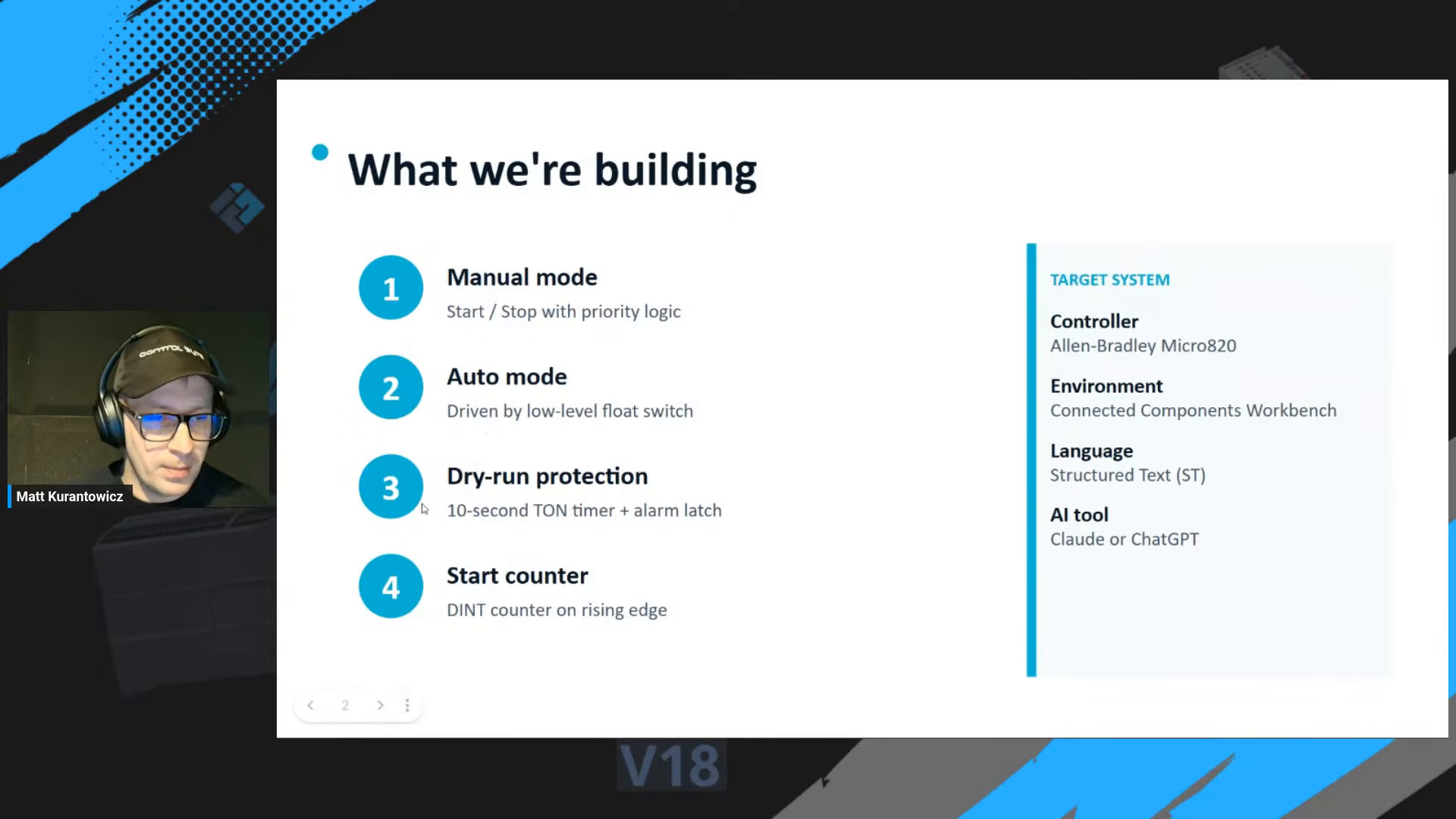
- Manual mode with start and stop, where stop always has priority.
- Auto mode driven by a low-level float switch.
- Dry-run protection: a 10-second TON timer that latches an alarm if the pump runs with no water present.
- A start counter, a DINT that increments once on each rising edge of the pump output.
The target system is fixed: an Allen-Bradley Micro820, programmed in Connected Components Workbench, in Structured Text (ST). That combination matters more than it looks, as the first rule shows.
Rule 1: tell the AI exactly what platform you are on
The single biggest mistake when programming a PLC with AI is assuming the model knows your environment. It does not. Ask for "Structured Text for a pump" and the AI happily mixes CODESYS, TIA Portal and Rockwell dialects into one file. You then spend the session translating instead of engineering.
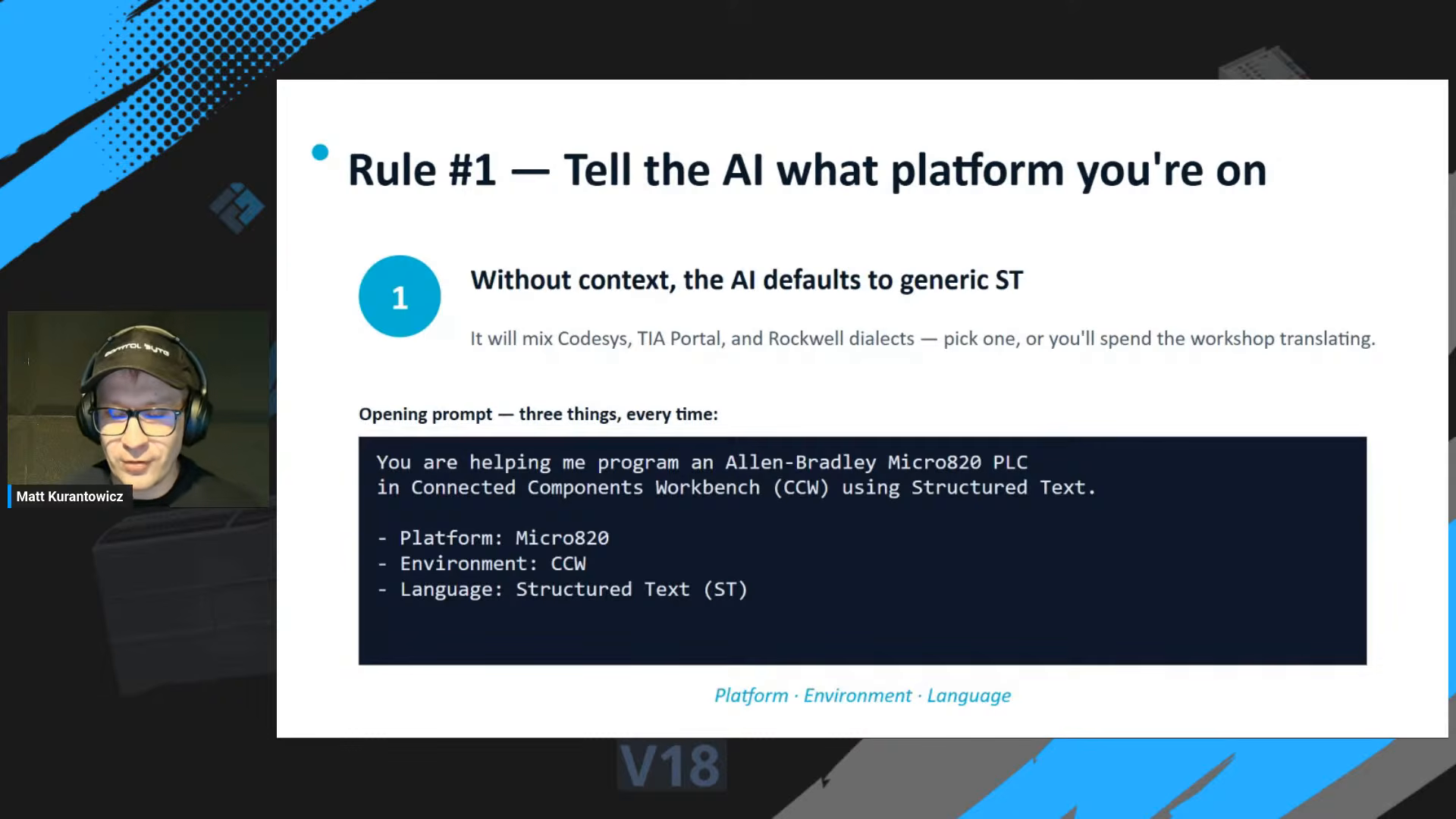
The fix is a short opening prompt that pins down three things, every single time:
- Platform: Allen-Bradley Micro820
- Environment: Connected Components Workbench (CCW)
- Language: Structured Text (ST)
That is it. Three lines at the top of the conversation and the generated code stops drifting between vendors.
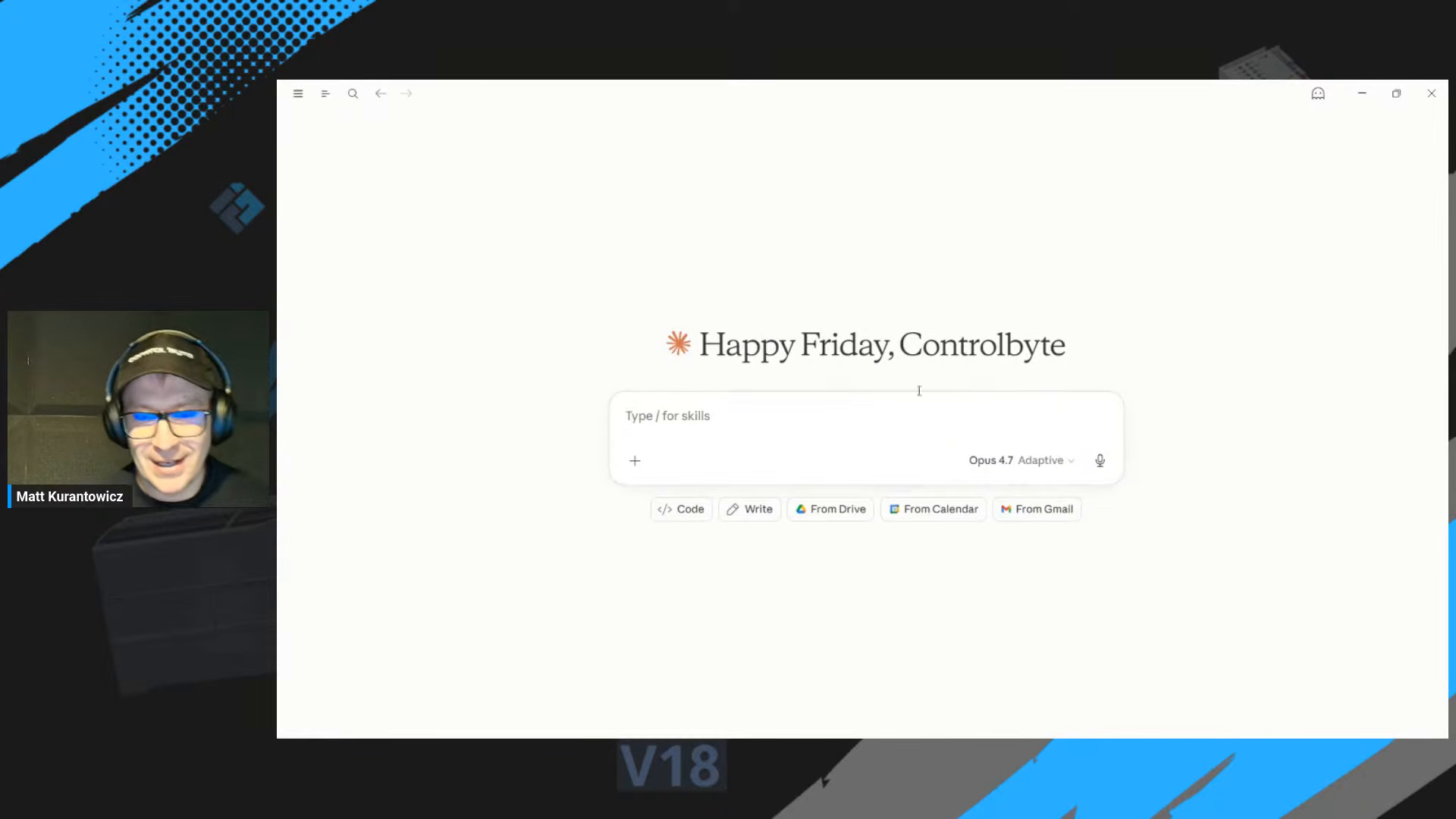
Give the AI your conventions up front
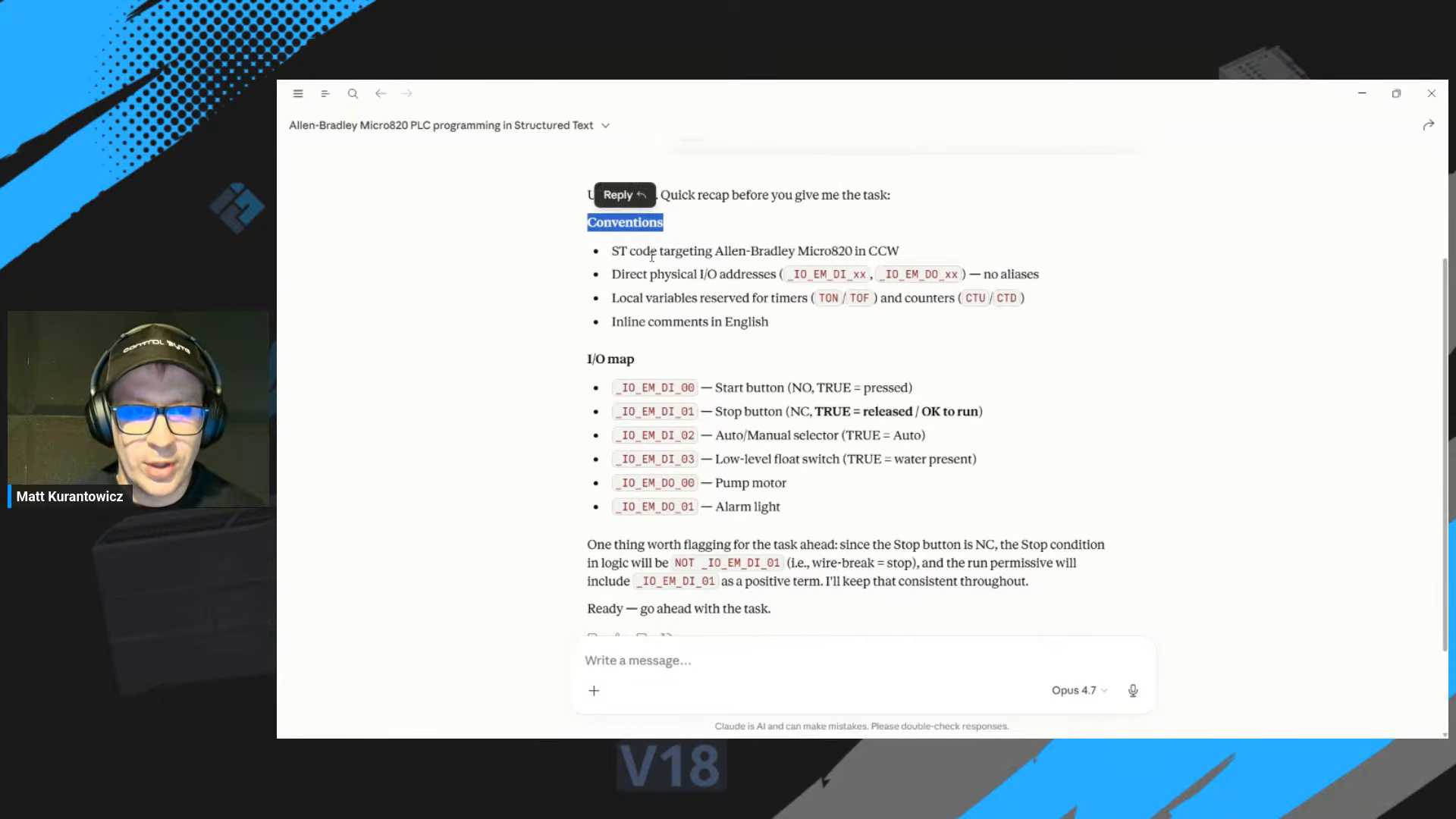
Naming and style are the next place an AI quietly goes its own way. So the second part of the context prompt sets the conventions before any logic is requested: use the real physical I/O addresses, keep timer and counter names consistent, declare every variable, and add inline comments in English.
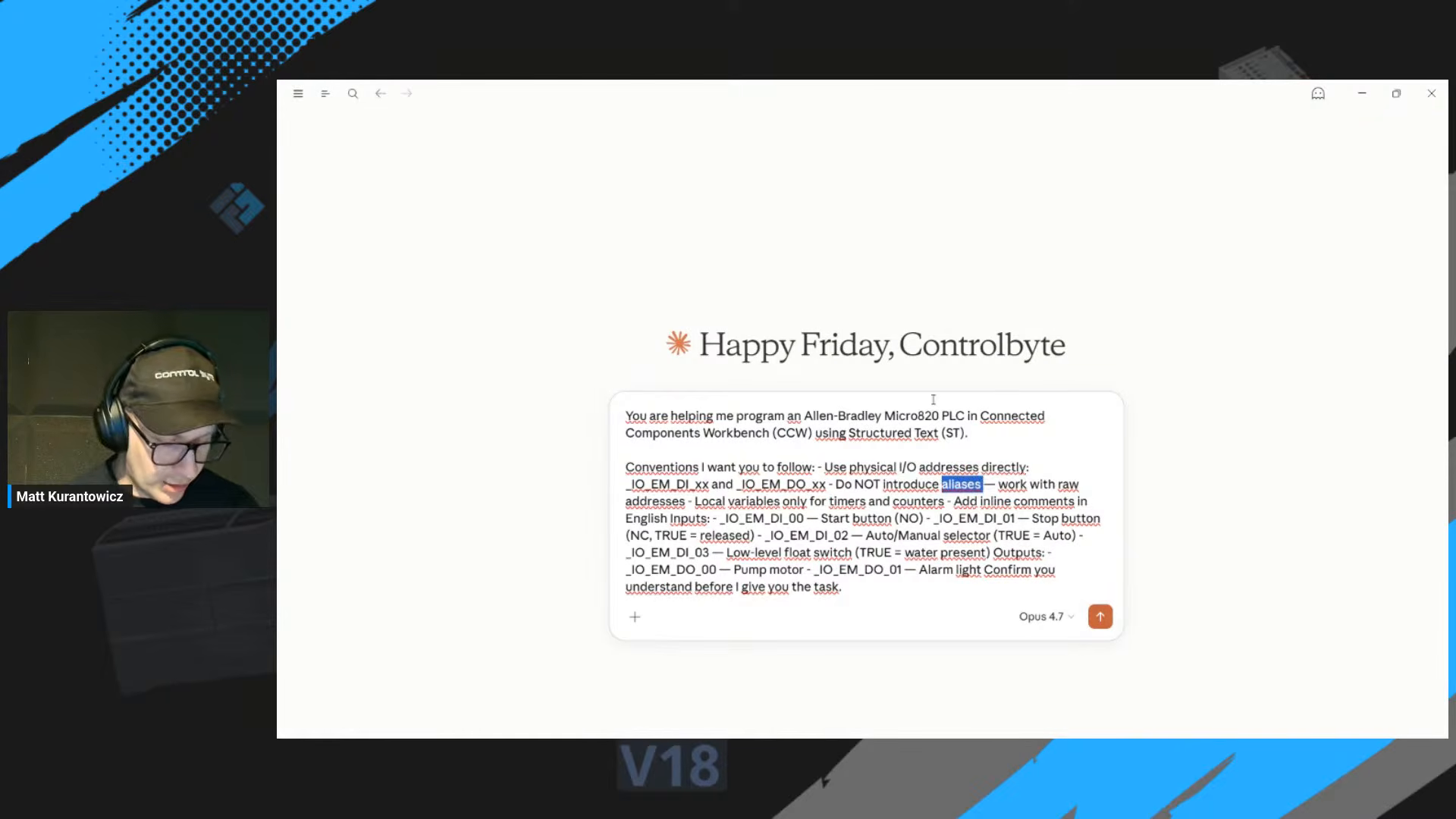
A useful habit here is to ask the AI to read the task back to you. A quick recap of the I/O map and the rules confirms that the model understood the wiring before it writes a line of logic.
Rule 2: do not let the AI invent your variable names
This is the rule that separates code that compiles from code that controls a real machine. The AI cannot see your panel. It does not know whether your stop button is wired as a normally open (NO) or normally closed (NC) contact, and that single fact flips the logic of your whole program.
So you describe the wiring explicitly. The stop button is NC, so it reads TRUE when not pressed and the logic has to account for that. The float switch, the start button, the pump output: each one gets its real address and its real contact type. Hand the AI those facts and it writes correct logic. Leave it to guess and you get a program that looks plausible and trips on the first real input.
Generating the logic
With the platform and the I/O nailed down, the logic prompt is short. Describe the behavior in order: fault reset clears the latched alarm, manual mode with stop priority, auto mode on the float switch, dry-run protection with the timer, and the start counter on the rising edge.
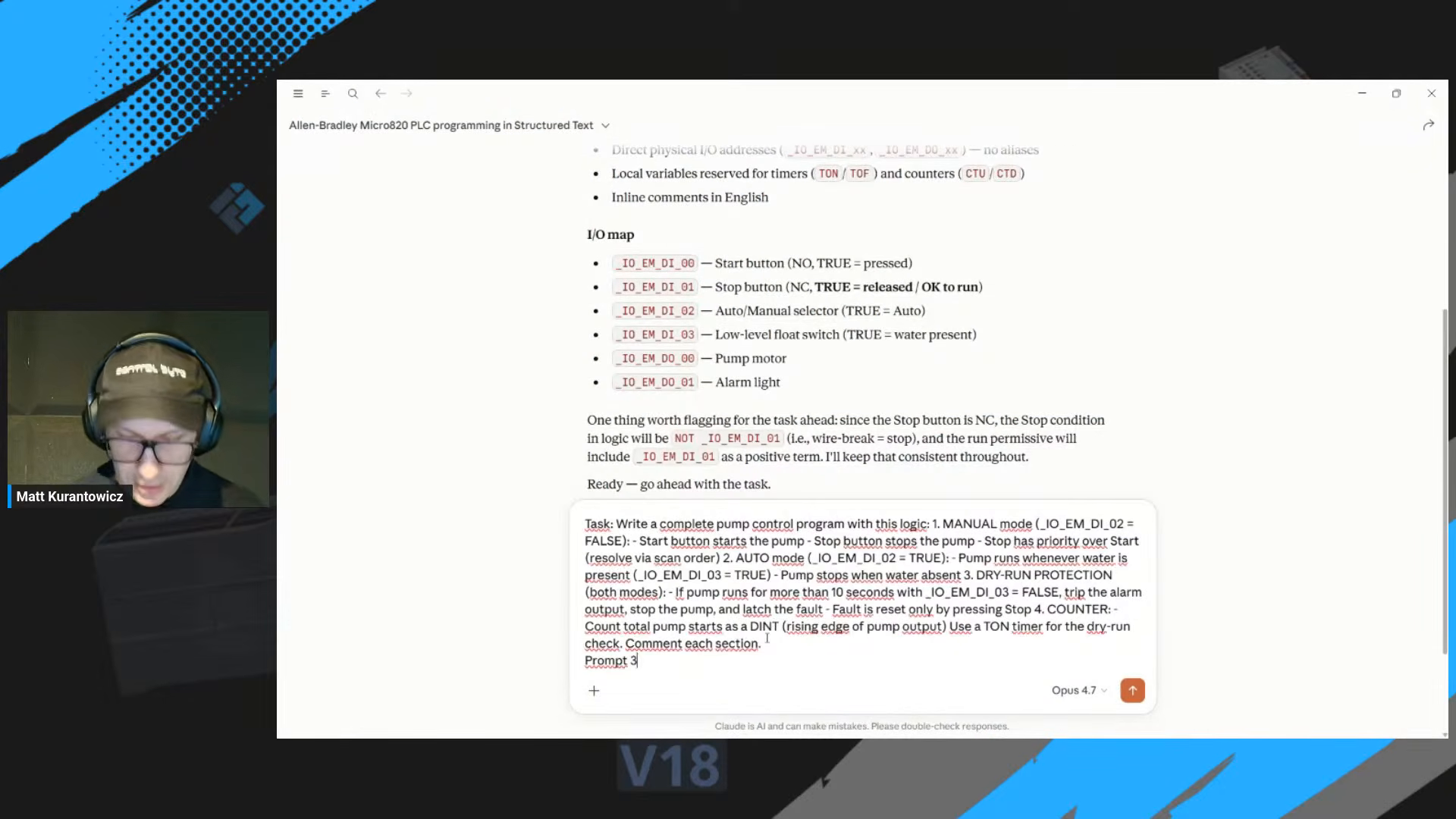
The AI returns the program split into clearly commented sections, which makes it easy to review one block at a time rather than trusting a wall of code.
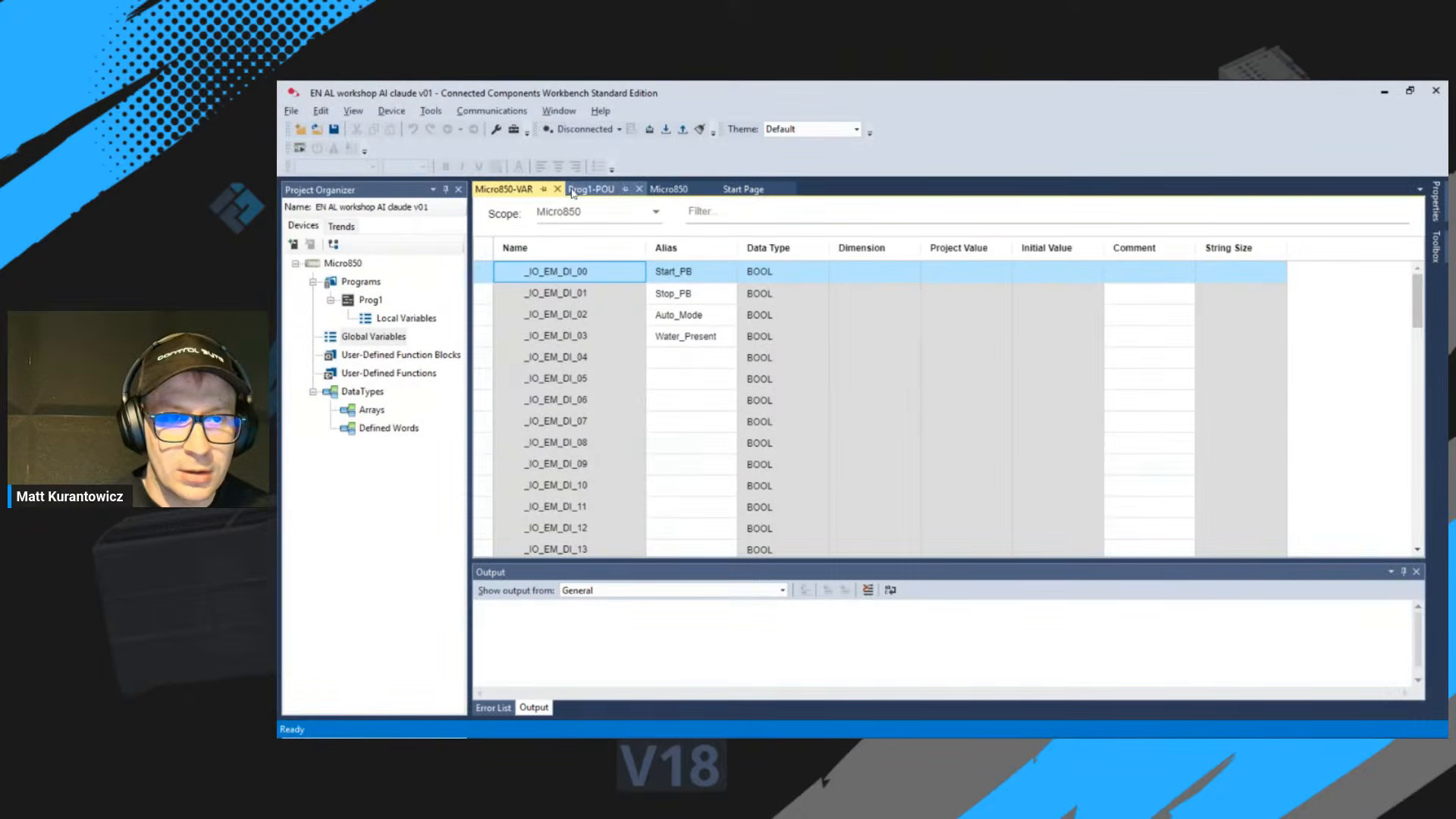
Declaring the variables in CCW
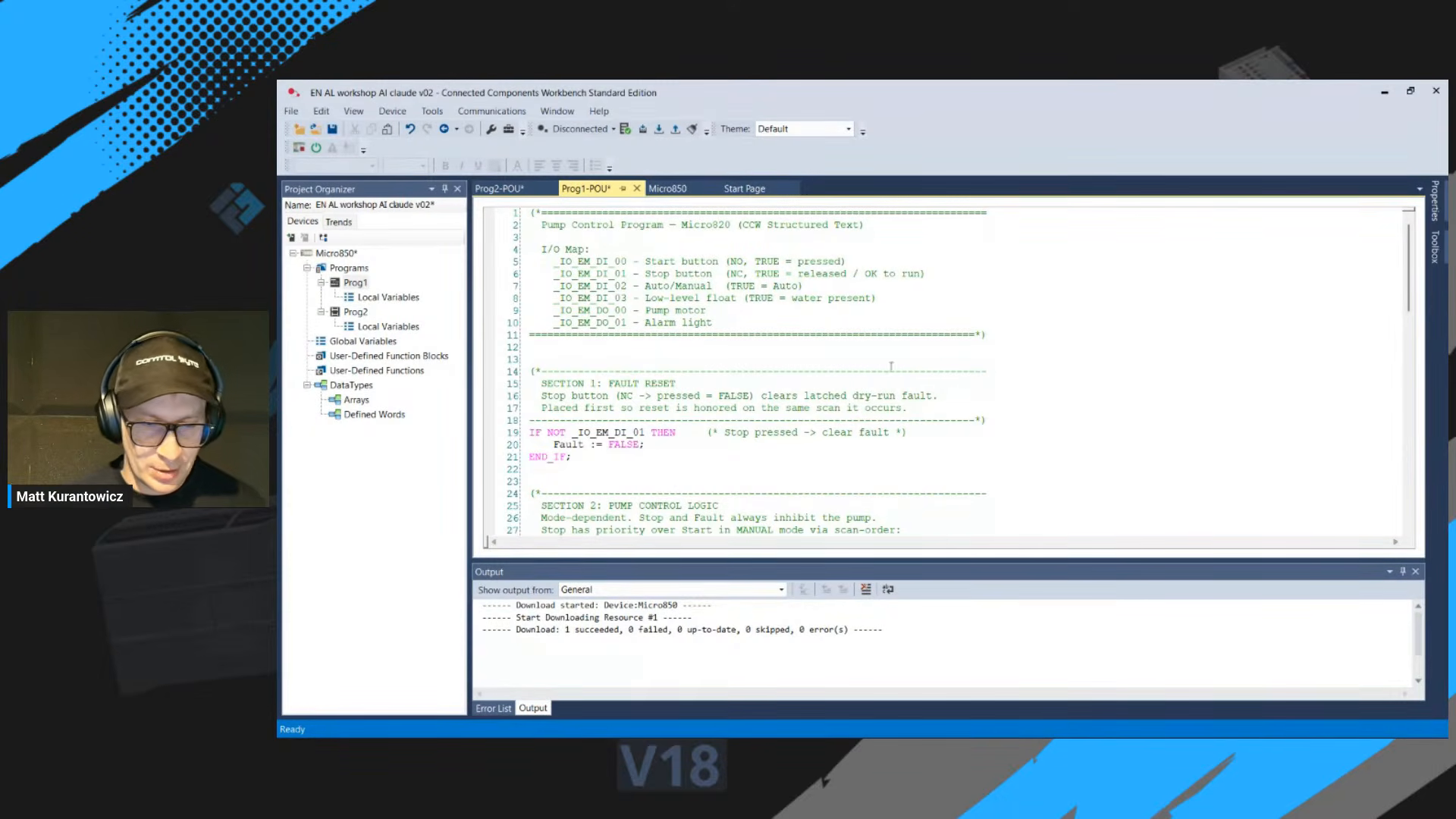
Generated code is only useful if it builds. In Connected Components Workbench every variable has to exist in the local variable table with the right data type before the program will compile. The start counter is a DINT, the pump-run flag is a BOOL, the timer is a TON, and so on.
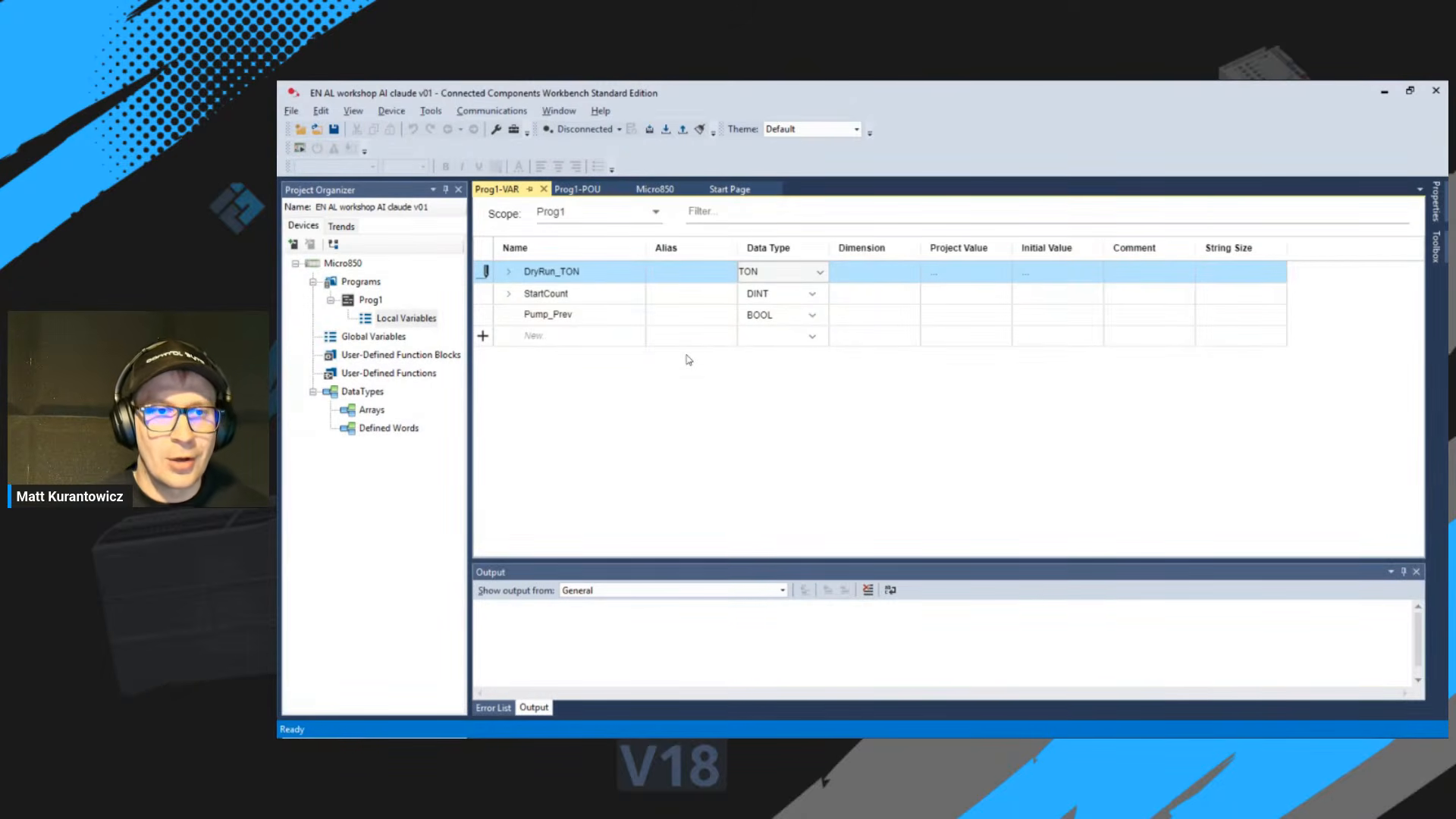
Paste the Structured Text into the program body, then declare each variable to match. This is where a clear I/O map from earlier pays off, because the names line up instead of fighting you.
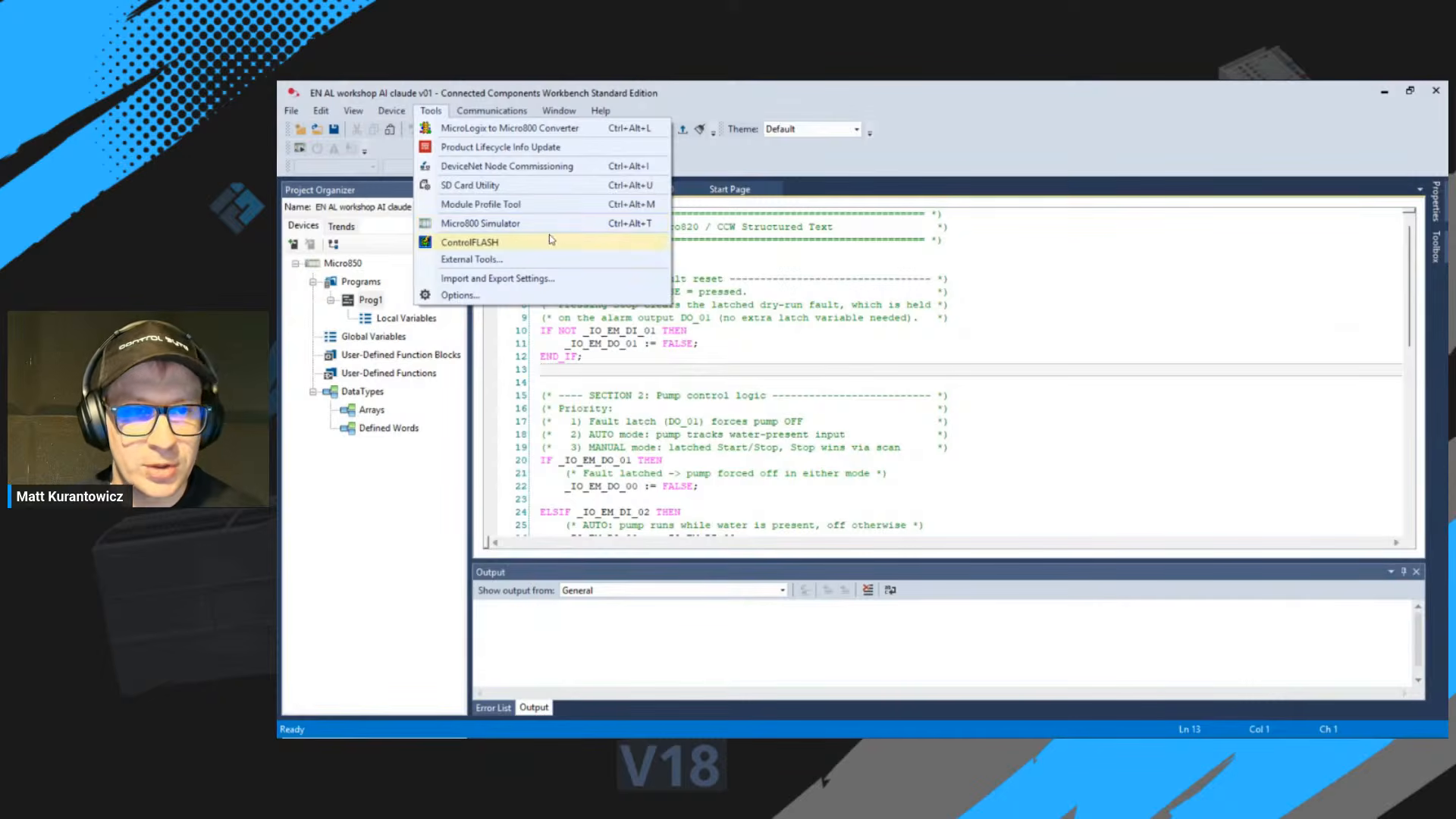
Testing in the Micro800 Simulator
You do not need the physical PLC on your desk to test this. Connected Components Workbench ships with a free Micro800 Simulator. You can force inputs, watch outputs, and confirm the logic behaves before touching real hardware.
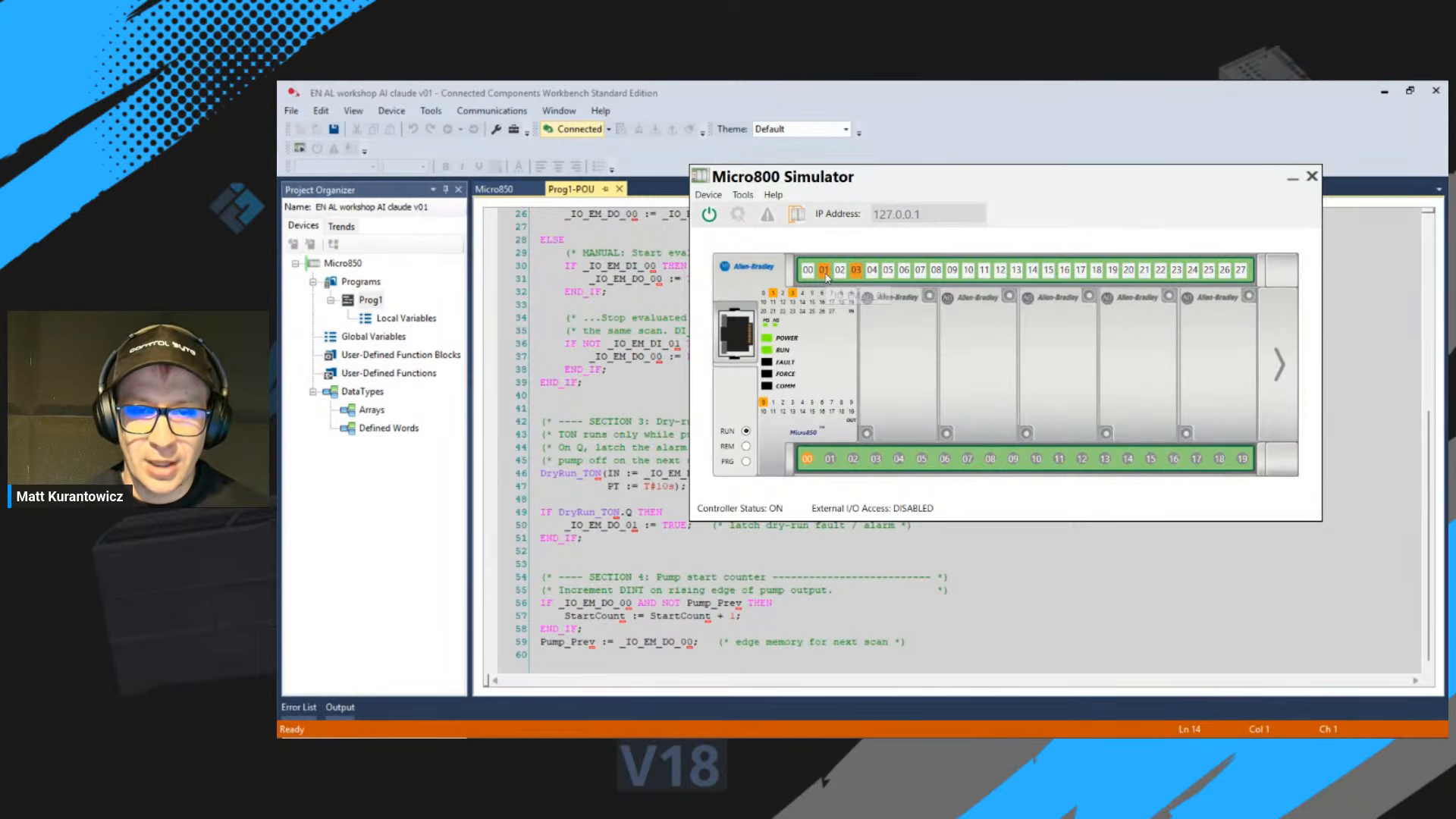
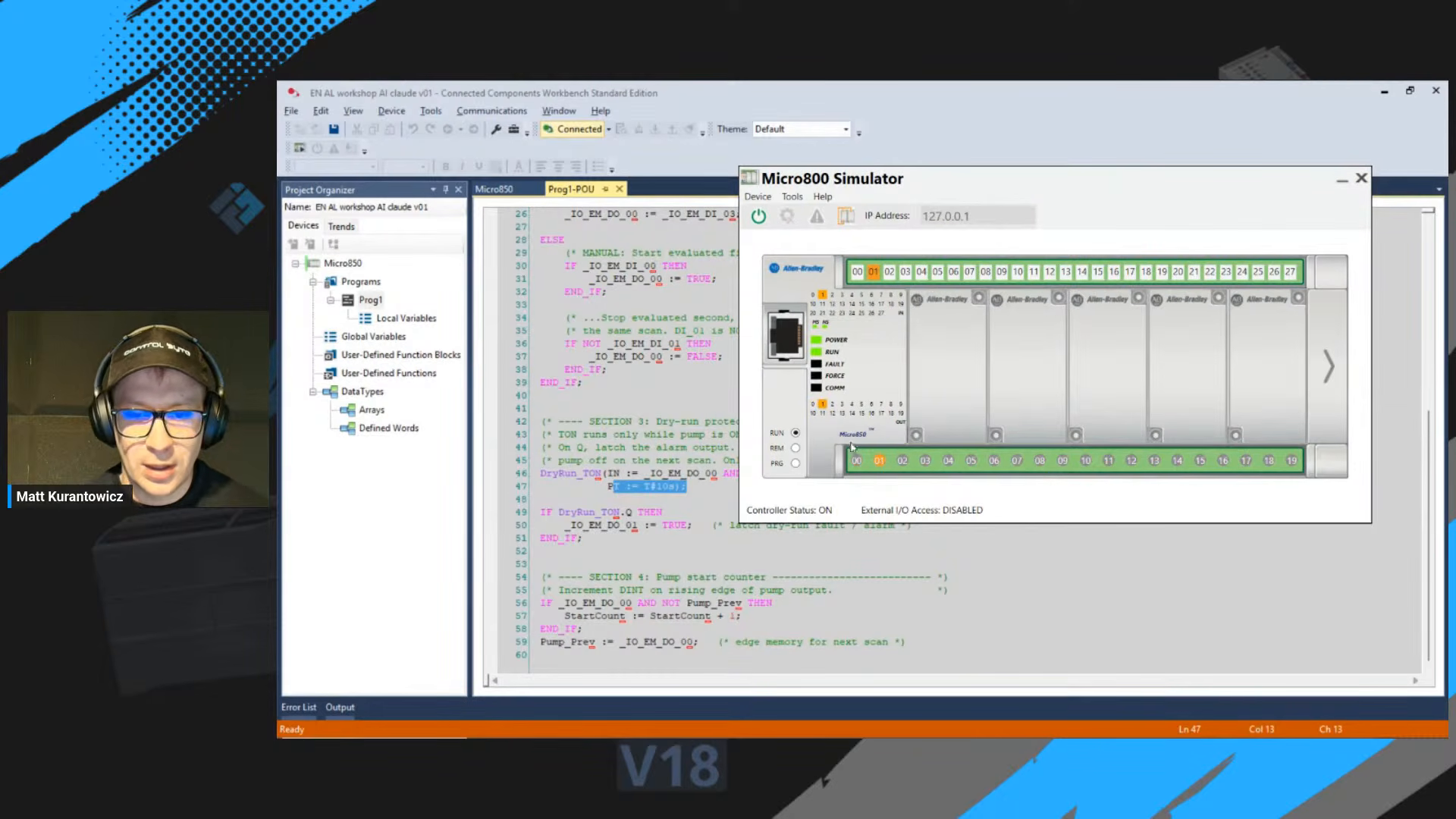
Driving the simulator through each scenario is how you catch the subtle bugs: does stop really override start, does auto mode wait for the float, and does the dry-run timer latch the alarm after ten seconds with no water? The simulator answers all of that for free.
Let the AI visualize the logic too
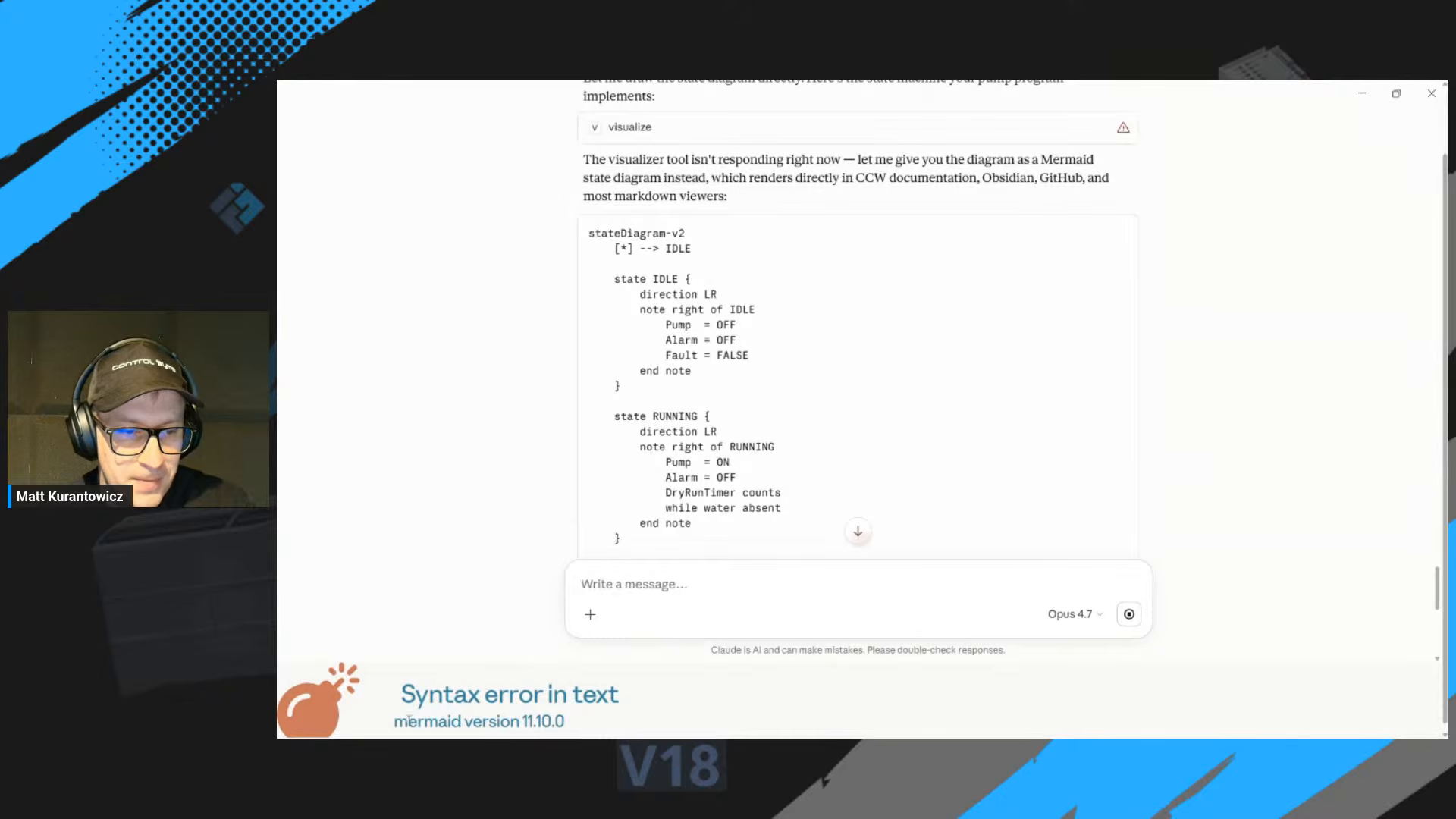
The AI is not only a code generator. Ask it to describe the program as a state machine and it produces a Mermaid state diagram you can drop into your documentation, a wiki, or a README. It is a fast way to communicate the control logic to someone who does not read Structured Text.
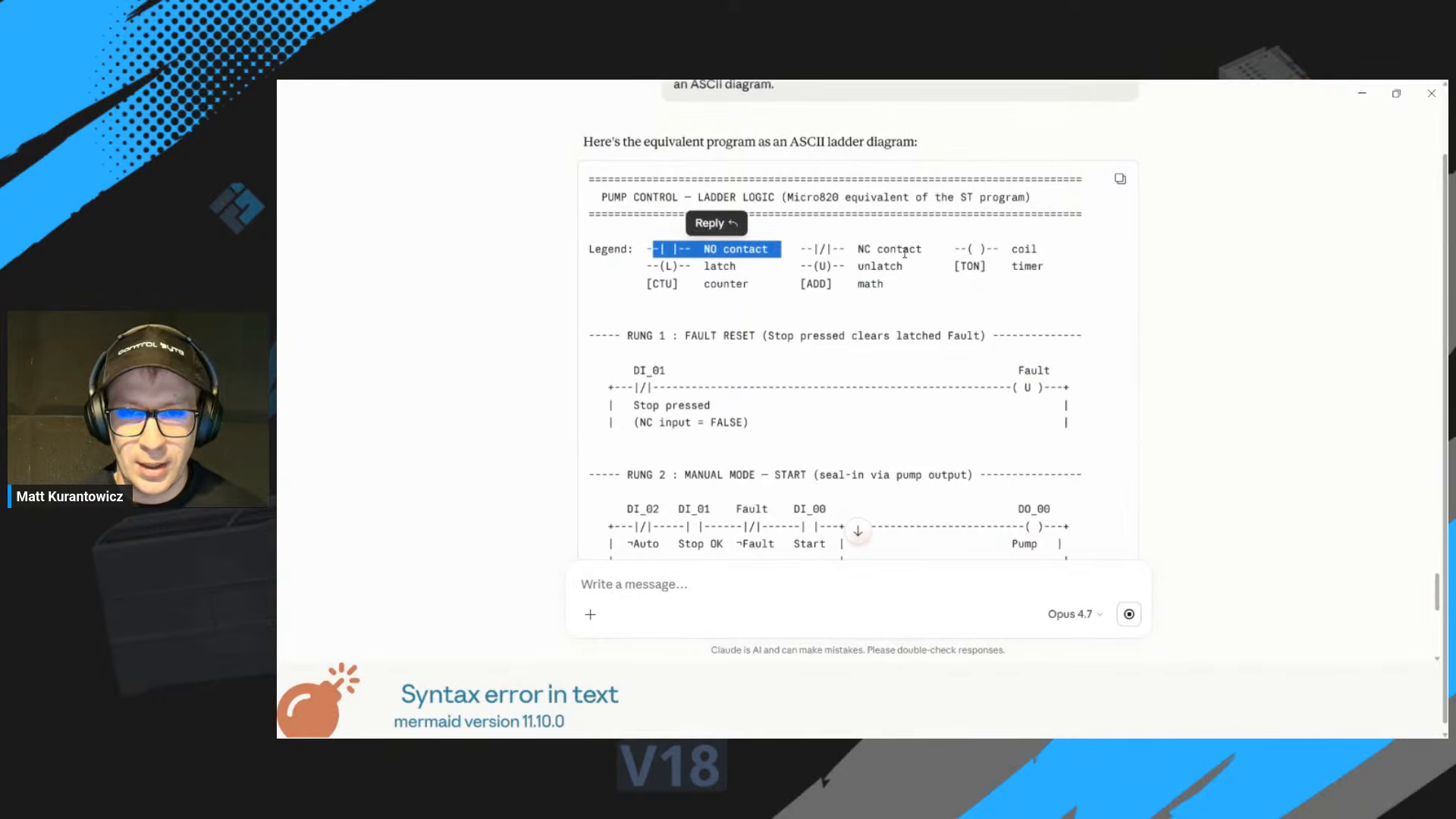
It can also translate the Structured Text into an ASCII ladder diagram, contact by contact. That does not import into CCW directly, but it gives you a clear blueprint to rebuild the same logic as Ladder Diagram (LD) by hand if your team prefers ladder.
The build-and-debug loop
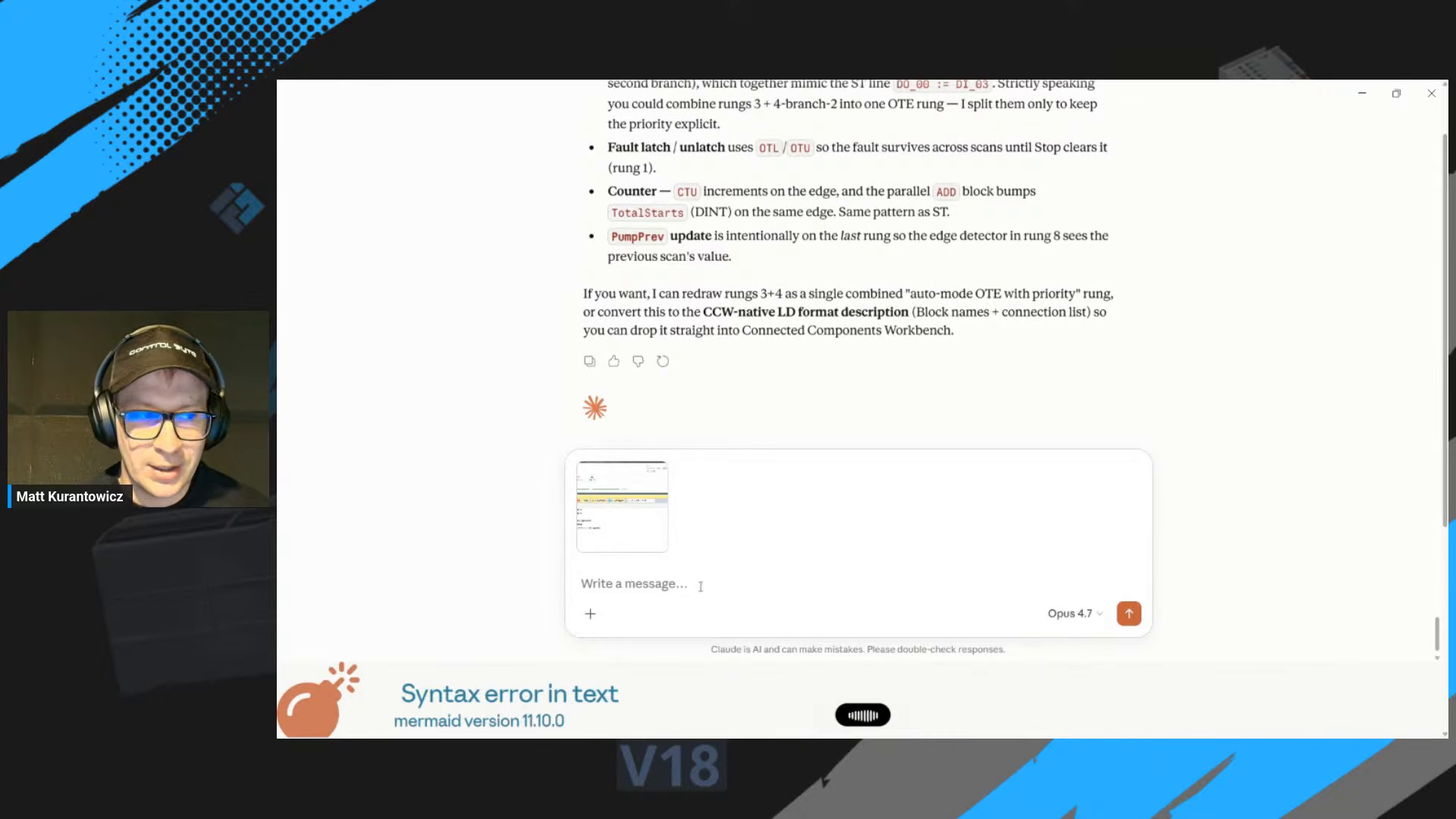
No first attempt compiles cleanly, and that is normal. When Connected Components Workbench reports compiler errors, the workflow is simple: copy the full error output and paste it straight back to the AI.
Do not fix the code by hand and move on. Hand the exact compiler messages back to the assistant and ask for a focused fix. The AI corrects the offending lines, you rebuild, and you repeat until it is clean. This prompt, build, read errors, paste back, fix loop is the real workflow, and it is fast once you trust it.
Four takeaways
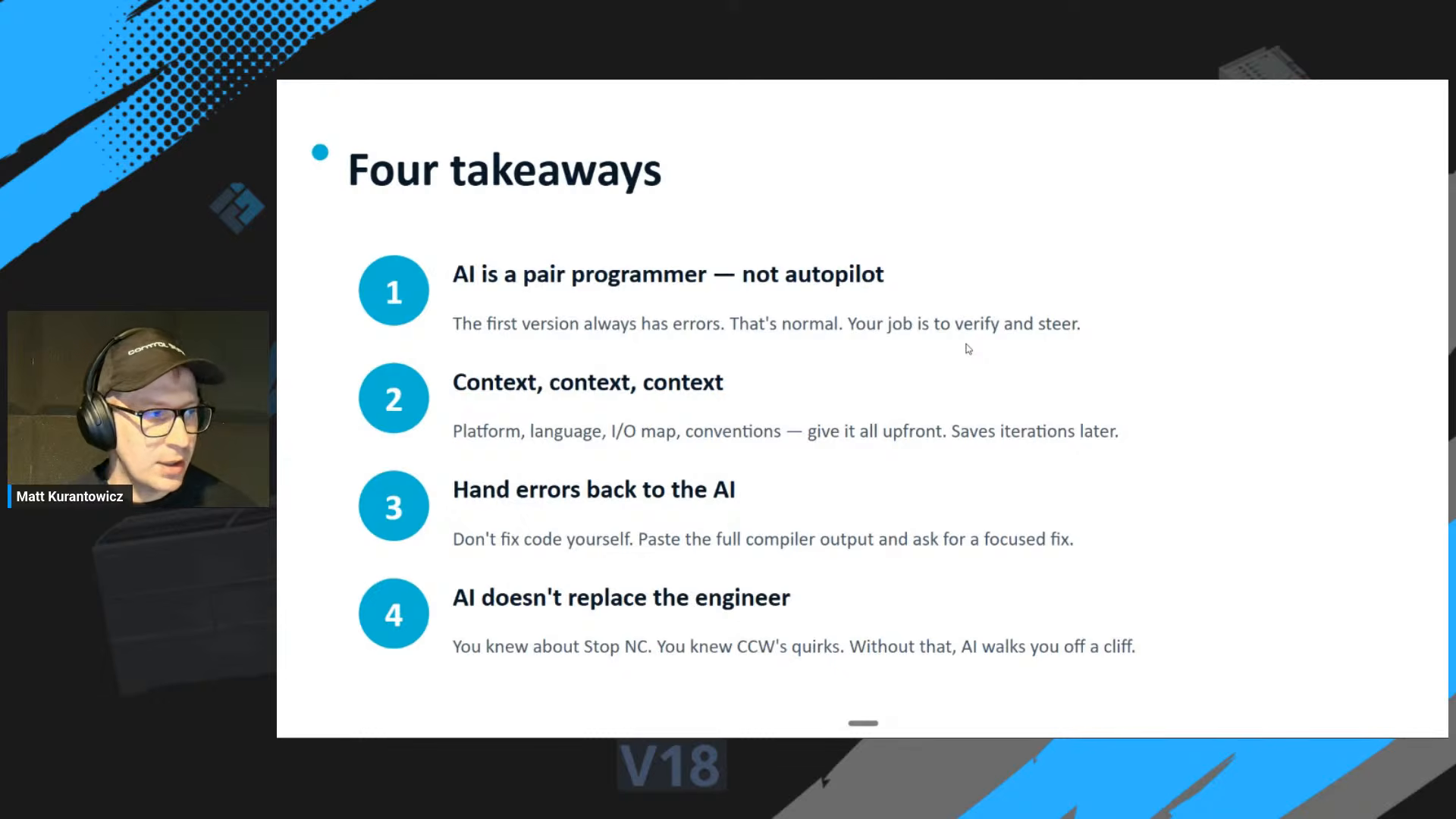
- AI is a pair programmer, not an autopilot. The first version always has errors. Your job is to verify and steer.
- Context, context, context. Platform, language, I/O map and conventions given up front save iterations later.
- Hand errors back to the AI. Do not patch the code yourself. Paste the full compiler output and ask for a focused fix.
- AI does not replace the engineer. You knew the stop button was NC. You knew the quirks of Connected Components Workbench. Without that, the AI walks the project off a cliff.
Conclusion
Programming an Allen-Bradley Micro820 with AI works, with one condition: you stay the engineer. Give the model your platform, your I/O map and your conventions, describe the wiring instead of letting it guess, and treat compiler errors as feedback to hand straight back. Used that way, AI is a genuinely fast pair programmer for Structured Text on Micro800 controllers, and it can document the logic as a state diagram or ladder on top.
Want more hands-on PLC and automation content? Subscribe to the ControlByte channel and follow along as we put more AI-assisted engineering workflows to the test.