ONLINE COURSE | Python Programming in Automation
PYTHON FROM SCRATCH
From Zero to Industrial Project

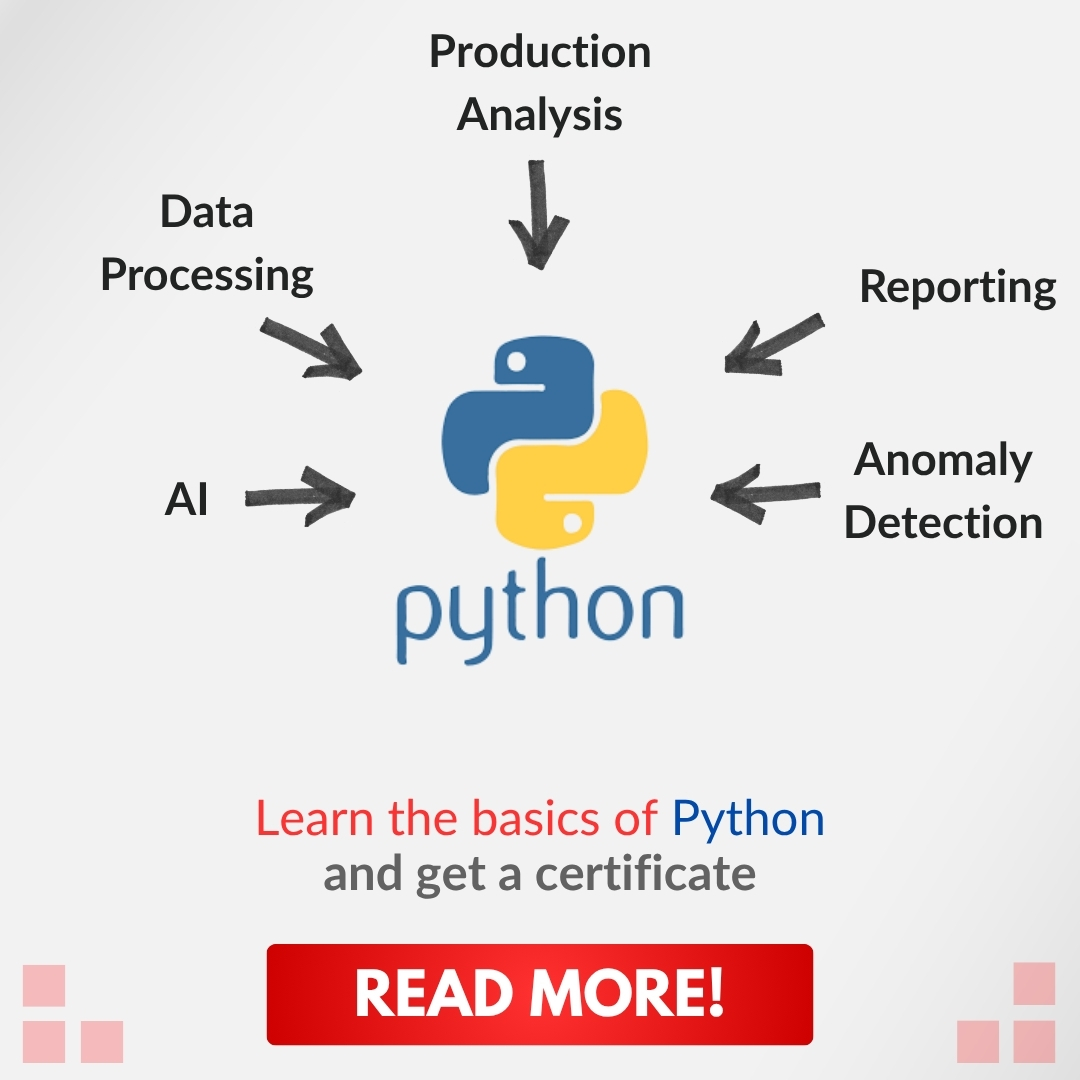
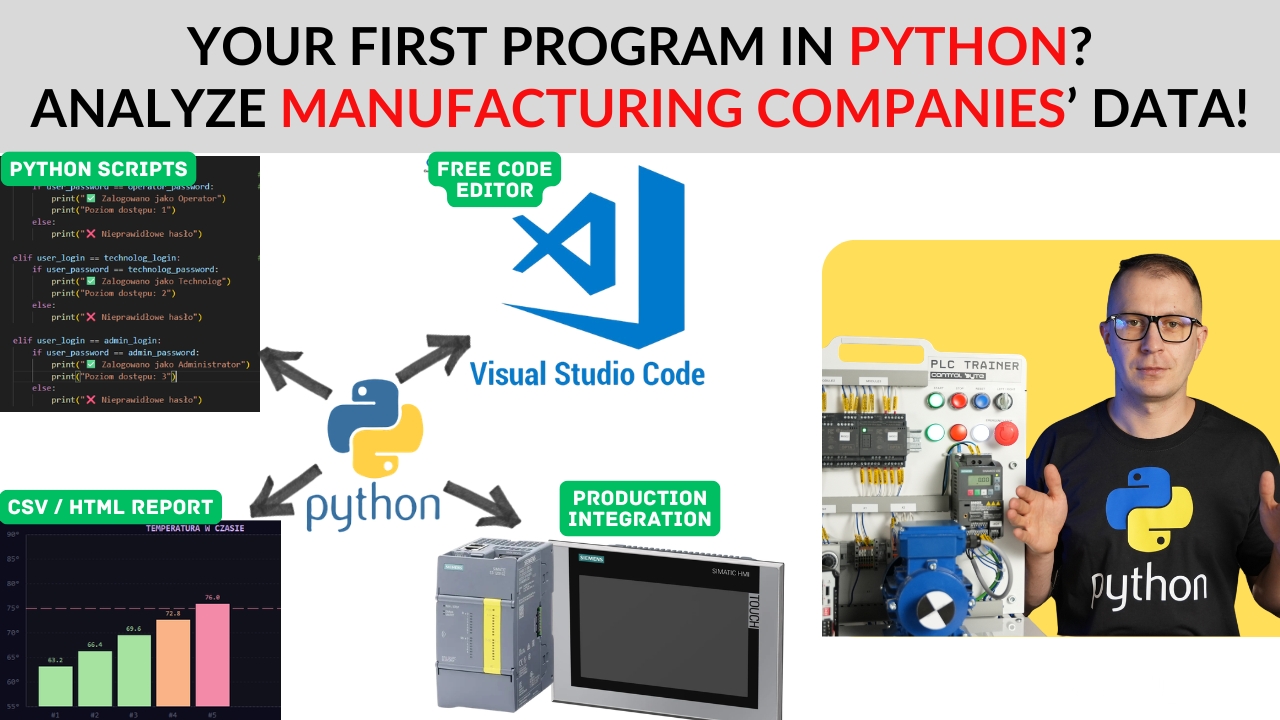
Learn Python from scratch and use it for PLC data analysis, report automation, and industrial system diagnostics!

Join the Waiting List

Be the first to know when enrollment opens. Limited spots available.

No spam. We'll only notify you when the course launches.

Trusted by Industry Leaders to Train Their Teams

PartnerPartnerPartnerPartnerPartnerPartnerPartnerPartnerPartnerPartnerPartnerPartnerPartnerPartnerPartnerPartnerPartnerPartnerPartnerPartnerPartnerPartnerPartnerPartner

What Will You Learn in This Course?

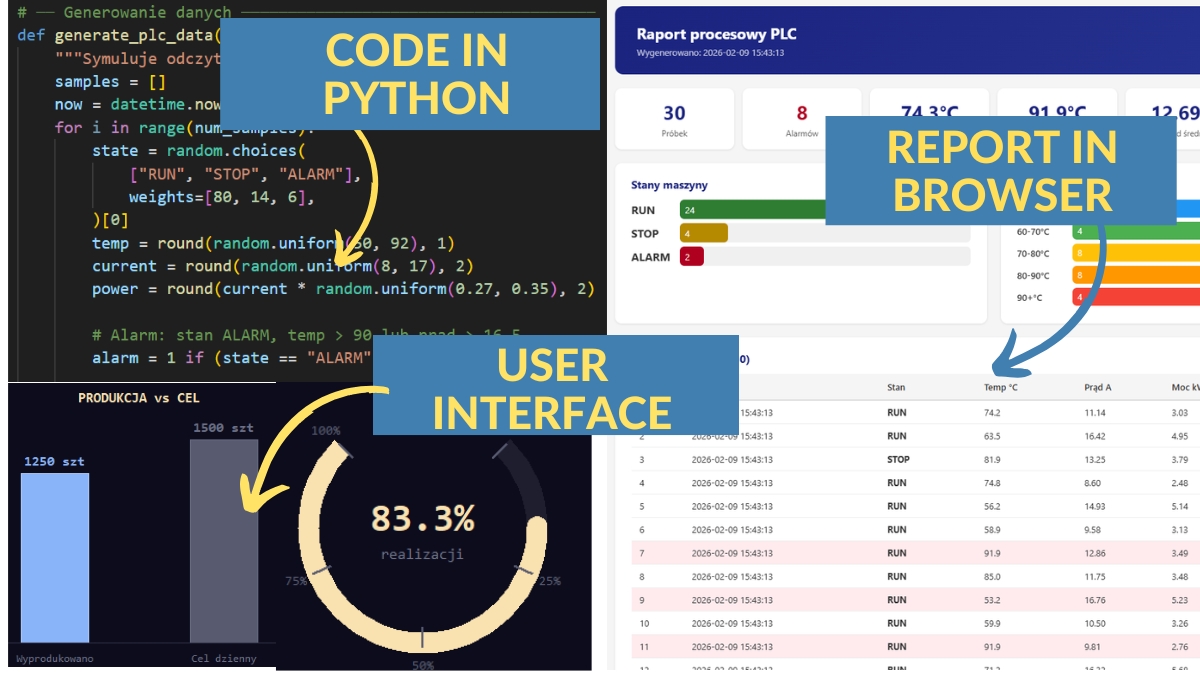
  • Generating and processing data from PLC controllers using Python
  • Automating tedious tasks — scripts, reports, file management
  • Practical Python projects using real automation examples
  • Python variables, loops, functions, file operations — all from scratch
  • Working with TXT, CSV files and generating HTML reports
  • No prior experience needed — we start from absolute zero

Why Are ControlByte Programming Courses So Popular?

  • We are engineers — not marketers. We teach real industrial skills.
  • Our courses include practical projects from real-world automation
  • Instructor support via Discord, forums, and live webinar sessions
  • Recognized by industry leaders: Siemens, Festo, Dobot, ABB

Who Is This Course For?

  • Automation engineers who want to add Python to their skillset
  • PLC programmers looking to analyze data from controllers
  • Students of Automation, Robotics, Mechatronics, or Electrical Engineering
  • Career changers who want to enter the world of industrial programming
  • Anyone curious about Python — even with zero programming experience

What You Get When You Enroll

  • Over 80 practical video lessons (10+ hours)
  • Ready-made final project — Production Data Analyzer
  • Instructor support via Discord chat and live webinars
  • Lifetime access — learn at your own pace, forever
  • Certificate of completion to boost your CV and LinkedIn
  • Weekly live consultation sessions with the instructor

Meet Your Instructor

MSc. Eng. Maciej Kurantowicz

MSc. Eng. Maciej Kurantowicz

Automation & Robotics Engineer, Wroclaw University of Technology graduate

I believe everyone in the 21st century should know the basics of programming and automation!
Example Projects in the Course

Python in Automation

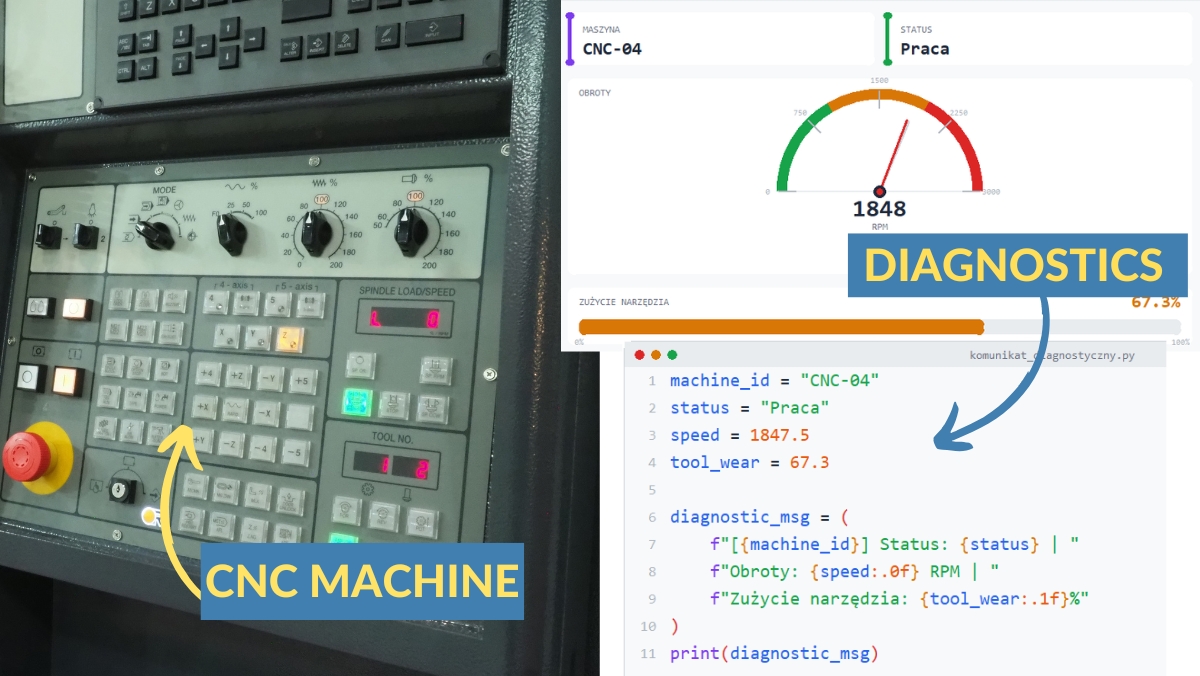
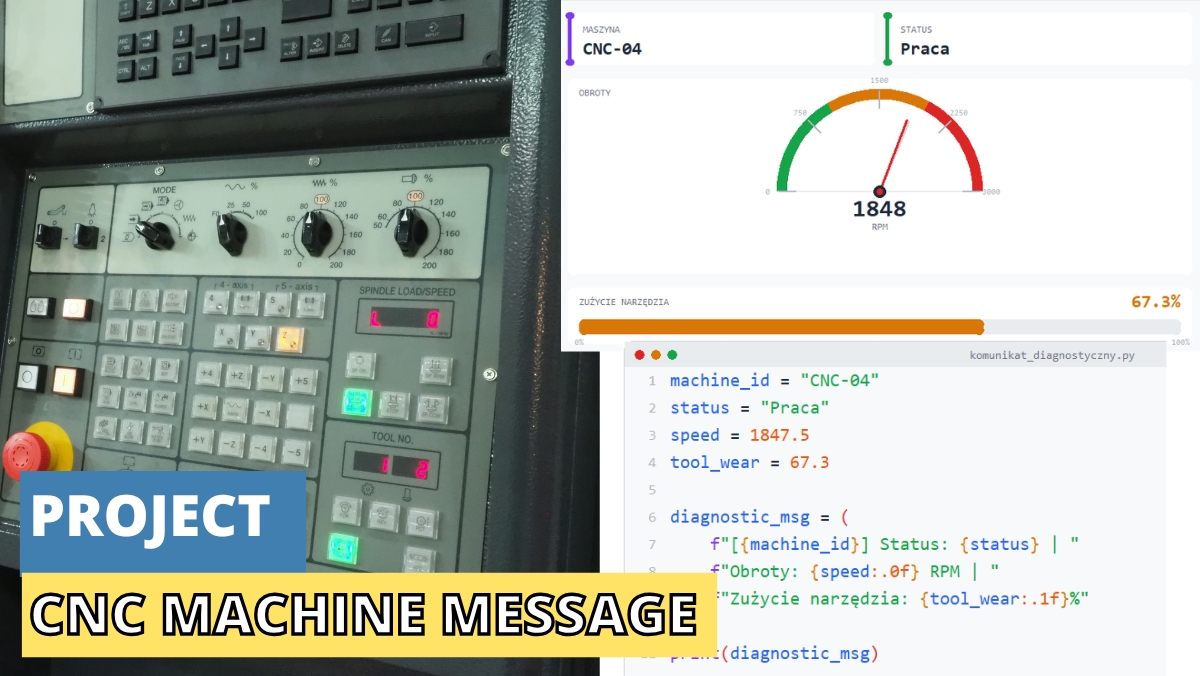
CNC Machine Diagnostics

  • Diagnostic messages with f-string formatting
  • Conditional logic for machine status evaluation
  • Professional console output with ANSI colors
  • Real-world CNC parameter monitoring

Python in Automation

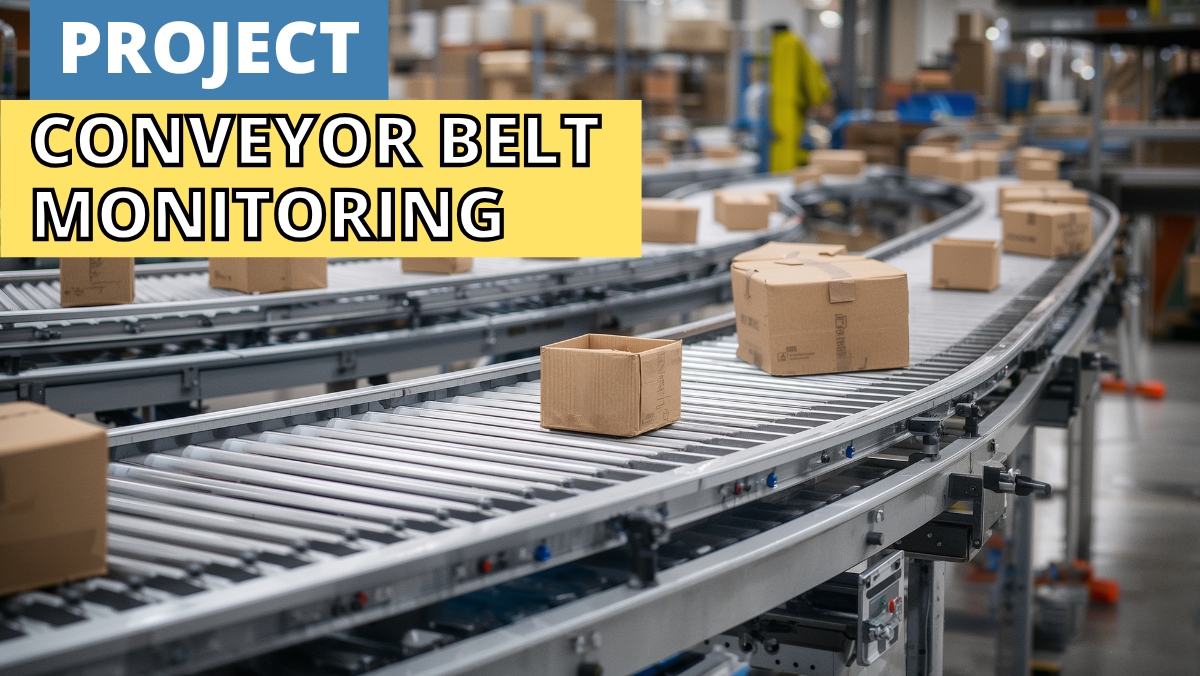
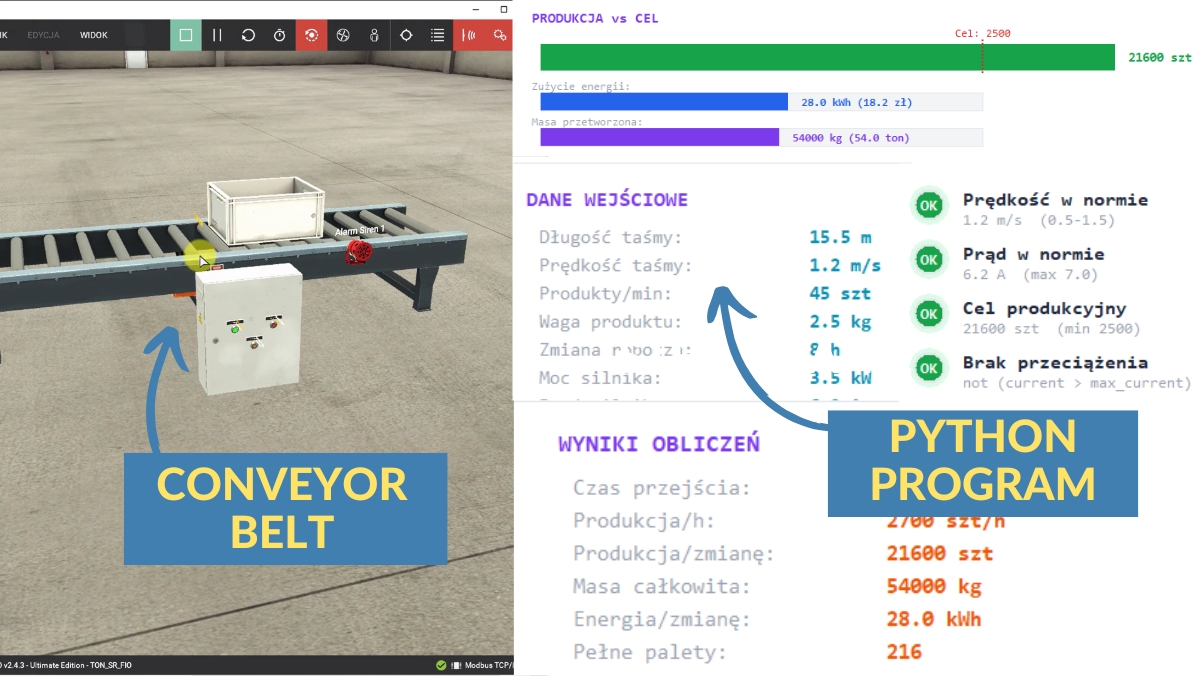
Conveyor Belt Analysis

  • Continuous process monitoring with while loops
  • Iterating over process data with for loops
  • Control instructions: break, continue, pass
  • System variable analysis in a technological process

Python in Automation

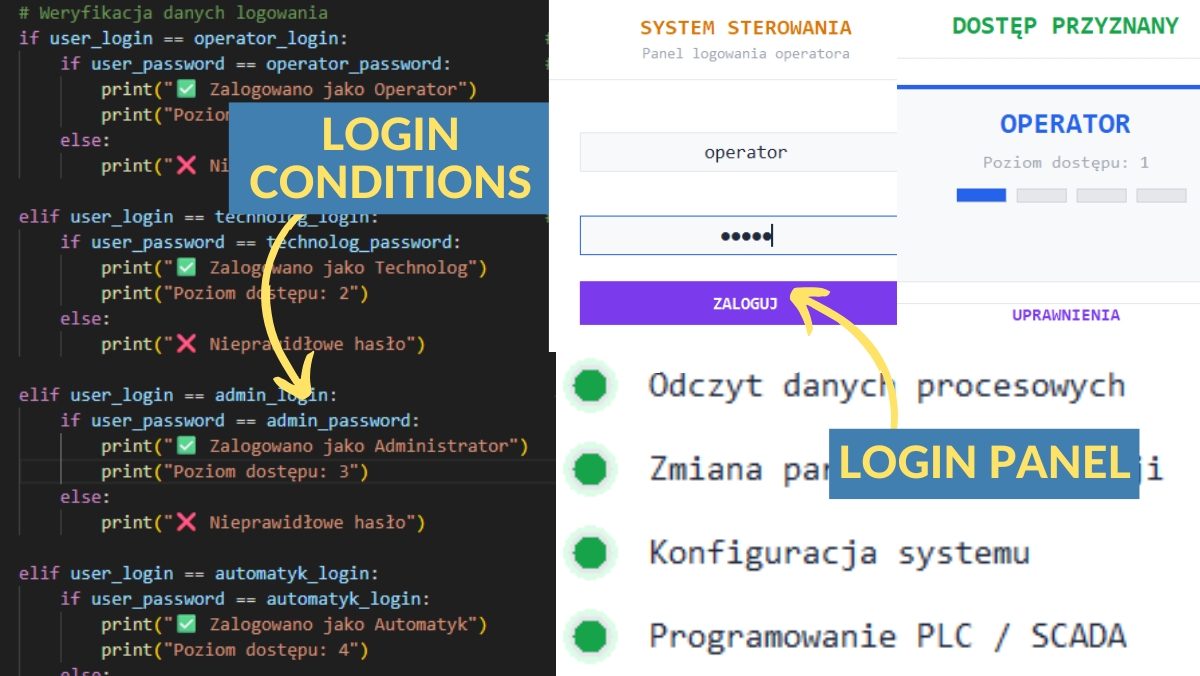
Login Panel

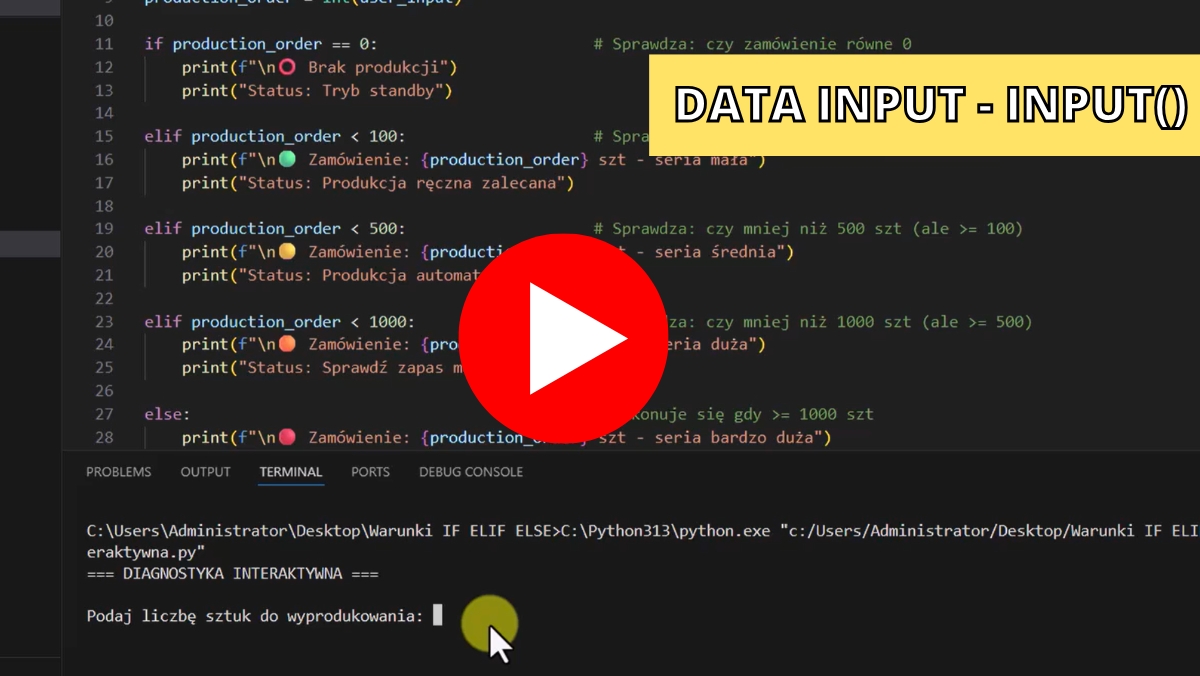
  • User input handling with input()
  • If-elif-else conditional logic
  • Nested conditions and machine operation modes
  • Parameter validation and entry

Python in Automation

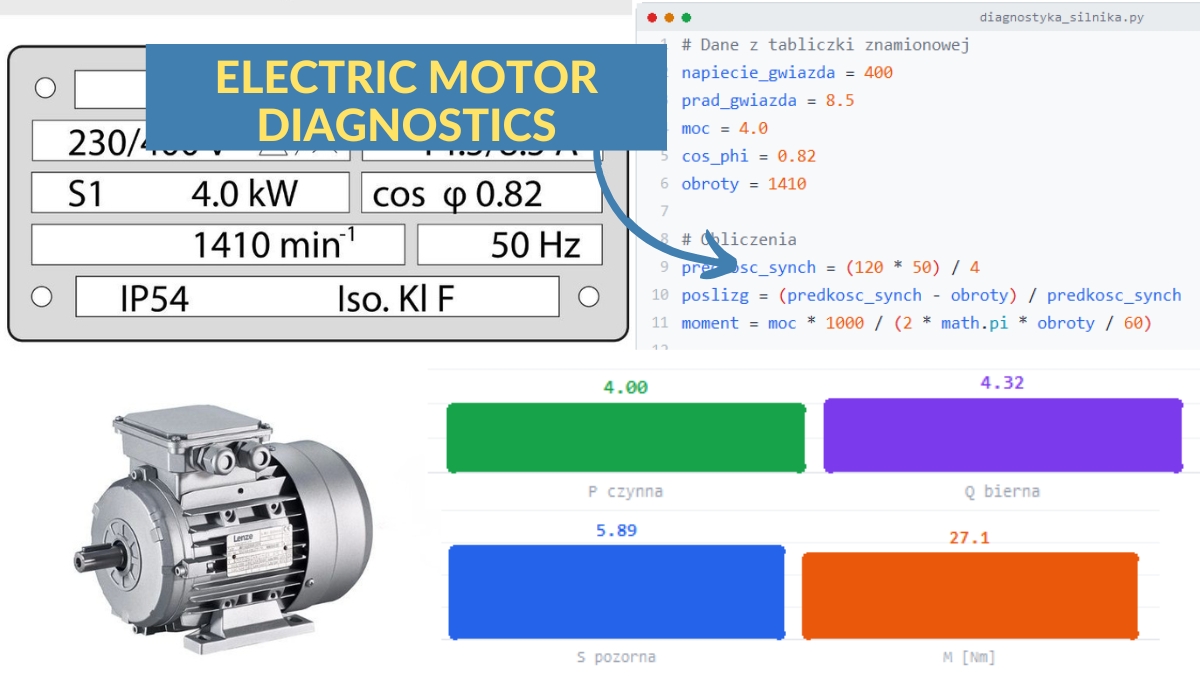
Electric Motor Diagnostics

  • Defining diagnostic functions (def)
  • Arguments, default values, return statements
  • Variable scope: local vs global
  • Lambda functions for quick calculations

Python in Automation

Production Report — CSV & HTML

  • Working with TXT and CSV files for industrial data
  • Error handling and exceptions for reliable scripts
  • Generating HTML reports from production data
  • Complete Factory Data Analyzer project

Sample Lessons from the Course

User input with input() function

Conveyor belt monitoring program

CNC machine diagnostic messages

Full Course Curriculum

1. Introduction to Python Programming 2h 16min · 17 lessons
  • Information about the Upcoming Live Meeting on Discord
  • How to Join the Discord Support Forum
  • What is Python and Example Applications in Industry
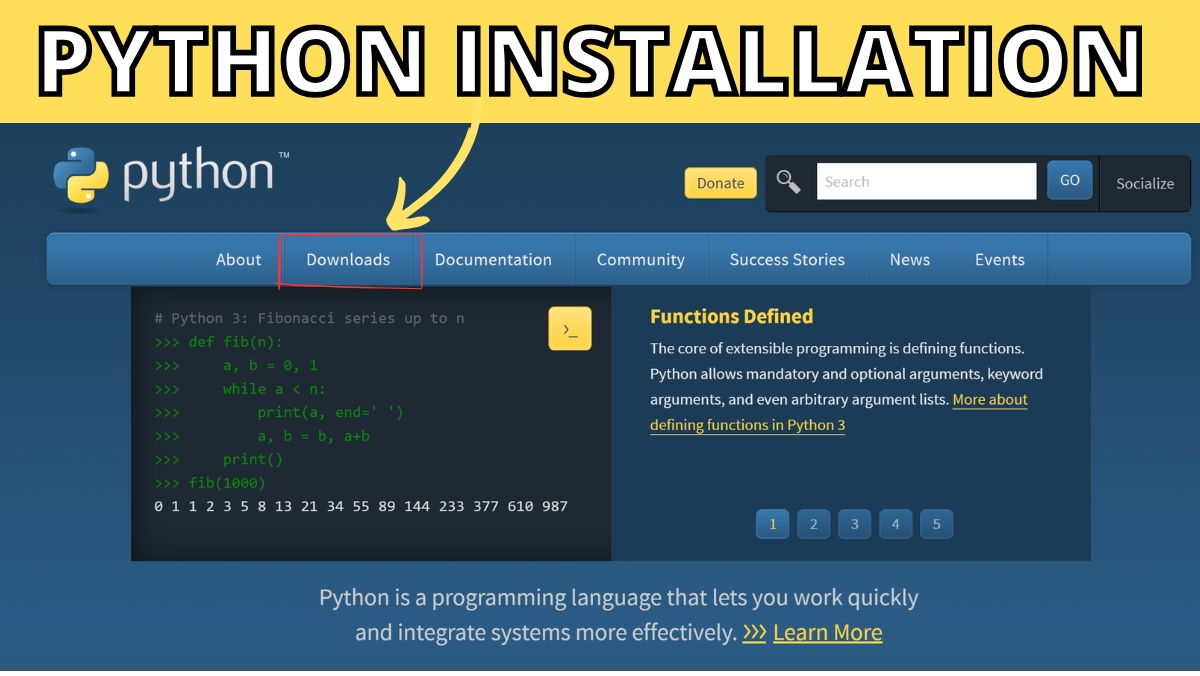
  • Python Installation
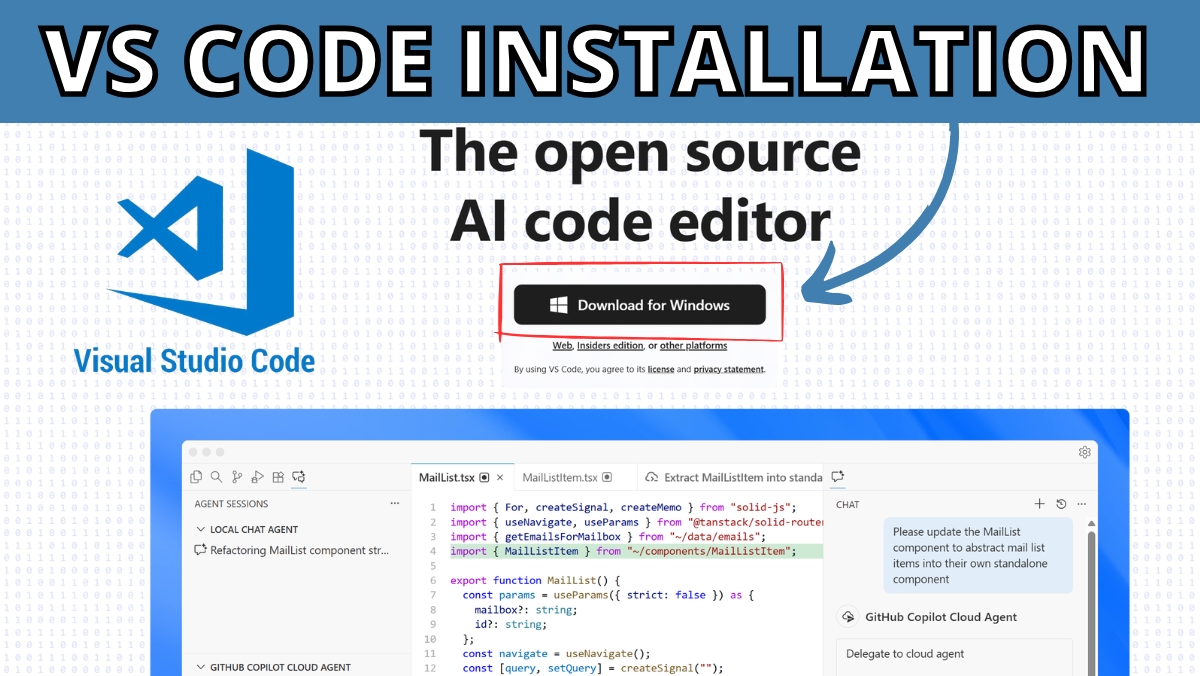
  • Installing the Visual Studio Code Editor
  • Setting Up VSCode for Python Coding
  • First Program 'Hello World in Python'
  • Exercise: print('Introduce Yourself in the ControlByte Community')
  • How to Download and Open Python Files for the Course?
  • Displaying Data in Python - Introduction
  • Basics of Displaying in CMD Console print("AC Voltage")
  • Displaying Text and Numbers print("Current", 20.5, "A)
  • Readable Message Formatting print("-" * 42)
  • Python Interpreter and Newline Character print("\n")
  • Changing the Separator print("PLC, HMI, sep=" -- ")
  • Line End Parameter print("Sensor: OK, end="...")
  • Task: Industrial Machine Startup Message
2. Comments in Python According to PEP8 48 min · 6 lessons
  • Python Comments - Introduction
  • How to Download Python Programs for the Comments Module?
  • Single-line Comments and Docstrings
  • Python PEP8 PDF Guide
  • Task: Machine Review - Add Comments
  • Solution: Added Comments to Machine Review
3. Data Types and Variables in Python 48 min · 6 lessons
  • Download Python Programs for Variables
  • Basic Types: int, float, str, bool
  • How to Name Variables According to PEP8 Standard
  • Calculations with Variables power = voltage * current
  • Assigning Multiple Variables current, voltage, power = 10, 20, 30
  • Task: Production Line Monitoring
4. F-STRINGS - Professional Text Formatting in Python 56 min · 7 lessons
  • Download Programs for F-STRING Module
  • F-string Basics print("Temperature:", temperature, "°C")
  • Number Formatting f"Current: {current:.2f} A"
  • F-string Calculations f"Efficiency: {produced / time_hours:.2f}
  • F-string Alignment and Message Width
  • Task: CNC Machine Diagnostic Message
  • Solution: CNC Machine Diagnostic Message
5. Arithmetic, Logical, and Comparison Operators 1h 20min · 10 lessons
  • Download Programs for Operators
  • Arithmetic Operators: Addition, Subtraction, Multiplication
  • Integer Division Operator // and Modulo %
  • Exponentiation Operator power_loss = (motor_current ** 2) * cable_resistance
  • Operator Precedence
  • Shorthand Operators
  • Logical Operators
  • Comparison Operators
  • Task: Conveyor Belt Work Analysis
  • Solution: Conveyor Belt Work Analysis
6. Input 48 min · 6 lessons
  • Download Programs for input()
  • The input() Function - Entering Data from Keyboard
  • Type Conversion int and float
  • Type Conversion bool and str
  • Task: Entering Machine Parameters
  • Solution: Task - Entering Machine Parameters
7. Conditional Statements IF, ELIF, ELSE 1h 28min · 11 lessons
  • Download Programs for IF ELIF ELSE
  • IF Statement
  • IF ELSE Statement
  • IF ELIF ELSE Statement
  • Liquid Tank - Level Checking
  • Machine Operation Modes IF ELIF ELSE Condition
  • Comparison Operators
  • Nested Conditions
  • Interactive Diagnostics
  • Task: System Login
  • Solution: System Login
8. Loops and Iterations 2h 8min · 16 lessons
  • While Loop Animation
  • Download Programs for Loops
  • While Loop
  • While Temperature Monitoring
  • While Infinite Loop
  • For Loop Animation
  • For Loop with range()
  • Iterating with Step in For Loop
  • Pressure Measurements and Average Calculation
  • Break - Stopping a For Loop
  • Continue - Skipping the Rest of For Loop Iteration
  • Pass - Placeholder for Future Code Development
  • Nested For Loops
  • Production Line Monitoring / PLC Variable Analysis
  • Task: Checking 10 Sensors in a For Loop
  • Solution: 10 Sensors in a For Loop
9. Lists 2h 25min · 18 lessons
  • Download Python Program Templates for LISTS
  • Creating a List – lista = [1, 2, 3]
  • Getting Elements from a List – lista[0], lista[-1]
  • Checking How Many Elements a List Has – len(lista)
  • Changing Values in a List – lista[2] = "new"
  • List with Different Data Types – ["text", 3.14, True]
  • Adding Elements to a List – append() and insert()
  • Removing Elements from a List – remove(), pop(), del
  • Sorting and Reversing a List – sort() and reverse()
  • Counting and Searching – count(), index(), clear()
  • Iterating Through a List – for x in lista
  • Index and Value in a Loop – for i, x in enumerate(lista)
  • Filtering a List with a Condition – if x > 10 in a Loop
  • Checking if an Element is in a List – if x in lista
  • Slicing a List Fragment – lista[1:4]
  • Slicing Every nth Element – lista[::2], lista[::-1]
  • Slicing Shortcuts – lista[:3], lista[-2:], lista[:]
  • Task: Production Trends Analysis
10. Tuples 48 min · 6 lessons
  • Download Programs for TUPLES
  • Creating Tuples and Basic Operations
  • Tuple Methods – count(), index()
  • Iterating Through a Tuple – for and enumerate()
  • Tuple Unpacking – x, y, z = tuple
  • Tuples in Practice – Limits, Alarm History, Tuple List
11. Dictionaries 2h 25min · 18 lessons
  • Download Programs for DICTIONARIES Module
  • Creating a Dictionary – motor = {"name": "Motor_M01", ...}
  • Accessing Values – motor["name"], motor.get("voltage")
  • Adding and Changing Values – motor["voltage"] = 400
  • Removing Elements – del config["debug"], config.pop("timeout")
  • Checking Keys – "key" in dictionary
  • Methods keys(), values(), items() – Getting Keys and Values
  • Iterating Through a Dictionary – for key, value in sensor.items()
  • Merging Dictionaries – plc_config.update(new_settings)
  • Size and Clearing – len(sensor), temp_data.clear()
  • Parameter Table – Limits, Table Formatting, Validation
  • Searching by Value – if status == "FAULT"
  • Building a Dictionary in a Loop – readings[name] = value
  • Filtering – Dictionary within Dictionary, production["Line_1"]["completed"]
  • Report with Ranking – sorted(), Comparing Line Results
  • List of Dictionaries – [{...}, {...}], Sensor Table
  • Dictionary of Lists – alarm_history["Motor_M01"] = [...]
  • Building a List of Dictionaries – lista.append({...}), Event Log
12. Project: Processing Machine Alarm Priorities 40 min · 5 lessons
  • Download Lessons for ANSI Project
  • ANSI Colors – Introduction – \033[91m, Color Variables, Device Status
  • Device Registry – Diagnostics, Limits, ANSI Report
  • Project – PLC/HMI Alarm List – Table, Counters, Acknowledgment
  • Solution – PLC/HMI Alarm List – Full System with Report
13. Functions 2h 8min · 16 lessons
  • Download Program Templates for FUNCTIONS
  • First Function – def, Call, startup_report()
  • Function with Parameter – def check_temperature(temp)
  • Multiple Parameters – def check_range(name, value, min_val, max_val)
  • Functions in Practice – Sensor Report, report_header(), report_line()
  • Returning Values – return, calc_average(), plan_percent()
  • Default Parameter Values – def f(temp, alarm_threshold=80.0)
  • Positional vs Named Arguments – f(x=1, y=2), Any Order
  • Returning Multiple Values – return avg, min_val, max_val
  • Return in Practice – Production Calculator, efficiency(), evaluate_line()
  • Variable Scope – Local and Global
  • The global Keyword – global alarm_counter, Modifying Global Variables
  • Scope in Practice – Configuration Constants, diagnostic_report()
  • Lambda – Short Anonymous Function, lambda x: x * 2
  • Lambda with sorted(), min(), max() – Sorting by Dictionary Field
  • Lambda in Practice – filter(), map(), Performance Ranking
14. Project: Electric Motor Diagnostics 32 min · 4 lessons
  • Download Task Templates for FUNCTIONS
  • Hall Monitoring – check_range(), diagnose_machine(), report_machines(), Lambda Sorting
  • Motor Diagnostics – check_param(), diagnose_motor(), evaluate_status(), print_motor_report()
  • Diagnostics Solution – check_param(), diagnose_motor(), evaluate_status(), Lambda max/sorted
15. Files and Modules 1h 44min · 13 lessons
  • Download Program Templates for FILES and MODULES
  • Reading Files – open(), read(), readlines(), Parsing Sensor Data
  • Safe Reading – with open() as file, Iterating Through Lines
  • Writing to a File – write(), Modes "w" and "a", Alarm Log
  • Shift Report – Generating a File with Production Data, Column Formatting
  • Error Handling – try/except, ValueError, Sensor Data Conversion
  • Exception Types – ValueError, ZeroDivisionError, FileNotFoundError, KeyError, IndexError
  • else and finally Blocks – load_config(), safe_divide(), Safe File Reading
  • Reading Measurement Data – load_measurements(), CSV with Errors, Double try
  • math Module – sqrt(), ceil(), floor(), pi, sin/cos, from...import
  • random Module – randint(), uniform(), choice(), shuffle(), seed()
  • datetime Module – now(), strftime(), timedelta, Timestamps in Logs
  • Custom Module – import process_tools as pt, check_range(), average()
16. Project: Logging and Measurement Analysis 32 min · 4 lessons
  • Download Program Templates for FILES and MODULES
  • Measurement Logging System
  • Log Analysis Task
  • Log Analysis Solution
17. Project: PLC Data Analyzer - Logging, Data Processing, User Interface, CSV/HTML Report 1h 28min · 11 lessons
  • PLC Python System Architecture
  • Application Description for PLC Reports
  • User Interface: ANSI Colors
  • Application Login
  • Report History: Creating a File with Timestamp
  • Simulating Data Retrieved from PLC
  • Report in TXT File
  • Report in HTML File - Graphical Representation in Browser
  • Menu
  • Main Program main()
  • Exercises: Program Modifications
18. Bonus: Downloading and Processing Data from Siemens PLC 0 min · 0 lessons

Ready to Start Your Python Journey?

Join the waiting list and be the first to enroll when we open registration.

What Industry Experts Are Saying About Us

Dobot Robotics — Our Industry Partner

Automa.Net — Our Industry Partner

Get Your Certificate and Publish It on LinkedIn!

  • Gain a skill valued by employers. Publish on LinkedIn and your CV!
  • Want to change jobs and become an automation engineer? You're one step closer!
  • Stand out from the crowd with a verified ControlByte certificate

Discord Support

Discord Community
  • Ask questions and get answers from instructors and fellow students
  • Share your projects and get feedback from the community
  • Access exclusive resources, tips, and industry news
  • Network with automation engineers from around the world

Bonuses Included

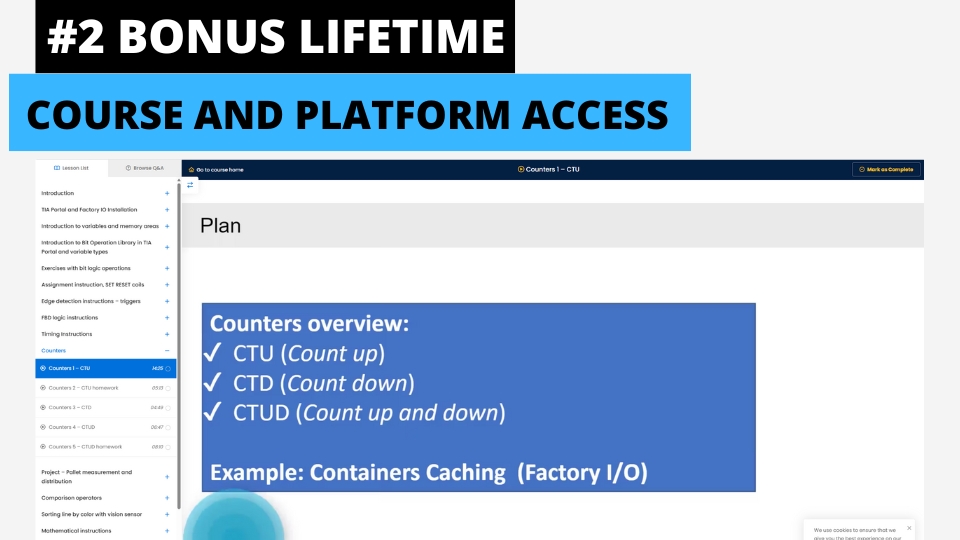
Lifetime Access to Training & Support

Lifetime Access to Training & Support

Get permanent access to all course materials, updates, and lifetime support from the instructor.
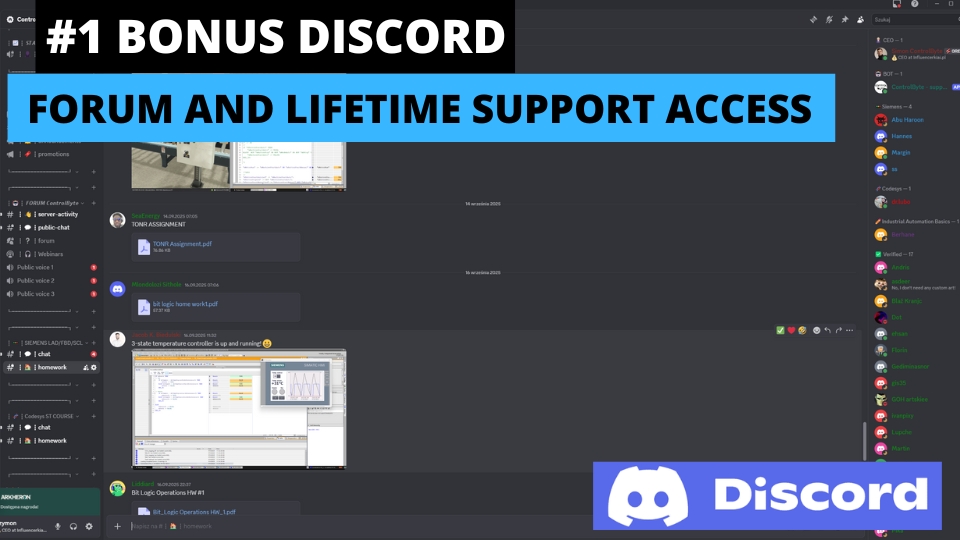
Discord — Forum & Student Chat

Discord — Forum & Student Chat

Join our private Discord server for Python programmers. Get help, share projects, and network with fellow engineers.
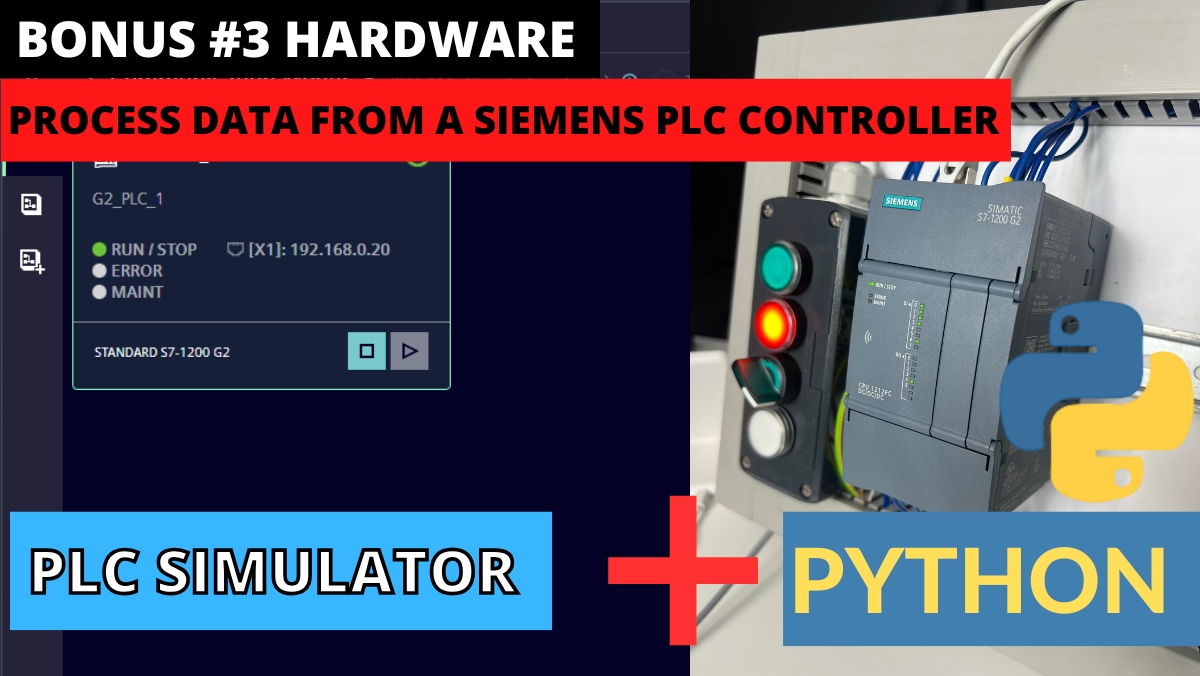
Process Data from Siemens PLC with Python

Process Data from Siemens PLC with Python

Bonus module on retrieving and visualizing real data from Siemens PLC controllers using Python.
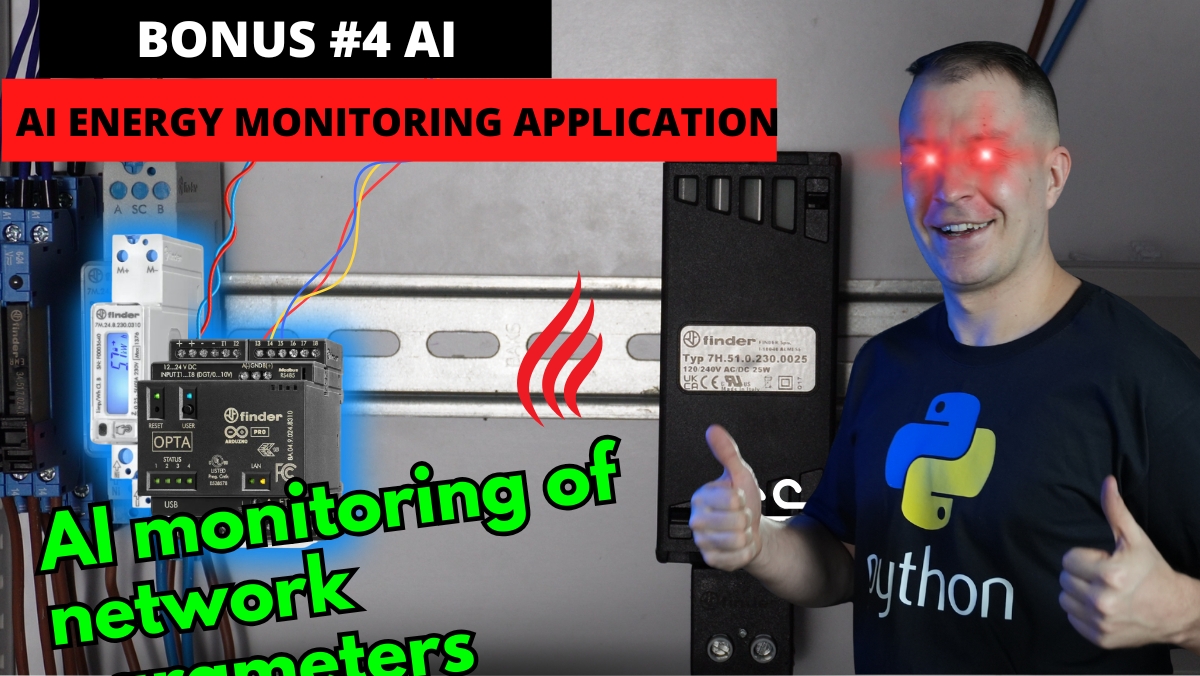
AI Energy Analyzer with Python

AI Energy Analyzer with Python

Demo application showing AI-powered energy analysis built with Python for industrial applications.
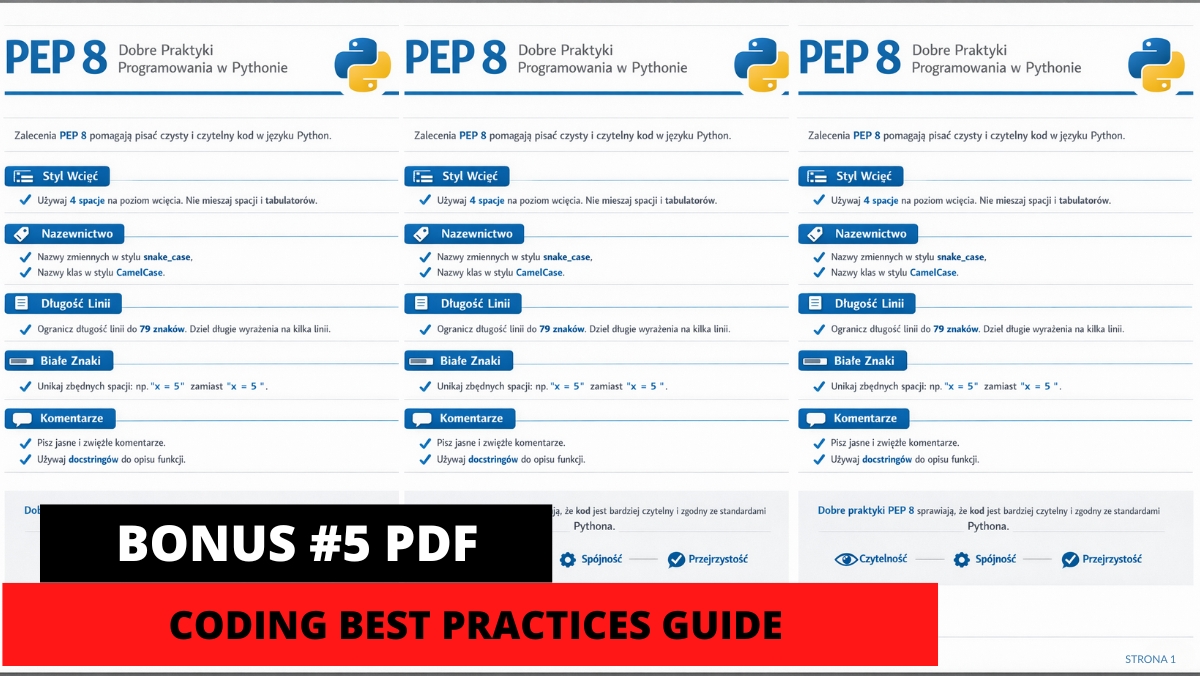
PDF — Python PEP8 Coding Best Practices

PDF — Python PEP8 Coding Best Practices

Comprehensive guide to Python coding standards and best practices for clean, professional code.
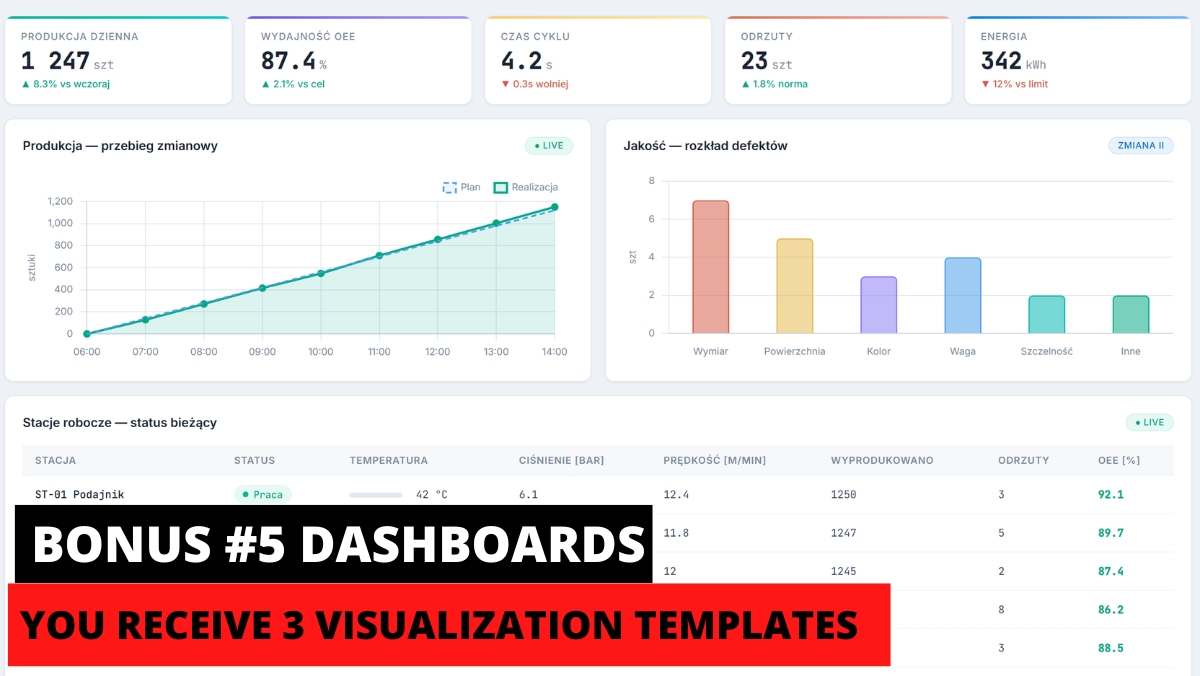
3 Python Dashboards for Your Projects

3 Python Dashboards for Your Projects

Ready-to-use Python dashboard templates for industrial data visualization in your own projects.

What Our Students Say

★★★★★
“Outstanding! Full professionalism! The course exceeded my wildest expectations. Perfectly executed lessons with a powerful dose of theoretical and practical knowledge.”

Michal T.

Codesys ST Programming Course

★★★★★
“Despite my experience in PLC programming, I still learned something interesting. Everything explained 100%!”

Adrian G.

Codesys ST Programming Course

★★★★★
“A great course filled with substantive knowledge and very well-prepared materials with examples that allow you to start your adventure with programming.”

Piotr K.

Codesys ST Programming Course

Course Price

Before we show you the price, see exactly what you get:

📹 80+ video lessons covering Python from basics to advanced projects €185
✍️ Homework assignments — you'll need creativity! €58
📋 Homework review & feedback from instructors €150
💬 Instructor contact via e-learning platform & Discord €46
🎥 Weekly live webinar consultations €70
👥 Private student community on Discord PRICELESS

Frequently Asked Questions

How can I sign up for the course?

Use the Join the Course button on this website or send us an inquiry at: contact@controlbyte.tech

Will I receive support from the instructors?

Yes! We stay in touch with you through our Discord channel — chat for participants, forums, and live meetings via webinars.

Will I receive a certificate upon completion?

After submitting all projects from homework assignments and having them checked by the instructors, you will receive a certificate of completion for the training.

Will I need a PLC during the course?

No! The course focuses on Python programming. All exercises use free tools — Python interpreter and VS Code editor which we help you install during the course.

What if the course is not for me? Can I return it?

You have 14 days to return the course, counting from the start date. We guarantee a safe purchase.

Is the course suitable for me if I have no prior programming experience?

Yes. This is a course designed from scratch, so even someone without any programming experience will be able to learn Python step by step.

How long will I have access to this course?

Access to the course is lifetime! As long as the ControlByte company exists in the automation market.

What does an online course on the ControlByte platform look like?

You get access to video materials with lessons explaining programming concepts. Participants follow exercises according to guidelines from the videos. They also have homework assignments to solve independently. Homework projects are uploaded to the portal, where instructors check the tasks and provide feedback.

I would like to purchase training for my company. I need an official offer.

Please send an email with the information needed for the offer to contact@controlbyte.tech. We will send the offer to the indicated address. Upon receiving the order, we will grant access to the course.

Can I receive an invoice?

No problem! Please send us an email at contact@controlbyte.tech with your company details and we will issue an invoice.

Don't Get Left Behind.
Learn Python for Industrial Automation.

The future of automation includes Python. Join the waiting list and be among the first to master Python for industrial applications.

Reserve Your Spot

Limited to 50 students per group. Don't miss out.