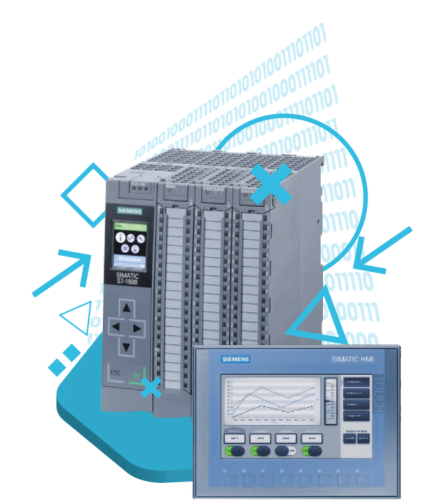
Motion Control Programming
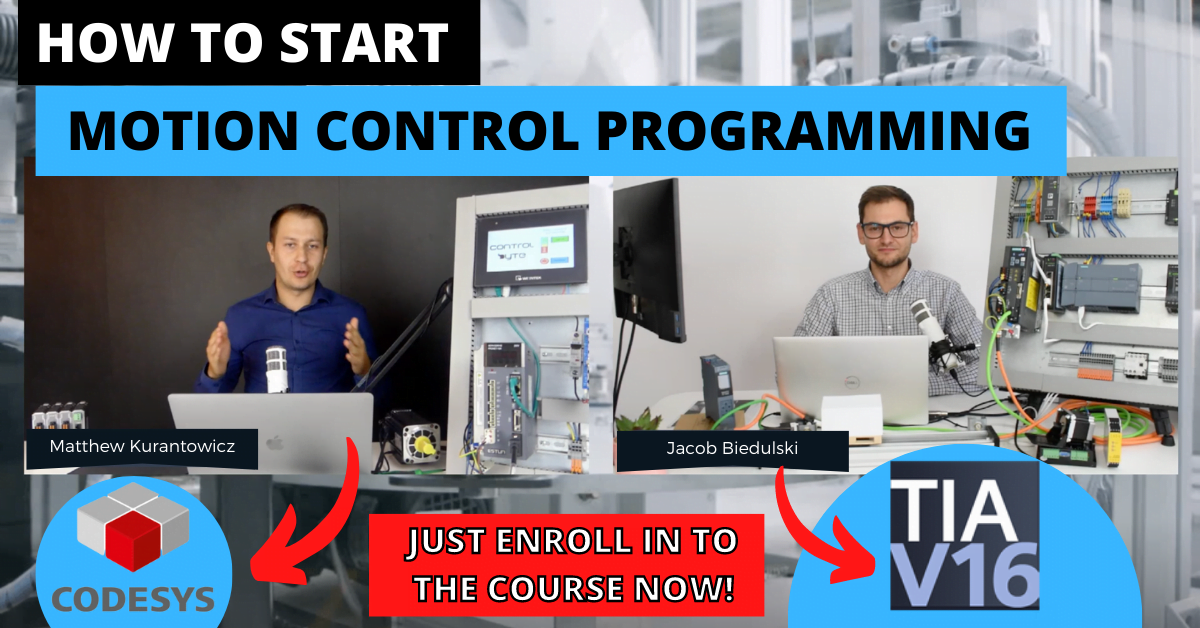
You will program the drive application, write a program for the manipulator, and create your own "flying" saw.
What makes ControlByte programming courses so popular?
-
You will get access to lessons in video form on the e-learning platform
-
You perform exercises based on the provided project templates. All you need is your PC and simulator!
-
You can complete the training whenever and wherever you want.
-
You can start training at a later date.
-
You will have homework to complete independently
-
You get support via Discord chat and live meetings.
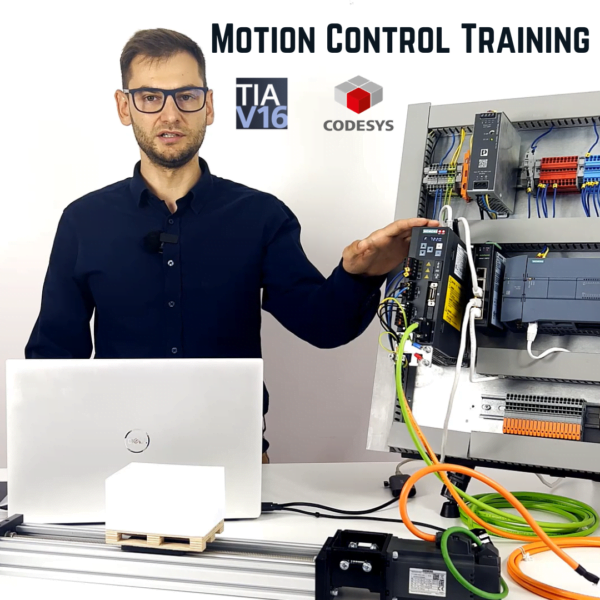

“In this course you will find out that programming drives is not that difficult. A properly prepared learning path is enough.”
Jacob K. Biedulski
-
Education: MSc. Automation and Robotics
-
Experience: 10 years
-
PLC projects completed: 80+
-
Students taught: 850+ in the past 3 years.
What will you get after enrolling in this course?
-
More than 45 practical video lessons
-
Support for students in the form of Discord chat and live meetings
-
You will have homework to do yourself!
-
Certificate of completion of the course
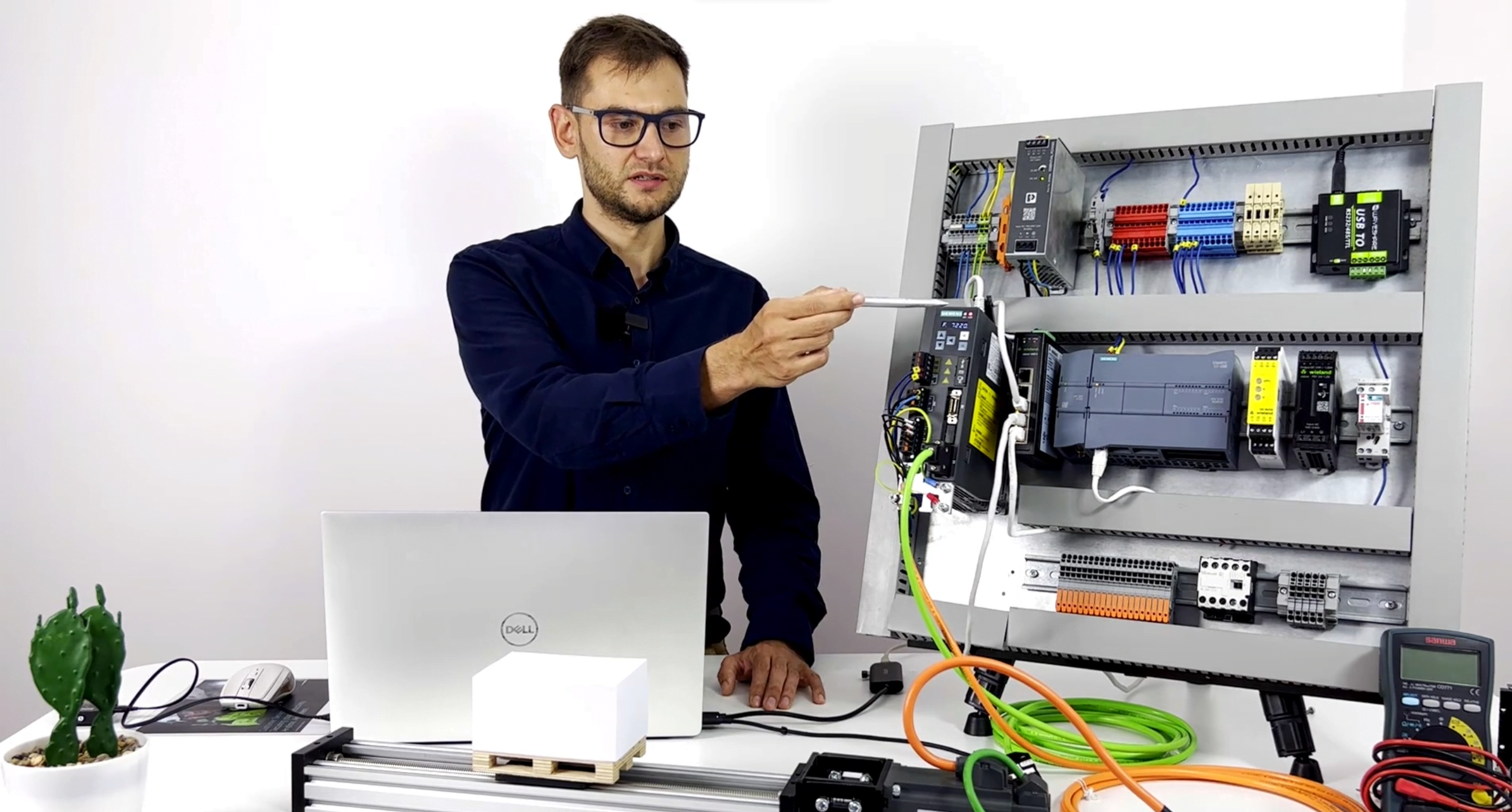
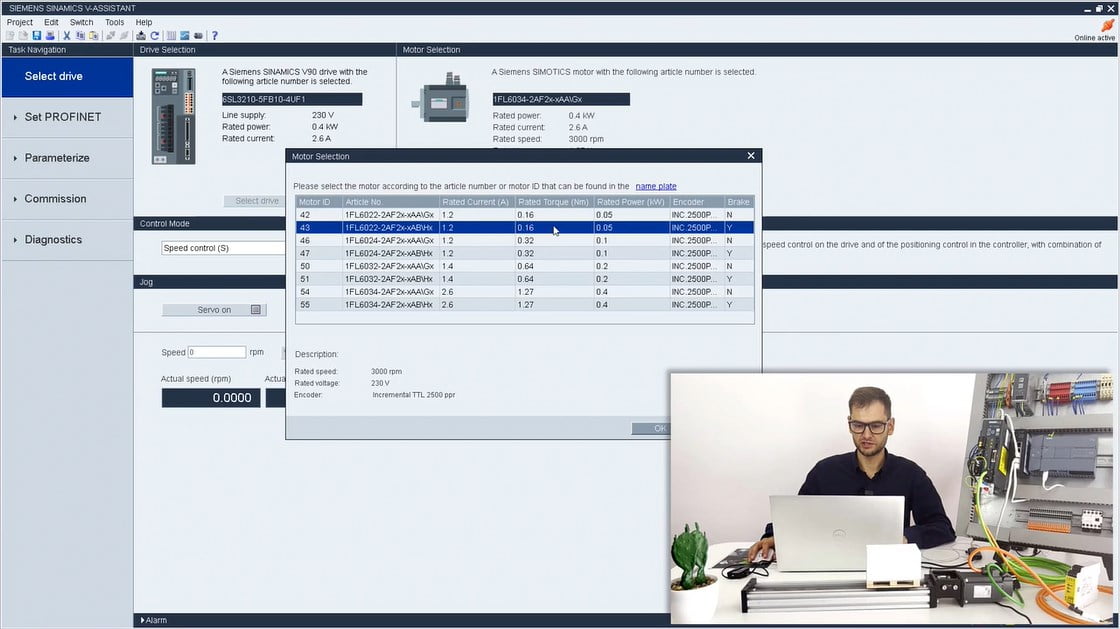
Configuration and commissioning of the Sinamics V90 servo drive
Module content:
-
Description of the drive system
-
Configuration of the servo amplifier in Sinamics V-Assisttant
-
Starting the drive in JOG mode
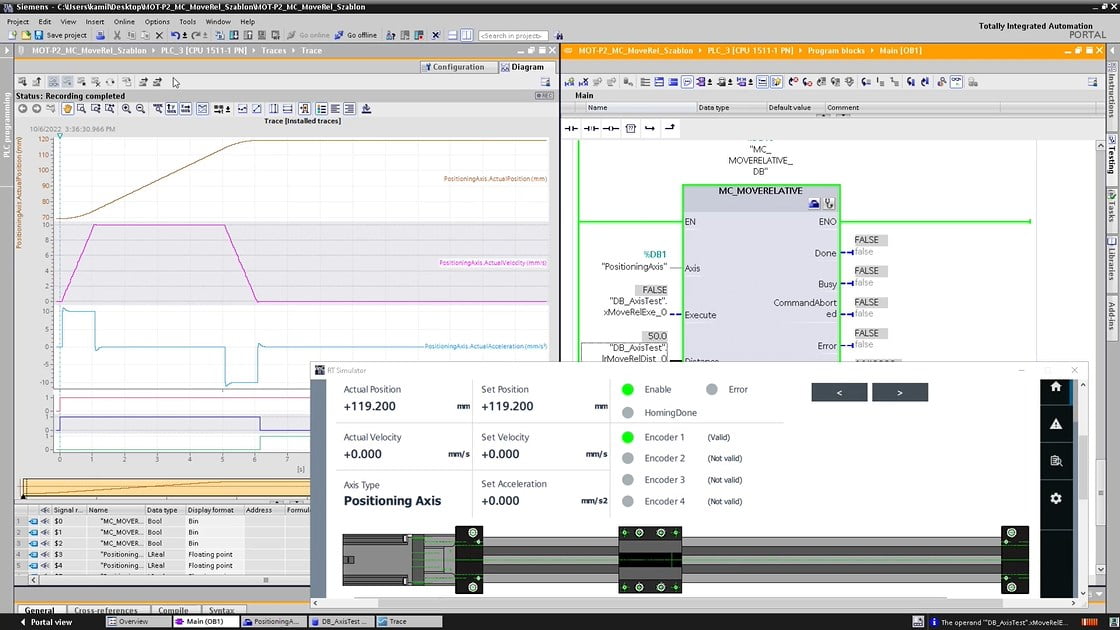
Exercise for the Motion Library instructions
Module content:

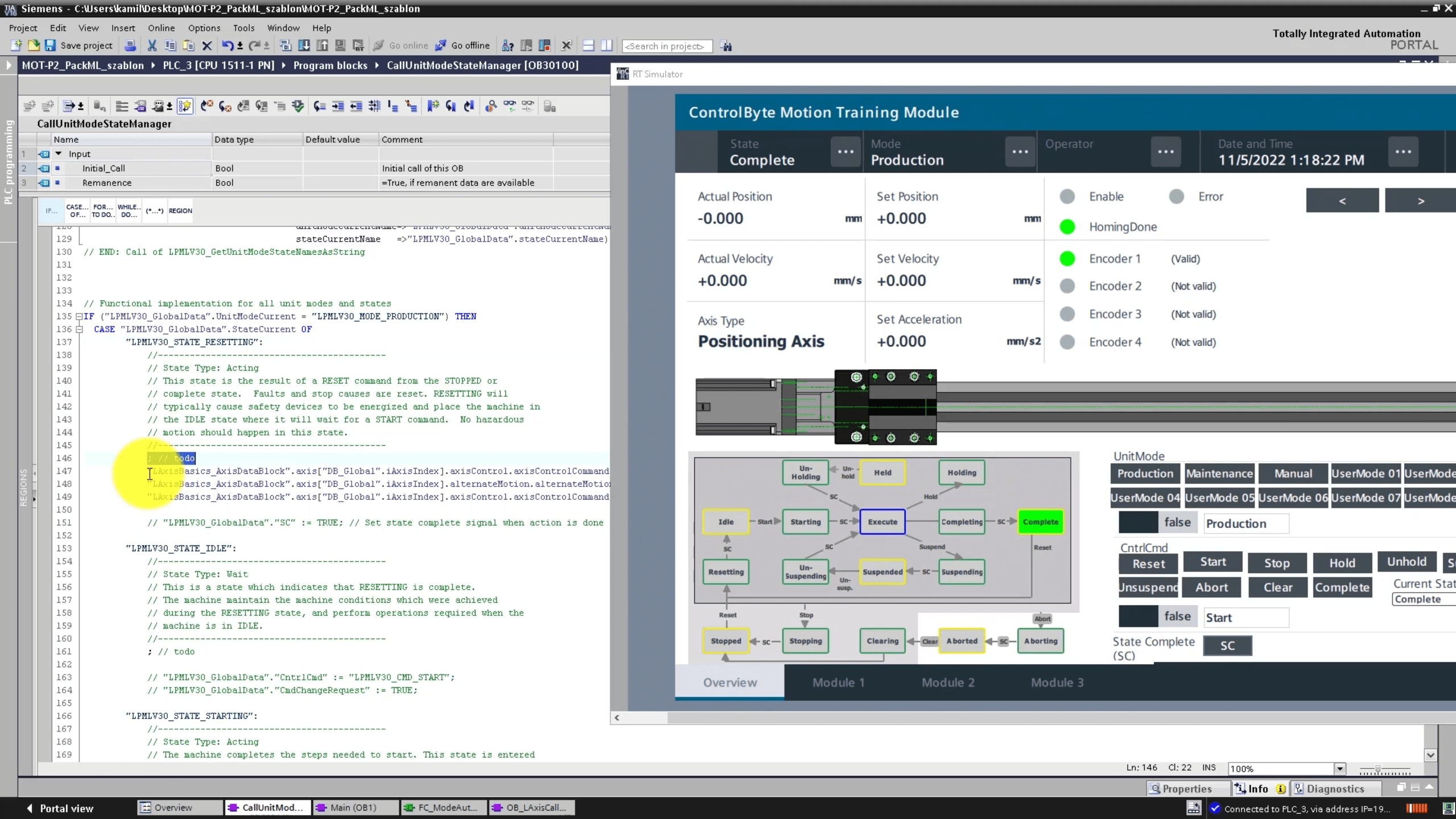
Drive application based on the PackML standard
Module content:
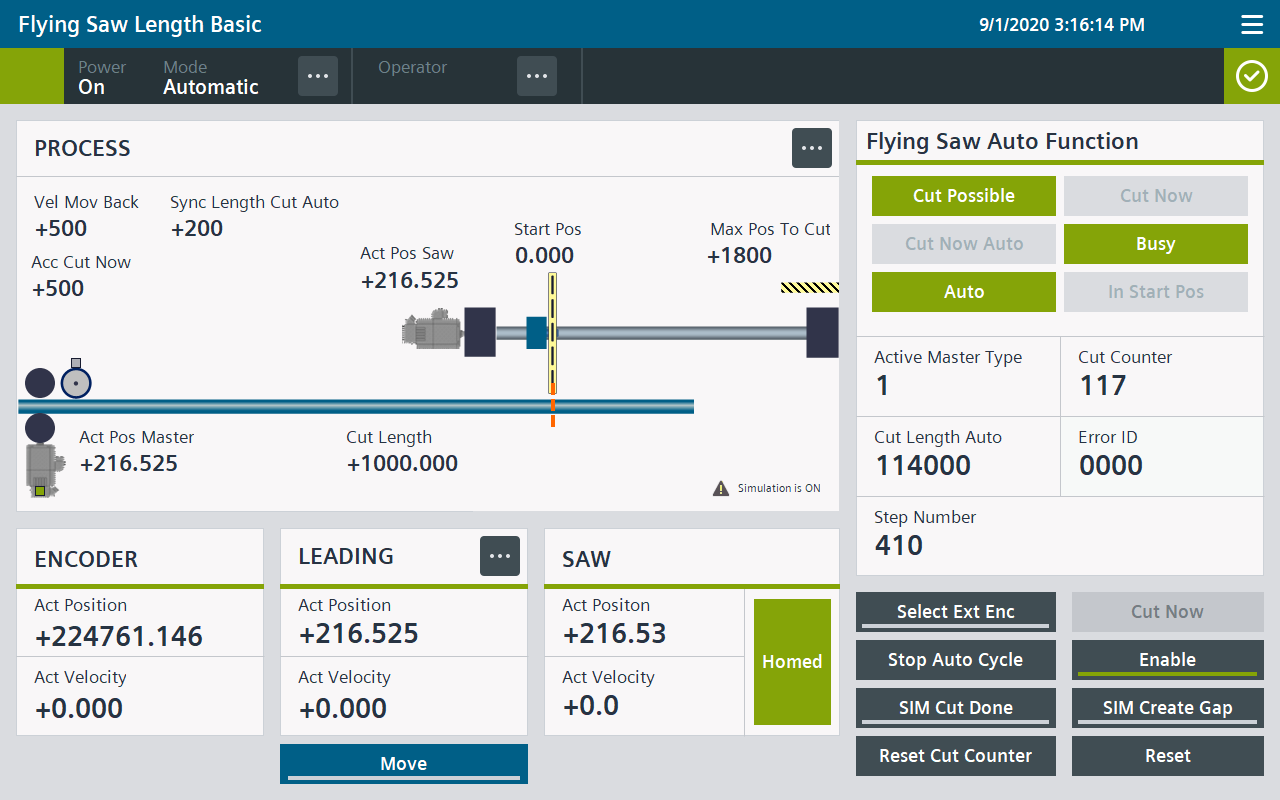
Programming the flying saw
Module content:
Codesys installation and virtual axis configuration
Module content:
PLC Open Motion library and PackML sequence for the machine
Module content:
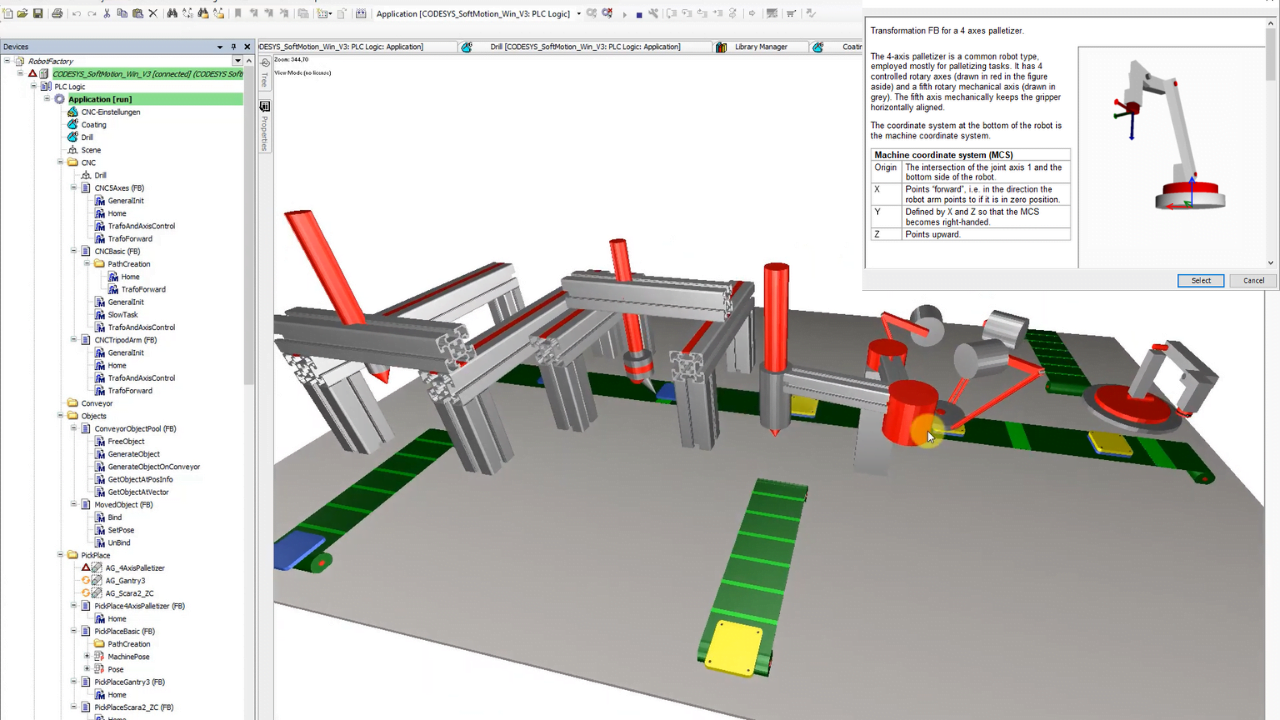
Production line design in Codesys
Module content:
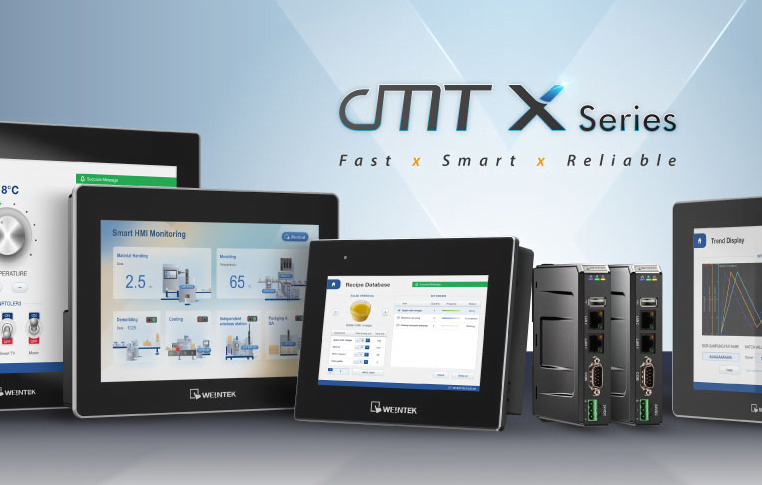
Running Weintek panel and Estun servo in Codesys
Module content:
Course content
Introduction to the course
Welcome and course plan
Join the chat for automation engineers – Discord ControlByte
Download TIA Portal and PLCSIM Advanced, but don’t install them yet…
Requirements for your PC
Introduction to Codesys
Codesys installation
First program with a virtual axis
Servo drive configuration on the example of Sinamics V90
Sinamics V90 servo drive hardware
Configuration of the servo amplifier in V-Assisttant software
Configuration of the technological object TO in TIA Portal
Introduction to servo drives
Drive applications and types of motors
Structure of regulators in the drive system
TIA Portal installation
TIA Portal installation – install now
Motion control library in TIA Portal - basic instructions
What is the PLCopen standard?
Simulator and MC_Power
MC_Power – parametrization
MC_MoveJog
MC_Home – introduction
MC_Home – homing modes
MC_MoveRelative – introduction
MC_MoveRelative – exercises (homework assignment)
MC_MoveAbsolute – introduction
MC_MoveAbsolute – exercies (homework assignment)
MC_Reset
MC_MoveVelocity, MC_Stop, MC_Halt (homework assignment)
LAxisBasic, LAxisCtrl library and HMI template - TIA Portal
LAxisBasic library
LAxisCtrl library
PackML standard in the drive application
PackML standard in the drive application
Motion control library - advanced instructions
MC_GearIn – exercises
Flying saw application
How does the flying saw work?
Using the LFlyingSaw library
Exercises in programming the “flying saw” application with the use of a simulator
Introduction to the SM3_Basic library
Description of the SM3_Basic library
How to power the axis – MC_Power block
Resetting MC_Reset errors
MC_Home drive homing procedure
Set the drive position MC_SetPosition
Discrete Motion
Introduction to discrete traffic in Codesys
Absolute motion MC_MoveAbsolute for a rotary axis
Relative motion MC_MoveRelative and MC_MoveAdditive
Work sequence for linear axis in PackML standard
Continuous Motion
Introduction to continuous motion in Codesys
Stop axis: MC_Stop and MC_Halt
MC_MoveVelocity speed profile
Difference Between Rotary and Linear Axis (Modulo vs Finite)
Continuous motion in manual mode MC_Jog
Project: Sequence for rotary axis in Pack_ML standard
Final project in Codesys - Production line with conveyor, SCARA robot and rotary table
Analysis of design assumptions
Definition of individual axes for the production line, rotary table and SCARA robot
Template support for visualization and alarm definition
Manual and automatic control
Sequence construction for the project in the international PackML standard
Final testing and error handling
Bonus - Launching the Weintek panel (Codesys) and the servo drive in the EtherCAT network
Running the Weintek panel in Codesys
Making electrical connections between devices
PLC communication <–> servo amplifier in EtherCAT network
Program for the real axis – PLC Open Motion library from Weintek
Creating visualizations in EasyBuilder software from Weintek
Why should you join this course?
-
You gain a skill valued by employers. You can post the certificate on Linkedin, Goldenline and of course in your CV!
-
If you want to change your job and become a PLC programmer in your company, you are in the right place!
-
You will get lifetime access to the materials on our platform. You can come back to them whenever you want.
-
This learning path has been tested by hundreds of students, ask what they say about us in the industry!
Price
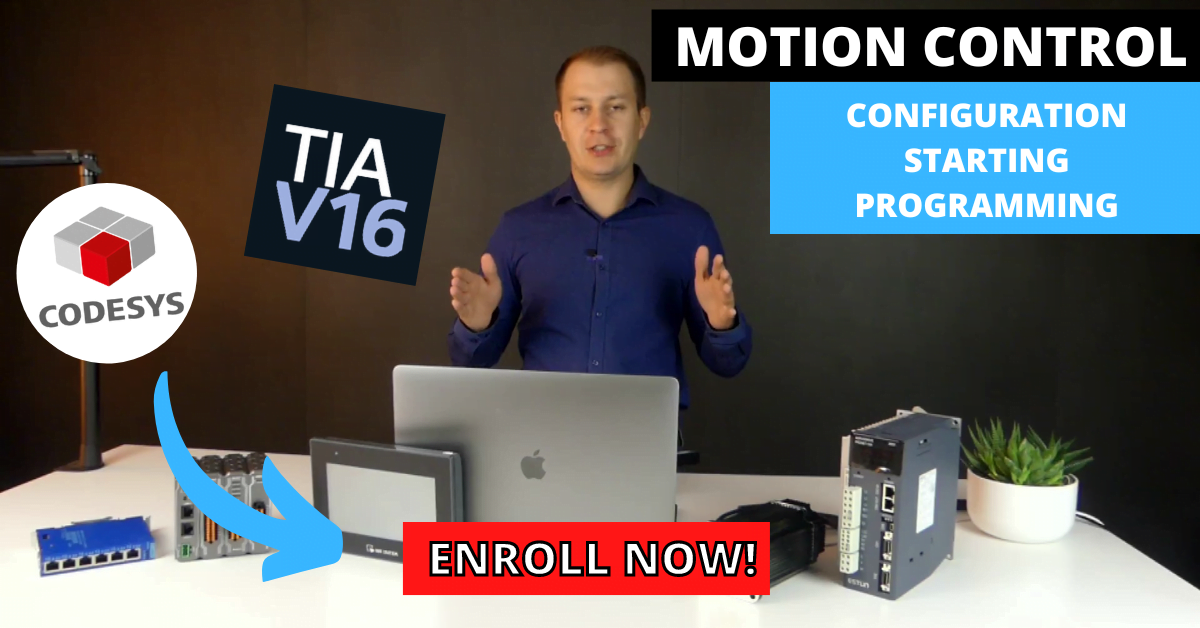
Before I show you the price, see what exactly you get by joining the servo drive programming course:
Thanks to the proven formula of our training and cost optimization, you can purchase this training for:
249$
Join now for 249$
Course currently unavailable...Start learning with us!
FAQ
How can I sign up for the course?
Use the “Join the Course” button on this website or send us an inquiry at: contact@controlbyte.tech
Will I receive support from the instructors for this training?
Yes! We stay in touch with you through Discord channel – chat for participants, forums, and live meetings – webinars.
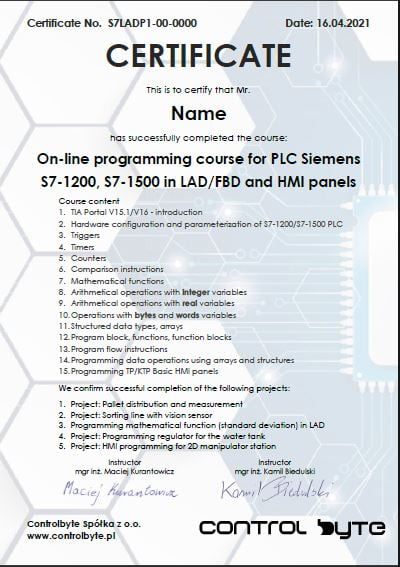
Will I receive a certificate upon completion of the training?
After submitting all projects from homework assignments and having them checked by the instructors, you will receive a certificate of completion for the training.
Will I need a PLC controller during the course?
No! In the course you will use advanced PLC simulator, so you won’t need a real PLC controller. The Codesys environment simulates automation systems such as conveyors, manipulators, actuators, robots.
Do I need to purchase a license for Codesys software?
No! Codesys is free software.
What if it turns out that the course is not for me? Can I return the course?
You have 14 days to return the course, counting from the start date of the course. We guarantee a safe purchase.
How long will I have access to this course?
Access to the course is lifetime! As long as the ControlByte company exists in the automation market.
What does an online course on the ControlByte platform look like?
You get access to video materials with lessons explaining programming concepts. Participants follow exercises according to guidelines from the videos.
They also have homework assignments to solve independently. Homework projects are uploaded to the discord server, where instructors check the tasks and provide feedback.
I would like to purchase training for my company. I need an official offer.
Please send an email with the information needed for the offer. We will send the offer to the indicated address. Upon receiving the order, we will grant you access to the course. Payment can be made according to the agreed commercial terms.
contact@controlbyte.tech
Can I receive an invoice?
No problem, please send us an email.
contact@controlbyte.tech
What if I have a problem or something is unclear?
Send us e-mail: contact@controlbyte.tech
Motion Control Programming course
WITH 14-DAY RETURN GUARANTEE