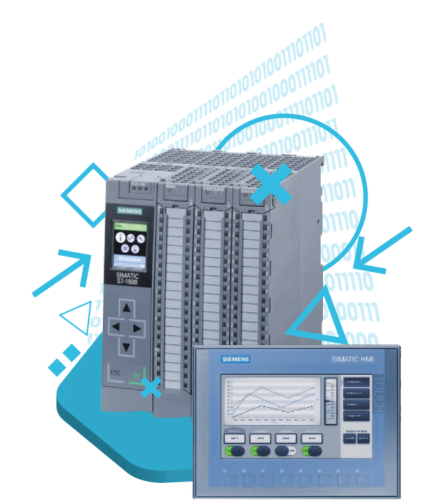
Communication course and data processing in industrial automation
You will program PLC communication in various industrial protocols. Check out what you will learn!
What makes the ControlByte PLC courses so popular?
-
You get access to video lessons on the e-learning platform.
-
You perform programming exercises based on provided project templates. All you need is your PC and a simulator!
-
You can take the training whenever and wherever you want.
-
You can start the training at a later date.
-
You will have homework assignments to complete on your own!
-
You receive course support through Discord chat and live meetings.

“In this course, you will learn to program PLCs, even if you are new to the automation industry.
All you need is a well-prepared learning path.”
Jacob K. Biedulski
-
Education: MSc. Automation and Robotics
-
Experience: 10 years
-
PLC projects completed: 80+
-
Students taught: 850+ in the past 3 years.
“I believe that everyone in the 21st century should know the basics of programming and automation!”
Matthew Kurantowicz
-
Master of Engineering in automation and robotics, graduate of Wroclaw University of Technology. He also studied in England and Germany.
-
He gained experience in small start-ups, and then in international companies like: Bosch, Mitsubishi Electric or WAGO.
-
He specializes in programming PLC in Codesys environment in the Structured Text language.
-
He has already trained over 500 automation technicians in the field of PLC programming.

What will you receive after signing up for this course
-
Over 50 practical video lessons (more than 10 hours)
-
You will test communication in a PLC simulator.
-
You will receive project templates for Siemens and other devices.
-
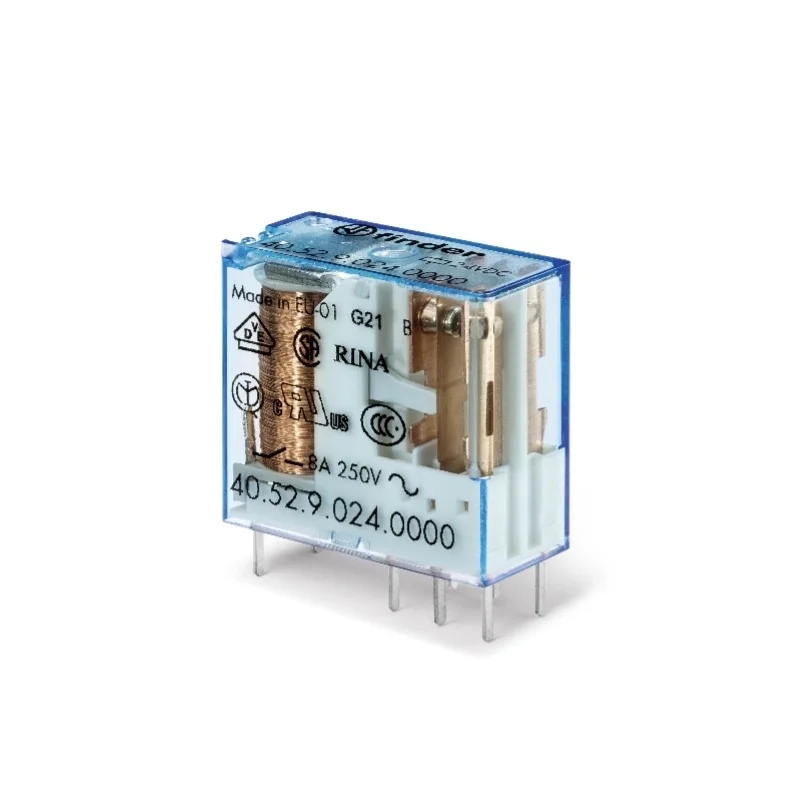
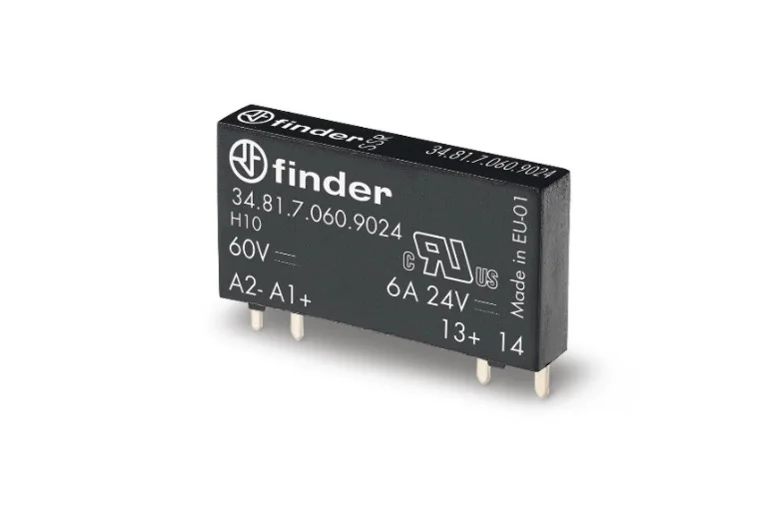
Devices: WAGO, RPi, Finder, Weintek
-
Support from instructors on Discord chat and live meetings.
-
You will have homework assignments to complete on your own!
-
Certificate of course completion in Polish and English.
PLC simulator for S7-1200/S7-1500
-
In the course, you will use PLC simulators (Siemens + Codesys)
-
We will show you how to install and run it
-
The PLC simulator is free and fully functional!
-
We also show you how to work with real hardware
-
You will learn about free Modbus communication simulators
Siemens HMI panel simulator
-
You don’t need physical hardware to complete the course
-
You can program all functionality on a PLC simulator and in communication simulation tools
-
On your PC, you can freely test communication with panels and even SCADA systems!
-
The PLC simulator is free and fully functional!
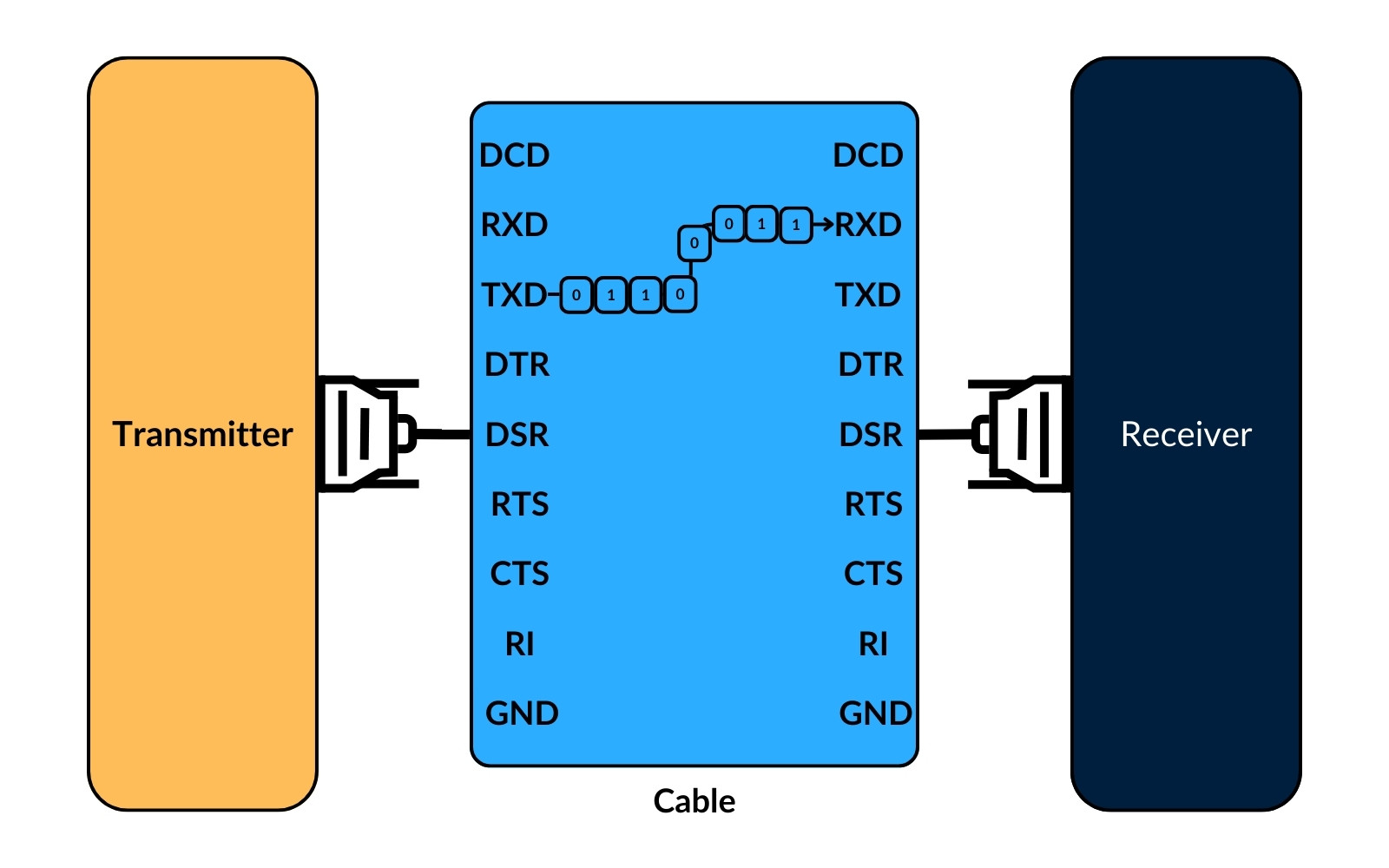
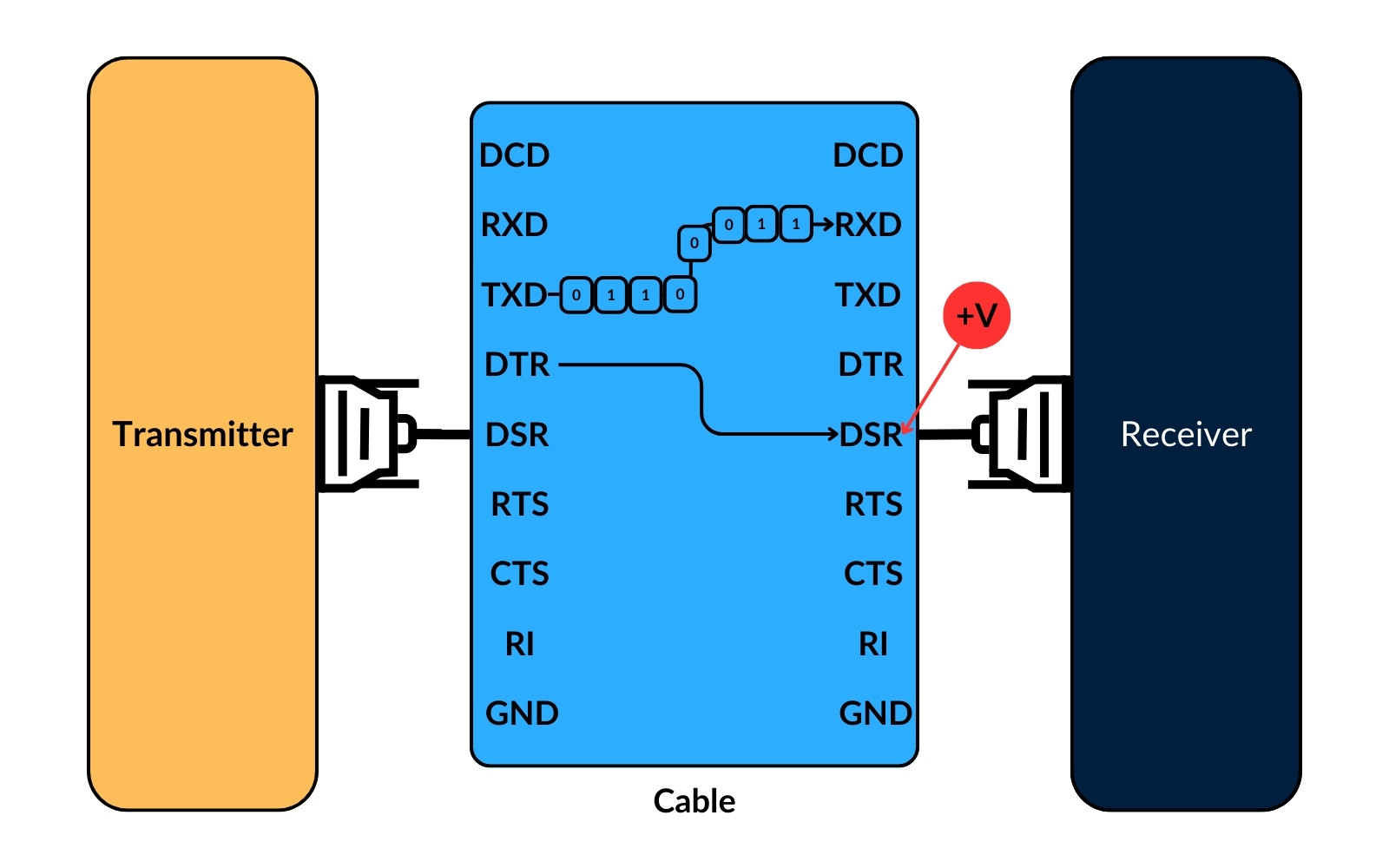
Modbus RTU
Module content:
Modbus TCP
Module content:
-
What is Modbus TCP
-
Sending a communication frame – MODBUS TCP
-
Simulator: MODBUS TCP request and response
-
What is the network structure for Modbus TCP?
EtherCAT protocol
Module content:
-
HMI Weintek <–> Servo drive via EtherCAT
-
Inverter Lenze <–> Codesys
-
Inovance multi-axis drive <–> Codesys
-
Homework assignment for independent completion
Profinet Communication
Module content:
-
What is Profinet communication?
-
Siemens PLC communication <–> HMI
-
Siemens PLC communication <–> Inverter
-
Siemens PLC communication <–> SCADA
-
How to add multiple devices in Profinet standard
MQTT
Module content:
-
M2M communication (machine to machine)
-
Subscriber <–> Broker <–> Publisher data exchange
-
Practical communication in Codesys
- MQTT for WAGO, RPi, Siemens, PLCnext
OPC UA communication
Module content:
-
Standardization of OPC UA communication
-
OPC UA Server <–> OPC UA Client communication
-
WAGO PLC <–> UA Expert simulator communication
-
Homework assignment for independent completion
Remote access to machines and devices
Module content:
-
How to program PLCs remotely?
-
Establishing a VPN connection with a PLC
-
Protocols: HTTP, FTP, SSH
-
Homework assignment
Data processing and archiving
Module content:
-
CSV – Writing to and reading from a file
-
XML, JSON – File formatting
-
Saving data from a PLC to an SQL database
Modern OT/IT tools
Module content:
-
Node-RED – Browser-based programming
-
Grafana – Modern visualization
-
SCADA Ignition
-
Docker – Application containers
Bonus #1 Siemens Communication
Module content:
-
Siemens S7-1200 Communication
-
Modbus RTU, Modbus TCP/IP – Blocks in TIA Portal
-
OPC UA – Communication with SCADA
-
S7-1500 Communication
-
Homework assignment
Bonus #2 WAGO Communication
Module content:
Bonus #3 Finder Opta Communication
Module content:
-
WiFi connection to the controller
-
Bluetooth communication
-
Modbus, MQTT
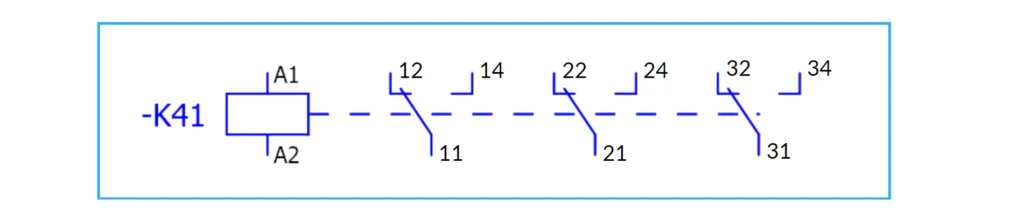
Sample lessons from the course
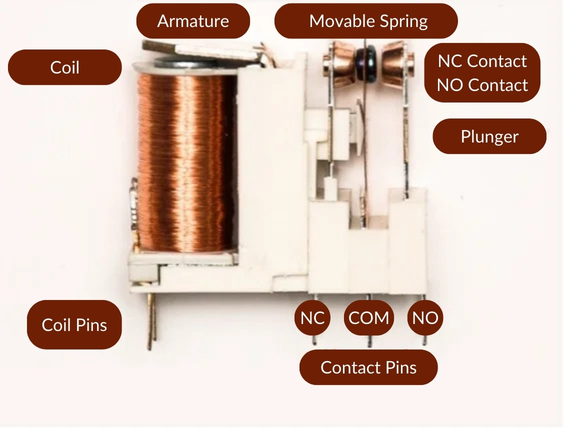
Modbus TCP Communication with Siemens
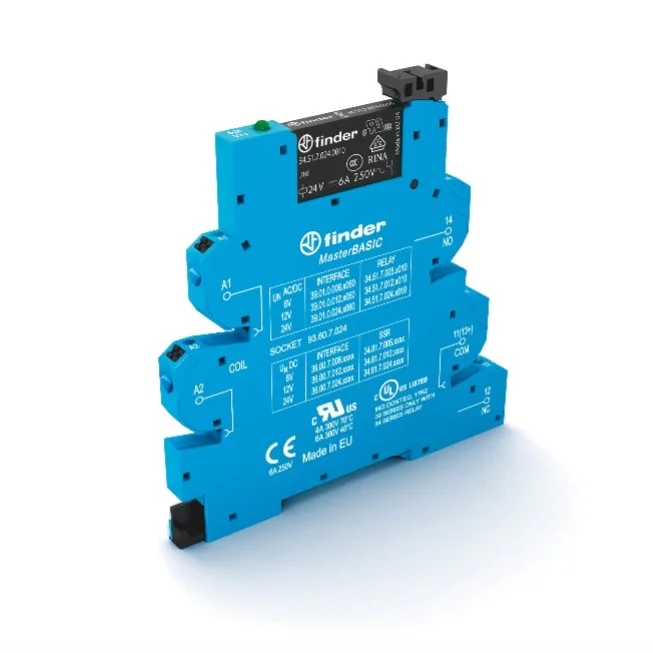
Profinet Communication
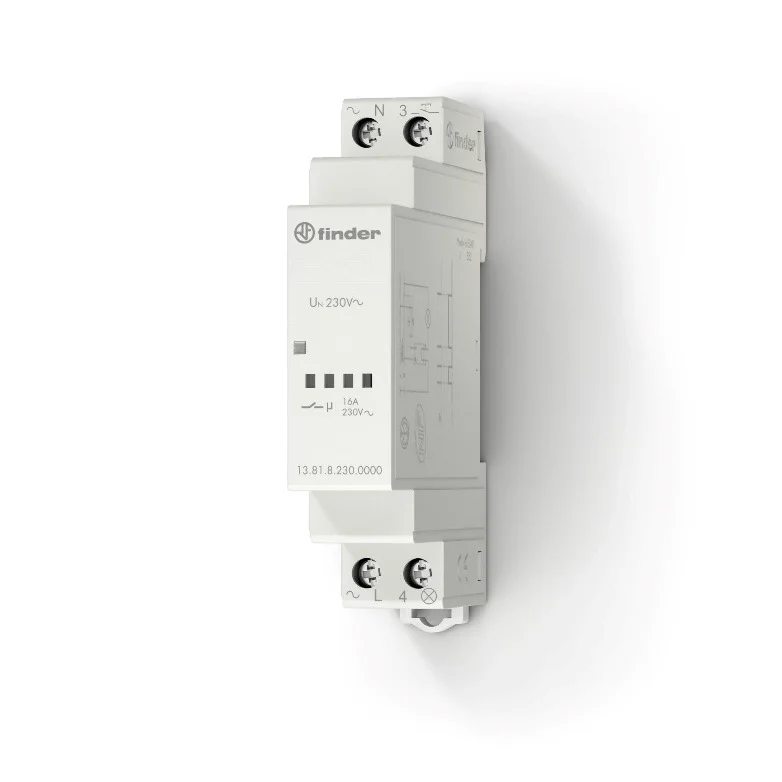
Saving data from PLC to an SQL database
Treść kursu
1. Introduction
A Word from the Author
Platform Handling
Forum, Chat – Support Group
Literature
Introduction to Communication in Automation
2. Modbus RTU – Basic Concepts
What is the Modbus Protocol?
Modbus Functions
Modbus Communication Frame
Modbus Master/Slave Communication Simulators
How to Handle Modbus Errors?
Quiz 1 – Modbus RTU
3. Modbus TCP
Modbus TCP in TIA Portal
Configuring Modbus TCP in Codesys Simulator
Free Modbus TCP View Simulator
4. Communication Profinet
Profinet communication basics
Siemens PLC <–> HMI Communication
Siemens PLC <–> Inverter Communication
Siemens PLC <–> SCADA Communication
Multiple Profinet devices in a TIA Portal project
5. EtherCAT protocol
HMI Weintek <–> servo drive via EtherCAT
Lenze Inverter <–> Codesys
Inovance Multi-Axis Drive <–> Codesys
6. OPC UA Communication
Standardization of OPC UA Communication
OPC UA Server <–> OPC UA Client Communication
Python Script Communication with OPC UA Server <–> OPC UA Client
WAGO PLC <–> UA Expert Simulator Communication
Homework for independent completion
7. MQTT - Communication in IIoT (Industrial Internet of Things)
M2M (Machine-to-Machine) Communication
Subscriber <–> Broker <–> Publisher Data Exchange
Practical MQTT Communication in Codesys
MQTT for WAGO, RPi, Siemens, PLCnext
8. Data Processing and Archiving
CSV – File Write and Read
XML, JSON – File Formatting
Saving Data from PLC to SQL Database
9. Remote Access to Machines and Devices
Homework Assignment
How to Program a PLC Remotely?
Establishing a VPN Connection with a PLC
HTTP, FTP, SSH Protocols
10. Modern OT/IT Tools
Docker – containers for communication
Node-Red – programming and communication
Grafana – modern visualization
SCADA Ignition – Modbus communication
12. Bonus # 2 Siemens
PLCnext
13. Bonus #3 Finder Opta
WiFi + Bluetooth
Why you should join this course?
-
You gain a skill highly valued by employers. You can showcase your certificate on LinkedIn, GoldenLine, and, of course, in your CV!
-
If you want to change your job and pursue a career as an automation engineer, you are in the right place!
-
You receive lifetime access to the materials on our platform. You can revisit them anytime you wish.
-
You will test all your written code in PLC simulators and communication simulators.
-
In the course, you don’t need physical hardware. A PLC simulator and communication simulators are sufficient. You will use the communication skills in real projects.
-
This learning path has been tested by hundreds of students, ask what they say about us in the industry!
Support on Discord!
-
You receive course support through Discord chat and live meetings.
-
We will provide you with your code reviews by Discord channel!
-
You can chat with other aspiring PLC programmers!
Here are the special bonuses:
BONUS #1
Consultations – Closed live webinars
BONUS #2
Discord – Access to the forum and chat for students
BONUS #3
Free Modbus / OPC UA communication simulators
BONUS #4
Lifetime access to the training
Student testimonials
Training Price
Before I show you the price, see exactly what you get by joining the course:
Thanks to the proven formula of our training and cost optimization, you can acquire this training for:
340 €
You receive a satisfaction guarantee with the training!
-
Masz 14 dni na zwrot kursu!
-
Działamy na rynku od 2019 roku
-
Masz do dyspozycji bezpieczne bramki płatności
-
PayNow MBANK (przelew, BLIK)
-
PayU (przelew, karta, raty 0%)
-
PayPal
-
-
Dostepne są raty 0% – wybierz opcję PayU
Watch the video and see the training path followed by hundreds of participants!
FAQ
How can I sign up for the course?
Use the “Join this Course” button on this website or send us an inquiry at: contact@controlbyte.tech
Will I receive support from the instructors for this training?
Yes! We stay in touch with you through Discord channel – chat for participants, forums, and live meetings – webinars.
Will I receive a certificate upon completion of the training?
After submitting all projects from homework assignments and having them checked by the instructors, you will receive a certificate of completion for the training.
Will I need a PLC during the course?
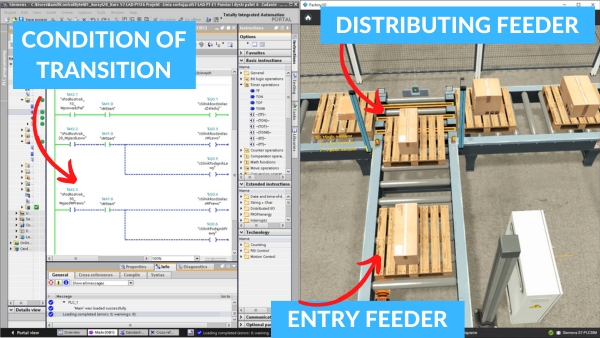
No! In the course you will use advanced PLC simulator, so you won’t need a real PLC. The Factory I/O environment simulates automation systems such as conveyors, manipulators, actuators, robots, etc. The PLC’s operation is simulated using the Siemens S7-PLCSIM environment.
Do I need to purchase a license for Siemens TIA Portal software?
No! You only need a free license.
What if it turns out that the course is not for me? Can I return the course?
You have 14 days to return the course, counting from the start date of the course. We guarantee a safe purchase.
Do I need to purchase a license for Factory I/O software?
No! To participate in the course, a free license is sufficient.
Is the course suitable for me if I have no prior experience with programming?
Yes. This is a basic course, designed in such a way that even someone without any experience with PLCs will be able to learn programming in LAD/FBD language.
How long will I have access to this course?
Access to the course is lifetime! As long as the ControlByte company exists in the automation market.
What does an online course on the ControlByte platform look like?
You get access to video materials with lessons explaining programming concepts. Participants follow exercises according to guidelines from the videos.
They also have homework assignments to solve independently. Homework projects are uploaded to the portal, where instructors check the tasks and provide feedback.
I would like to purchase training for my company. I need an official offer.
Please send an email with the information needed for the offer. We will send the offer to the indicated address. Upon receiving the order, we will grant you access to the course. Payment can be made according to the agreed commercial terms.
contact@controlbyte.tech
Can I receive an invoice?
No problem, please send us an email.
contact@controlbyte.tech
What if I have a problem or something is unclear?
Send us e-mail: contact@controlbyte.tech

Course on Communication and Data Processing in Automation
WITH A 14-DAY MONEY-BACK GUARANTEE