VIDEO COURSE | ALLEN-BRADLEY MICRO800 · CONNECTED COMPONENTS WORKBENCH

Allen-Bradley Micro800 PLC Programming
from Scratch in CCW

Learn Allen-Bradley the way it is done on the plant floor. 94 lessons in Connected Components Workbench, three complete industrial projects and a real Micro850 training stand.

Enroll & Save

Get instant access to every lesson published so far, and to each new module the moment it goes live.

Lifetime access. CCW is free from Rockwell and no hardware is required to start.

Video lessons 94
Modules 24
Projects 3 full builds
Skill Level Beginner to Intermediate

Trusted by Industry Leaders to Train Their Teams

PartnerPartnerPartnerPartnerPartnerPartnerPartnerPartnerPartnerPartnerPartnerPartnerPartnerPartnerPartnerPartnerPartnerPartnerPartnerPartnerPartnerPartnerPartnerPartner

You know ladder logic in theory - but freeze in front of a real Allen-Bradley controller?

  • Most PLC courses stop at "turn on a light with a button."
  • On the job you connect to a real Micro800, map physical I/O to variables and download a running program.
  • Function blocks, analog scaling and PID control are rarely taught step by step.
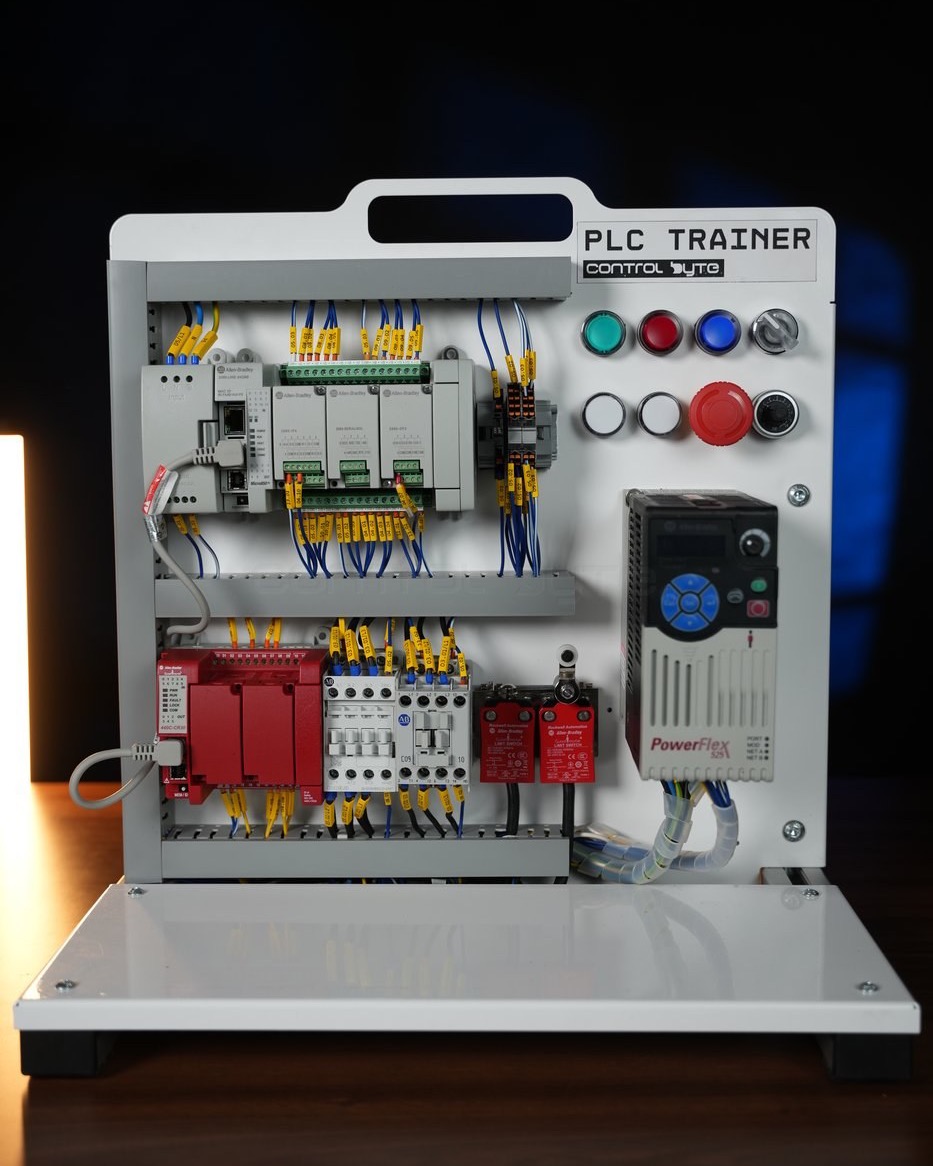
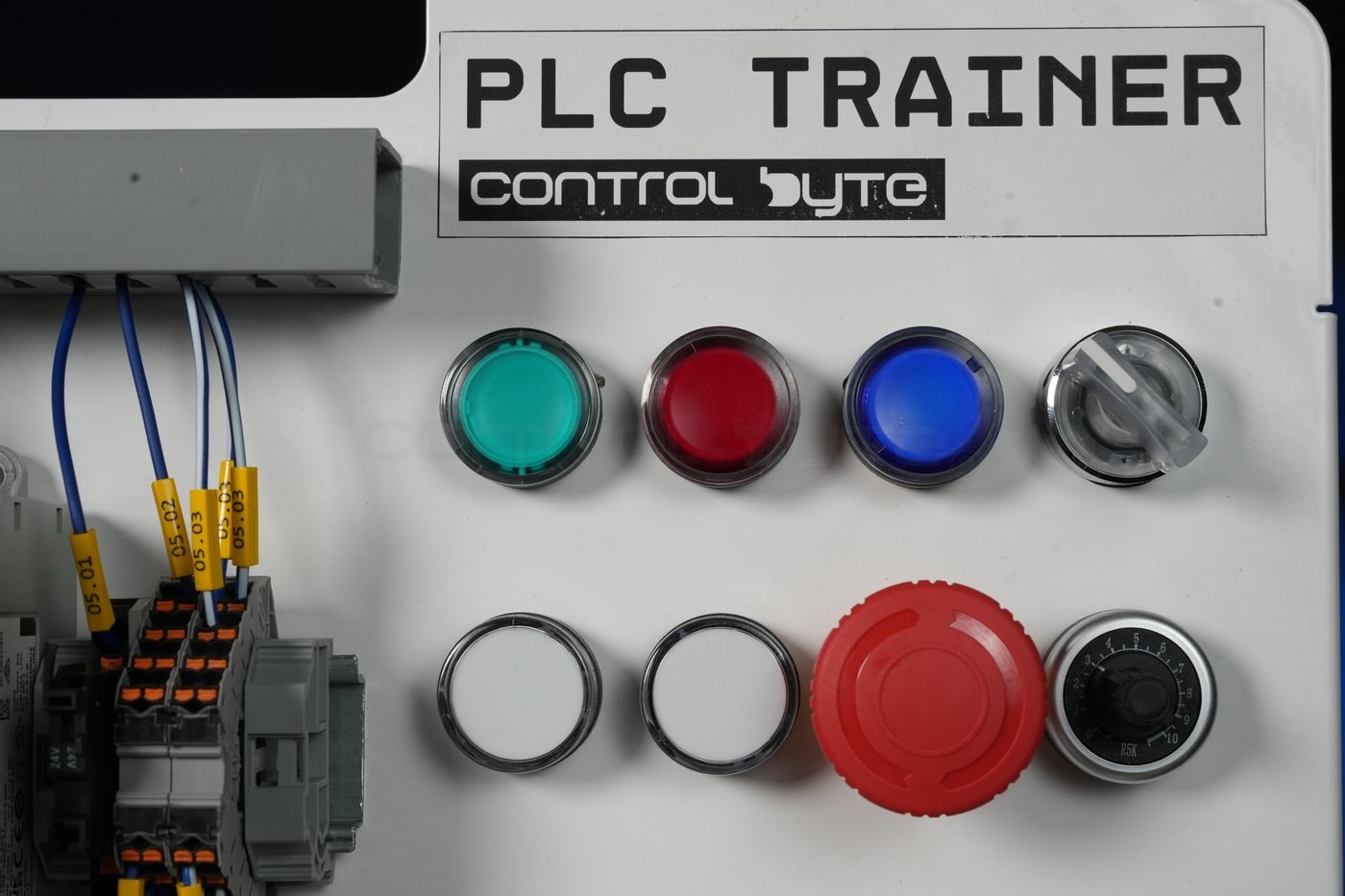
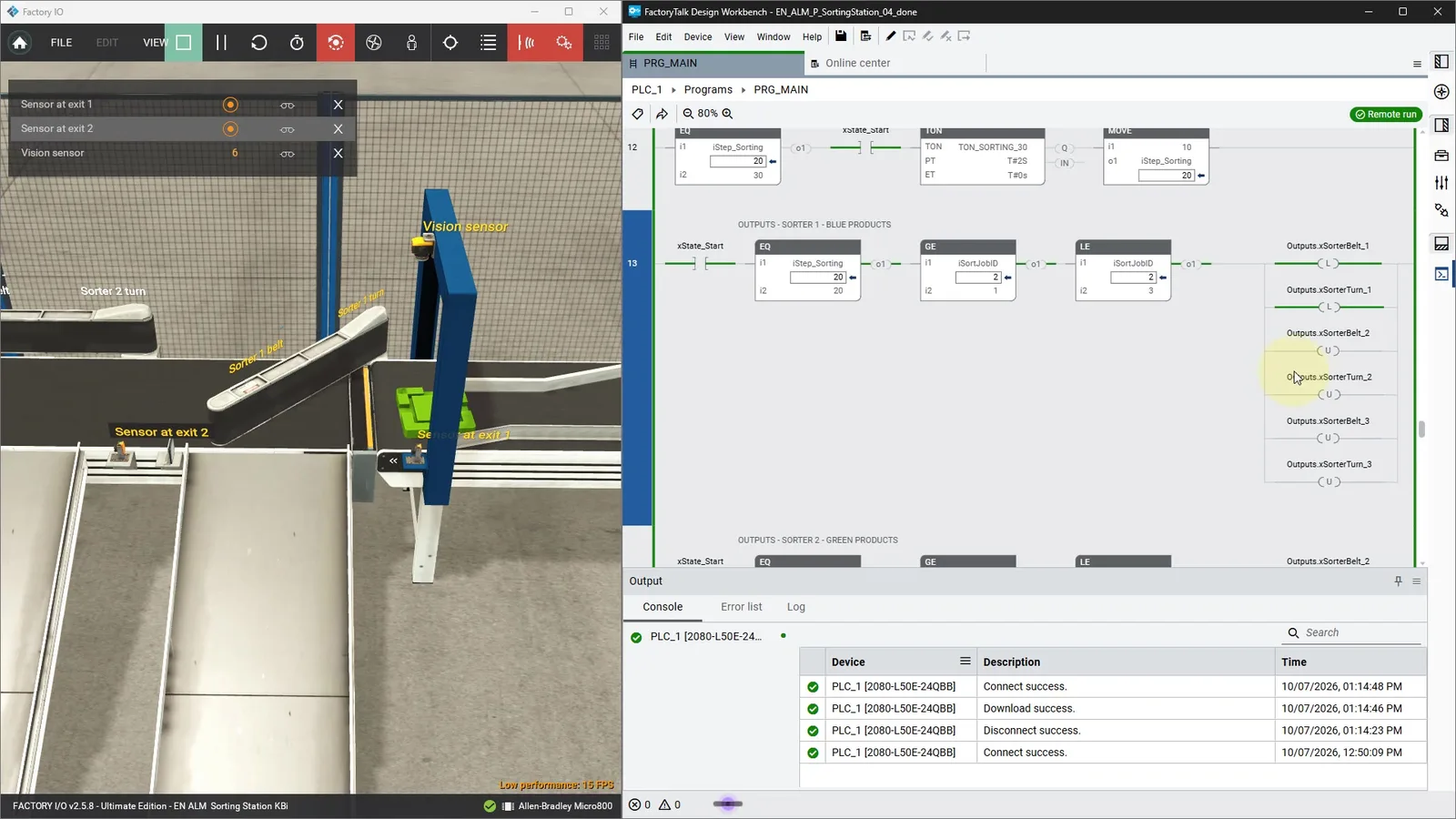
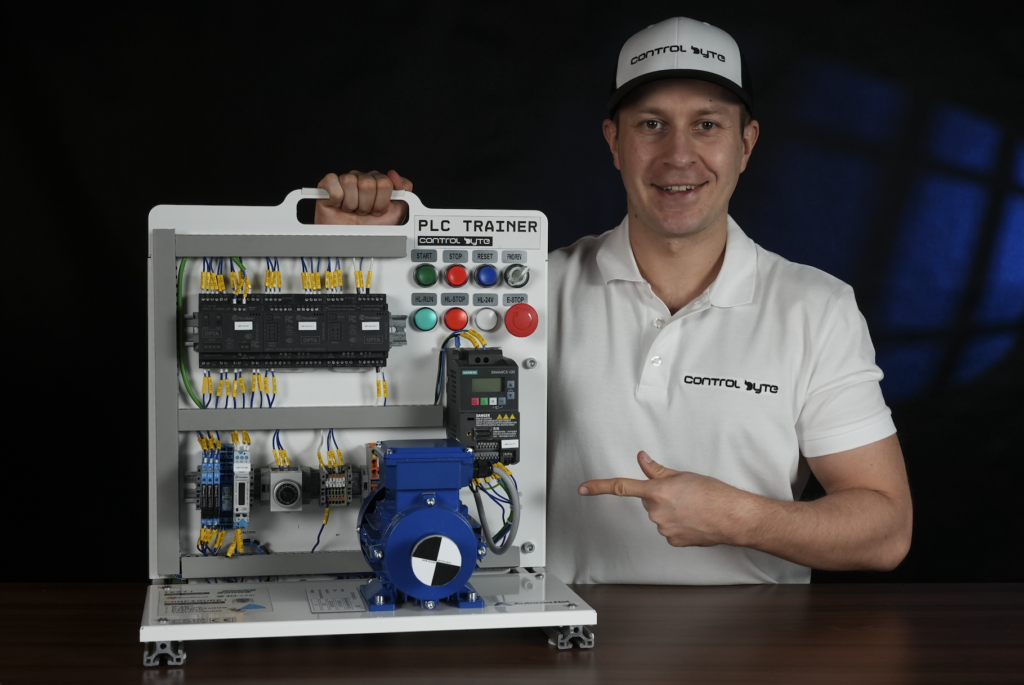
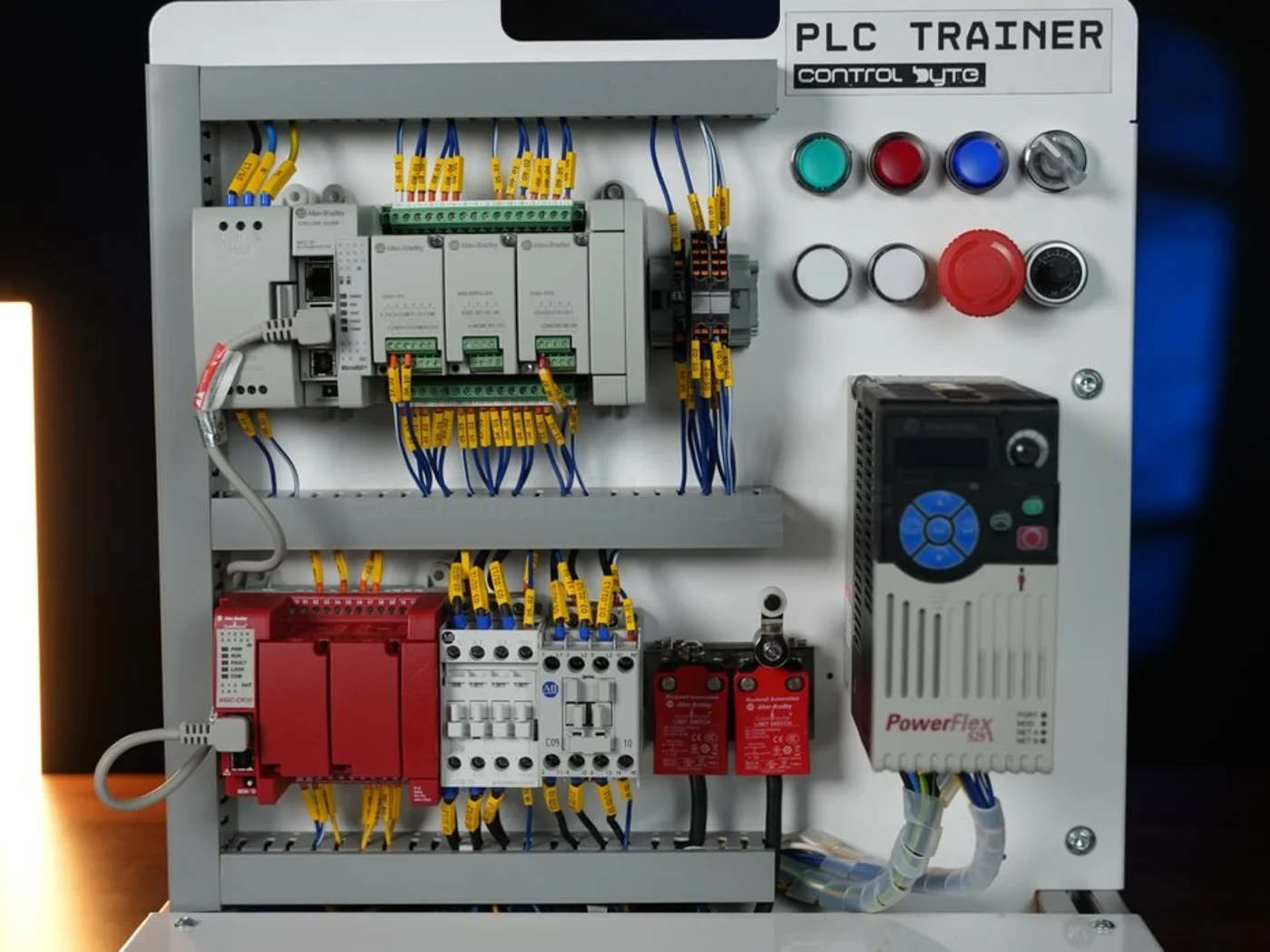
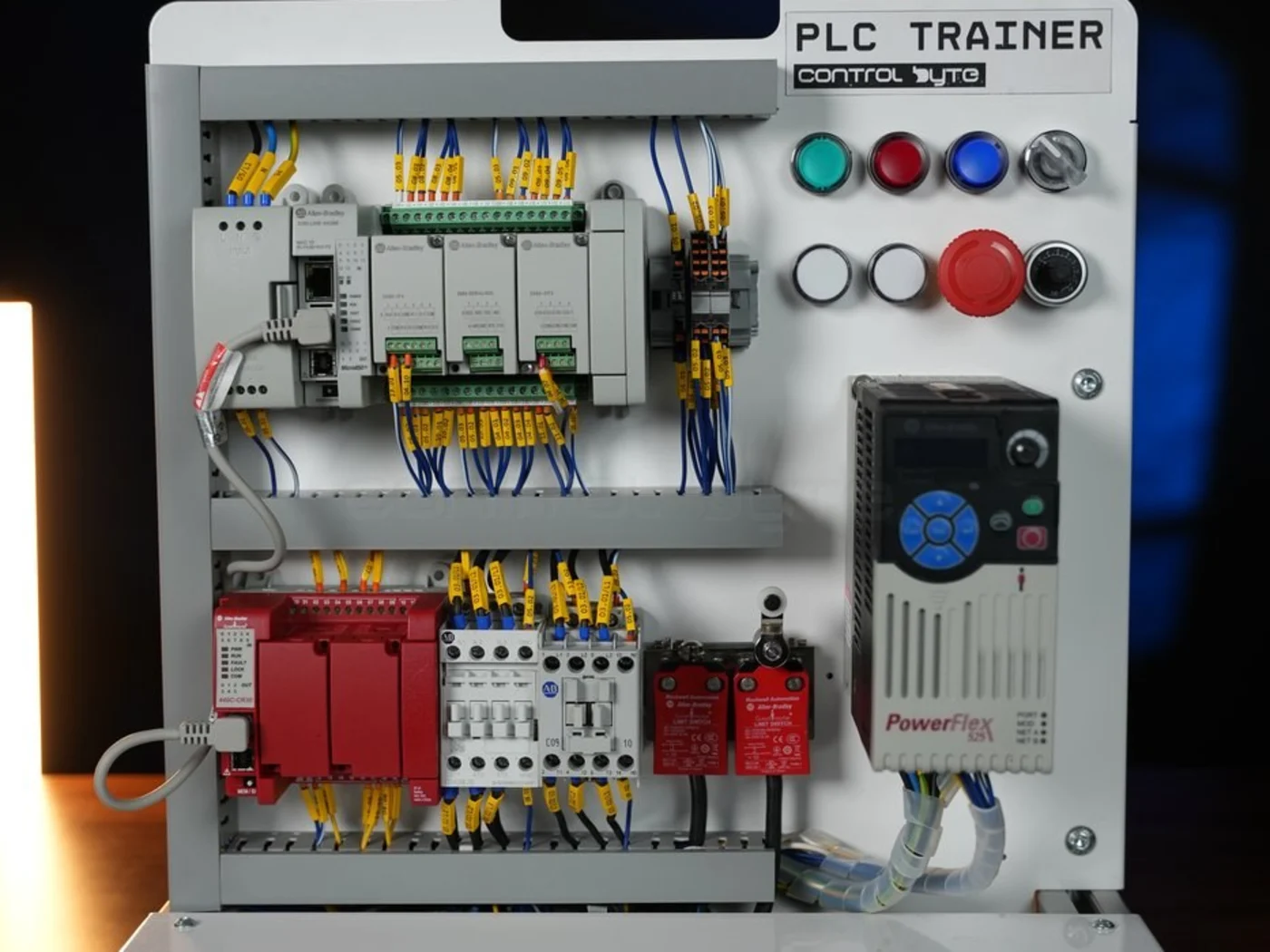
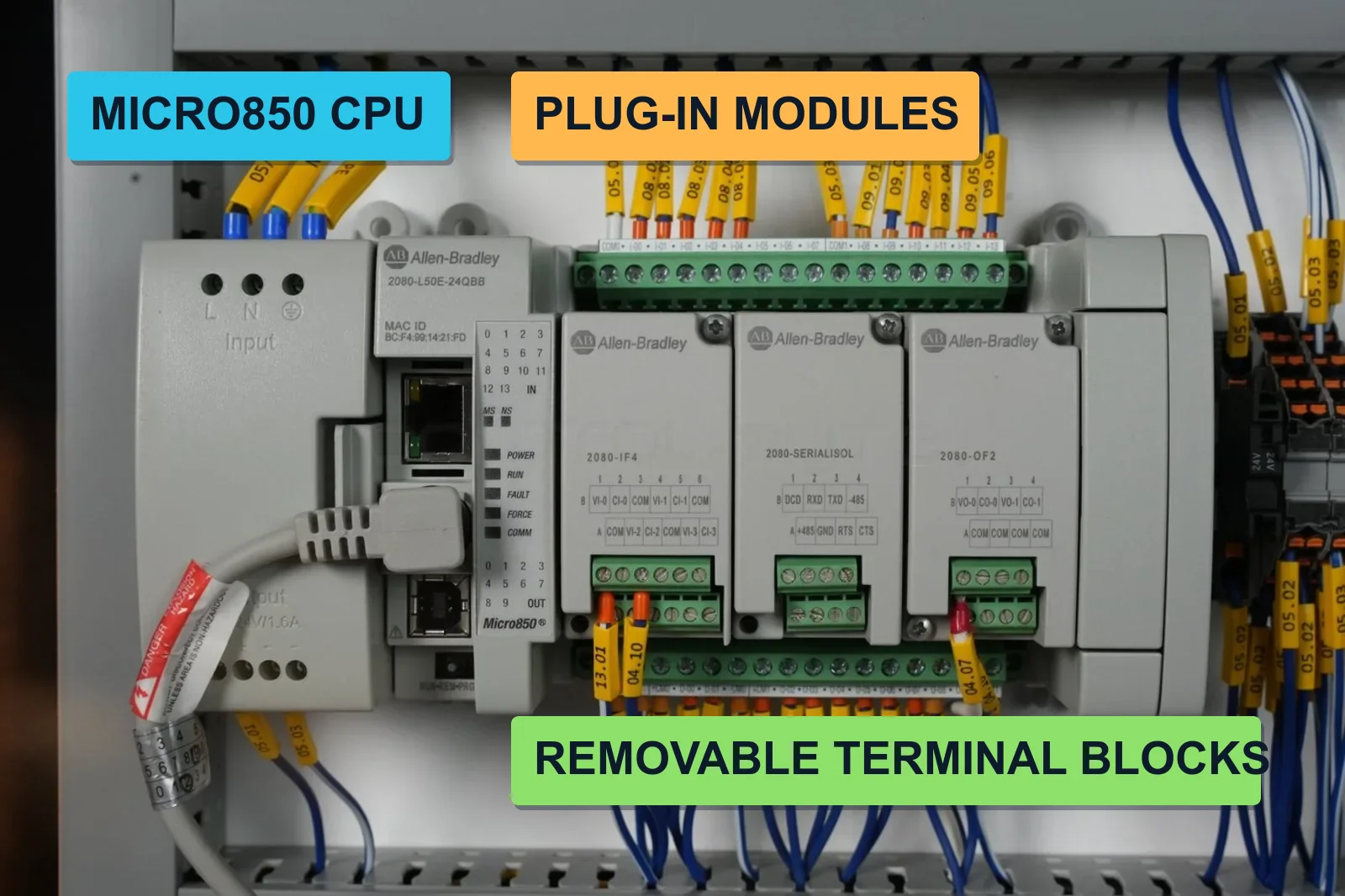
  • This course closes that gap inside the actual Rockwell ecosystem: Connected Components Workbench, Micro820 and Micro850 controllers, Factory I/O simulation and a fully wired training stand.
  • Tutorials built around screenshots leave you stuck the moment you face real hardware, real wiring and a real I/O map.

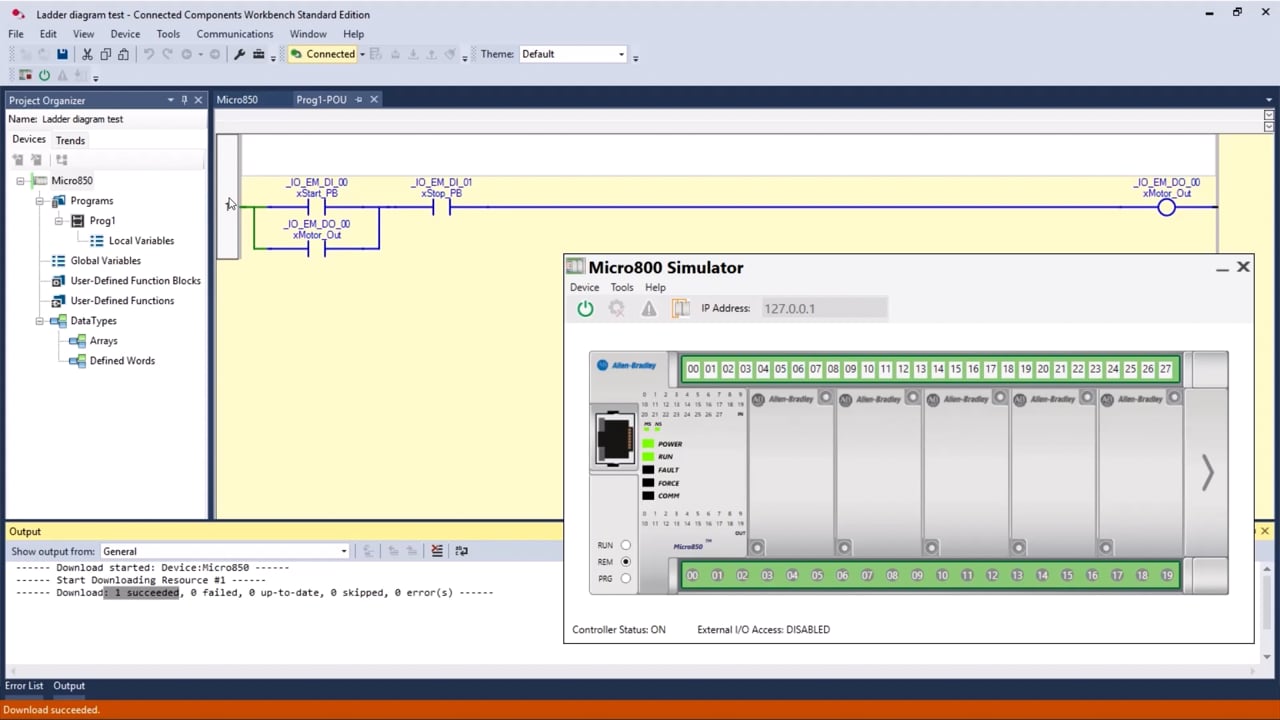
Everything Runs in Connected Components Workbench

  • CCW is free from Rockwell - no licence cost and no trial countdown
  • The same environment used for Micro810 through Micro870 controllers
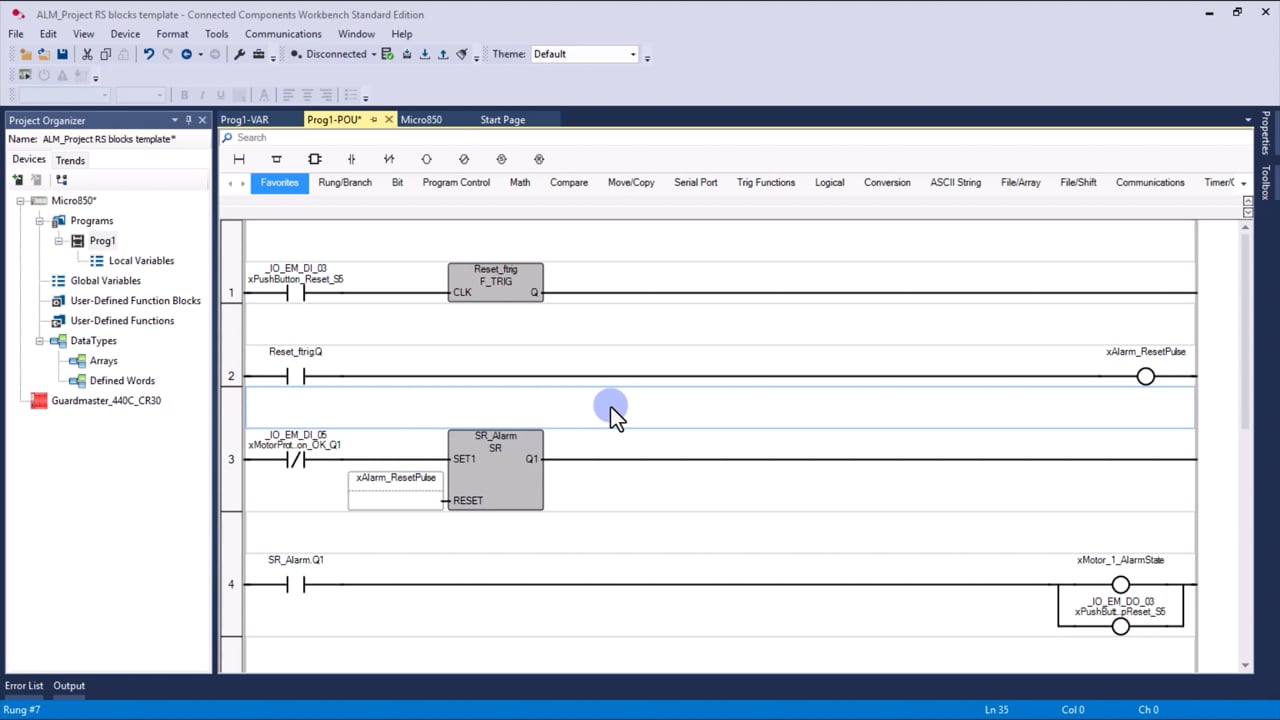
  • Ladder Diagram, Function Block Diagram and Structured Text in one project
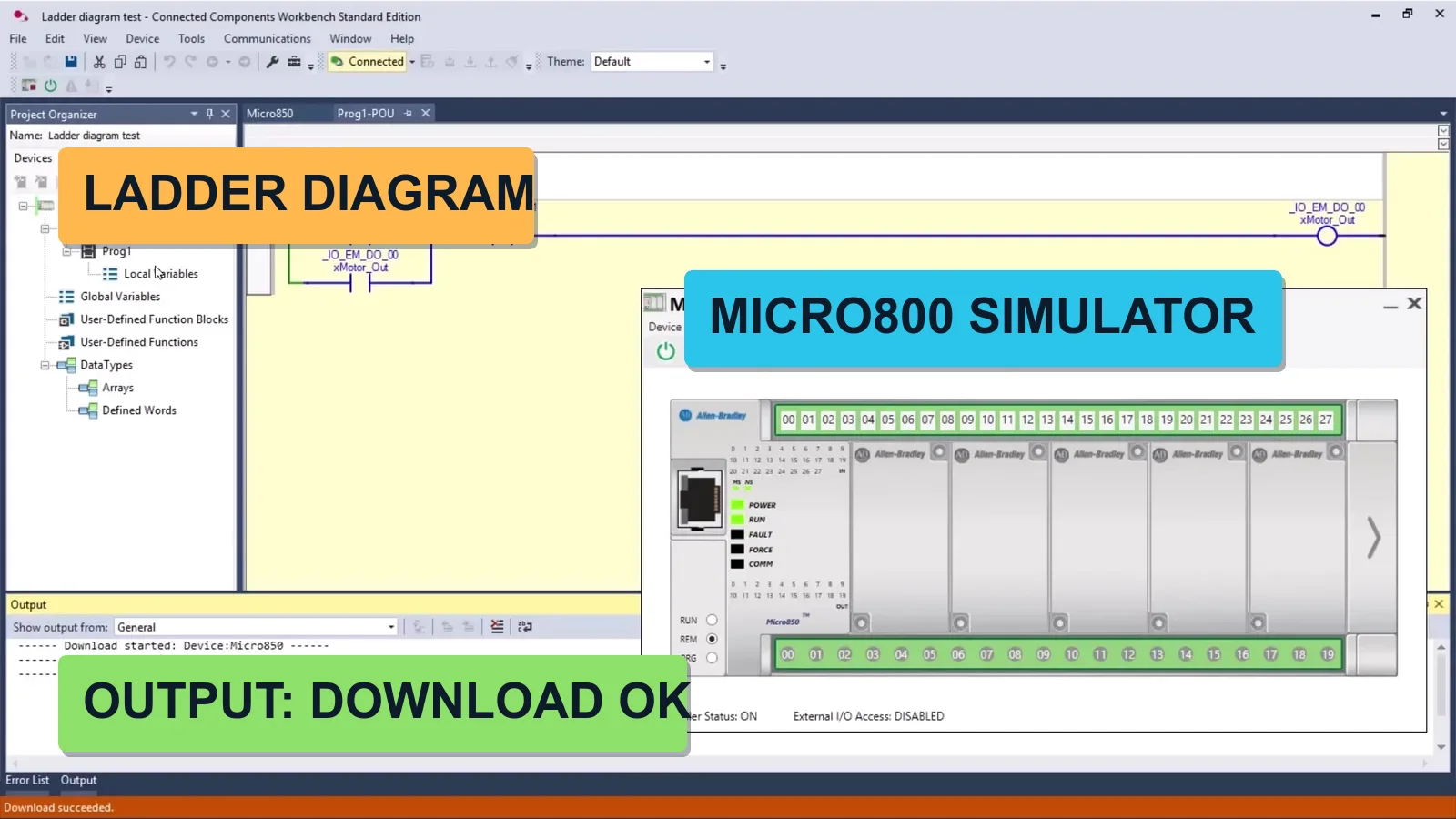
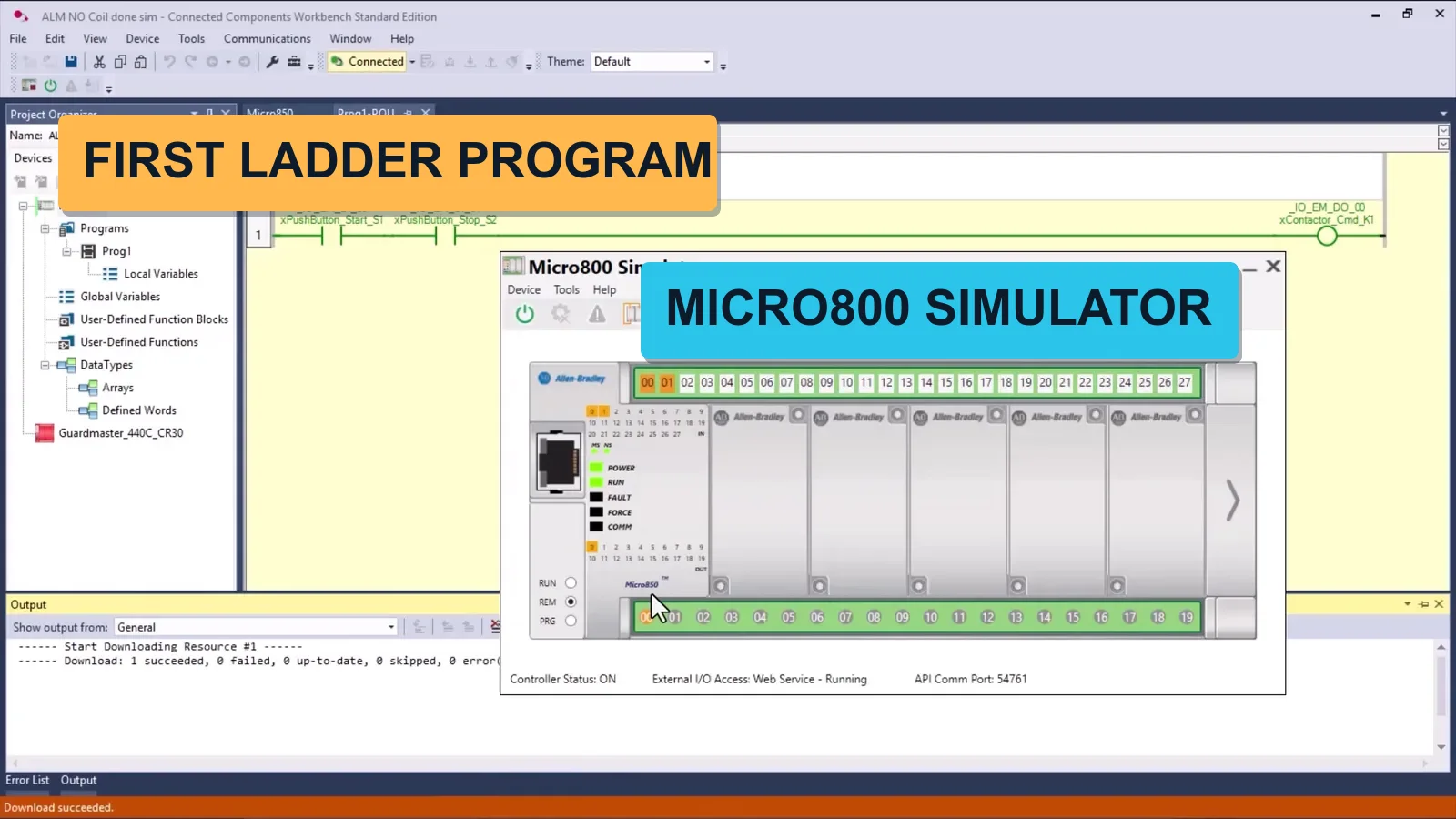
  • Built-in simulator, so you write and test your first program without any hardware
  • You go from a blank project to a downloaded, running program in module two

What You'll Be Able to Do

  • Install and configure Connected Components Workbench from a free Rockwell account
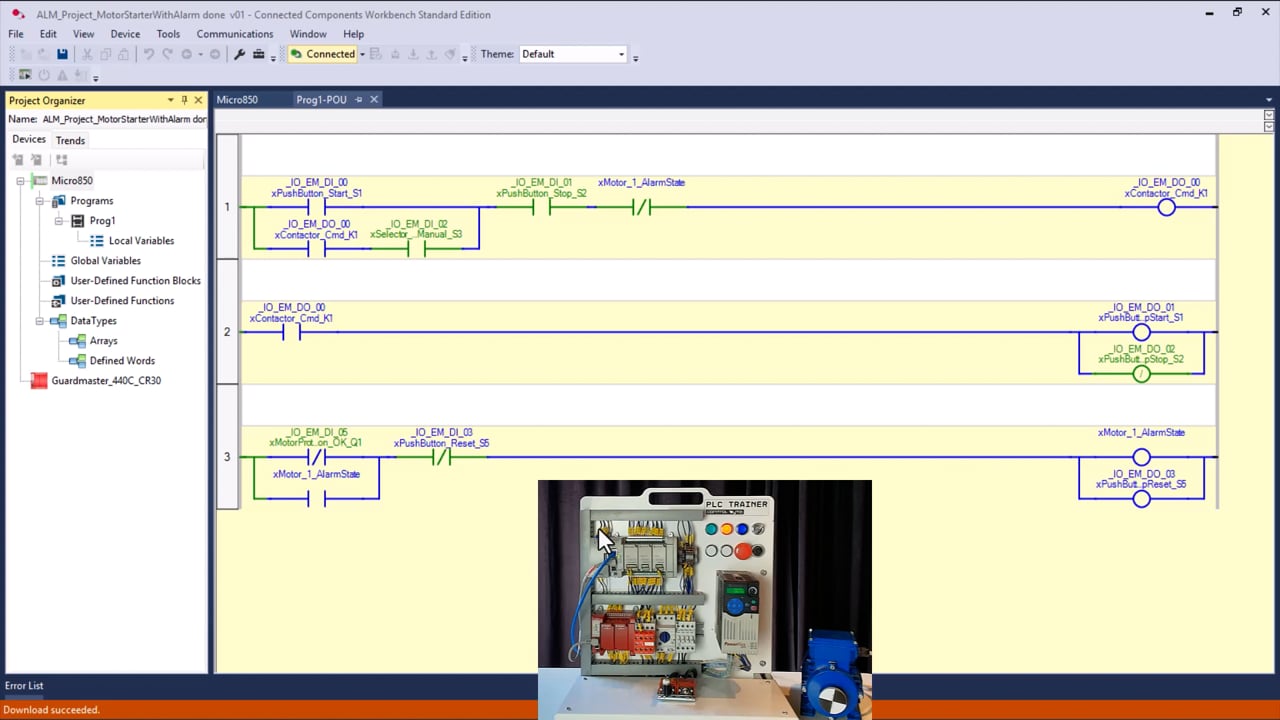
  • Write, debug and download Ladder Diagram and Function Block programs to a Micro800 controller
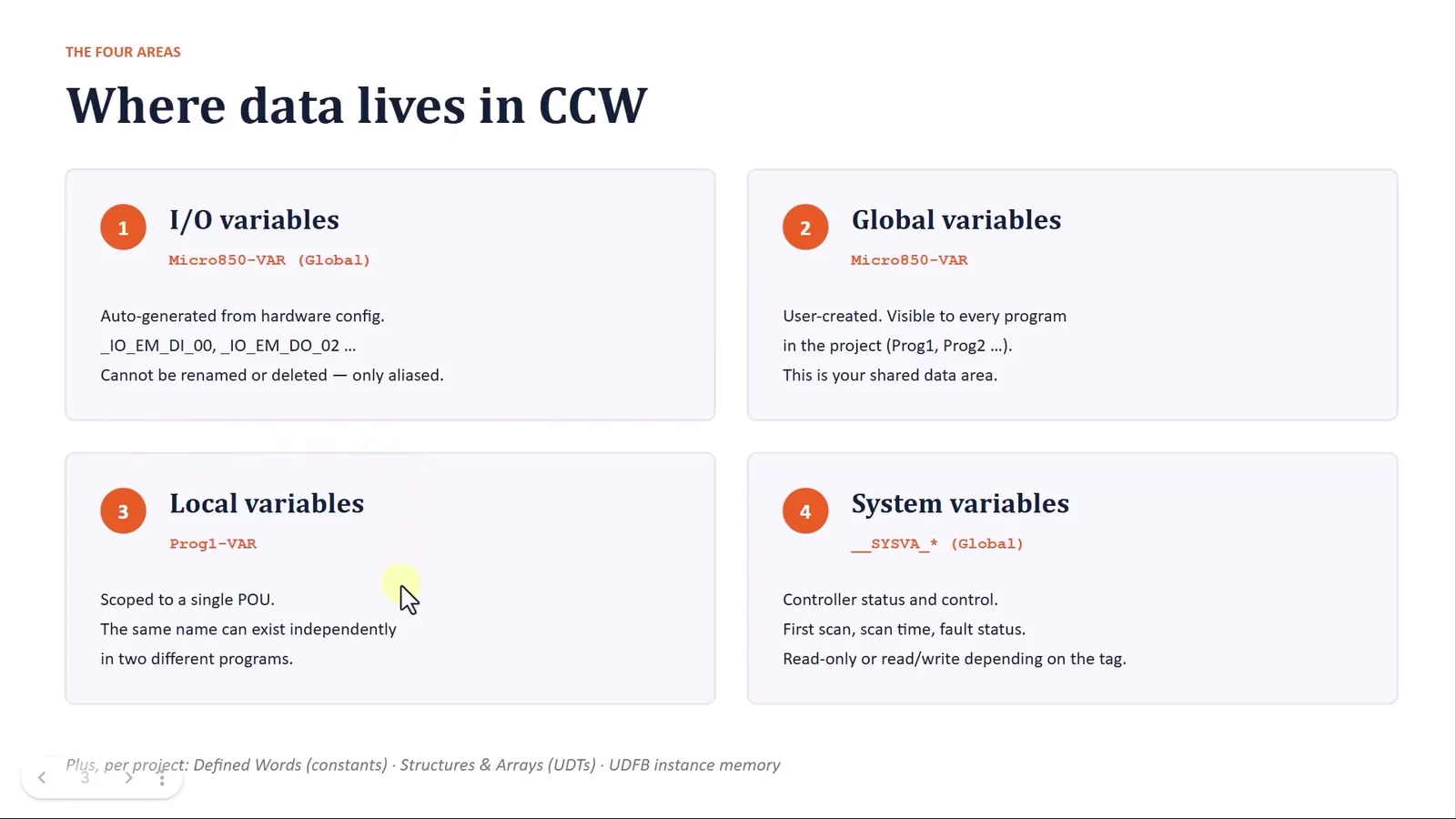
  • Map global, local and system variables to physical I/O
  • Build logic with timers, counters, edge detection, SET/RESET coils and flip-flops
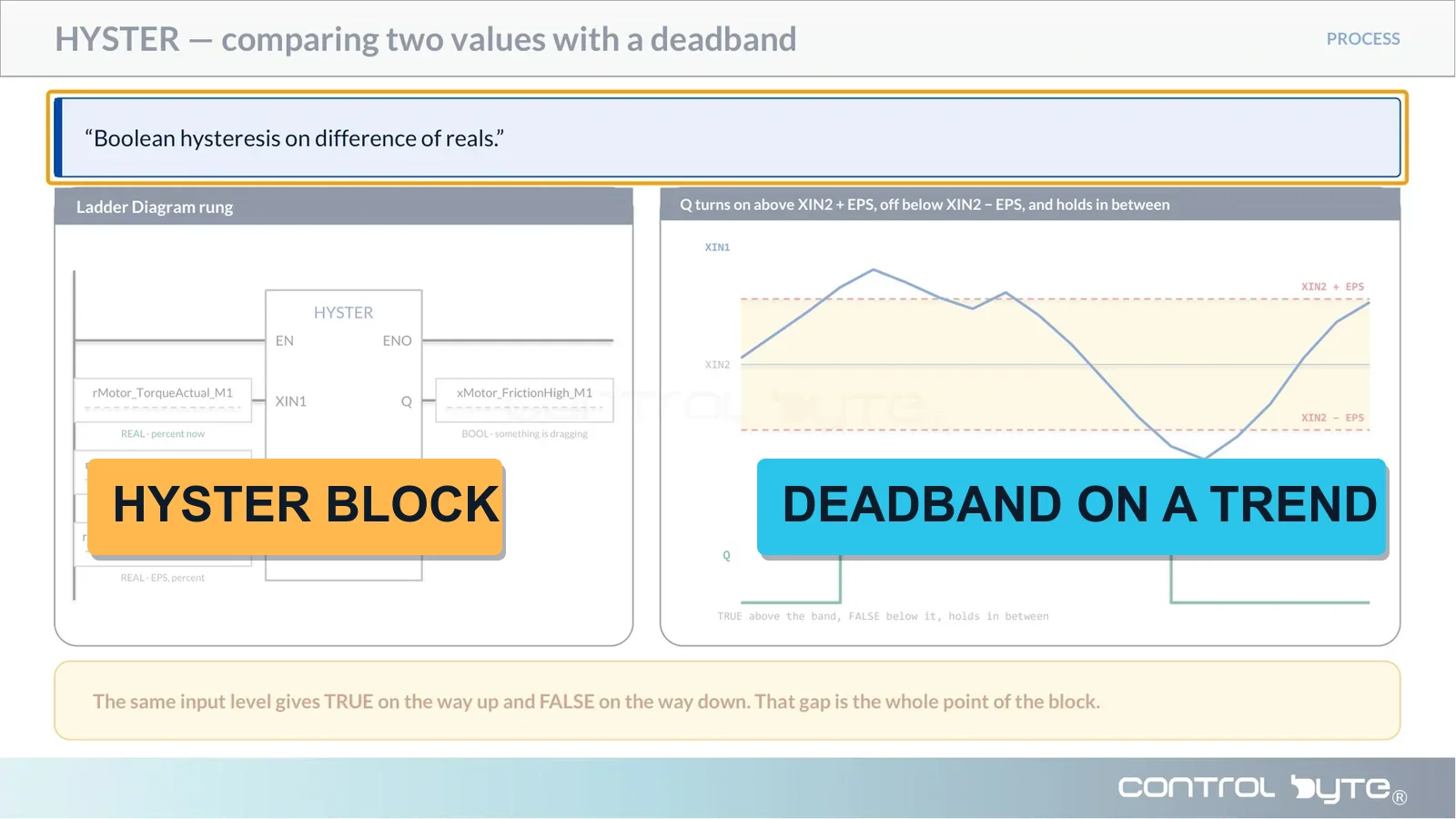
  • Scale analog signals and use process instructions: ALARM, HYSTER, SCALE, PID
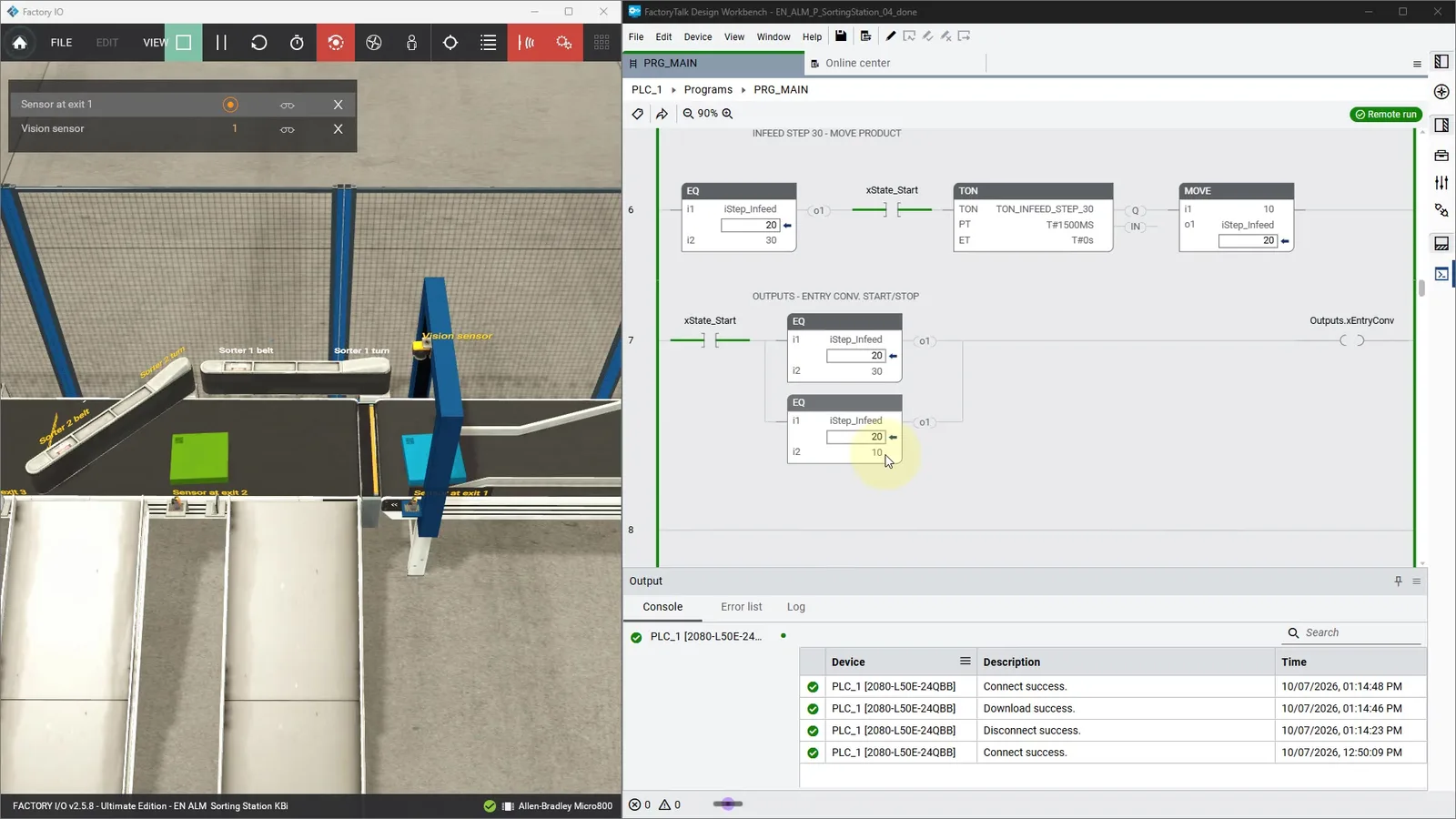
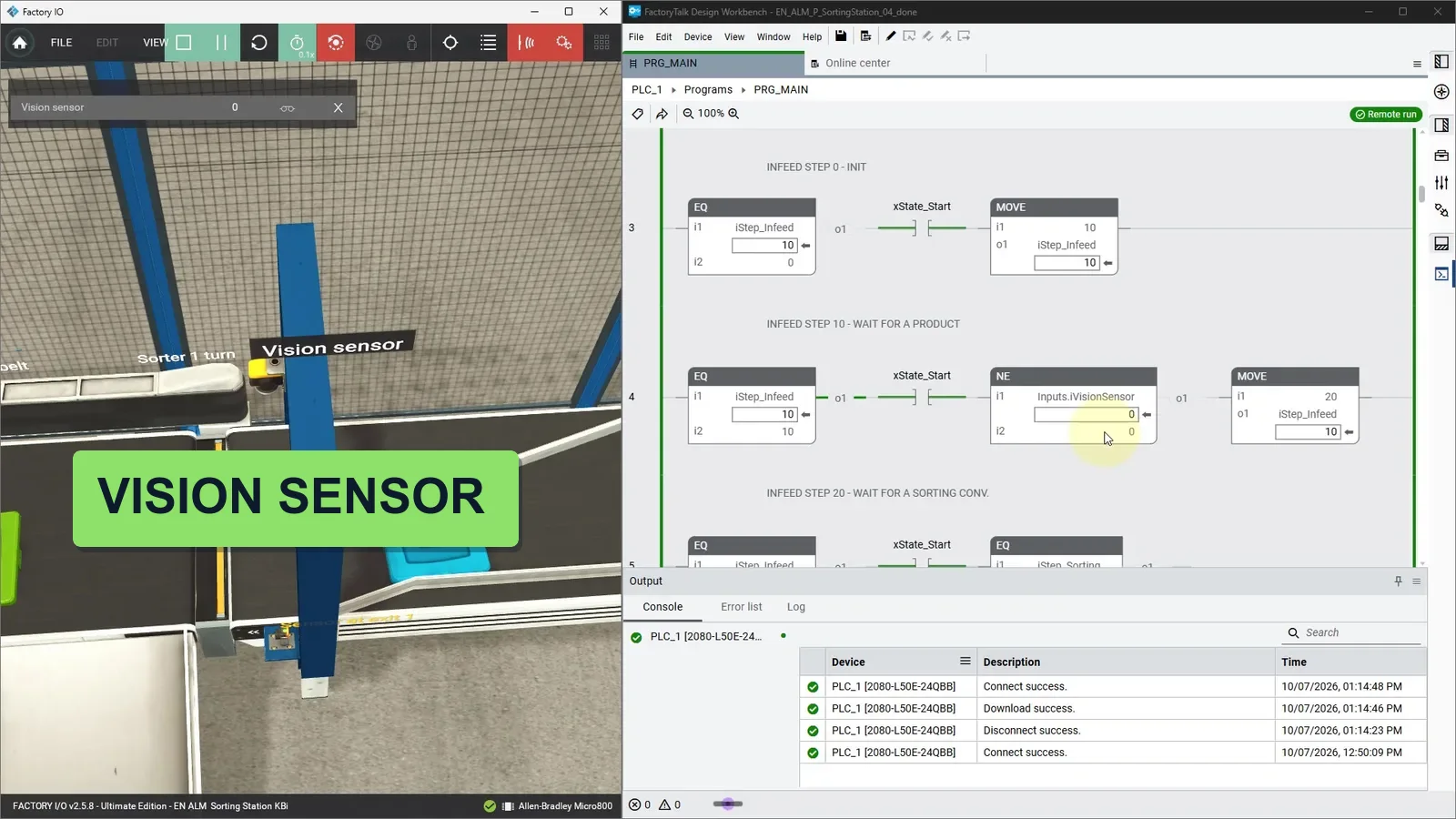
  • Test your programs against Factory I/O scenes before touching hardware
  • Deliver three complete projects: sorting line, tank level control and pumping station

Learn From Working Automation Engineers

  • Real hardware, real software — the Rockwell stack, not a detached simulation
  • Substance over filler — ~12 hours of dense, practical material
  • Learn by building — every concept reinforced on an actual project
  • Lifetime access — revisit any lesson, including future updates

Who Is This Course For?

  • Automation or controls technicians moving into the Allen-Bradley world
  • Students and career-changers who know ladder basics and want real skills
  • Engineers on another PLC brand who want to master the Rockwell ecosystem
  • Anyone who wants a portfolio of two working projects, not just a certificate

What You Get When You Enroll

  • 94 practical video lessons across 24 modules
  • Three complete industrial projects: sorting line, tank level control and pumping station
  • Connected Components Workbench - free from Rockwell, no licence needed
  • Factory I/O scenes to test every program before touching hardware
  • Instructor support via Discord chat and live webinars
  • Lifetime access - learn at your own pace, forever
  • Certificate of completion to boost your CV and LinkedIn

Meet Your Instructor

MSc. Eng. Maciej Kurantowicz

MSc. Eng. Maciej Kurantowicz

Automation & Robotics Engineer, Wroclaw University of Technology graduate

I believe everyone in the 21st century should know the basics of programming and automation!
Three Complete Projects You Build in the Course

Micro800 in Practice

Project 1 - Sorting Line

  • Design the conveyor sequence from a written specification
  • Map every sensor and actuator to variables in CCW
  • Build and debug the full sorting logic step by step
  • Validate the finished program against a Factory I/O scene

Analog and Process Control

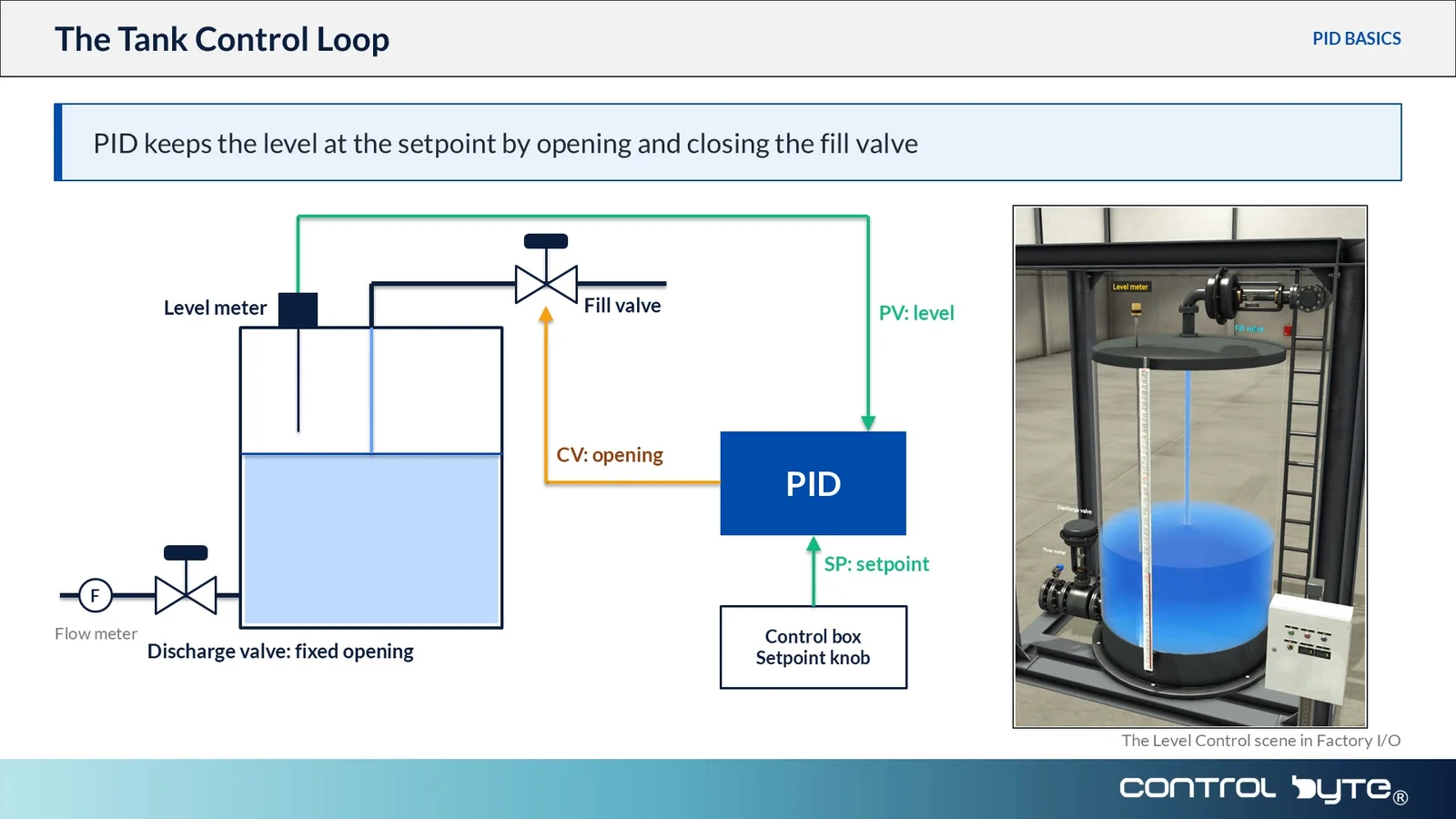
Project 2 - Proportional Tank Level Controller

  • Describe the station and map its analog signals
  • Scale raw analog inputs into engineering units
  • Build a PID controller inside CCW
  • Extend the program with alarms and hysteresis

Full Industrial Application

Project 3 - Pumping Station

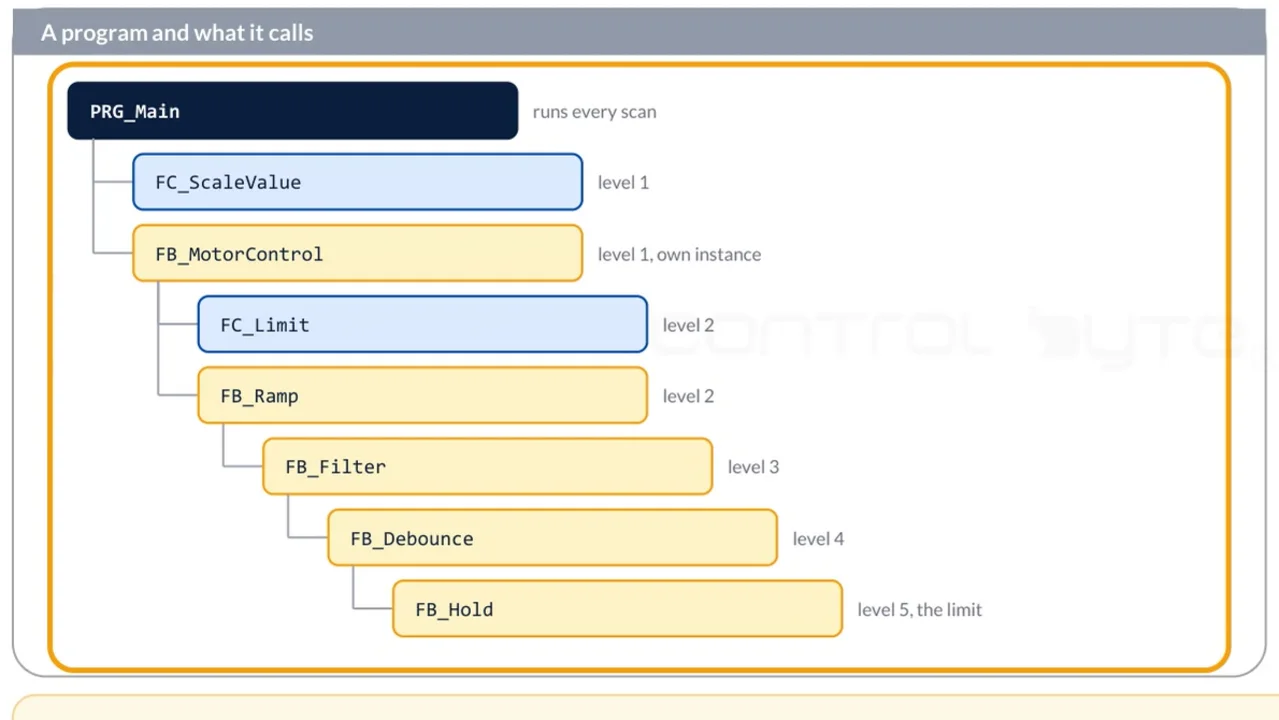
  • Structure a larger program into reusable function blocks
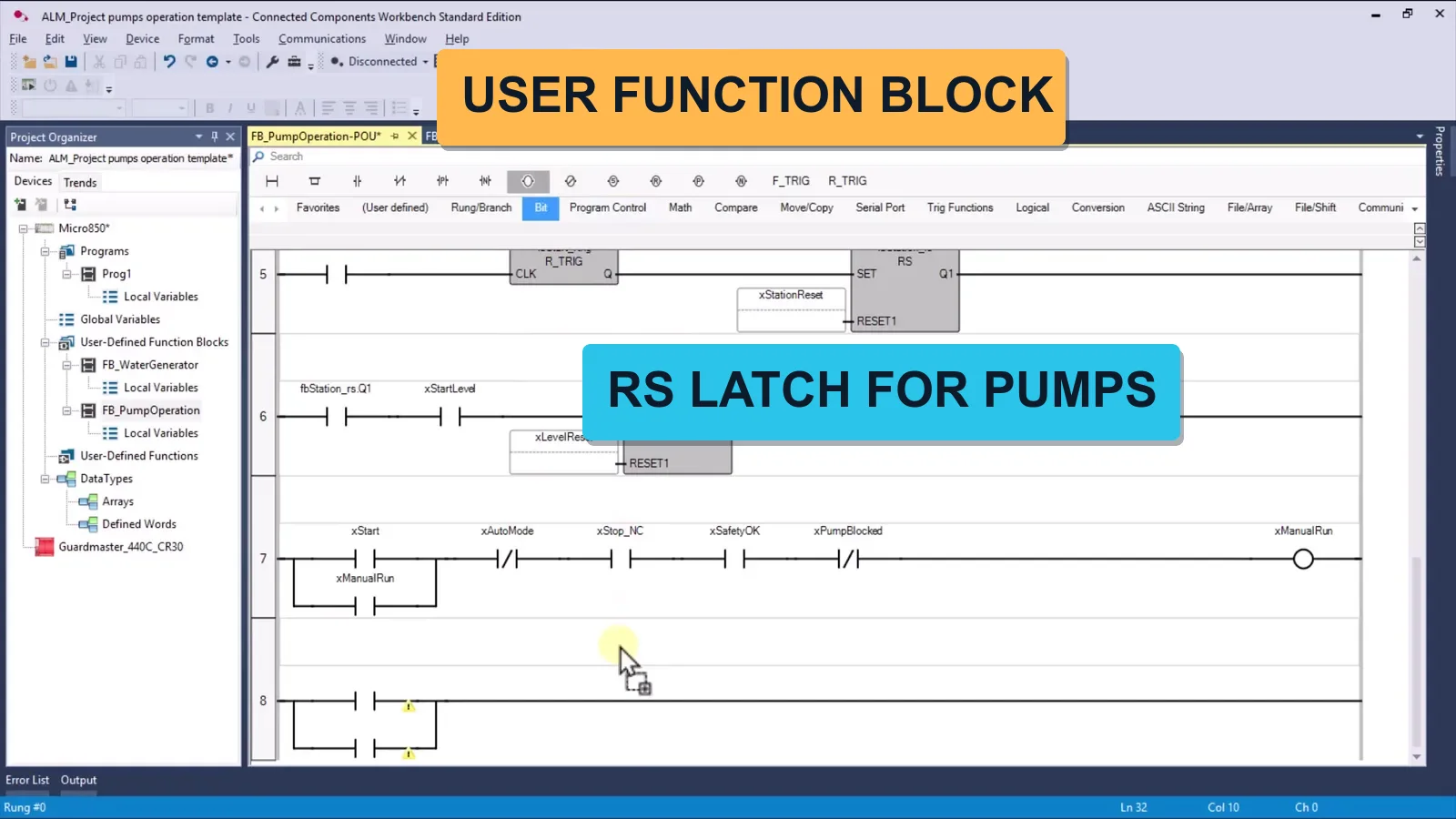
  • Write a Pump Control function block from scratch
  • Handle alternating duty, faults and run-time counting
  • Finish with a web visualisation for the station

Full Curriculum - 94 Lessons Across 24 Modules

The course is being published as we finalize it. 11 of 94 lessons are live today and new modules go up as soon as they are recorded. You get access to everything already published plus every future module, and your access is permanent.

1. Installing Connected Components Workbench
  • 1.1. Create an account and download free CCW software
  • 1.2. Installing Connected Components Workbench
2. First CCW project and PLC simulator
  • 2.1. Lathing circuit first ladder diagram program Micro800 Allen Bradley
  • 2.2. First Project in Structured Text
3. Introduction to variables and memory areas
  • 3.1. Memory areas
  • 3.2. Global and local variables and I/O mapping
  • 3.3. System variables, first scan pulse
  • 3.4. What is Bit, Byte, Word, Dword
  • 3.5. BOOL vs INT variables example
  • 3.6. Variable types (BOOL, SINT, INT, DINT, REAL…)
  • 3.7. Writing values using variables to HMI panel
  • 3.8. How to name variables? Different types of notation
4. Basic LD Language Instructions
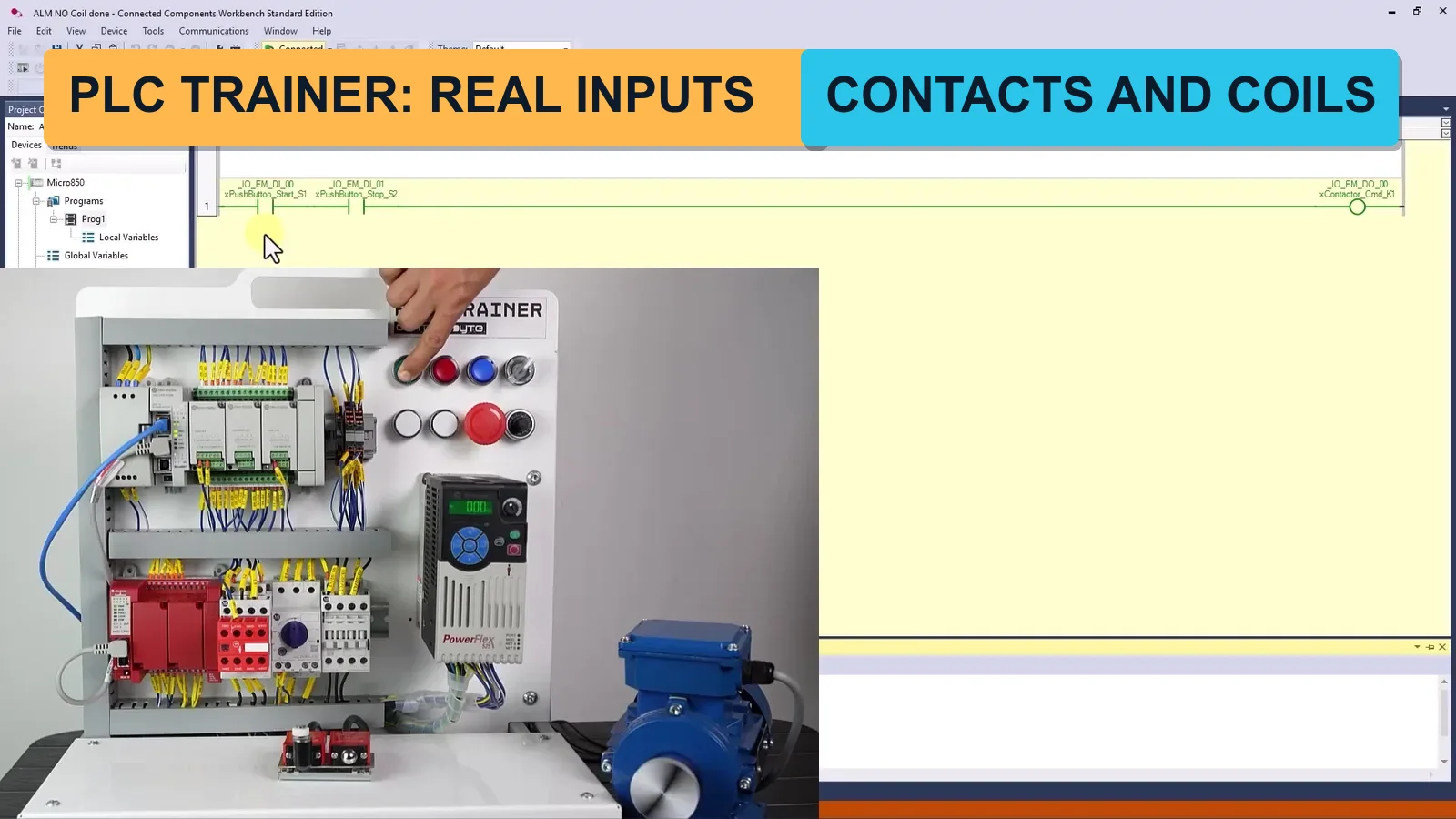
  • 4.1. Contacts Direct -| |-
  • 4.2. Contacts Reverse -|/|-
  • 4.3. Coils -( )-
  • 4.4. Seal-in (latching) circuit
5. How the PLC Executes the Program
  • 5.1. PLC scan cycle
  • 5.2. PLC memory
6. Factory IO connection and conveyor program
  • 6.1. Factory IO installation
  • 6.2. CCW connection with Factory IO
  • 6.3. Conveyor belt conveyor program
7. Introduction to Bit Instructions in CCW
  • 7.1. Normally open contact -| |- AND operation (conveyor, switch, and sensor in FIO)
  • 7.2. Normally open contact -|/| OR operation (add selector switch in FIO scene)
  • 7.3. Normally closed contact -|/|- (diffuse sensor introduction)
8. Exercises with Bit Logic Operations
  • 8.1. Start/stop button function – code with loop back
  • 8.2. Exercise start stop button
9. Assignment Instruction, SET RESET Coils
  • 9.1. Flip-flops
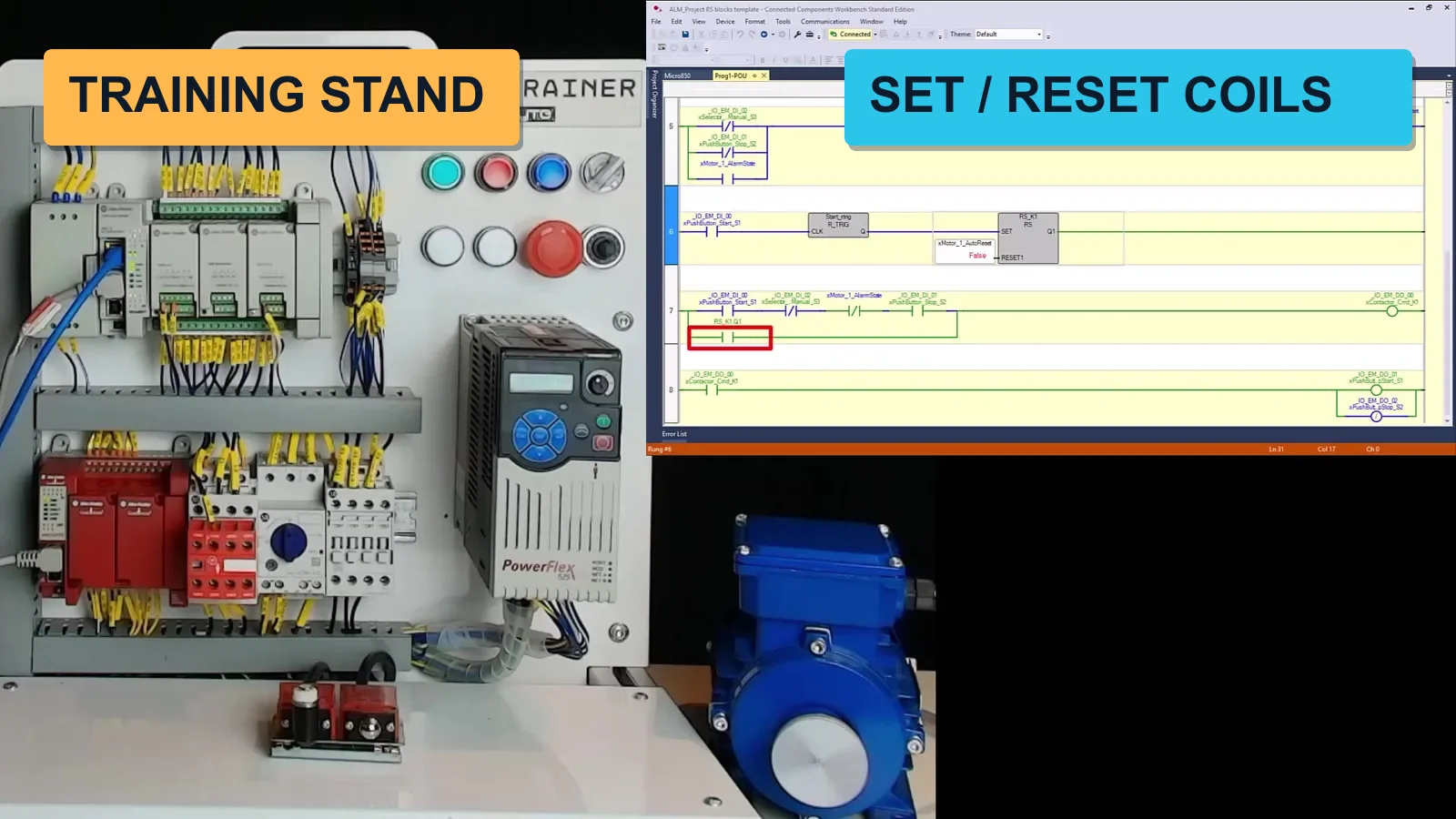
  • 9.2. SET, RESET coils
  • 9.3. Assignment instruction (coil) – using tips
  • 9.4. Why hardware NC signals?
10. Edge Detection Instructions
  • 10.1. Rising edge trigger R_TRIG
  • 10.2. Falling Edge trigger R_TRIG
11. FBD Logic Instructions
  • 11.1. FBD logic gates – theory
  • 11.2. FBD program exercise
  • 11.3. FBD program solution
12. Timer Instructions
  • 12.1. Timer TP (Pulse)
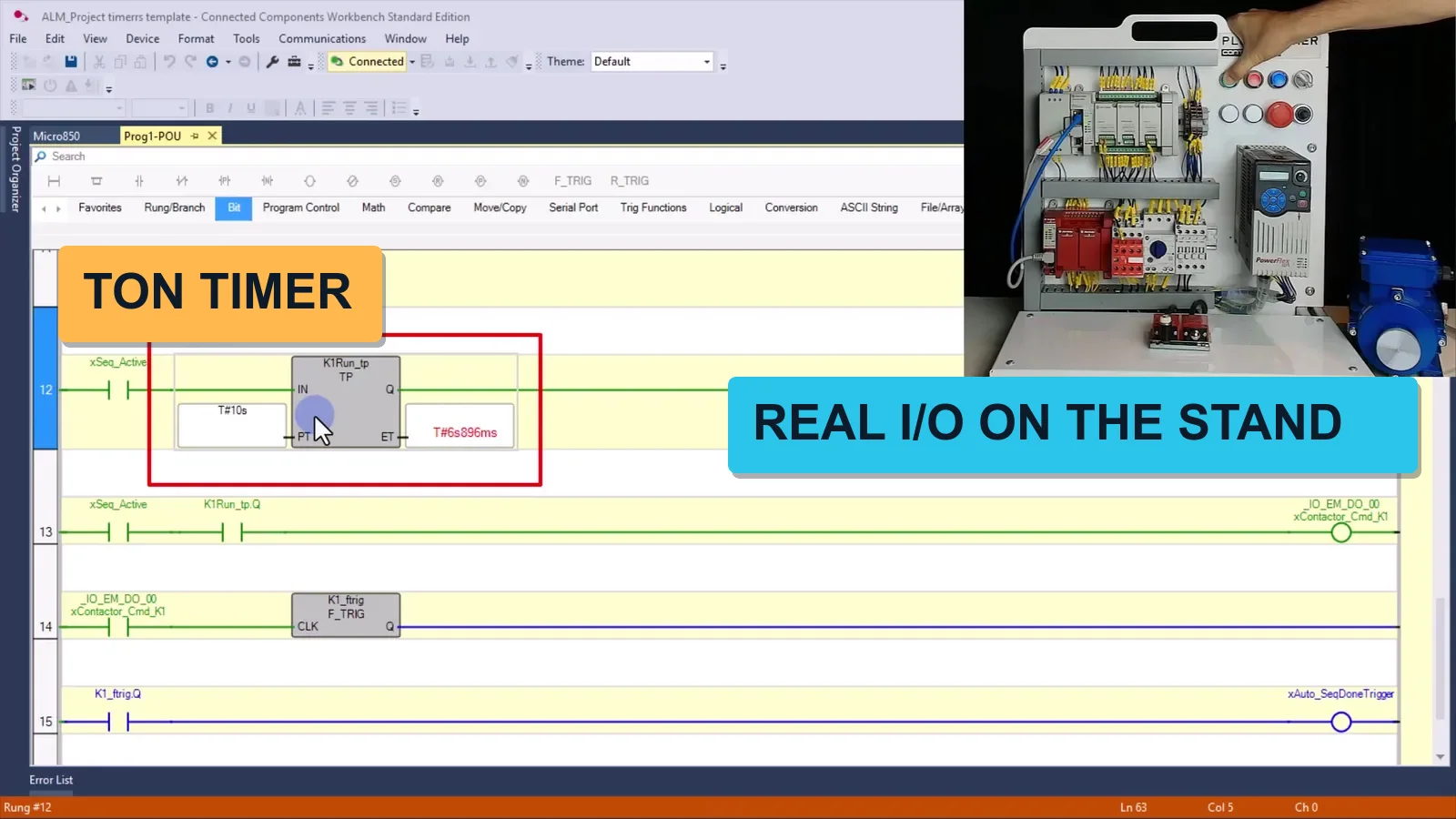
  • 12.2. Timer TON
  • 12.3. Timer TOF
  • 12.4. Timer RTO (retentive)
13. Counters
  • 13.1. Counter CTU
  • 13.2. CTU – exercise
  • 13.3. CTU – solution
  • 13.4. Counter CTD
  • 13.5. Counter CTUD
  • 13.6. CTUD – exercise
  • 13.7. CTUD – solution
14. Project – Sorting Line
  • 14.1. Sorting line description
  • 14.2. Designing conveyor sequences
  • 14.3. Variable mapping in CCW
  • 14.4. Infeed conveyor program part 1
  • 14.5. Infeed conveyor program part 2
  • 14.6. Sorting conveyor part 1
  • 14.7. Sorting conveyor part 2
  • 14.8. Sorting line exercise
  • 14.9. Sorting line solution
15. Math Functions
  • 15.1. Introduction, variable declaration
  • 15.2. ADD
  • 15.3. SUB, MUL, DIV, MOD
  • 15.4. Expressions (Calculate equivalent)
  • 15.5. INC, DEC
  • 15.6. MIN, MAX, LIMIT
  • 15.7. Standard math functions (SQRT, TRIG…)
  • 15.8. Exercise
16. Process Control Instructions
  • 16.1. ALARM – overshoot detection
  • 16.2. HYSTER – boolean hysteresis
  • 16.3. SCALE – linear scaling
  • 16.4. Exercise: build your own alarm system
17. Integer Operations
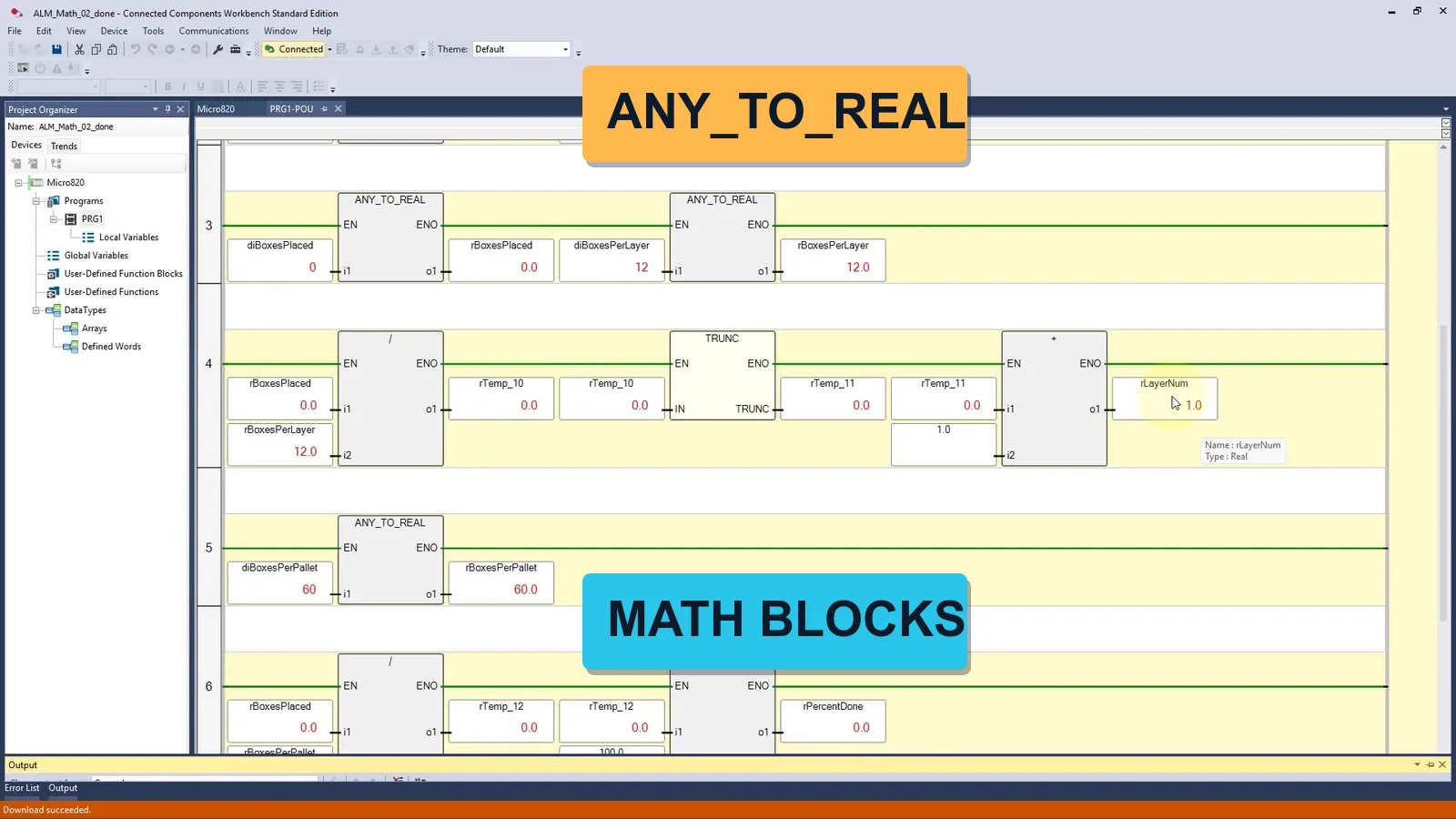
  • 17.1. Type conversion (ANY_TO_…)
18. Floating-Point Operations
  • 18.1. Introduction to REAL / LREAL
  • 18.2. Floating-point arithmetic
  • 18.3. REAL type conversion
19. Project – Proportional Tank Level Controller
  • 19.1. Station description and variable mapping
  • 19.2. Building the PID controller
  • 19.3. Expanding the program
  • 19.4. Sequential tank filling – exercise
  • 19.5. Sequential tank filling – solution
20. Program Flow Control
  • 20.1. JMP and LBL (label) instructions
  • 20.2. Program flow control – overview
21. Project - Pumping station
  • 21.1. Project description
  • 21.2. Pump Station Project Structure
  • 21.3. Function Block: Pump Control
  • 21.4. Function Block: Water Generator
  • 21.5. Function Block: Pump Operation
  • 21.6. Main program
  • 21.7. Visualization connection
  • 21.8. Alarm programming
  • 21.9. Program and visualization tests
  • 21.10. Pump Station Exercise
22. BONUS: Analog Inputs / Outputs
  • 22.1. Reading the analog inputs
  • 22.2. Signal scaling in LD and FBD
  • 22.3. Universal scaling formula
  • 22.4. Logging analog values in an array
  • 22.5. MIN/MAX/AVG from a measurement array
23. BONUS: MICRO800 Hardware wiring
24. BONUS: Real MICRO800 PLC Programming
  • 24.1. BONUS: Web visualization for pumping station

What Industry Experts Are Saying About Us

Dobot Robotics — Our Industry Partner

Automa.Net — Our Industry Partner

Get Your Certificate and Publish It on LinkedIn!

  • Gain an Allen-Bradley / Rockwell skill set valued by employers
  • Want to change jobs and become an automation engineer? You're one step closer!
  • Stand out from the crowd with a verified ControlByte certificate

Discord Support

Discord Community
  • Ask questions and get answers from instructors and fellow students
  • Share your projects and get feedback from the community
  • Access exclusive resources, tips, and industry news
  • Network with automation engineers from around the world

Bonuses Included

How to Work with AI Assistant

How to Work with AI Assistant

Leverage AI assistants in your daily PLC programming workflow — generate code, debug faster, automate repetitive tasks.

Access to Forum and Chat for Students

Access to Forum and Chat for Students

Join our private Discord server for automation engineers. Get help, share projects, and network.

Ready Prompts for AI Assistant

Ready Prompts for AI Assistant

A curated library of AI prompts designed for PLC programming, troubleshooting, and code generation.

Lifetime Access to the Course

Lifetime Access to the Course

Permanent access to all course materials, updates, and new content added in the future.

Course Value

Before we show you the price, see exactly what you get:

📹
94 video lessons across 24 modules From installing CCW to analog scaling and PID control - step by step in Ladder, FBD and Structured Text. Value: €220
🛠️
Three full industrial projects Sorting line, proportional tank level controller and a pumping station - built start to finish. Value: €180
💾
Connected Components Workbench setup CCW is free from Rockwell. We walk through the account, the download and your first project. Value: €60
💬
Instructor support via Discord & webinars Get your questions answered and accelerate your learning. Value: €90
🎓
Certificate of completion Showcase your Allen-Bradley skills on LinkedIn and your CV. Value: €40
♻️
Lifetime access + future updates Revisit any lesson forever, including every module we publish next. Value: PRICELESS

Start With Allen-Bradley Today

94 lessons and three industrial projects, all built in Connected Components Workbench on Micro800 controllers.

Frequently Asked Questions

Do I need a physical controller to take this course?

No. Connected Components Workbench includes a built-in simulator, and we use Factory I/O scenes to test the programs. A real Micro800 makes it faster, but it is not required to start.

Is the Rockwell software paid?

No. Connected Components Workbench is free. In the first module we walk through creating a Rockwell account and downloading it, step by step.

Which controllers does the course cover?

The Micro800 family - the lessons are recorded on Micro820 and Micro850, and the same CCW workflow applies from Micro810 to Micro870.

Where do I start if I don't know ladder logic?

From module one. The course begins with installing CCW and your first program, then builds up through variables, bit logic, timers, counters and analog handling.

How long do I have access?

Forever, including every module we publish after you enrol.

The course is still being recorded - what does that mean for me?

You get immediate access to every lesson already published and to each new module the moment it goes live, at the price you paid today.

Ready to Actually Program Allen-Bradley?

Connected Components Workbench, Micro820 and Micro850, Factory I/O and three complete projects - in one course.

Enroll & Get Instant Access

Everything published so far plus every future module. Lessons are released as we finalize them.

Lifetime access. CCW is free from Rockwell.