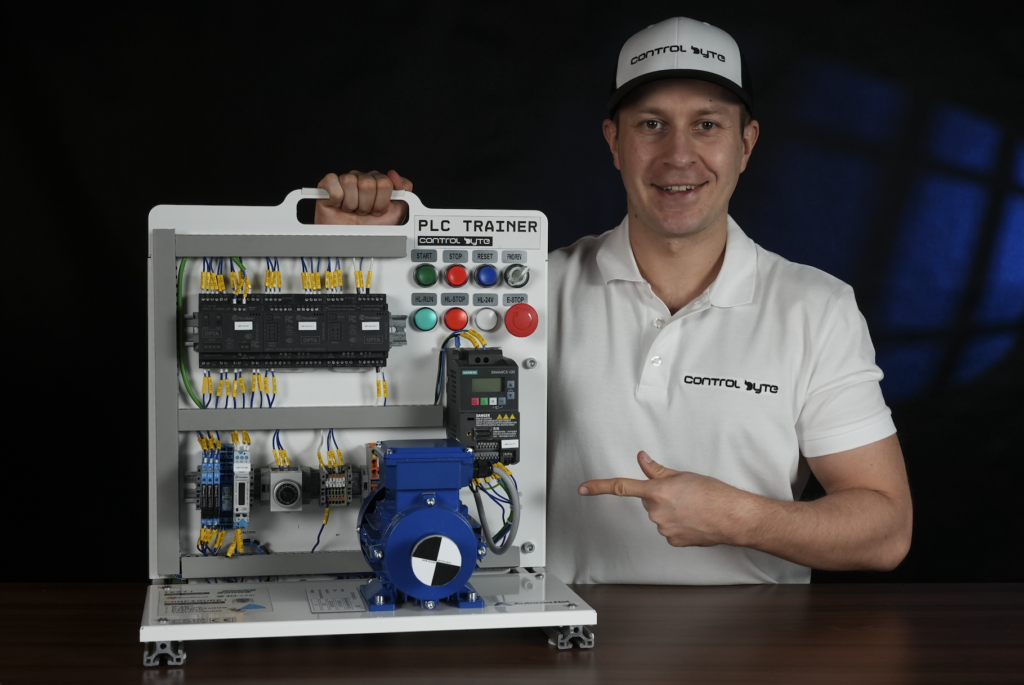
ONLINE COURSE | PLC Programming with AI

Automation & PLC Programmingwith AI

Discover AI tools for PLC programming and working with automation projects!

Join the Waiting List

Be the first to know when enrollment opens. Limited spots available.

Video lessons 161
Duration +8 hours
Skill Level Intermediate
Students 128
Rating 4.90/5
Certificate Issued By ControlByte

Trusted by Industry Leaders to Train Their Teams

PartnerPartnerPartnerPartnerPartnerPartnerPartnerPartnerPartnerPartnerPartnerPartnerPartnerPartnerPartnerPartnerPartnerPartnerPartnerPartnerPartnerPartnerPartnerPartner

What Will You Learn in This Course?

  • Generating PLC program logic using AI
  • Automating tedious tasks, including creating variable lists
  • Processing data and generating CSV, JSON files
  • Automatic code commenting in ST or SCL
  • Creating project descriptions from source code
  • Interpreting libraries (communication, technology functions, data processing)
  • Converting LAD diagrams to ST, SCL code using AI
  • Translating code and technical documentation into other languages
  • Creating machine/program description blocks in ASCII blocks for quick system architecture visualization

Why Are ControlByte PLC Courses So Popular?

  • Video lessons on an e-learning platform
  • Access to a trained AI Assistant for PLC programming
  • Hands-on programming exercises based on provided project templates — all you need is your PC and a simulator!
  • Study whenever and wherever you want
  • Start the course at a later date if needed
  • Homework assignments for independent practice!
  • Support via Discord chat and live meetups

Electrician! Automation Engineer!
Do You Feel Threatened by AI?

  • The truth is — many people will lose their jobs to AI
  • Salaries are already being negotiated downward
  • You can avoid this and become 100% faster
  • Learn AI that will free you from 80% of repetitive work
  • Will you lose your job? NO! If you learn AI
  • Will you lose your job? YES! If you don't know what AI is

Meet Your Instructors

MSc. Eng. Maciej Kurantowicz & MSc. Eng. Kamil Biedulski

MSc. Eng. Maciej Kurantowicz & MSc. Eng. Kamil Biedulski

Automation Engineers & PLC Programmers

In this course you will learn how to use AI in PLC programming — even if you're just starting your automation journey. All you need is the right path.
Who Is This Course For?

  • Electricians
  • Automation Engineers
  • PLC Programmers
  • IT Developers interested in automation
  • Anyone who wants to learn AI

What You Get When You Enroll

  • 10 practical automation projects using AI
  • Test your programs in the virtual Factory IO
  • Instructor support via Discord chat and live sessions
  • Homework assignments for hands-on practice!
  • Course completion certificate in English with LinkedIn publication

Simulators

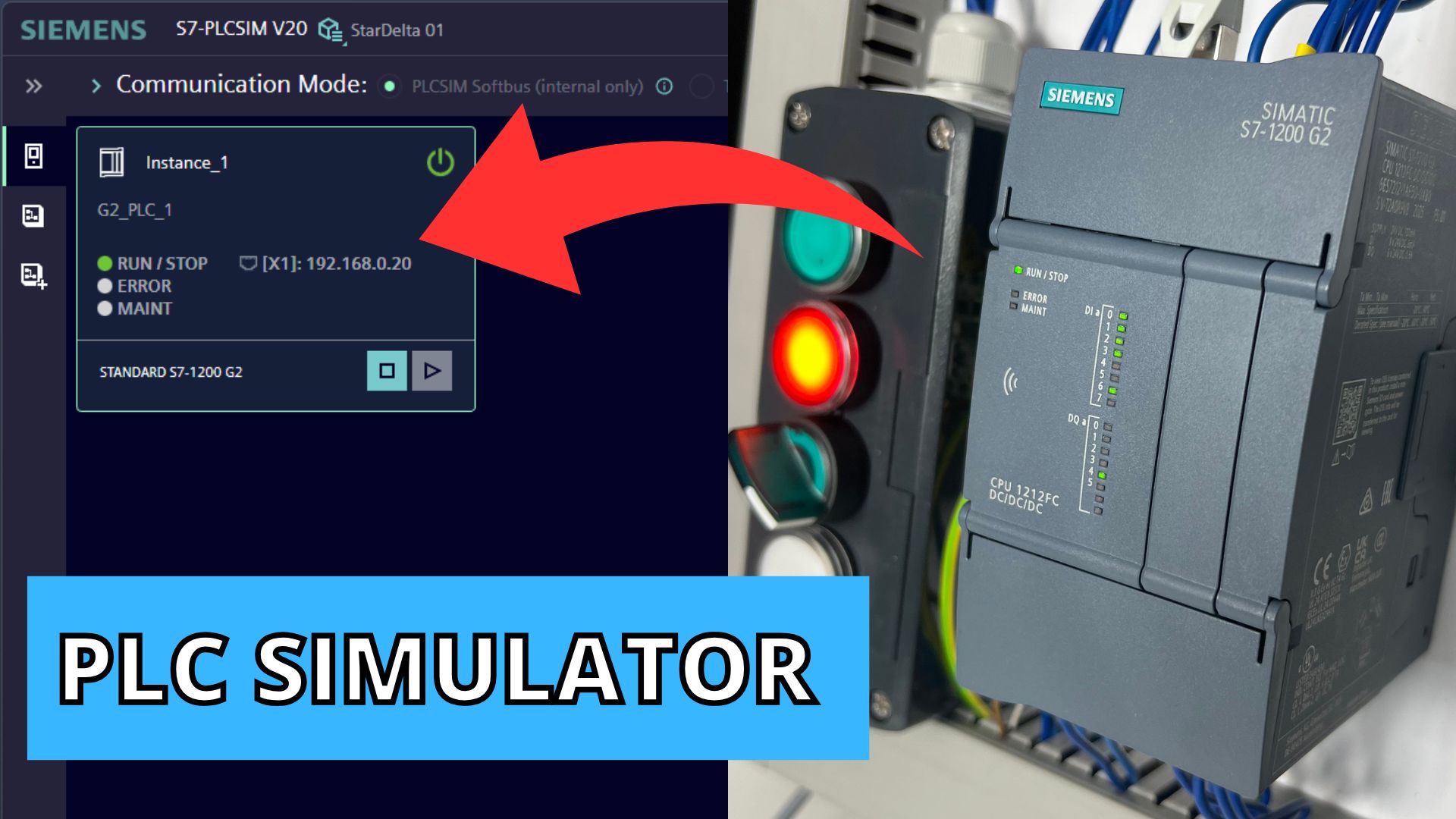
  • You'll use Siemens PLC simulators — PLCSIM and Codesys
  • We'll show you how to install and run them
  • The PLC simulator is free and fully functional!

Practical AI Projects in the Course

PLC Programming with AI

Actuator Control & Factory IO Devices

  • Project requirements analysis with AI
  • Creating sequence diagrams for 3 actuators with AI
  • Generating PLC project code with AI
  • Comparing AI models — ChatGPT vs DeepSeek
  • PLC cycle time optimization with AI
  • Homework for independent practice

PLC Programming with AI

Pumping Station — Main & Auxiliary Pumps

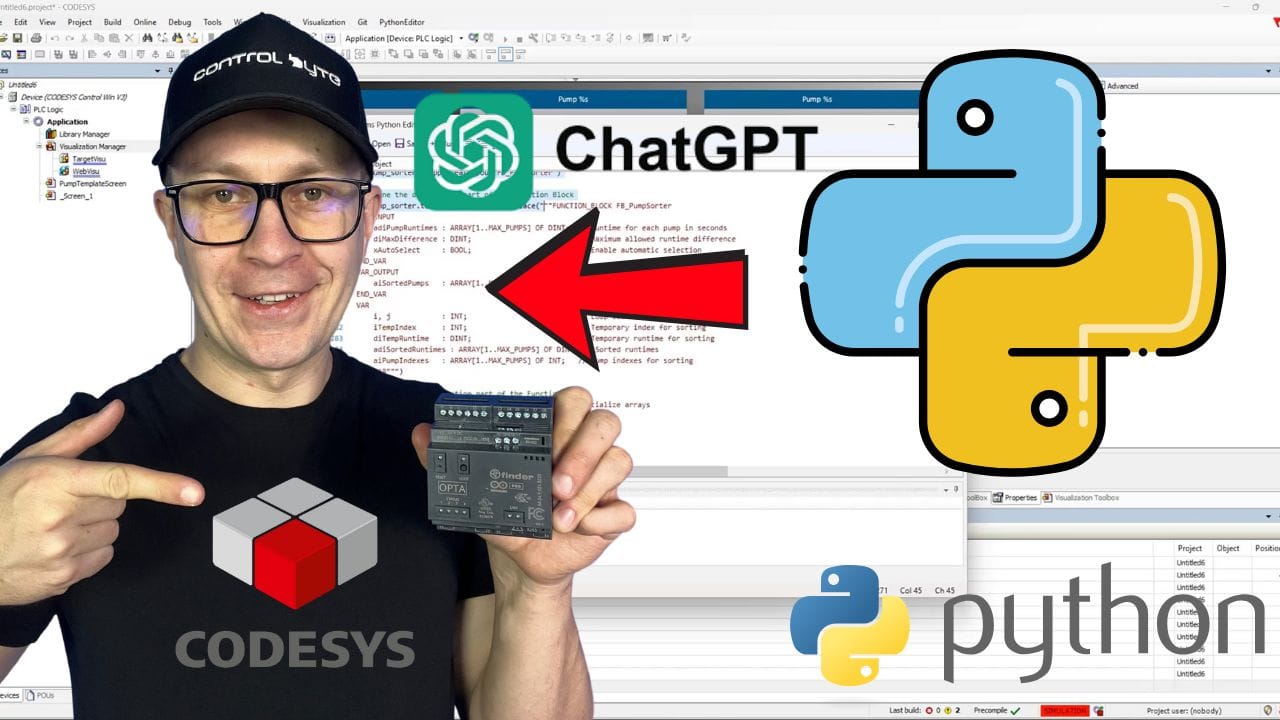
  • Codesys API for automating PLC programmer's work
  • Analyzing project requirements received from a client with AI
  • Python templates for automatic PLC code generation
  • Local AI agent on your PC — next level!
  • Automatic code generation for pump sorting by runtime

PLC Programming with AI

High-Bay Warehouse

  • Generating program logic for warehouse with AI
  • Creating state machine sequences with AI
  • Automatic variable declaration
  • Testing and debugging AI-generated code

PLC Programming with AI

3D Palletizer with Manipulator

  • 3D palletizer introduction and variable declaration
  • Writing SCL code with AI assistance
  • Product sorting logic using AI
  • Full project testing and optimization

PLC Programming with AI

TIA Portal — 20 Robotic Stations with Openness

  • Visual Studio & TIA Portal Openness setup
  • Robotized station project with Openness Explorer
  • Automatic UDT generation
  • Project structure generation: OB, FB, FC, Network

PLC Programming with AI

Finder Opta & Arduino — Gate Control

  • Electrical connection analysis with AI
  • Block diagram of program structure with AI
  • AI agent harnessed to work with code
  • Mobile app for gate control + Google Home

PLC Programming with AI

Delta Robot — G-code Trajectory Generation

  • Testing AI with G-code generation for CNC
  • Using Delta robot simulator in Codesys
  • Planning motion trajectory with AI
  • Accelerating work by 100% thanks to AI
  • Testing AI-generated solutions

PLC Programming with AI

Python Scripts for PLC Code Generation in Codesys

  • Codesys API for automating PLC programmer's work
  • Learning to use Python scripts in automation
  • Working with local AI agents on PC
  • Exploring free AI models
  • Generating code and project descriptions 100x faster

PLC Programming with AI

Creating a New Project with AI

  • AI generates program logic from operation description
  • Automatically creates variables
  • Applies chosen notation, e.g. Hungarian
  • Generates comments for code

PLC Programming with AI

Analysis & Documentation for Programs

  • AI improves syntax and readability of your code
  • Generates operation description from code
  • Creates technical documentation for the project
  • Translates documentation from other languages, e.g. Italian
  • Analyzes connection diagrams and provides conclusions

PLC Programming with AI

TIA Portal Copilot — Coming Soon!

  • TIA Copilot — coming soon!
  • Generative chatbot built into Siemens PLC
  • Allows code generation for PLC S7-1200 and S7-1500
  • Generates visualization from natural language
  • The possibilities are incredible

PLC Programming with AI

Machine Learning — Predictive Maintenance

  • Real-time sensor data analysis (temperature, vibrations, power)
  • Anomaly detection and failure prediction using ML models
  • Integration with MySQL database and SCADA systems
  • Automating maintenance and generating service recommendations

Full Course Curriculum

1. Introduction — Tools Overview 6 min · 2 lessons
  • How to Join the Discord Forum
  • Introduction — Tools Overview
2. TIA Portal + Claude Code — AI in PLC Programming Workshops (Siemens) 1h 13min · 23 lessons
  • Introduction - AI in PLC programming
  • Why Claude Code + TIA Portal
  • Required software setup
  • Enabling TIA Portal Openness
  • TIA Portal Openness overview
  • Openness API structure and libraries
  • UML diagram and block methods
  • 16 things Claude can do in TIA Portal
  • Code versioning and dry run safety
  • ControlByte TIA Portal Copilot framework
  • Live demo - discovering TIA instances
  • Listing open projects in Claude Code
  • Analyzing robotic stations in the project
  • Project analysis results
  • Exporting FB_Robot to XML
  • Reading and analyzing the XML structure
  • SCL conversion workflow explained
  • Claude converts Ladder logic to SCL
  • SCL output review
  • Importing the robotic station to a new project
  • Compilation check and data type validation
  • Results summary - full project transfer
  • Closing and next steps
3. CODESYS + AI via MCP Server — Setup & First Automation 1h 13min · 23 lessons
  • Intro - programming PLCs with AI
  • What is AI-supported engineering
  • Free community MCP server on GitHub
  • What the MCP server can do
  • Claude Code as the AI engine
  • Installing the MCP server via Claude Code
  • Configuring mcp.json with the Codesys path
  • Verifying the connection and MCP tools
  • Asking Claude how to use the Codesys MCP
  • Opening a Codesys project via Claude Code
  • Limitation - IDE must be closed to edit
  • Generating a 2-pump function block
  • Reviewing the AI-generated function block
  • Setting up a VS Code project with the MCP
  • Prompt 1 - FB_PumpControl in Structured Text
  • Claude creates the function block
  • Reviewing declarations and implementation
  • Prompt 2 - array of pump stations
  • Prompt 3 - test all pumps in a for loop
  • Reviewing the full generated program
  • Simulation - running the pump stations
  • Simulating pump alarms and failover
  • Wrap-up and ControlByte courses
4. TIA Portal PLC Programming with Claude AI — Live LAD → SCL (ST) Conversion Workshop (Siemens) 51 min · 16 lessons
  • Intro
  • The problem - Ladder wont export to SCL
  • The solution - SIMATIC ML (XML) bridge
  • What the XML file contains
  • The conversion workflow
  • From theory to a live example
  • The FB Robot block in TIA Portal
  • Exporting to SIMATIC ML with the add-in
  • Exporting the block with Claude Code
  • Converting Ladder to SCL with Claude
  • Building an automated pipeline
  • Reviewing the converted SCL code
  • Importing the SCL block back to TIA Portal
  • Compiling and verifying the result
  • Why SCL is easier to work with
  • Outro and ControlByte courses
5. Allen-Bradley Micro800 + AI 1h 32min · 29 lessons
  • Intro - programming Micro820 with AI
  • The pump control project in CCW
  • The CCW simulator overview
  • Program body and variable mapping
  • What we are building - manual mode
  • Auto mode and dry run protection
  • Start counter and target system
  • Workflow roadmap - prompt to compile loop
  • Rule 1 - tell the AI your platform
  • The opening prompt
  • Opening Claude Code and choosing a model
  • Building the initial prompt and conventions
  • AI confirms conventions and IO map
  • Prompt - full pump control logic
  • Requesting separate variable and code sections
  • Copying variables into CCW
  • Running the Micro800 simulator
  • Testing with ChatGPT too
  • Simulating inputs and testing the pump
  • Debugging and monitoring variables
  • ChatGPT version and Mermaid state diagram
  • Converting ST to ladder by voice
  • Building ladder logic manually in CCW
  • Compiling - fixing errors with AI
  • Rule 2 - dont let AI invent variable names
  • The debugging loop
  • What AI usually gets wrong
  • Four takeaways
  • Outro and next platform
6. Local AI Agents on Your PC 1h 10min · 22 lessons
  • Intro - local AI for PLC coding
  • What we will cover - Ollama and free models
  • Live demo plan and benchmark preview
  • Why local AI matters - protecting IP
  • Cloud AI vs local LLM comparison
  • Installing Ollama and pulling a model
  • Live demo - starting Ollama
  • Running GLM4 locally on the GPU
  • Generating sample PLC code offline
  • CODESYS MCP client with local tools
  • Launching CODESYS via local AI
  • Prompt - create a CODESYS project locally
  • Benchmarking GLM4 vs Mistral
  • Setting up the CODESYS MCP server
  • Full workflow - Ollama, scripting, MCP
  • Python scripting behind the MCP
  • Three AI-coding workflows benchmark
  • VS Code plus Python script option
  • Your homework - local pumping station
  • Setup checklist and software needed
  • Final attempts and wrap-up
  • Outro and ControlByte courses
7. Sequence Automation – Controlling Cylinders and Devices in Factory I/O (CODESYS) 51 min · 16 lessons
  • Intro - DeepSeek R1 vs ChatGPT challenge
  • Coding benchmarks - DeepSeek R1 vs ChatGPT
  • The scenario - 3 actuators in Factory IO
  • Modbus TCP-IP mapping CODESYS to Factory IO
  • Preparing a good AI prompt
  • Generating Structured Text with both models
  • Running code generation - ChatGPT faster
  • Pasting ChatGPT code into CODESYS
  • Testing ChatGPT code - automatic mode
  • Testing ChatGPT code - manual mode
  • Pasting DeepSeek code and enumeration setup
  • Testing DeepSeek code - auto and manual
  • Comparing the two programs
  • Cycle time comparison in CODESYS profiler
  • Summary - DeepSeek wins this round
  • Outro and subscribe
8. Pumping Station Control (Object-Oriented Programming Elements) with VS Code and Python (CODESYS) 35 min · 11 lessons
  • Installing Python (2:28)
  • Installing VS Code (1:16)
  • Pumping station project overview (4:05)
  • Analyzing the initial project assumptions in AI – generating the program structure (11:05)
  • Claude AI – your personal AI agent for PLC programming (13:15)
  • Automatic generation of the PLC program structure using Python and AI – scenario #1 for the pumps
  • Pump sorting – interacting with the AI agent (8:41)
  • Pump sorting – Python script generated by AI (9:08)
  • Scaling the pump project – working with the AI agent (2:04)
  • 4 pumps including one auxiliary – scalable up to 100 pumps (5:31)
  • Add pump #4 and #5 to the project with AI – homework (6:31)
9. High-Bay Warehouse (CODESYS) 25 min · 8 lessons
  • High-bay warehouse – overview (1:56)
  • Warehouse operating instructions – exercise (8:20)
  • Generate variables with AI – Modbus (7:38)
  • GRAFCET diagram – example sequence (11:50)
  • Loading and unloading algorithm (FIFO) (2:45)
  • Program generation – the sequence (6:12)
  • Database – persistent variables (6:30)
  • Python web application with AI (11:31)
3D Palletizer with Manipulator – Programming in SCL with an AI Assistant (Siemens) 35 min · 11 lessons
  • 3D palletizer with manipulator – introduction and variable declaration (13:59)
  • Write the code for the roller conveyor system feeding pallets (21:25)
  • Write the code for the belt conveyor feeding products (19:51)
  • Programming the 3D manipulator – calibration and scaling 1/2 (13:40)
  • Programming the 3D manipulator – calibration and scaling 2/2 (9:57)
  • Recipes, a database of points for the manipulator (15:08)
  • Program the motion sequence for the 3D manipulator 1/2 (10:32)
  • Program the motion sequence for the 3D manipulator 2/2 (13:56)
  • Integrate the 3D manipulator's work sequence with the product and pallet conveyors (14:35)
  • Implement a PackML state machine for the palletizer 1/2 (21:10)
  • Implement a PackML state machine for the palletizer 2/2 (26:13)

Ready to Future-Proof Your Career?

Join the waiting list and be the first to enroll when we open registration.

What Industry Experts Are Saying About Us

Dobot Robotics — Our Industry Partner

Automa.Net — Our Industry Partner

Get Your Certificate and Publish It on LinkedIn!

  • Gain a skill valued by employers. Publish on LinkedIn and your CV!
  • Want to change jobs and become an automation engineer? You're in the right place!
  • Lifetime access to materials on our platform
  • This learning path has been proven by hundreds of students in the industry!

Discord Support

Discord Community
  • Course support via Discord chat and live meetups
  • Code reviews through the channel
  • Chat with other beginner PLC programmers!

Bonuses Included

How to Work with AI Assistant

How to Work with AI Assistant

Learn how to leverage AI assistants in your daily PLC programming workflow. Generate code, debug faster, and automate repetitive tasks.

Access to Forum and Chat for Students

Access to Forum and Chat for Students

Join our private Discord server for PLC programmers. Get help, share projects, and network with fellow engineers.

Ready Prompts for AI Assistant

Ready Prompts for AI Assistant

Get a curated library of AI prompts specifically designed for PLC programming, troubleshooting, and code generation.

Lifetime Access to the Course

Lifetime Access to the Course

Get permanent access to all course materials, updates, and new content added in the future.

What Our Students Say

★★★★★
“A course at a very high level that met all my expectations. Video materials and contact with the instructor — pure professionalism.”

Tomasz G.

PLC Programming Course — Siemens S7-1200/1500

★★★★★
“Very well-conducted course. The instructor guides you in a professional yet accessible way through PLC programming. I recommend it to everyone.”

Cezary L.

PLC Programming Course — SCL Language

★★★★★
“I haven't encountered such a well-organized course yet. Homework assignments really solidify the knowledge. Looking forward to the next editions!”

Rafal S.

PLC Programming Course — LAD/FBD

Course Price

Before we show you the price, see exactly what you get:

📹
30+ video lessons Through video materials, we will guide you step by step through AI-powered PLC programming techniques. Value: €200
🤖
Private trained AI assistant Your own AI agent trained specifically for automation tasks — available 24/7 to help with your projects. Value: €50/month
✍️
Homework assignments Not everything in the course will be shown directly! You will have to come up with some solutions on your own. Value: €60
📋
Homework review & feedback We check your homework and send comments to make your programs better and better! Value: €150
💬
Instructor contact via Discord If you have any problems, feel free to reach out! We will address your doubts on an ongoing basis. Value: €50
🎥
Weekly live webinar consultations You will be able to ask questions and participate in live discussions. Value: €75
👥
Private discussion forum You will join the community of PLC programmers and be able to share your thoughts. Solving problems through group work is much faster! Value: PRICELESS
14-day satisfaction guarantee If you don't like our training, you have 14 days to return the product — we will refund the full amount for the course. Value: PRICELESS
🎓
Proven educational path (600+ graduates) Hundreds of automation specialists have already completed our training program in previous editions. Value: PRICELESS

Frequently Asked Questions

How does the course work?

The course is entirely online, consisting of video lessons on our e-learning platform. You study at your own pace with access to instructor support via Discord and live webinars.

Do I need a physical PLC controller?

No! The course uses PLC simulators (PLCSIM and Codesys), so you don't need any real hardware. With Factory IO, we simulate automation systems in a virtual environment.

Will I receive a certificate?

Yes! After submitting all homework projects and passing review, you'll receive a certificate of completion in English, eligible for LinkedIn publication.

Is the number of spots limited?

Yes. We open groups of 50 students to ensure quality support for everyone. That's why joining the waiting list is the best way to secure your spot.

How long does the course take?

The course takes 4 to 8 weeks to complete. We provide lifetime active support from trainers for this course.

Will I get instructor support?

Absolutely! We're in contact with you through the student chat, forum, and live webinar meetups throughout the course.

Don't Get Left Behind.
Learn AI for PLC Programming.

The future of automation is AI-powered. Join the waiting list and be among the first to master AI tools for PLC programming.

Reserve Your Spot

Limited to 50 students per group. Don't miss out.